1. Kết thúcview
The Garmin Xero L60i is a high-performance laser rangefinder designed for precision distance measurement, mapping, and navigation. It integrates premium optics with advanced GPS technology and state-of-the-art sensors to provide comprehensive data for outdoor activities.
The device features a full-color, high-resolution graphic overlay that displays critical information such as distance, mapping data, and navigation cues directly within your field of view. It offers 7X magnification for clear viewing and can range trees up to 2,000 yards and game animals up to 1,500 yards.

Figure 1: Garmin Xero L60i Rangefinder in an outdoor setting.

Hình 2: Khác nhau views of the Garmin Xero L60i Rangefinder.
2. Thiết lập
2.1 Có gì trong hộp
Khi mở gói hàng, hãy đảm bảo có đầy đủ tất cả các thành phần:
- Garmin Xero L60i laser rangefinder
- Hộp đựng
- 2 lithium AAA batteries
- Cáp nguồn/dữ liệu
- Tài liệu (sách hướng dẫn này và các tài liệu hướng dẫn khác)
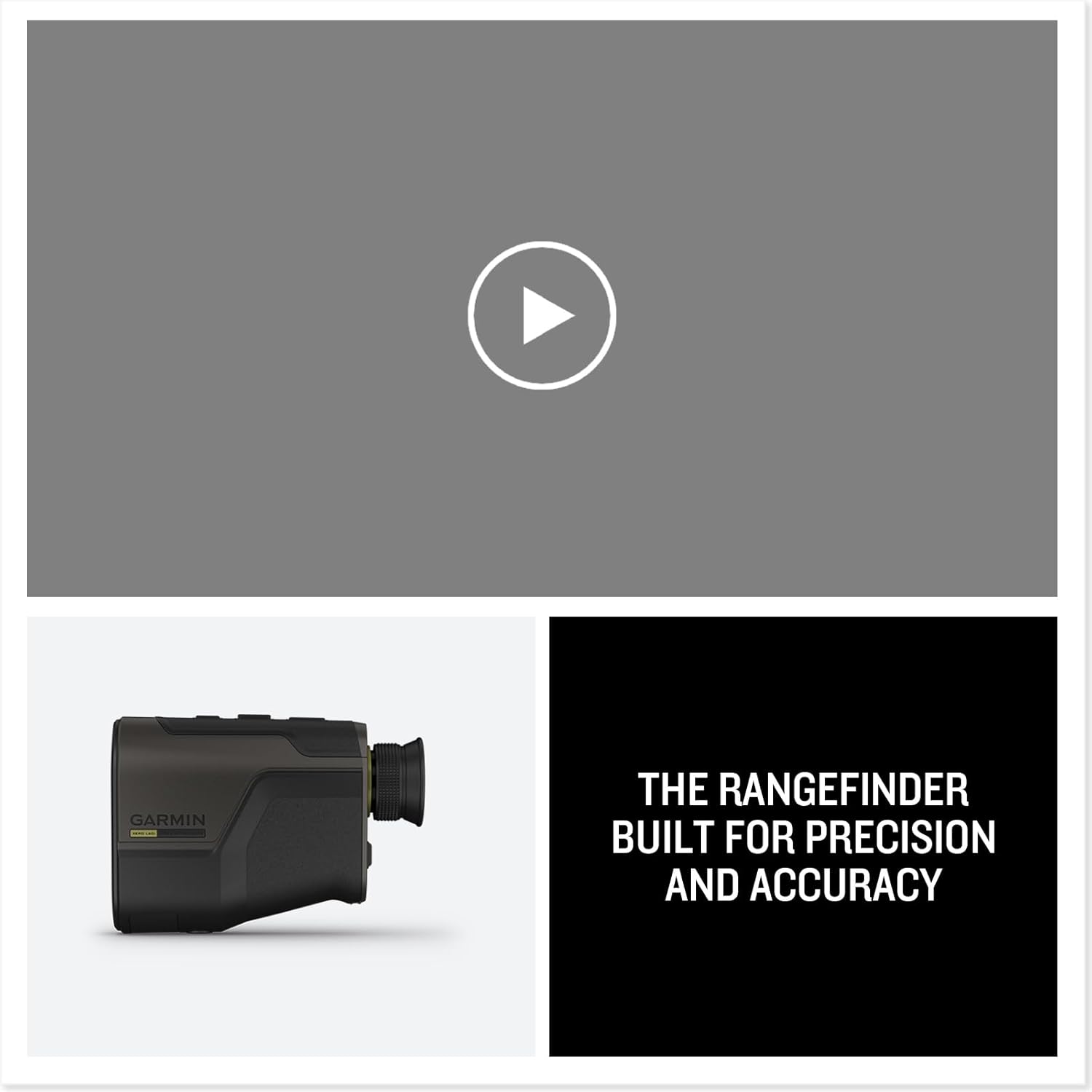
Figure 3: Package contents of the Xero L60i.
2.2 Lắp đặt pin
The Xero L60i uses 2 AAA batteries. To install or replace batteries:
- Locate the battery compartment cover, typically found near the eyepiece.
- Mở nắp.
- Lắp 2 pin AAA, đảm bảo đúng cực (+ và -).
- Đóng chắc chắn nắp ngăn chứa pin.
2.3 Điều chỉnh Diopter
Để rõ ràng view Điều chỉnh độ cận thị trên màn hình và tâm ngắm:
- Nhìn qua thị kính.
- Rotate the diopter adjustment ring (usually located around the eyepiece) until the display text and reticle appear sharp and in focus for your eye.
3. Hoạt động
3.1 Bật / Tắt nguồn
Press the power button (usually located on the top of the device) to turn the rangefinder on. The device will automatically power off after a period of inactivity to conserve battery life.
3.2 Hiển thị trênview
The Xero L60i features a bright, full-color, high-resolution graphic display overlay that presents distance, mapping, navigation, and other data. This overlay is visible through the eyepiece, integrating information seamlessly with your view của môi trường.

Figure 4: Full-color graphic overlay display.
3.3 Ranging Modes
The Xero L60i offers multiple ranging modes to suit different scenarios:
- HCD (Horizontal Component Distance) Mode: Provides angle-compensated distance, which is the horizontal distance to the target, crucial for accurate shooting on inclines or declines.
- LOS (Line of Sight) Mode: Displays the straight-line distance between the rangefinder and the target, regardless of the angle.
- Chế độ quét: Allows for continuous range readings as you pan the rangefinder across a landscape, useful for ranging multiple targets or moving objects.
3.4 Target Modes
To optimize ranging in various environments, select the appropriate target mode:
- Chế độ bình thường: Provides the range to the target that yields the strongest laser return. This is the default and most commonly used mode.
- Chế độ đầu tiên: Prioritizes the closest object in the laser's path. Useful when your target is in front of other objects (e.g., a deer in front of trees).
- Chế độ cuối cùng: Prioritizes the farthest object in the laser's path. Useful when your target is behind obstructions like brush or small trees, ensuring you range the intended distant object.
4. Các tính năng chính
4.1 Optics and Magnification
The Xero L60i features razor-sharp optics with a flat field of view, accurate color fidelity, and superior light transmission. It provides 7X magnification with edge-to-edge clarity, and automatic display brightness controls ensure optimal performance in low-light conditions.
4.2 Ranging Capabilities
The device is capable of ranging trees out to 2,000 yards and game animals out to 1,500 yards, providing reliable distance measurements for various hunting and outdoor scenarios.
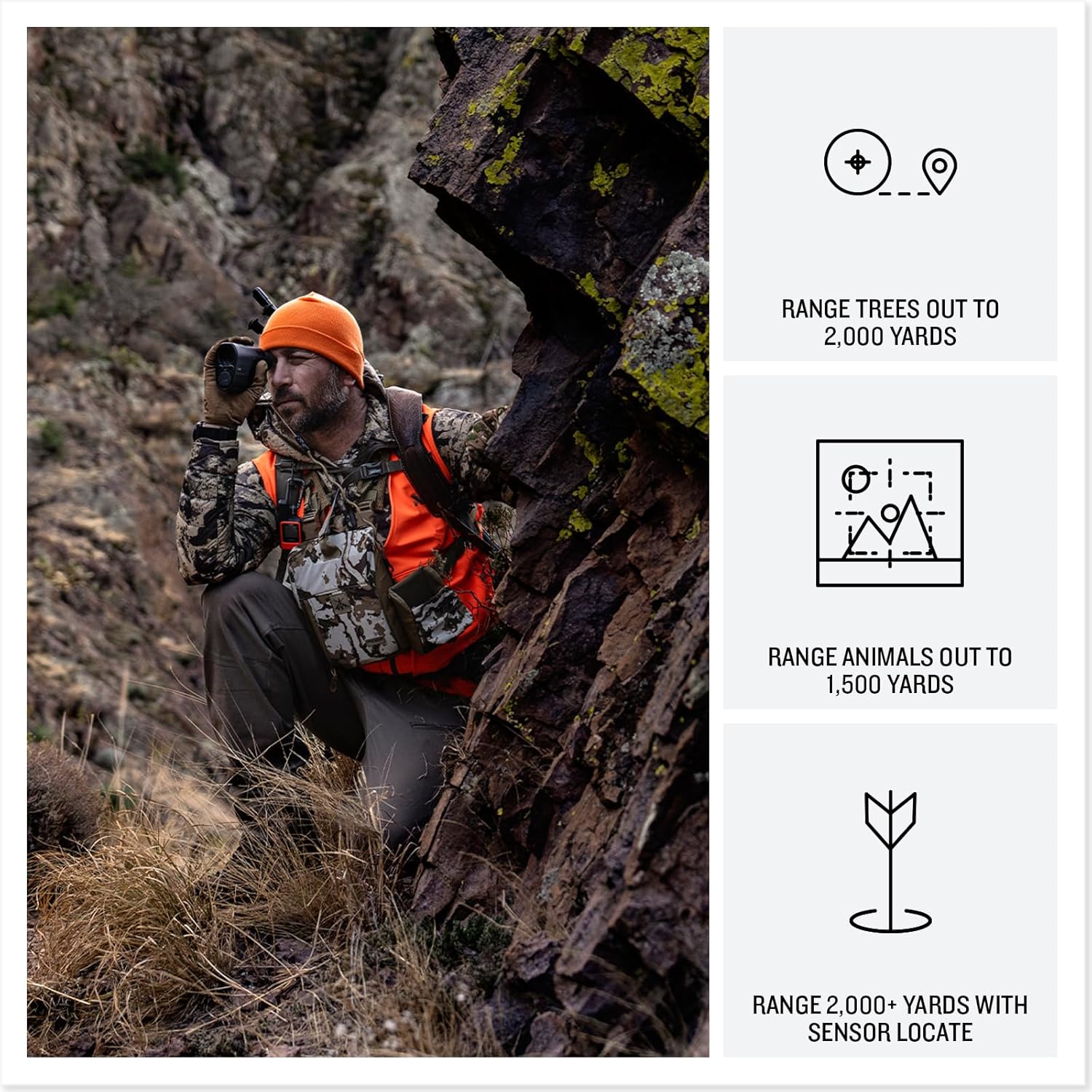
Figure 5: Ranging a target with the Xero L60i.
4.3 Advanced Navigation Features
- Laser Locate™: Drop a waypoint on objects you've ranged. The graphic display can then guide you to these locations.
- Sensor Locate™: Leverage GPS technology to project a waypoint even further, beyond typical rangefinder distances.
- Visual Recall: If you temporarily lose sight of a ranged location while moving, the visual recall feature and mapping overlay on the display can help guide you back.
- Onboard TopoActive Mapping: Navigate using detailed topographic maps displayed on the graphic overlay. This includes a 3-axis compass and elevation profiles of your route.

Figure 6: Garmin Explore App integration for mapping and navigation.

Figure 7: Navigation ecosystem with a compatible Garmin device.
4.4 Ballistics Integration
- Onboard Applied Ballistics Calculator: Utilize the integrated Applied Ballistics Ultralight solver with the AB Quantum app to obtain precise shooting solutions.
- Xero Ballistics: Get specific arrow ballistics data, including maximum arrow height and angle-compensated range, for archery applications.

Figure 8: Using the Xero L60i for ballistics calculations while aiming.
5. Bảo trì
5.1 Vệ sinh thấu kính
To maintain optimal optical clarity:
- Gently brush away any loose dust or debris from the lenses using a soft lens brush or compressed air.
- Apply a small amount of lens cleaning solution to a microfiber lens cloth.
- Wipe the lenses in a circular motion, starting from the center and moving outwards. Avoid excessive pressure.
- Do not use abrasive cloths, paper towels, or harsh chemicals, as these can scratch or damage the lens coatings.
5.2 Chăm sóc chung
- Cất máy đo khoảng cách vào hộp đựng bảo vệ khi không sử dụng.
- Tránh để thiết bị tiếp xúc với nhiệt độ quá cao hoặc ánh nắng trực tiếp trong thời gian dài.
- Đảm bảo ngăn chứa pin được đóng kín để tránh hơi ẩm xâm nhập.
KHAI THÁC. Xử lý sự cố
If you encounter issues with your Garmin Xero L60i Rangefinder, consider the following general steps:
- Không có điện: Kiểm tra xem pin đã được lắp đúng cách và sạc đầy chưa. Thay pin nếu cần.
- Hiển thị không rõ ràng: Adjust the diopter ring for your vision. Ensure lenses are clean.
- Đọc không chính xác: Ensure you are using the correct ranging and target modes for your environment. Make sure the laser path to the target is unobstructed.
- Các vấn đề kết nối: If experiencing problems with Bluetooth or app connectivity, ensure your smartphone or compatible device is within range and Bluetooth is enabled. Restart both devices if needed.
For more detailed troubleshooting guides or persistent issues, please refer to the official Garmin support webtrang web hoặc liên hệ với dịch vụ khách hàng.
7. Thông số kỹ thuật
| Tính năng | Đặc điểm kỹ thuật |
|---|---|
| Số hiệu mẫu | 010-02691-00 |
| Kích thước sản phẩm | 1.99 x 4.94 x 3.53 inch |
| Trọng lượng sản phẩm | 12.8 ounce |
| Pin | 2 pin AAA (có kèm theo) |
| Hệ điều hành | Hệ điều hành Garmin |
| Kết nối | Bluetooth, Không dây |
| Đầu vào giao diện con người | Nút |
| Màu sắc | Đen |
| Độ phóng đại | 7X |
| Max Range (Trees) | 2,000 thước Anh |
| Max Range (Game Animals) | 1,500 thước Anh |
8. Bảo hành & Hỗ trợ
8.1 Thông tin bảo hành
The Garmin Xero L60i Rangefinder is covered under Garmin's Lifetime Unlimited VIP Warranty. This warranty includes all electrical components, ensuring long-term reliability and support for your device.
For detailed terms and conditions of the VIP Warranty, please refer to the official Garmin webtrang web hoặc tài liệu đi kèm với sản phẩm của bạn.
8.2 Hỗ trợ khách hàng
Should you require assistance, technical support, or warranty service, please contact Garmin Customer Support through their official webtrang web hoặc thông tin liên hệ được cung cấp trong tài liệu sản phẩm của bạn.
Online resources, including FAQs, software updates, and additional manuals, are available on the Garmin support portal.