1. Sản phẩm hếtview
The iFFALCON 65F75 is a 65-inch Class QLED 4K Smart TV designed for an immersive viewing experience. It features an ultra-slim profile, advanced display technologies, and smart functionalities powered by Google TV.
Các tính năng chính:
- Ultra-Slim & Seamless Wall Mount Design: A sleek, bezel-less frame that sits flush against the wall.
- Chế độ nghệ thuật: Transforms the TV into a digital canvas, displaying classic masterpieces, AI-generated art, or personal photos.
- 4K QLED Display with Ultra Wide Color Gamut: Delivers vibrant, true-to-life visuals with over a billion colors.
- 144Hz Refresh Rate & Game Master Mode: Ensures ultra-smooth motion for fast-paced content and responsive gaming.
- Dolby Vision IQ & Dolby Atmos: Provides an enhanced cinematic experience with adaptive picture settings and immersive surround sound.
- Công nghệ chăm sóc mắt: Features low blue light and flicker-free technology for comfortable extended viewđang.
- GoogleTV: Offers personalized content recommendations, smart home device control, and hands-free voice commands.
2. Thiết lập
2.1 Unboxing and Parts Check
Carefully open the TV packaging and ensure all components are present and undamaged. It is recommended that two people handle the TV during unboxing and installation to prevent damage.
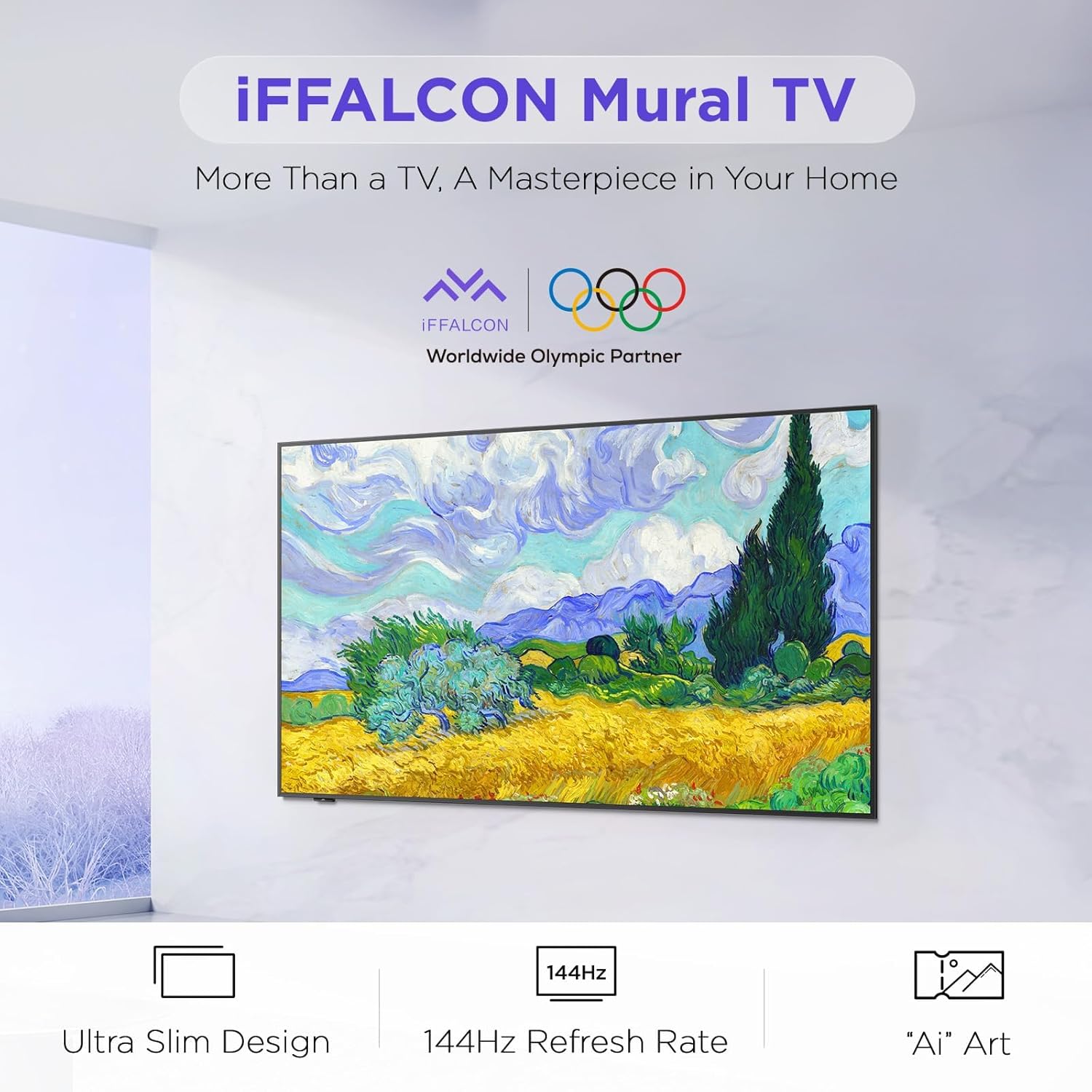
Image: The iFFALCON 65F75 TV securely packaged in its box, ready for unboxing.
Có gì trong hộp:
- Truyền hình iFFALCON
- Cáp nguồn
- 2 pin AAA cho điều khiển từ xa
- 6 x vít đứng
- Chân bàn
- 2 x Nắp lỗ vít
- 2 x Miếng bảo vệ cao su
- Giá đỡ gắn tường
- Hướng dẫn bắt đầu nhanh
- điều khiển TV
2.2 Wall Mount or Table Stand Installation
The iFFALCON 65F75 TV offers both wall-mounting and table stand installation options. Choose the method that best suits your space and preferences. Always ensure the TV is placed on a soft, cushioned surface when installing stands or brackets to prevent screen damage.
Video: Official iFFALCON tutorial demonstrating the installation of the wall mount and table stand for the Mural TV. This video provides visual guidance for both setup options.
Lắp đặt treo tường:
- Place the provided wall mount marker on your desired wall position.
- Use a level to ensure the marker is horizontal and secure it with tape.
- Drill screw holes at the marked positions (A, B, C, D) on the marker.
- Insert drywall anchors into the drilled holes. (Note: If drilling into wood studs, anchors are not needed).
- Screw the two wall plates to the wall using the provided screws and drywall anchors.
- Screw the two VESA brackets tightly onto the VESA holes on the top of the TV with the provided screws. Ensure brackets are secured via the middle holes of the TV back cover.
- Insert the power cord into the TV's rear power port.
- Drop the hanger on the wall mount bracket. Gently push the TV against the wall until the brackets are flush.
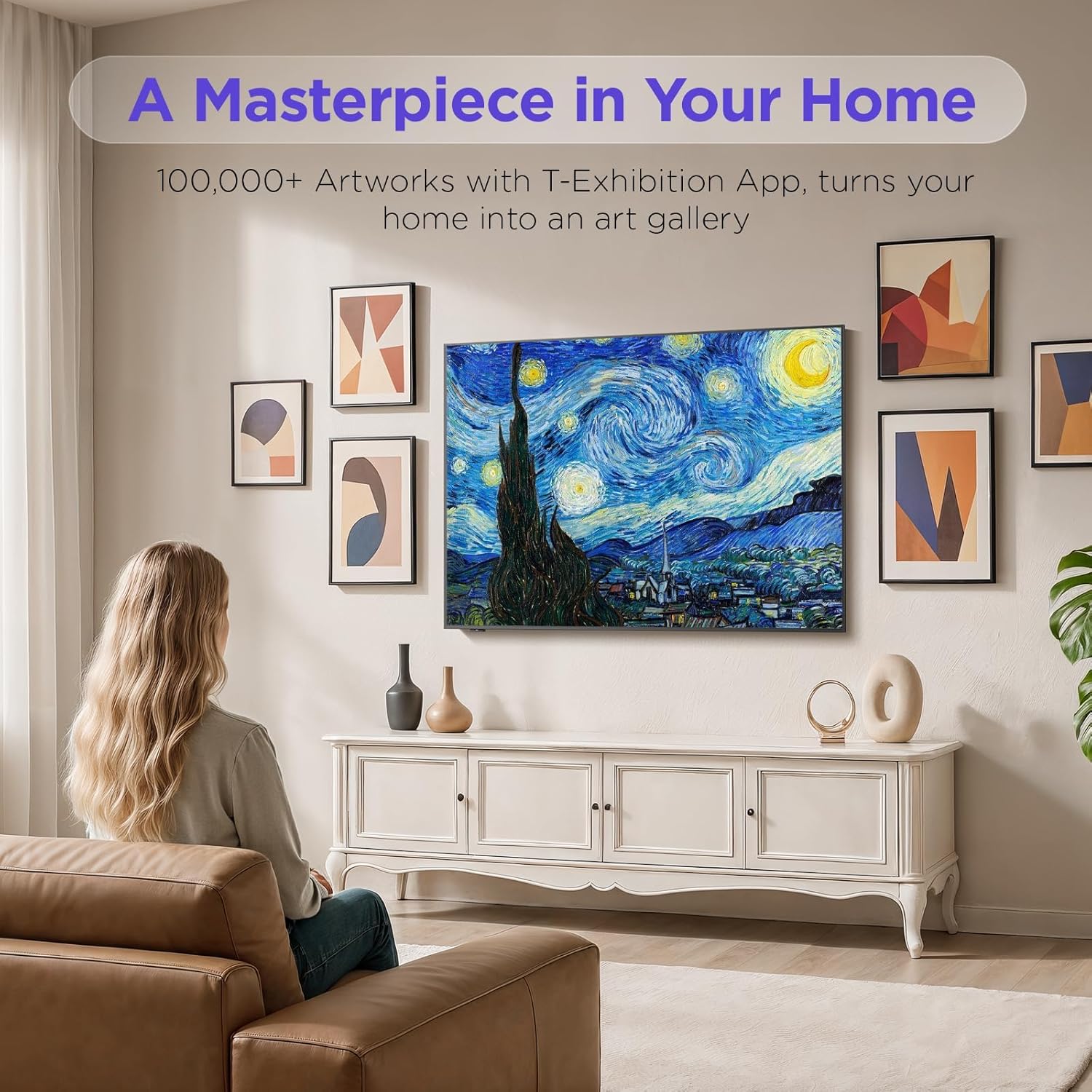
Image: The iFFALCON 65F75 TV seamlessly mounted on a wall, showcasing its ultra-slim design.
Hướng dẫn lắp đặt giá đỡ bàn:
- Để tránh làm hỏng màn hình, hãy cẩn thận đặt TV lên bề mặt mềm, có đệm.
- Remove the magnetic decorative cover from the stand bracket.
- Place the stand bracket on the back of the TV at the screws location.
- Secure the stands to the TV with screws.
- Reinstall the magnetic cover by sliding it over the screw holes.
- Repeat the same operation for the other stand.
- Insert the power cord into the TV's rear power port.
- Once both stands are securely attached, carefully lift the TV and place it on a flat and level surface.

Image: The iFFALCON 65F75 TV displayed on its elegant table stand.
3. Hướng dẫn vận hành
3.1 Hoạt động cơ bản
- Bật/Tắt nguồn: Nhấn nút nguồn trên điều khiển từ xa để bật hoặc tắt TV.
- Lựa chọn đầu vào: Use the 'Input' button on the remote to switch between HDMI, USB, and other connected sources.
- Kiểm soát âm lượng: Adjust volume using the '+' and '-' buttons on the remote.
3.2 Tính năng của Google TV
Your iFFALCON TV comes with Google TV, offering a personalized and integrated entertainment experience.
- Khuyến nghị được cá nhân hóa: Google TV learns your preferences and suggests content from across your streaming apps.
- Điều khiển bằng giọng nói: Use the Google Assistant voice remote for hands-free commands, searching for content, controlling smart home devices, and more.
- Truy cập ứng dụng: Easily access a wide range of streaming applications and games from the Google Play Store.

Image: The Google TV home screen displaying personalized content and app icons.
3.3 Chế độ nghệ thuật
Transform your TV into a piece of art when not actively watching content. Art Mode allows you to display various artworks or personal photos.
Video: Official iFFALCON tutorial demonstrating how to use Art Mode and Photo Frame features on the Mural TV.
Kích hoạt Chế độ Nghệ thuật:
- Open the Apps menu on your Google TV.
- Swipe right to locate and launch the 'T-Exhibition' app.
- Navigate to 'MOMENT' and tap 'Settings' (top-right).
- Navigate to 'Wallpaper Settings'.
- Under 'Wallpaper Content', select 'Classified'.
- Check your preferred categories (e.g., Photography, TCL Art, 'AI' ART).
- To activate an immersive gallery display, tap 'Preview' under 'GALLERY'.

Image: The iFFALCON 65F75 TV showcasing a vibrant artwork in Art Mode, blending into the room decor.
3.4 Game Master Mode
For an optimized gaming experience, the TV features a 144Hz refresh rate combined with Game Master Mode.
- Tốc độ làm mới 144Hz: Cung cấp chuyển động cực kỳ mượt mà cho các trò chơi tốc độ cao.
- VRR (Tốc độ làm mới thay đổi): Giảm hiện tượng xé hình và giật hình, mang lại trải nghiệm chơi game mượt mà hơn.
- HDR Optimization: Enhances visual details and contrast in supported games.
- Ghi chú: The TV is initially in Energy Saving Mode. Switch to HDR Mode in settings for optimal picture quality during gaming.
3.5 Dolby Vision IQ & Dolby Atmos
Experience superior audio-visual quality with Dolby Vision IQ and Dolby Atmos technologies.
- Tầm nhìn Dolby IQ: Automatically adjusts picture settings based on ambient room lighting, ensuring optimal brightness, contrast, and color.
- Dolby Atmos: Delivers immersive, multi-dimensional sound that flows around you, enhancing movies, music, and games.
4. Bảo trì
4.1 Vệ sinh TV
- Luôn rút phích cắm TV trước khi vệ sinh.
- Hãy dùng một miếng vải mềm, khô, không xơ để lau nhẹ màn hình và khung máy.
- Đối với các vết bẩn cứng đầu, hãy nhẹ nhàngampen the cloth with water or a specialized screen cleaner (ensure it's safe for TV screens) and wipe carefully. Avoid harsh chemicals or abrasive materials.
4.2 Công nghệ chăm sóc mắt
The iFFALCON 65F75 includes features designed to reduce eye strain during extended viewđang.
- Ánh sáng xanh yếu: Giảm lượng phát xạ ánh sáng xanh có hại.
- Công nghệ không nhấp nháy: Giảm thiểu hiện tượng nhấp nháy màn hình, mang lại trải nghiệm thoải mái hơn. viewkinh nghiệm.
- These features are active by default or can be adjusted in the TV's picture settings.
KHAI THÁC. Xử lý sự cố
If you encounter issues with your iFFALCON TV, refer to the following common troubleshooting steps:
| Vấn đề | Giải pháp khả thi |
|---|---|
| Không có điện | Ensure the power cable is securely connected to both the TV and a working power outlet. Check if the power outlet is functional. |
| Không có hình ảnh/âm thanh | Verify the correct input source is selected. Check all cable connections (HDMI, AV, etc.). Try restarting the TV and connected devices. |
| Điều khiển từ xa không phản hồi | Thay pin cho điều khiển từ xa. Đảm bảo không có vật cản nào giữa điều khiển từ xa và cảm biến hồng ngoại của TV. |
| Sự cố kết nối mạng | Check your Wi-Fi router and internet connection. Reconnect the TV to the Wi-Fi network in the settings. For wired connections, ensure the Ethernet cable is properly connected. |
| Các vấn đề về chất lượng hình ảnh | Adjust picture settings (brightness, contrast, color) in the TV menu. Ensure you are viewing high-quality content (4K, HDR). Disable Energy Saving Mode if applicable. |
If the issue persists after trying these steps, please contact iFFALCON customer support.
6. Thông số kỹ thuật
| Tính năng | Chi tiết |
|---|---|
| Thương hiệu | iFFALCON |
| Số hiệu mẫu | 65F75 |
| Kích thước màn hình | 65 inch |
| Công nghệ hiển thị | Màn hình QLED |
| Nghị quyết | 4K |
| Tốc độ làm mới | 144Hz |
| Tính năng đặc biệt | Art Mode, Game Mode |
| Công nghệ kết nối | Bluetooth, Ethernet, HDMI, USB, Wi-Fi |
| Các dịch vụ Internet được hỗ trợ | Google TV, various streaming services |
| Trọng lượng sản phẩm | 71.8 pound |
| Kích thước sản phẩm | 1 x 1 x 1 inch |
7. Thông tin bảo hành
Your iFFALCON 65F75 65-Inch QLED 4K Smart TV is covered by a manufacturer's warranty. Please refer to the warranty card included in your product packaging for specific terms, conditions, and duration of coverage. Keep your proof of purchase for warranty claims.
8. Hỗ trợ
For further assistance, technical support, or service inquiries, please visit the official iFFALCON support webtrang web hoặc liên hệ với bộ phận chăm sóc khách hàng của họ. Bạn cũng có thể tìm thêm tài nguyên và câu hỏi thường gặp trên iFFALCON Store on Amazon.


