Giới thiệu
This manual provides essential instructions for the safe and effective use of your Speediance Smart Body Fat Scale. Please read this guide thoroughly before operating the device to ensure proper setup, accurate measurements, and optimal performance. Retain this manual for future reference.
Sản phẩm trênview
Các tính năng chính
- Smart Tracking with Speediance App: Easily sync your measurements to the Speediance App to view trends, track progress, and review your body data in one place.
- Measures Key Body Metrics: Provides weight, BMI, body fat, and other essential indicators to help you understand changes in your daily fitness journey.
- Multi-Mode Measurement for Daily Use: Features multiple measurement modes designed for everyday monitoring, supporting different user preferences and needs.
- Works Seamlessly with Speediance Devices: Designed to complement Speediance smart fitness equipment. View your scale data in the same app used for Gym Monster and VeloNix to better support training consistency.
Thành phần
The Speediance Smart Body Fat Scale features a sleek design with a digital display and four conductive electrodes for body composition analysis.
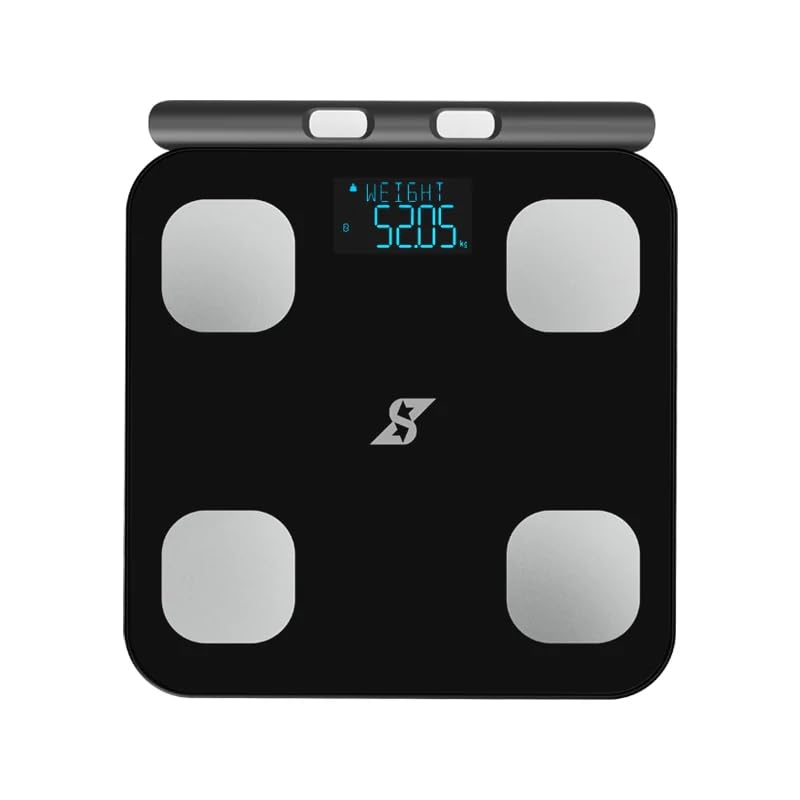
Hình 1: Từ trên xuống view of the Speediance Smart Body Fat Scale. The scale is black with a digital display showing "WEIGHT 52.05 kg" and four silver electrode pads at each corner. The Speediance logo is visible at the bottom center.
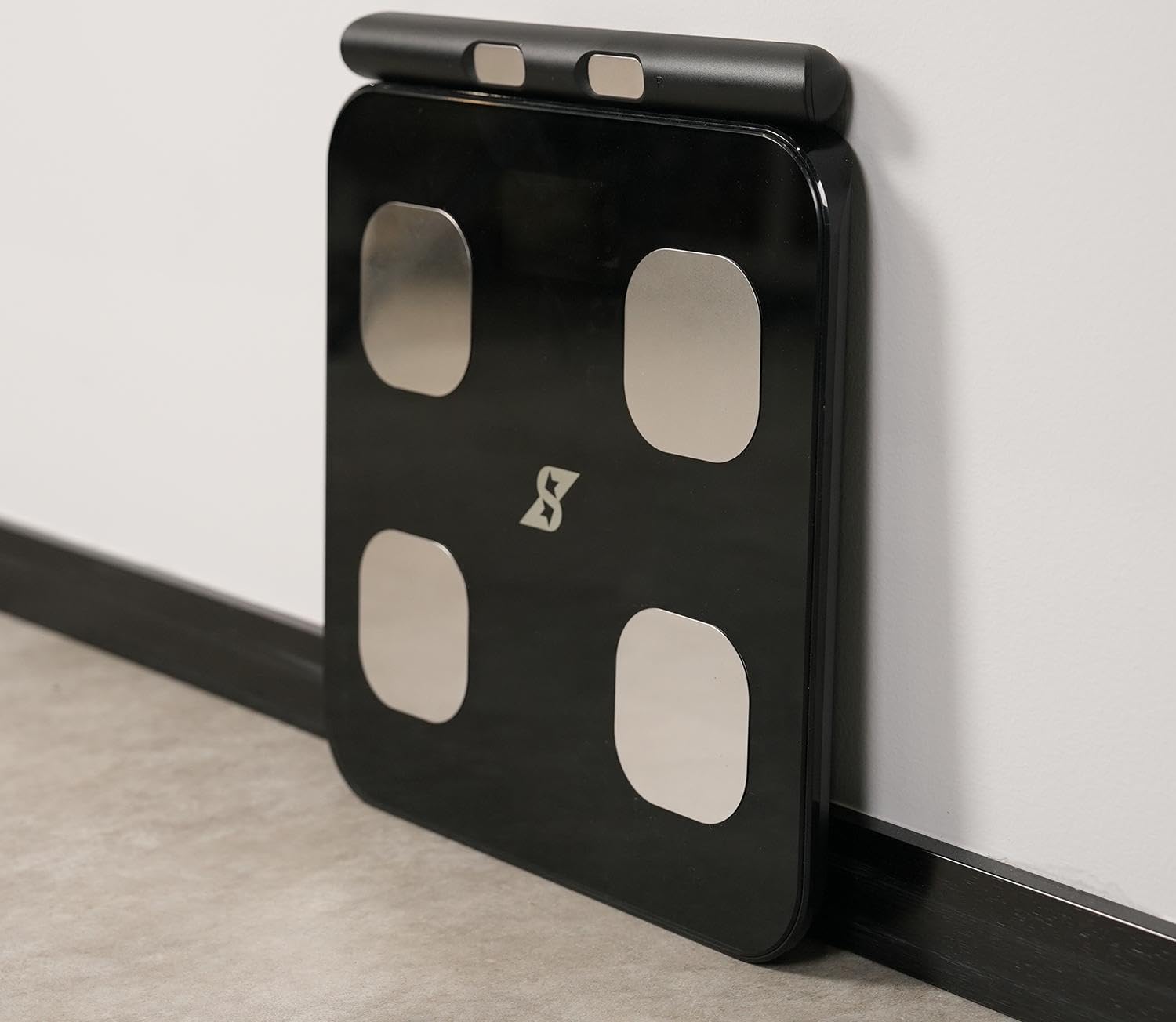
Figure 2: A woman standing on the Speediance Smart Body Fat Scale, demonstrating its use. The scale is black with a digital display. An overlay graphic indicates a "Dedicated link APP" with the Speediance logo.
Cài đặt
- Lắp đặt pin: Open the battery compartment on the underside of the scale. Insert the required batteries (typically AAA or AA, refer to packaging for exact type) ensuring correct polarity (+/-). Close the compartment securely.
- Vị trí: Đặt cân trên bề mặt cứng, phẳng. Tránh đặt trên thảm hoặc sàn nhà không bằng phẳng, vì điều này có thể ảnh hưởng đến độ chính xác của phép đo.
- Download the Speediance App: Tìm kiếm "Speediance" in your smartphone's app store (iOS or Android) and download the official application.
- Ghép nối ban đầu:
- Bật Bluetooth trên điện thoại thông minh của bạn.
- Open the Speediance App and follow the on-screen instructions to create an account or log in.
- The app will guide you through the process of connecting to your Speediance Smart Body Fat Scale. Ensure the scale is powered on (step on it briefly to activate) during the pairing process.
- Hiệu chuẩn ban đầu: After placing the scale on a flat surface, step on it briefly until a reading appears, then step off. The scale will display "0.0" or similar, indicating it is calibrated and ready for use.
Hướng dẫn sử dụng
Thực hiện phép đo
- Hãy đảm bảo chân bạn sạch sẽ và khô ráo.
- Step onto the scale barefoot, placing your feet evenly on the four electrode pads. Stand still.
- The scale will display your weight first, then cycle through other body composition metrics such as BMI and body fat percentage.
- Keep the Speediance App open on your smartphone and ensure Bluetooth is enabled for automatic data synchronization.
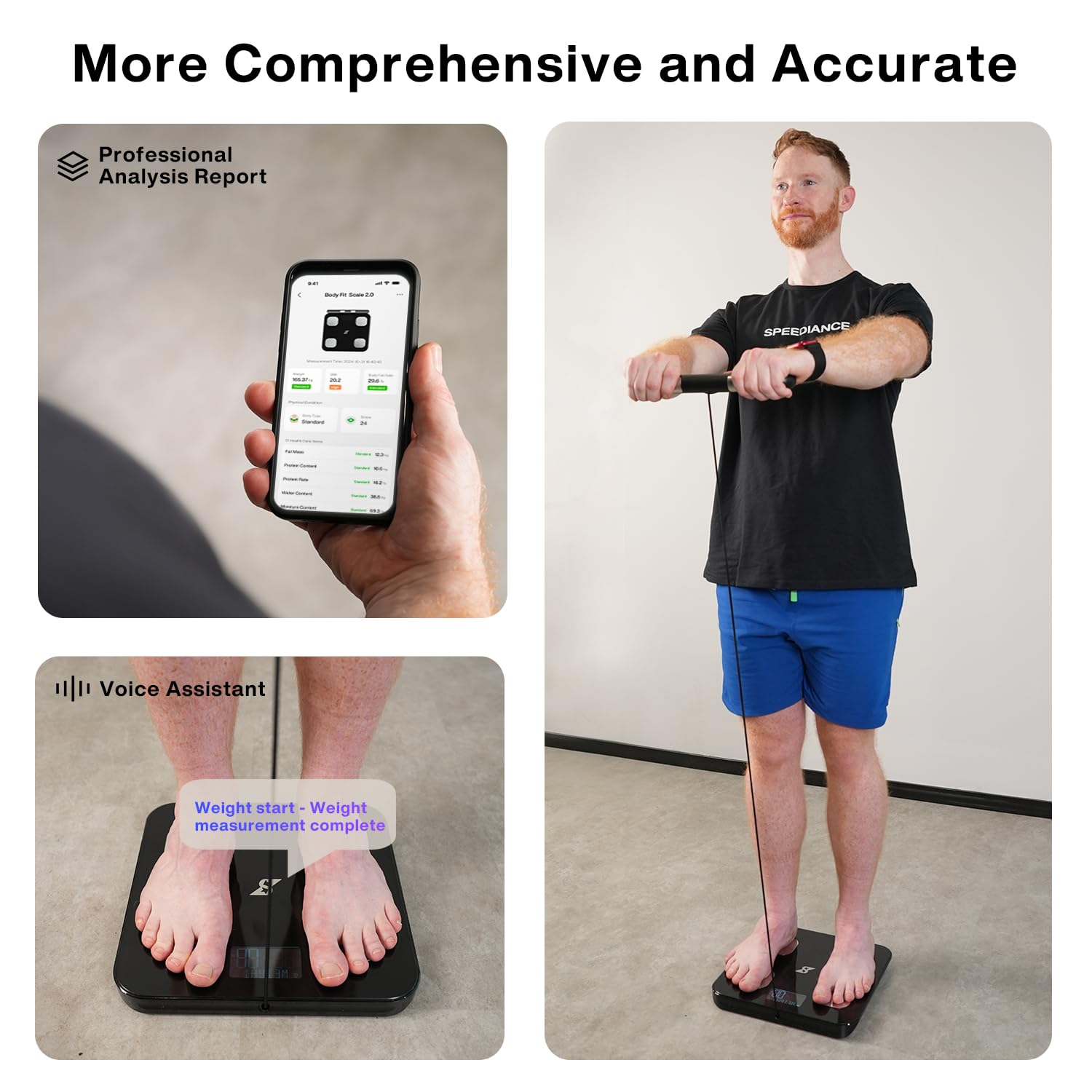
Figure 3: Visual guide to using the Speediance Smart Body Fat Scale. This image shows the Speediance app interface, a user standing on the scale, and a close-up of feet on the scale with a text overlay indicating the measurement process.
Hiểu cách đọc thông số màn hình
The scale's digital display will show your weight. For detailed body composition analysis (BMI, body fat, etc.), refer to the Speediance App, which provides a comprehensive professional analysis report.
Multi-Mode Measurement
The Speediance App allows for different measurement modes. Consult the app's help section or settings for details on how to select and utilize these modes, which may include standard measurement, athlete mode, or baby weighing mode (if supported).
BẢO TRÌ
- Vệ sinh: Lau sạch bề mặt vảy cá bằng một miếng vải mềm.amp Không sử dụng chất tẩy rửa có tính mài mòn hoặc ngâm cặn trong nước.
- Thay thế pin: When the battery indicator appears on the display or the scale fails to power on, replace all batteries with new ones of the specified type. Ensure correct polarity.
- Kho: Bảo quản cân ở nơi khô ráo, thoáng mát, tránh ánh nắng trực tiếp và nhiệt độ quá cao hoặc quá thấp.
Xử lý sự cố
- Scale does not power on:
- Kiểm tra xem pin đã được lắp đúng cách và đúng cực chưa.
- Thay pin cũ bằng pin mới.
- Đảm bảo ngăn chứa pin được đóng kín.
- Số đọc không chính xác:
- Ensure the scale is placed on a hard, flat, and level surface.
- Perform initial calibration by stepping on and off the scale once.
- Ensure feet are clean and dry and positioned correctly on the electrodes.
- Avoid moving or shifting weight during measurement.
- Sự cố kết nối ứng dụng:
- Đảm bảo Bluetooth được bật trên điện thoại thông minh của bạn.
- Make sure the Speediance App is open and running in the foreground or background.
- Khởi động lại điện thoại thông minh và cân (bằng cách tháo và lắp lại pin).
- Ensure the scale is within Bluetooth range of your smartphone.
- Dữ liệu về thành phần cơ thể không hiển thị:
- Ensure you are stepping on the scale barefoot.
- Make sure your feet are making good contact with all four electrode pads.
- Xác minh chuyên gia của bạnfile information (gender, age, height) is correctly entered in the Speediance App.
Thông số kỹ thuật
| Tính năng | Chi tiết |
|---|---|
| Thương hiệu | Tốc độ |
| Người mẫu | Quy mô mỡ trong cơ thể thông minh |
| Màu sắc | Đen |
| Sử dụng được đề xuất | Người lớn |
| Tính năng đặc biệt | Body Fat, Body Mass Index, Smart Connectivity |
| Kiểu hiển thị | Điện tử |
| Trọng lượng tối đa | 250 Kilôgam |
| Yếu tố hình thức | Quy mô sàn |
| Độ chính xác đọc | 0.1kg |
| Trọng lượng sản phẩm | 5.49 pound |
| Kích thước gói hàng | 16 x 15 x 2 inch |
Bảo hành và Hỗ trợ
Speediance products are designed for reliability and performance. For specific warranty details, please refer to the warranty card included with your product or visit the official Speediance website. Typically, a standard manufacturer's warranty covers defects in materials and workmanship for a specified period from the date of purchase.
For technical support, troubleshooting assistance, or warranty claims, please contact Speediance customer service through their official website or the contact information provided in the Speediance App. Please have your product model and purchase information ready when contacting support.
Lưu ý quan trọng: As per user feedback, ensure to check battery installation and try new batteries if the device does not power on. If issues persist, contact customer support.


