1. Giới thiệu
Thank you for choosing the GooDee AC321 Video Projector. This manual provides essential information for setting up, operating, and maintaining your device to ensure optimal performance and longevity. Please read this manual thoroughly before using the projector.

Image: The GooDee AC321 Video Projector, a compact device with a lens on the front, resting on its adjustable stand.
2. Có gì trong hộp
Xác minh rằng tất cả các mặt hàng đều có trong bao bì:
- GooDee AC321 Projector
- Dây nguồn
- Cáp HDMI
- Điều khiển từ xa
- Hướng dẫn sử dụng (tài liệu này)

Image: A visual representation of the items included with the GooDee AC321 projector: the projector unit, remote control, power cable, lens cover, and a 90-degree HDMI cable.
3. Thiết lập
3.1 kết nối nguồn
- Kết nối dây nguồn vào cổng nguồn điện của máy chiếu.
- Cắm đầu còn lại của dây nguồn vào ổ cắm điện phù hợp.
- Nhấn nút nguồn trên máy chiếu hoặc điều khiển từ xa để bật thiết bị.
3.2 Vị trí và cách đặt
The GooDee AC321 features a flexible hovering stand, allowing for versatile placement options:
- Chiếu trên bàn: Place the projector on a flat surface and adjust the stand to direct the image onto a wall or screen.
- Hình chiếu trần nhà: The projector can be tilted upwards to project onto a ceiling, ideal for comfortable viewtrong khi nằm.
- Gắn chân máy: Utilize the 1/4-inch screw holes at the bottom of the projector to mount it on a tripod for stable and precise positioning.

Image: The GooDee AC321 projector demonstrating its flexible stand, capable of adjusting the projection angle up to 120 degrees for various viewing positions, including ceiling projection.
3.3 Initial Power On and Focus
Upon powering on, the projector will automatically perform autofocus and keystone correction to provide a clear and rectangular image. Further adjustments can be made via the remote control.
Video: A demonstration of the GooDee Mini Projector's initial setup, showing the power-on sequence, automatic focus adjustment, and the main user interface with various streaming apps.
4. Hướng dẫn vận hành
4.1 Điều hướng và Giao diện người dùng
The GooDee AC321 runs on Movin 2.0 OS, providing a smart TV experience with pre-installed streaming applications. Use the included remote control to navigate the interface:
- Bàn phím định hướng: Sử dụng các nút mũi tên để di chuyển giữa các ứng dụng và tùy chọn menu.
- Nút OK: Chọn một mục hoặc xác nhận một hành động.
- Nút Home: Quay trở lại màn hình chính.
- Nút Quay lại: Quay lại màn hình trước đó.
- Nút âm lượng: Điều chỉnh mức âm thanh đầu ra.
- Các nút ứng dụng chuyên dụng: Quickly access Netflix, YouTube, and Prime Video.

Image: The GooDee AC321 projector's home screen, showcasing a variety of pre-installed streaming applications like Netflix, YouTube, and Prime Video, ready for selection.
4.2 App Access and Streaming
The projector comes pre-licensed with major streaming platforms. Connect to your Wi-Fi network to access over 10,000 streaming channels and a built-in app store for additional content.
4.3 Phản chiếu màn hình
The GooDee AC321 supports various casting protocols including DLNA, AirPlay, and Miracast, allowing seamless screen mirroring from iOS, Android, and Windows devices.

Image: The GooDee AC321 projector casting content from a mobile device to a large screen, illustrating its screen mirroring capabilities across different operating systems.
5. Kết nối
Máy chiếu này cung cấp nhiều tùy chọn kết nối:
- HDMI: Connect to computers, gaming consoles, TV boxes, or DVD players.
- USB: Phát nội dung đa phương tiện trực tiếp từ thiết bị lưu trữ USB.
- Giắc cắm âm thanh 3.5 mm: Kết nối loa ngoài hoặc tai nghe.
- Wi-Fi 6: For high-speed wireless internet and streaming.
- Bluetooth 5.4: For stable connection to external audio devices like speakers or headphones.
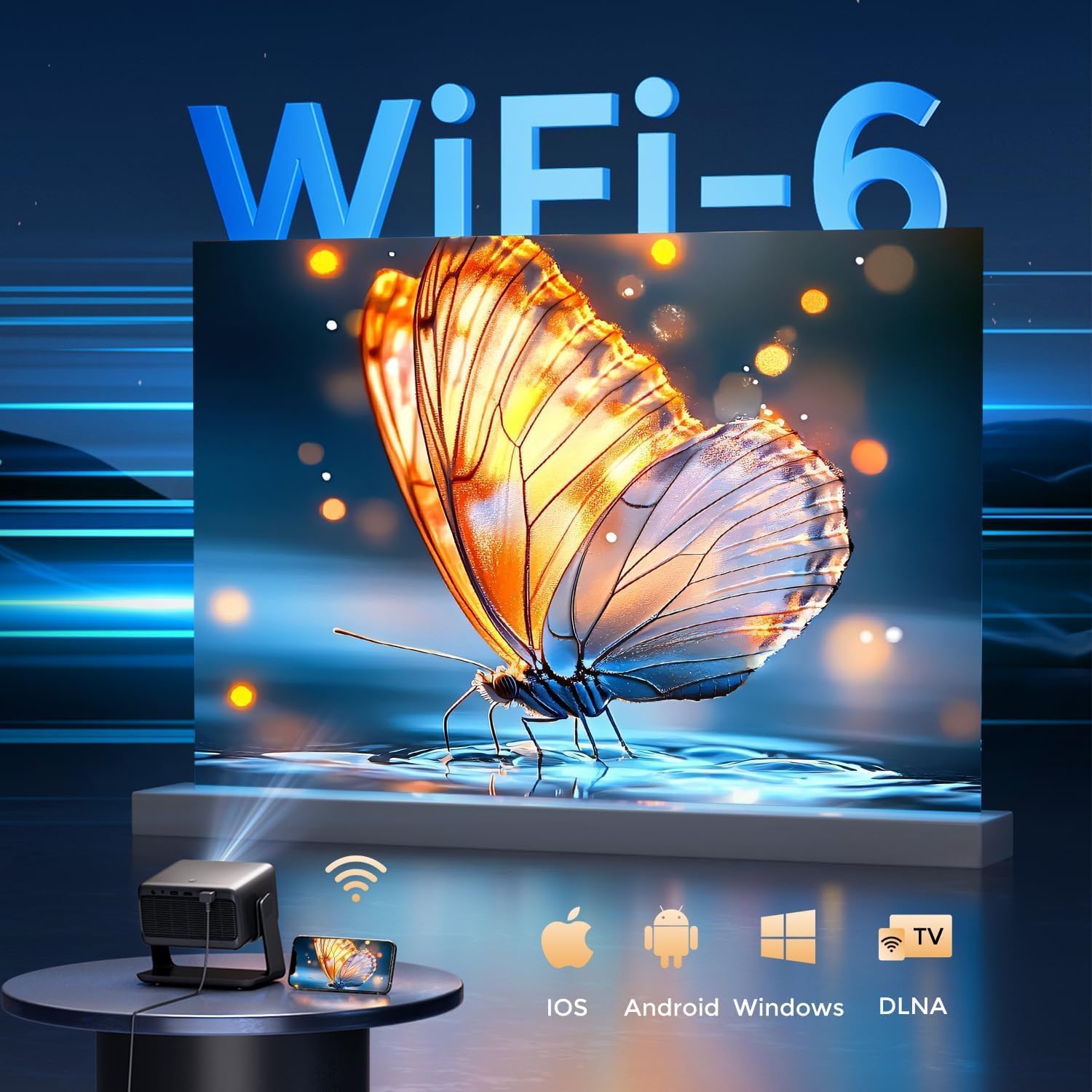
Image: The rear panel of the GooDee AC321 projector, highlighting its connectivity ports including a 3.5mm audio jack, USB port, HDMI input, and power connector.
6. Display & Audio Features
6.1 Hiệu suất hình ảnh
Experience an immersive visual feast with the following display capabilities:
- Độ phân giải gốc: 1080p (1920 x 1080) for sharp and clear images.
- 4K Video Decoding: Supports 4K video input for smooth playback of high-definition content.
- Độ sáng: 1200 ANSI lumens ensures clear picture quality even in ambient light conditions.
- AI Image Quality Optimization: Utilizes deep learning algorithms to analyze and optimize picture pixels in real-time, enhancing HDR10+ color and 25000:1 contrast ratio.
- Large Screen Zooming: Project images from 60 to 200 inches, with adjustable zoom from 50-100%.
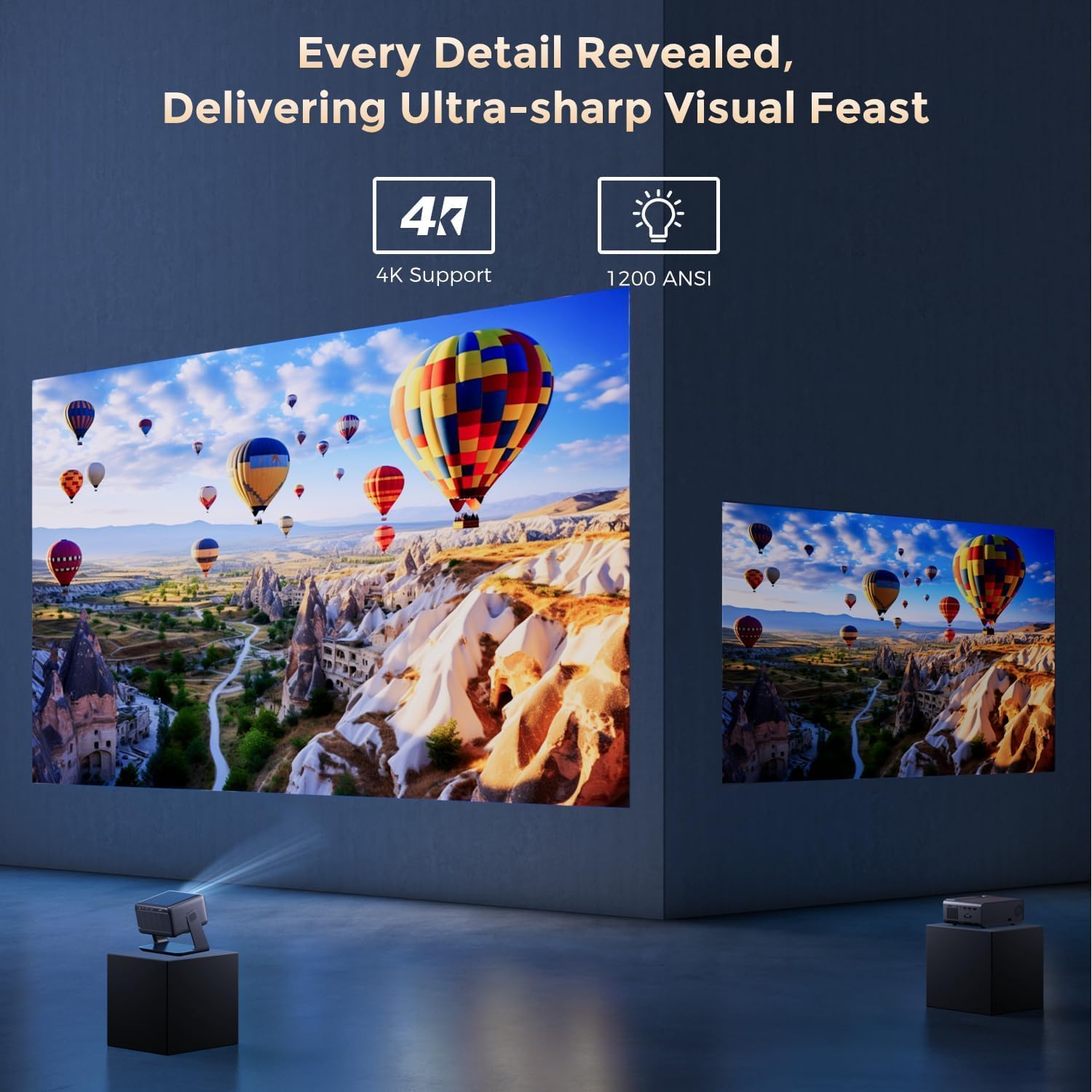
Image: The GooDee AC321 projector showcasing its visual capabilities with a bright, detailed image, emphasizing 4K support and 1200 ANSI lumens for superior clarity.
6.2 Trải nghiệm âm thanh
The projector is equipped with built-in features for an immersive audio experience:
- Âm thanh Dolby: Integrated Dolby Audio speakers provide rich and immersive sound.
- Bluetooth 5.4: Connect wirelessly to external Bluetooth speakers or soundbars for enhanced audio.
7. Tính năng nâng cao
The GooDee AC321 incorporates intelligent features for effortless setup and optimal viewtrong:
- Tự động lấy nét: Automatically adjusts the image clarity in seconds.
- Tự động sửa Keystone: Intelligently corrects vertical and horizontal trapezoidal distortion, ensuring a perfectly rectangular image even from an angled projection.
- Tự động căn chỉnh màn hình: Automatically fits the projected image to your screen.
- Tự động tránh chướng ngại vật: Phát hiện và điều chỉnh hình chiếu để tránh chướng ngại vật trên đường chiếu.

Hình ảnh: Một trong suốt view of the GooDee AC321 projector, illustrating its AI 3D ToF Technology for automatic keystone correction, obstacle avoidance, focus, and screen fitting.
Video: A demonstration of the GooDee Mini Smart Projector's automatic keystone correction and focus features, showing how the image quickly adjusts to a perfect rectangle and sharp clarity.
8. Thông số kỹ thuật
| Tính năng | Sự miêu tả |
|---|---|
| Số hiệu mẫu | AC321 |
| Thương hiệu | GooDee |
| Độ phân giải màn hình | 1920 x 1080 (Bản địa) |
| Giải mã video | Hỗ trợ 4K |
| Độ sáng | 1200 ANSI Lumens |
| Công nghệ kết nối | Giắc cắm 3.5mm, Bluetooth 5.4, HDMI, USB, Wi-Fi 6 |
| Tính năng đặc biệt | Auto Focus, Auto Keystone, Auto Screen Alignment, Auto Obstacle Avoidance, Built-In Cooling System, Built-In Speaker, Smart TV OS (Movin 2.0), Dolby Audio |
| Trọng lượng sản phẩm | 4.66 pound |
| Kích thước sản phẩm | 8.1 x 6.1 x 7.1 inch |
| Công suất định mức | 65W |
9. Bảo trì
To ensure the longevity and optimal performance of your GooDee AC321 projector, follow these maintenance guidelines:
- Vệ sinh ống kính: Sử dụng vải mềm, không xơ được thiết kế riêng cho tròng kính quang học. Lau nhẹ tròng kính để loại bỏ bụi bẩn. Tránh sử dụng vật liệu mài mòn hoặc hóa chất mạnh.
- Vệ sinh các lỗ thông gió: Regularly check and clean the air intake and exhaust vents to prevent dust buildup, which can hinder cooling and affect performance. Use a soft brush or compressed air.
- Kho: When not in use for extended periods, store the projector in a cool, dry place, away from direct sunlight and extreme temperatures. Use the provided lens cover to protect the lens.
- Tắt nguồn đúng cách: Always power off the projector using the designated power button and allow it to complete its shutdown cycle before unplugging.
KHAI THÁC. Xử lý sự cố
If you encounter any issues with your GooDee AC321 projector, refer to the following common troubleshooting steps:
- Không có ảnh:
- Hãy đảm bảo dây nguồn được kết nối chắc chắn và máy chiếu đã được bật.
- Check the input source (HDMI, USB) and ensure it is correctly selected.
- Hãy kiểm tra xem thiết bị được kết nối (máy tính xách tay, máy chơi game) đã được bật nguồn và đang phát tín hiệu hay chưa.
- Không có âm thanh:
- Adjust the volume on both the projector and the connected source device.
- If using external speakers, ensure they are properly connected via Bluetooth or the 3.5mm audio jack.
- Check the audio output settings on the connected source device.
- Bức ảnh bị mờ:
- Allow the auto-focus function to complete its cycle.
- Hãy đảm bảo ống kính máy chiếu sạch sẽ.
- Adjust the projector's distance from the screen/wall.
- Hình ảnh bị méo (Hình thang):
- Allow the auto-keystone correction to complete.
- Manually adjust keystone settings via the remote control if needed.
- Sự cố kết nối Wi-Fi/Bluetooth:
- Đảm bảo máy chiếu nằm trong phạm vi phủ sóng của bộ định tuyến Wi-Fi hoặc thiết bị Bluetooth.
- Khởi động lại máy chiếu và bộ định tuyến/thiết bị Bluetooth của bạn.
- Kiểm tra mật khẩu Wi-Fi và cài đặt mạng.
11. Bảo hành & Hỗ trợ
The GooDee AC321 Video Projector comes with a Bảo hành 12 tháng. For any product-related inquiries, technical assistance, or warranty claims, please contact GooDee customer support.
GooDee offers Hỗ trợ trò chuyện trực tiếp 24/7 to assist you with any issues. You can also visit the official GooDee website for more information and to register your product for warranty activation.
- Webđịa điểm: www.top-goodee.com
- Dịch vụ khách hàng: Vui lòng tham khảo thông tin liên hệ được cung cấp trên trang web chính thức. webtrang web hoặc trong bao bì sản phẩm của bạn.


