Giới thiệu
The Technoline WT175 is a compact and versatile quartz alarm clock designed for convenience and portability. It features a clear digital display and offers multiple functions including time, date, temperature, humidity, and various alarm settings. Its magnetic casing makes it suitable for travel and everyday use.

Hình 1: Đằng trước view of the Technoline WT175 Mini Travel Alarm Clock, displaying the time and control buttons.
Các tính năng chính
- 12/24 giờ hiển thị thời gian
- Hiển thị ngày
- Temperature display (in Celsius)
- Hiển thị độ ẩm
- Báo thức có chức năng báo lại
- Configurable alarm settings: Weekday, Weekend, or Daily
- Timer with countdown and stop function
- Chỉ báo pin yếu
- Từ tính casing for versatile placement
Nội dung gói
- Technoline WT175 Mini Travel Alarm Clock
- Hướng dẫn sử dụng (tài liệu này)
- Lưu ý: Pin không được bao gồm và phải mua riêng.

Hình 2: Product packaging for the Technoline WT175, detailing specifications and features.
Cài đặt
1. Lắp đặt pin
- Xác định vị trí ngăn chứa pin ở mặt sau của đồng hồ báo thức.
- Mở nắp ngăn chứa pin.
- Insert 1x AAA Micro LR03 battery, ensuring correct polarity (+/-).
- Đóng chặt nắp ngăn chứa pin.
2. Bật nguồn ban đầu
Upon successful battery installation, the display will activate. You may need to press the BỘ button to begin initial time and date configuration.
Hướng dẫn sử dụng
The Technoline WT175 features several control buttons: BỘ, START/STOP/RESET, ZZ (Snooze/Light), AL SET ON-OFF, +, Và CÁCH THỨC.
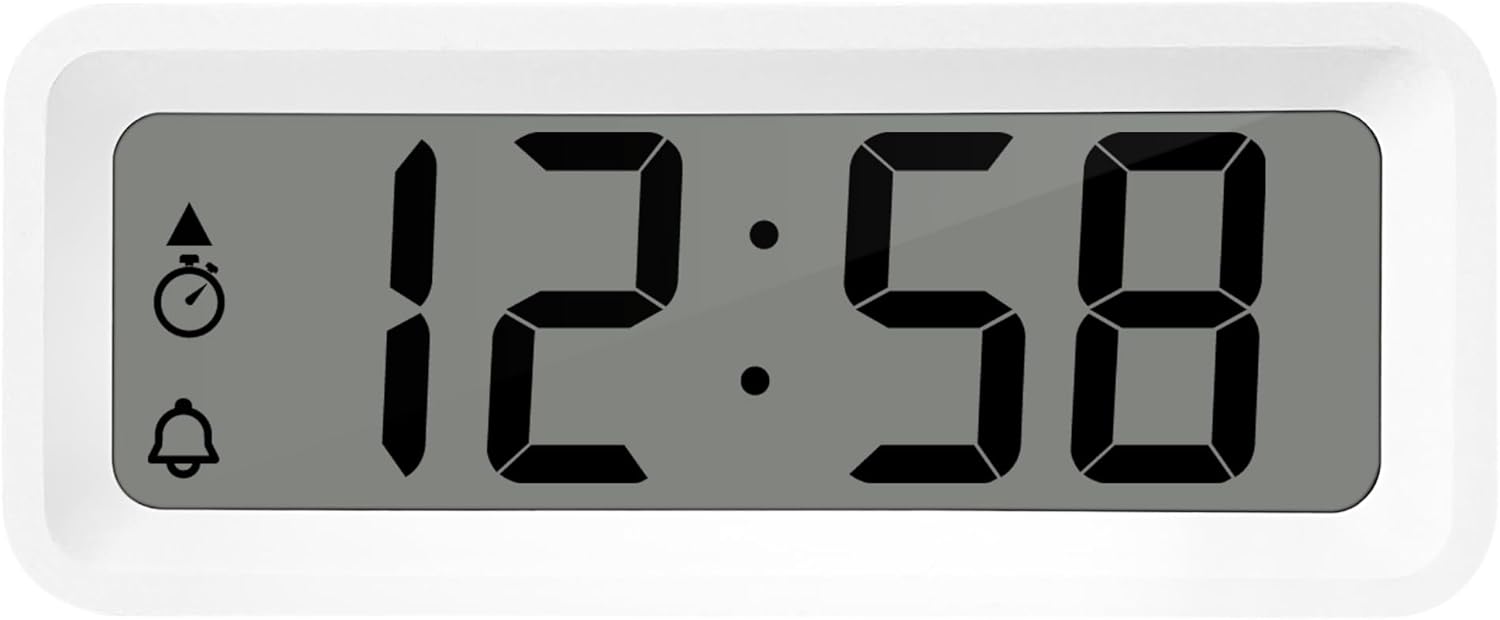
Hình 3: Chi tiết view of the alarm clock's display and control buttons.
1. Thiết lập thời gian và ngày tháng
- Nhấn và giữ BỘ nhấn nút cho đến khi màn hình hiển thị thời gian bắt đầu nhấp nháy.
- Sử dụng + or - các nút điều chỉnh giờ.
- Nhấn BỘ Lặp lại thao tác để xác nhận giờ và chuyển sang phút.
- Sử dụng + or - để điều chỉnh phút.
- Tiếp tục nhấn BỘ to cycle through and set the year, month, and day using the + or - nút bấm.
- Nhấn BỘ Lần cuối cùng để thoát khỏi chế độ cài đặt.
2. Lựa chọn định dạng 12/24 giờ
Trong khi ở chế độ hiển thị thời gian bình thường, nhấn nút CÁCH THỨC nút để chuyển đổi giữa định dạng thời gian 12 giờ và 24 giờ.
3. Đặt báo thức
- Nhấn nút AL SET ON-OFF button once to enter alarm setting mode. The alarm time will flash.
- Sử dụng + or - các nút điều chỉnh giờ báo thức.
- Nhấn AL SET ON-OFF again to confirm the hour and move to alarm minutes.
- Sử dụng + or - để điều chỉnh số phút báo thức.
- Nhấn AL SET ON-OFF again to confirm and exit alarm setting mode.
4. Activating/Deactivating Alarm and Snooze
- Để bật báo thức ON or TẮT, nhấn AL SET ON-OFF button while in normal time display mode. An alarm icon will appear/disappear on the display.
- Khi báo thức kêu, hãy bấm ZZ (Snooze) button to activate the snooze function. The alarm will temporarily stop and sound again after a few minutes.
- To stop the alarm completely, press any other button (e.g., BỘ or CÁCH THỨC).
5. Weekday/Weekend/Daily Alarm Settings
The WT175 allows for flexible alarm scheduling. While in alarm setting mode (after pressing AL SET ON-OFF), you can cycle through alarm types by pressing the + or - buttons after setting the alarm time. Look for indicators on the display for:
- Báo thức hằng ngày: Alarm sounds every day.
- Weekday Alarm: Chuông báo động reo từ thứ Hai đến thứ Sáu.
- Weekend Alarm: Alarm sounds Saturday and Sunday.
6. Timer and Countdown Function
- Nhấn nút CÁCH THỨC button repeatedly until the timer display appears (often indicated by a stopwatch icon).
- To set the countdown timer, press and hold BỘ. Sử dụng + or - Để thiết lập giờ, phút và giây mong muốn. Nhấn BỘ để xác nhận từng đoạn.
- Nhấn START/STOP/RESET để bắt đầu đếm ngược.
- Nhấn START/STOP/RESET một lần nữa để tạm dừng/tiếp tục đếm ngược.
- Để đặt lại bộ hẹn giờ, hãy nhấn và giữ START/STOP/RESET.
7. Hiển thị nhiệt độ và độ ẩm
The Technoline WT175 continuously displays the current indoor temperature (in Celsius) and humidity levels. These readings are typically shown alongside the time and date on the main display.

Hình 4: The WT175 alarm clock displaying time, temperature, and humidity in a bedroom setting.
BẢO TRÌ
1. Thay thế pin
When the low battery indicator appears on the display, it is time to replace the battery. Follow the battery installation steps outlined in the Cài đặt section. Ensure to dispose of old batteries responsibly according to local regulations.
2. Vệ sinh
To clean the alarm clock, use a soft, dry cloth. Do not use abrasive cleaners, solvents, or immerse the device in water. Avoid spraying cleaning solutions directly onto the unit.
Xử lý sự cố
- Màn hình trống hoặc mờ:
- Kiểm tra xem pin đã được lắp đúng cách chưa.
- Thay pin mới.
- Báo động không kêu:
- Ensure the alarm is activated (alarm icon visible on display).
- Hãy kiểm tra xem thời gian báo thức đã được cài đặt chính xác chưa.
- Check the alarm type (Daily, Weekday, Weekend) matches your desired schedule.
- Thời gian hoặc ngày tháng không chính xác:
- Re-enter the time and date following the instructions in the Hướng dẫn sử dụng phần.
- Ensure the 12/24 hour format is set as desired.
- Các nút không phản hồi:
- Tháo và lắp lại pin để thực hiện khởi động lại mềm.
- Ensure the device is not in a specific setting mode that locks other buttons.
Thông số kỹ thuật
| Tính năng | Chi tiết |
|---|---|
| Người mẫu | WT175 |
| Thương hiệu | Công nghệ |
| Kích thước (D x R x C) | 8.8 x 3.81 x 3.7cm |
| Cân nặng | 120 gram |
| Nguồn điện | 1x AAA Micro LR03 Battery (not included) |
| Kiểu hiển thị | Điện tử |
| Tính năng đặc biệt | Alarm, Snooze, Temperature, Humidity, Date, Timer, Countdown, Magnetic Casing, Low Battery Indicator |
| Màu sắc | Màu trắng (theo phiên bản sản phẩm hiện tại) |
| Sử dụng trong nhà/ngoài trời | Trong nhà |

Hình 5: Dimensions of the Technoline WT175 alarm clock.
Bảo hành và Hỗ trợ
For warranty information or technical support regarding your Technoline WT175 Mini Travel Alarm Clock, please refer to the warranty card included with your purchase or visit the official Technoline webđịa điểm.
Official Technoline Webđịa điểm: http://www.technoline.de


