Introduction to Your iPhone 16
Welcome to your new iPhone 16. This manual is designed to help you understand and effectively use your device, whether you are a new iPhone user or looking to master advanced features. Follow these instructions to get the most out of your iPhone 16.
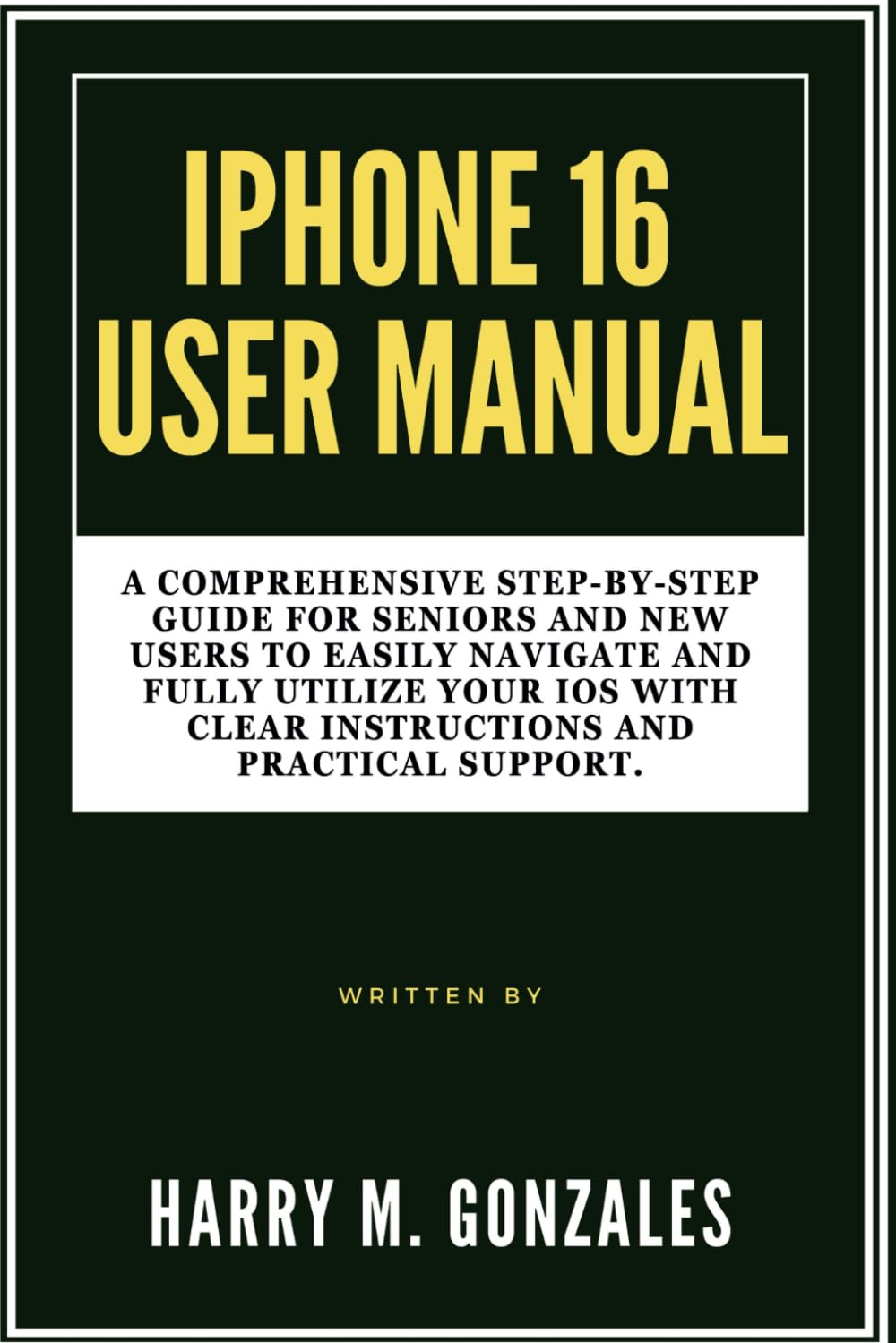
Image: Front cover of the iPhone 16 User Manual, providing a visual reference for the guide.
Setup: Getting Started with Your iPhone 16
Setting up your iPhone 16 is a straightforward process. This section guides you through the initial steps to activate and personalize your device.
- Bật nguồn: Nhấn và giữ nút bên cho đến khi logo Apple xuất hiện.
- Cấu hình ban đầu: Làm theo hướng dẫn trên màn hình để chọn ngôn ngữ, khu vực và kết nối với mạng Wi-Fi.
- Chuyển dữ liệu: Choose to restore from an iCloud or computer backup, or set up as a new iPhone.
- ID Apple: Sign in with your Apple ID or create a new one. This is essential for accessing the App Store, iCloud, and other Apple services.
- Face ID/Touch ID & Passcode: Set up Face ID (facial recognition) or Touch ID (fingerprint sensor) and create a strong passcode for security.
- Siri & Analytics: Configure Siri and decide whether to share analytics data with Apple.
- Cập nhật phần mềm: Ensure your iPhone is running the latest iOS version for optimal performance and security.
Operating Your iPhone 16
This section covers the essential functions and features of your iPhone 16, helping you navigate its interface and utilize its capabilities.
Customization and Organization
Personalize your iPhone 16 to suit your preferences and organize your apps for easy access.
- Thay đổi hình nền: Đi đến Settings > Wallpaper to choose a new background for your Lock Screen and Home Screen.
- Tổ chức ứng dụng: Tap and hold an app icon until it jiggles, then drag it to rearrange, create folders, or delete.
- Tiện ích: Add widgets to your Home Screen or Today View for quick information at a glance.
Cuộc gọi và Tin nhắn
Learn how to communicate effectively using your iPhone 16.
- Gọi điện: Mở Điện thoại ứng dụng, chạm Bàn phím, enter the number, and tap the green call button.
- Gửi tin nhắn: Mở Tin nhắn app, tap the new message icon, enter a contact or number, and type your message.
- FaceTime: Use FaceTime for video or audio calls with other Apple device users.
Chức năng của máy ảnh
Capture stunning photos and videos with your iPhone 16 camera.
- Chụp hình: Mở Máy ảnh app, select Photo mode, and tap the shutter button.
- Quay video: Switch to Video mode in the Máy ảnh app and tap the record button.
- Biên tập: Use the built-in Photos app to crop, adjust colors, and apply filters to your media.
Internet and Apps
Connect to the internet and explore the vast world of applications.
- Kết nối Wi-Fi: Đi đến Cài đặt > Wi-Fi và chọn mạng của bạn.
- Duyệt: Sử dụng Cuộc đi săn app to browse the web một cách an toàn.
- Cửa hàng ứng dụng: Tải xuống các ứng dụng mới từ Cửa hàng ứng dụng to enhance your iPhone's functionality.
Contacts and Calendar Management
Keep your contacts organized and manage your schedule efficiently.
- Thêm liên hệ: Mở Liên hệ app, tap the '+' icon, and fill in the contact details.
- Calendar Events: Sử dụng Lịch app to create events, set reminders, and manage your schedule.
Optimizing Settings
Adjust various settings to improve your iPhone's performance, privacy, and battery life.
- Thông báo: Customize app notifications in Cài đặt > Thông báo.
- Tuổi thọ pin: Monitor battery usage and enable Low Power Mode in Cài đặt> Pin.
- Sự riêng tư: Review and adjust privacy settings for location services, photos, and more in Settings > Privacy & Security.
Maintenance: Keeping Your iPhone 16 in Top Condition
Regular maintenance ensures your iPhone 16 remains functional and secure.
- Cập nhật phần mềm: Always install the latest iOS updates to benefit from new features, security patches, and performance improvements. Go to Cài đặt > Chung > Cập nhật phần mềm.
- Dữ liệu sao lưu: Regularly back up your iPhone to iCloud or your computer to prevent data loss.
- Vệ sinh thiết bị của bạn: Use a soft, lint-free cloth to gently clean your screen and device exterior. Avoid harsh chemicals.
- Quản lý lưu trữ: Periodically check your storage usage (Cài đặt > Cài đặt chung > Bộ nhớ iPhone) and delete unnecessary apps or files.
Xử lý sự cố thường gặp
This section provides solutions for common problems you might encounter with your iPhone 16.
- Thiết bị không phản hồi: If your iPhone is frozen, perform a force restart. For iPhone 8 or later: Press and quickly release the Volume Up button. Press and quickly release the Volume Down button. Then, press and hold the side button until you see the Apple logo.
- Ứng dụng bị sập: Close the app by swiping up from the bottom of the screen (or double-clicking the Home button on older models) to open the App Switcher, then swipe the app up to close it. Reopen the app. If the issue persists, try reinstalling the app.
- Wi-Fi/Cellular Connectivity Issues: Try toggling Wi-Fi or Cellular Data off and on in Control Center or Settings. If the problem continues, reset network settings (Cài đặt > Chung > Chuyển hoặc Đặt lại iPhone > Đặt lại > Đặt lại cài đặt mạng).
- Pin cạn kiệt nhanh chóng: Kiểm tra mức sử dụng pin trong Cài đặt> Pin to identify apps consuming the most power. Enable Low Power Mode or adjust background app refresh settings.
- Bộ nhớ đầy: Delete unused apps, photos, and videos. Offload apps you don't use frequently (Cài đặt > Cài đặt chung > Bộ nhớ iPhone).
Thông số kỹ thuật
Key specifications related to this user manual and the iPhone 16 it describes.
| ASIN | B0DFHMMS4X |
| Nhà xuất bản | Xuất bản độc lập |
| Ngày xuất bản | Ngày 28 tháng 2024 năm XNUMX |
| Ngôn ngữ | Tiếng Anh |
| Chiều dài in | 118 trang |
| ISBN-13 | 979-8337641362 |
| Trọng lượng sản phẩm | 8.2 ounce |
| Kích thước | 6 x 0.27 x 9 inch |

Image: Back cover of the iPhone 16 User Manual, showing the ISBN barcode 9798337641362.
Bảo hành và Hỗ trợ
This manual provides guidance for the iPhone 16. For specific warranty information and official support regarding the iPhone 16 device, please refer to Apple's official webhoặc liên hệ trực tiếp với bộ phận hỗ trợ của Apple.
- Apple Official Support: Thăm nom support.apple.com/iphone Để xem các bài viết hỗ trợ toàn diện, hướng dẫn khắc phục sự cố và các tùy chọn liên hệ.
- Thông tin bảo hành: Details regarding your iPhone 16's limited warranty can be found on Apple's official webtrang web hoặc trong cài đặt của thiết bị theo Settings > General > About > Limited Warranty.