1. Giới thiệu
The Moman CP-S Motorcycle Intercom System is designed to provide clear and reliable communication for motorcyclists. Featuring advanced Bluetooth 5.1 technology, noise reduction, and a robust waterproof design, it enhances your riding experience by allowing group communication, music sharing, and hands-free phone calls.

Figure 1: Moman CP-S Intercom Unit with key features.
2. Nội dung gói hàng
The Moman CP-S package includes the following items:
- Moman CP-S Intercom Unit
- Headphone and Microphone Set
- Mounting Clip (for helmet edge)
- Adhesive Mount (for helmet surface)
- Cáp sạc USB
- Interchangeable Decorative Shells (3 colors)
- Hướng dẫn sử dụng
- Installation Tools (screwdriver)
3. Hướng dẫn cài đặt
Proper installation ensures optimal performance and comfort. Follow these steps to install your Moman CP-S intercom system on your helmet.
3.1. Preparing the Helmet
- Remove the helmet's inner lining and cheek pads if they are removable. This provides easier access for speaker and microphone placement.
- Identify suitable locations for the speakers (near your ears) and the microphone (near your mouth).
3.2. Lắp đặt thiết bị liên lạc nội bộ
Choose between the clip mount or the adhesive mount based on your helmet type and preference.
Using the Clip Mount:
- Loosen the screws on the clip mount using the provided screwdriver.
- Slide the clip mount onto the bottom edge of your helmet, ensuring it is securely fastened.
- Tighten the screws to secure the clip mount in place.
Sử dụng giá đỡ dán:
- Hãy làm sạch kỹ khu vực cần gắn phụ kiện trên cạnh mũ bảo hiểm của bạn.
- Peel off the protective film from the adhesive mount and firmly press it onto the helmet surface for at least 30 seconds. Allow sufficient time for the adhesive to bond before attaching the intercom unit.
Lắp đặt thiết bị liên lạc nội bộ:
- Slide the Moman CP-S intercom unit onto the installed clip or adhesive mount until it clicks securely into place.
3.3. Lắp đặt loa và micro
- Attach the adhesive pads to the back of the speakers.
- Carefully place the speakers inside the helmet, aligning them with your ears. Press firmly to secure.
- Attach the adhesive pad to the microphone.
- Position the microphone near your mouth, ensuring it is not obstructed by the helmet's padding.
- Connect the speaker and microphone cables to the appropriate ports on the intercom unit.
3.4. Quản lý cáp
Tuck all excess cables neatly under the helmet's inner lining to prevent discomfort and ensure they do not interfere with helmet function. Reinstall any removed inner lining or cheek pads.
Video 1: Installation guide for Moman H2 Intercom (similar to CP-S).
4. Hướng dẫn vận hành
4.1. Bật/Tắt nguồn
- Bật nguồn: Press and hold the Power button for 3 seconds until the indicator light turns on.
- Tắt nguồn: Nhấn và giữ nút nguồn trong 3 giây cho đến khi đèn báo tắt.
4.2. Ghép nối Bluetooth
- With the device off, press and hold the Function button for 3 seconds. The red and blue indicator lights will flash, indicating pairing mode.
- On your mobile phone, enable Bluetooth and search for "FODSPORTS FX-S" (or similar device name). Select it to pair. The pairing is complete when the indicator light changes.
4.3. Phát lại nhạc
- Phát/Tạm dừng: Nhấn nhanh nút Chức năng.
- Bài hát tiếp theo: Rotate the control knob forward once.
- Bài hát trước: Rotate the control knob backward once.
- Điều chỉnh âm lượng: Rotate the control knob forward or backward for 1 second to increase or decrease volume.

Figure 2: Music sharing feature between two riders.
4.4. Cuộc gọi điện thoại
- Trả lời/Kết thúc cuộc gọi: Nhấn nhanh nút Chức năng.
- Từ chối cuộc gọi: Long press the Function button for 1 second.
- Trợ lý giọng nói: Single click to activate AI voice assistant (e.g., Siri, Google Assistant).
- Chuyển cuộc gọi trả lời thủ công/tự động: Long press the Function button and ON/OFF button for 3 seconds.

Figure 3: AI Voice Assistant and FM Radio features.
4.5. Giao tiếp nội bộ
- The Moman CP-S supports intercom communication for up to 8 riders within a 2000m range, and 2 riders within a 1000m range.
- It is compatible with other intercom brands.
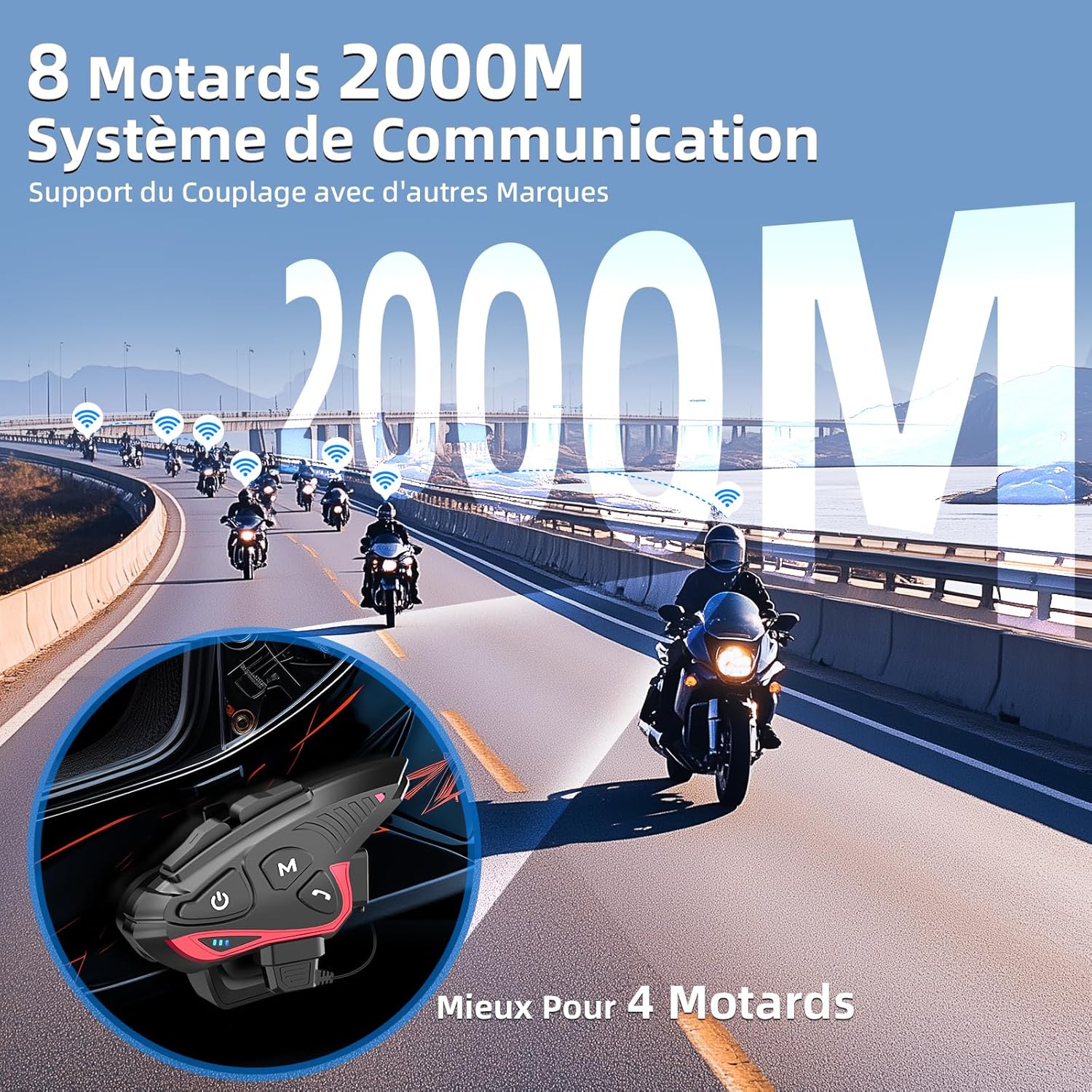
Figure 4: Group intercom communication range and capabilities.
4.6. Đài phát thanh FM
- Activate the FM radio function to listen to broadcasts while riding.
Video 2: Kết thúcview of Moman H2S Intercom features (similar to CP-S).
5. Thông số kỹ thuật
| Tính năng | Sự miêu tả |
|---|---|
| Số hiệu mẫu | CP-S |
| Công nghệ không dây | Bluetooth 5.1 |
| Phạm vi liên lạc nội bộ | Up to 2000m (8 riders), 1000m (2 riders) |
| Dung lượng pin | 900mAh |
| Thời gian sạc | 2 giờ |
| Thời gian liên lạc | Lên đến 28 giờ |
| Thời gian phát nhạc | Lên đến 33 giờ |
| Thời gian chờ | Lên đến 300 giờ |
| Chống nước | IP65 (Chống thấm nước) |
| Giảm tiếng ồn | DSP and 12th Gen CVC |
| Kích thước loa | 40mm Hi-Fi |
| Phương pháp kiểm soát | Giọng nói, Nút bấm |
| Lời nhắc bằng giọng nói | 8 languages (Chinese, English, Japanese, German, French, Italian, Spanish, Korean) |
| Vật liệu | Nhựa |
| Tính năng đặc biệt | Noise cancellation, Water resistant, Music sharing, FM Radio, AI Voice Assistant, Interchangeable shells |

Hình 5: Thời lượng pin và chi tiết sạc pin.
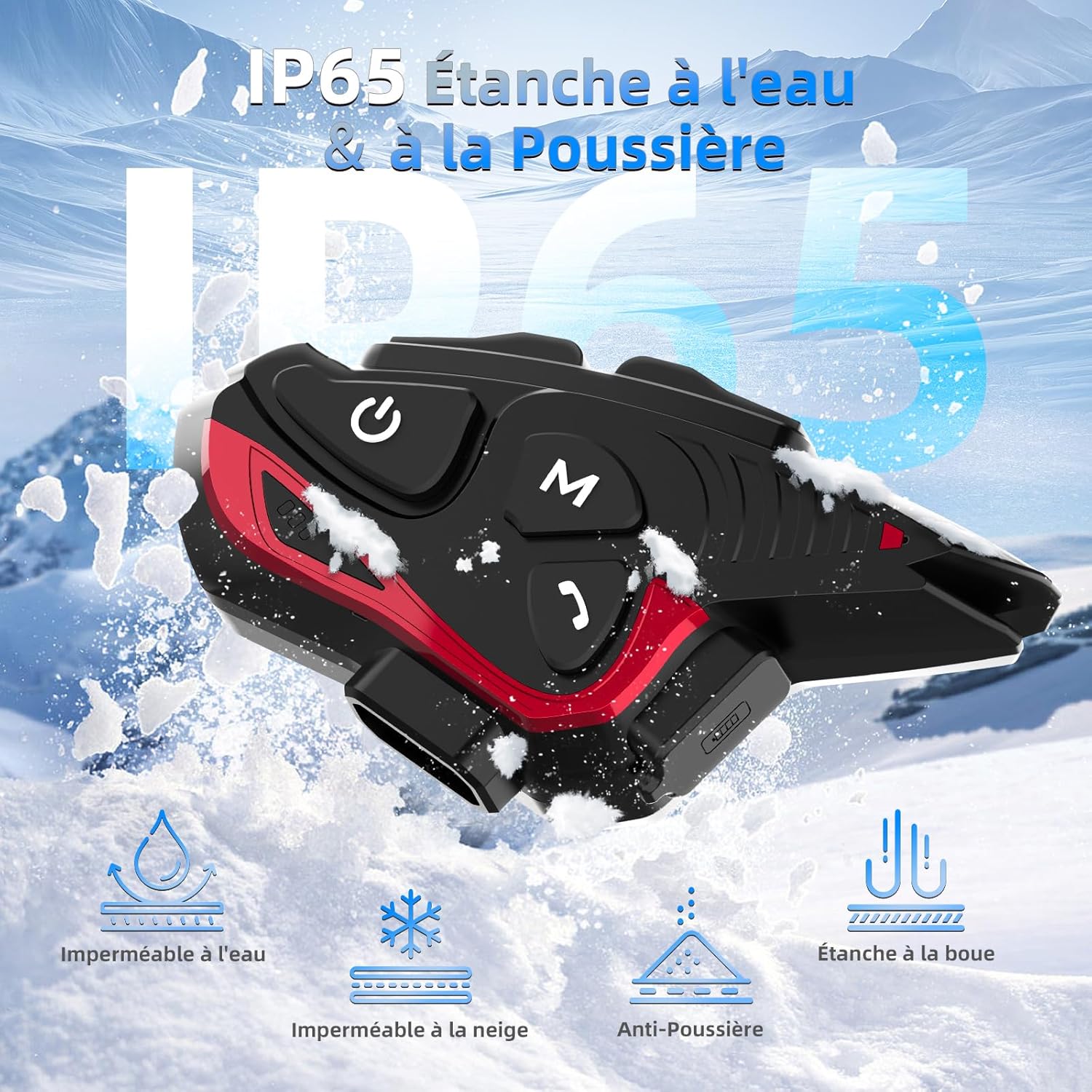
Figure 6: IP65 Water and Dust Resistance.
6. Bảo trì
- Giữ thiết bị sạch sẽ và khô ráo. Lau bằng khăn mềm,amp vải.
- Tránh để thiết bị tiếp xúc với nhiệt độ quá cao hoặc ánh nắng trực tiếp trong thời gian dài.
- Hãy đảm bảo nắp đậy cổng sạc được đóng chặt khi không sạc để duy trì khả năng chống nước.
- Sạc thiết bị thường xuyên, ngay cả khi không sử dụng, để duy trì tuổi thọ của pin.
KHAI THÁC. Xử lý sự cố
7.1. Không có điện
- Hãy đảm bảo pin đã được sạc đầy. Kết nối thiết bị với nguồn điện bằng cáp USB được cung cấp kèm theo.
- Check if the power button is being held for the correct duration (3 seconds).
7.2. Cannot Pair with Phone
- Ensure the device is in pairing mode (red and blue indicator lights flashing).
- Tắt rồi bật lại Bluetooth trên điện thoại của bạn.
- Ensure the device is within range of your phone.
- Forget previous Bluetooth connections on your phone and try pairing again.
7.3. Poor Audio Quality/Noise
- Ensure speakers are correctly positioned near your ears and the microphone is close to your mouth.
- Check for any obstructions around the microphone.
- Verify that the volume is adjusted appropriately.
- The device features DSP and CVC noise reduction, which should minimize ambient noise. If issues persist, ensure the microphone is not picking up excessive wind noise.
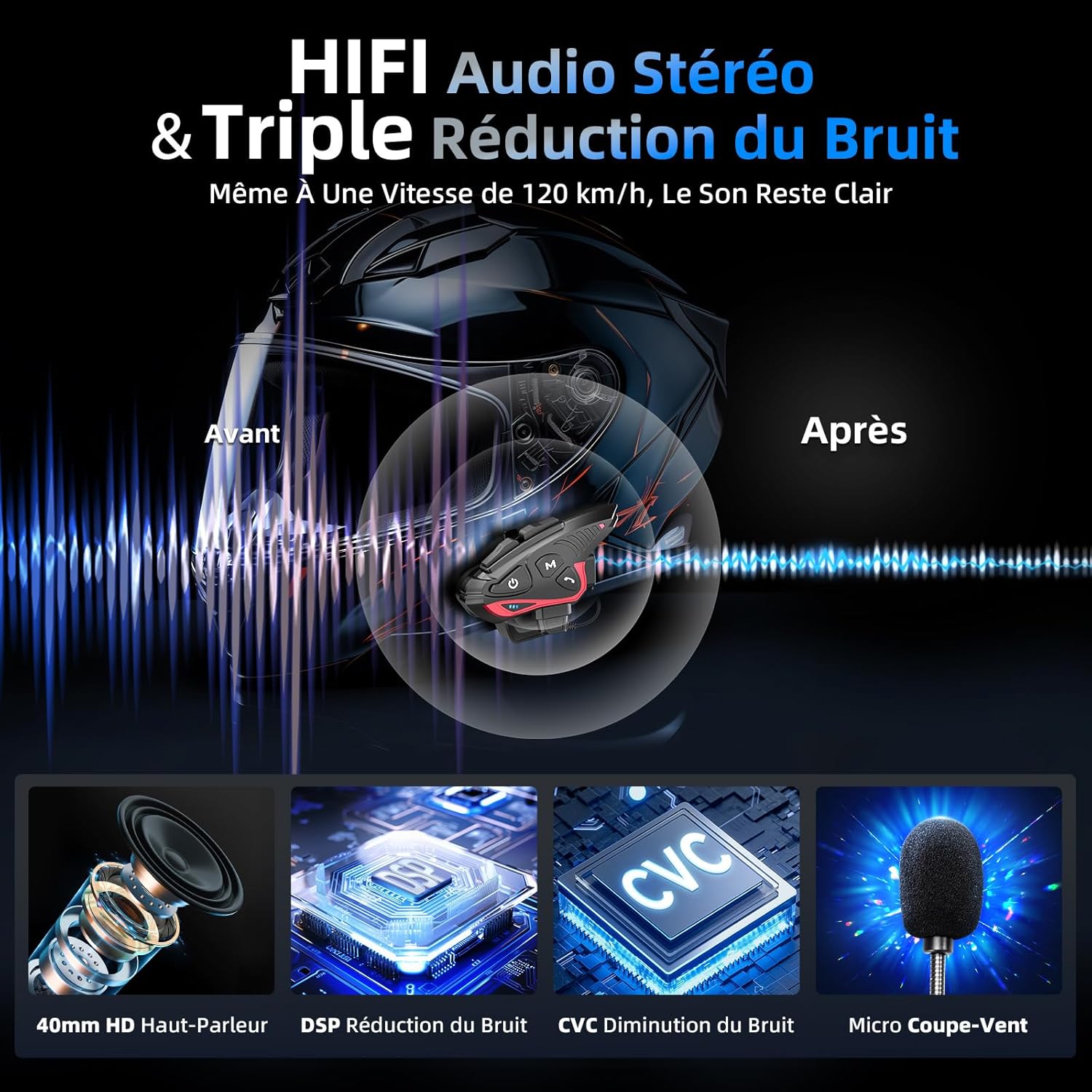
Figure 7: Audio quality and noise reduction technology.
8. Bảo hành và Hỗ trợ
The Moman CP-S Motorcycle Intercom System comes with a 2-year manufacturer's warranty. For technical support, warranty claims, or any other inquiries, please contact Moman customer service through their official channels.


