1. Giới thiệu
This manual provides essential information for the safe and efficient operation of your Tera Smart EV Charger Type 2 Wallbox. Please read these instructions carefully before installation and use, and retain them for future reference.
Nội dung gói hàng:
- 1 x Tera W01 11 KW 16 A CEE Plug EV Charger with 7m Type 2 Cable
- 1 x Mẫu gắn
- 1 x Bộ vít lắp
- 1 x User Manual (English and German)

2. Hướng dẫn an toàn
Your Tera Wallbox is designed with multiple safety features. Adherence to these guidelines is crucial for safe operation and to prevent electrical hazards.
Integrated Safety Mechanisms:
- Integrated DC6mA Residual Current Protection: Detects and handles various leakage current situations (AC and DC).
- External Type A Overcurrent Breaker: Provides additional protection against overcurrents.
- quá mứctage Bảo vệ: Các biện pháp bảo vệ chống lại âm lượng quá mứctage.
- Undervoltage Bảo vệ: Bảo vệ chống lại tình trạng thiếu thể tíchtage.
- Bảo vệ quá tải: Ngăn ngừa hư hỏng do dòng điện quá lớn.
- Bảo vệ chống ngắn mạch: Tự động ngắt nguồn điện trong trường hợp xảy ra đoản mạch.
- Bảo vệ quá nhiệt: Giám sát và ngăn ngừa hiện tượng quá nhiệt.
- Bảo vệ mặt đất: Đảm bảo nối đất thích hợp để đảm bảo an toàn điện.
- Earth Leakage Protection: Detects unintended current paths to earth.
The charging cable is made with over 99.5% copper for excellent conductivity and minimal heat generation. The charger is designed to meet safety requirements, ensuring high safety standards.
Bảo vệ môi trường:
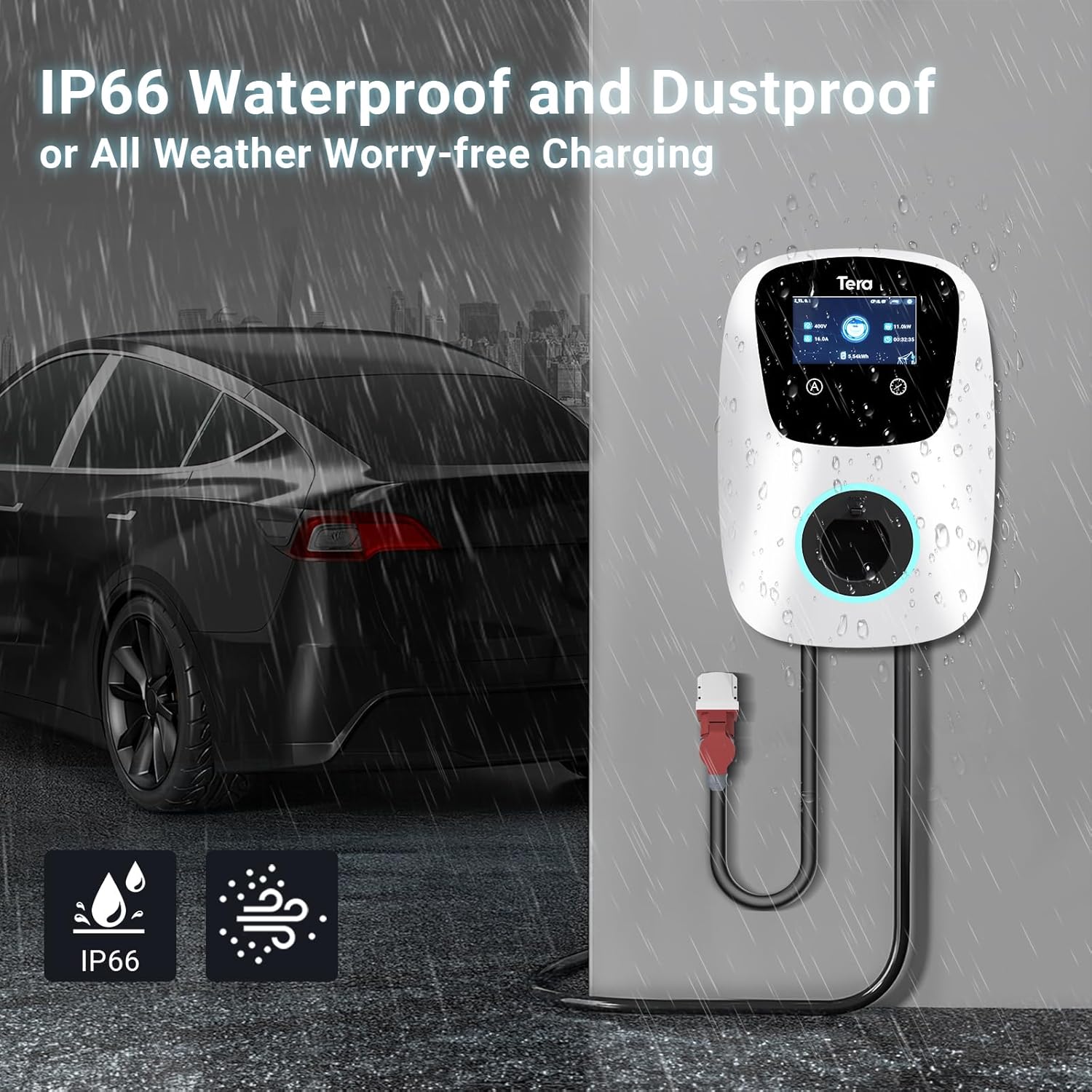
Thiết bị có một Xếp hạng chống nước IP54, allowing safe outdoor use in various weather conditions. It is designed to withstand temperatures from -30°C to 50°C.

3. Thông số kỹ thuật
| Tính năng | Đặc điểm kỹ thuật |
|---|---|
| Thương hiệu | Têrêa |
| Tên mẫu | W01-AM-WH-11kW |
| Đầu ra Voltage | 400 vôn |
| Đầu vào Voltage | 400 vôn |
| Dòng điện định mức | 16 Amplà |
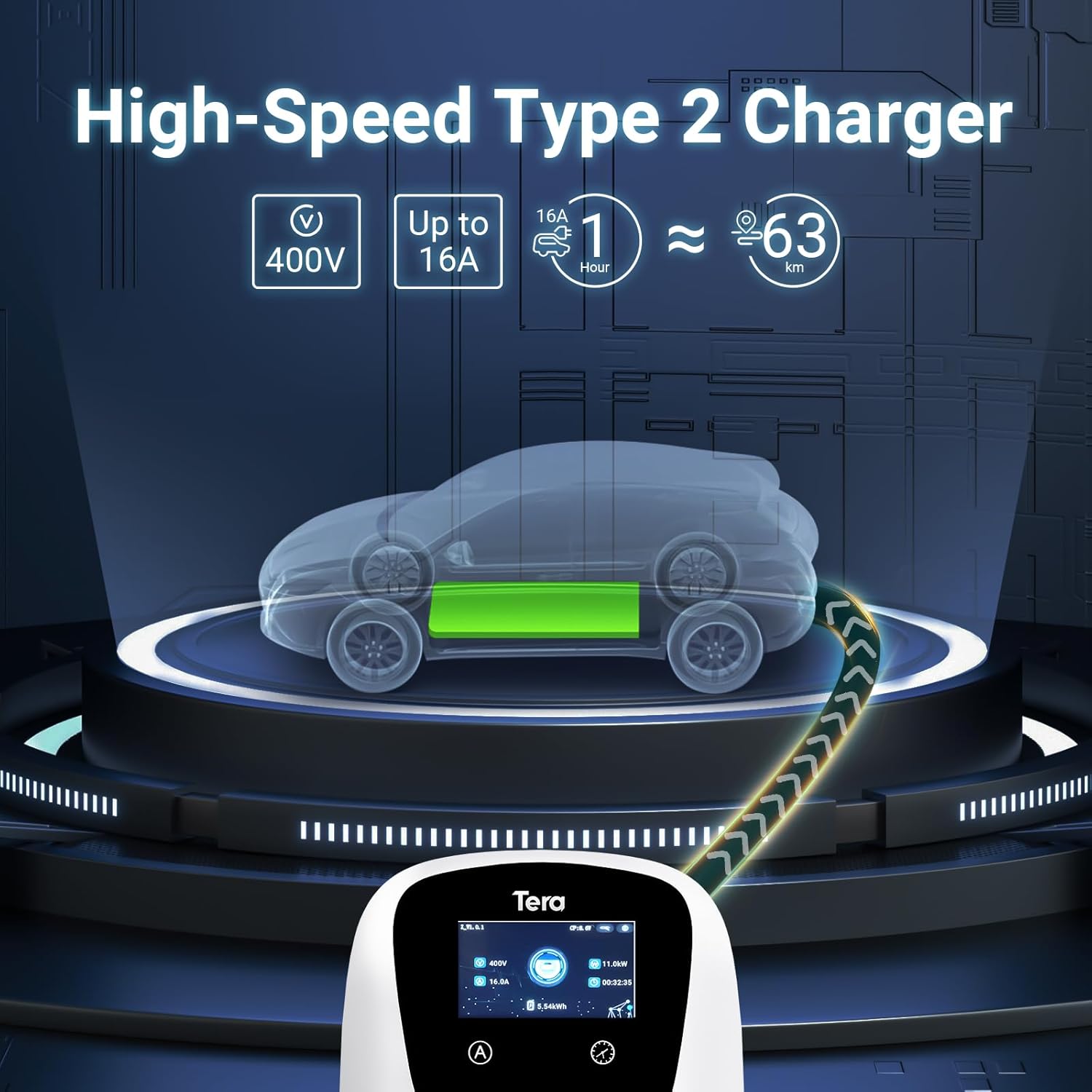
| Công suất tối đa | 11kW |
| Chiều dài cáp | 7 mét |
| Loại đầu nối | Type 2, CEE 3-phase plug |
| Chứng nhận | CE (N8A 104780 0028), TÜV (64105223147901), IEC 62196-2 |
| Xếp hạng chống thấm nước | IP54 |
| Nhiệt độ hoạt động | -30°C đến 50°C |
| Kích thước sản phẩm | 20 x 15 x 20cm |
| Trọng lượng sản phẩm | 15kg |
4. Cài đặt
The Tera EV Charger is designed for straightforward installation. It comes with a mounting template and a screw set to facilitate the process.
Các bước cài đặt:
- Lắp đặt: Use the provided mounting template and screw set to securely attach the charger to a suitable wall or surface. Ensure the mounting location is stable and can support the weight of the charger and cable.
- Kết nối nguồn điện: Connect the CEE 3-phase plug to a compatible power source. Ensure the electrical installation meets local regulations and safety standards. Professional installation by a qualified electrician is recommended.
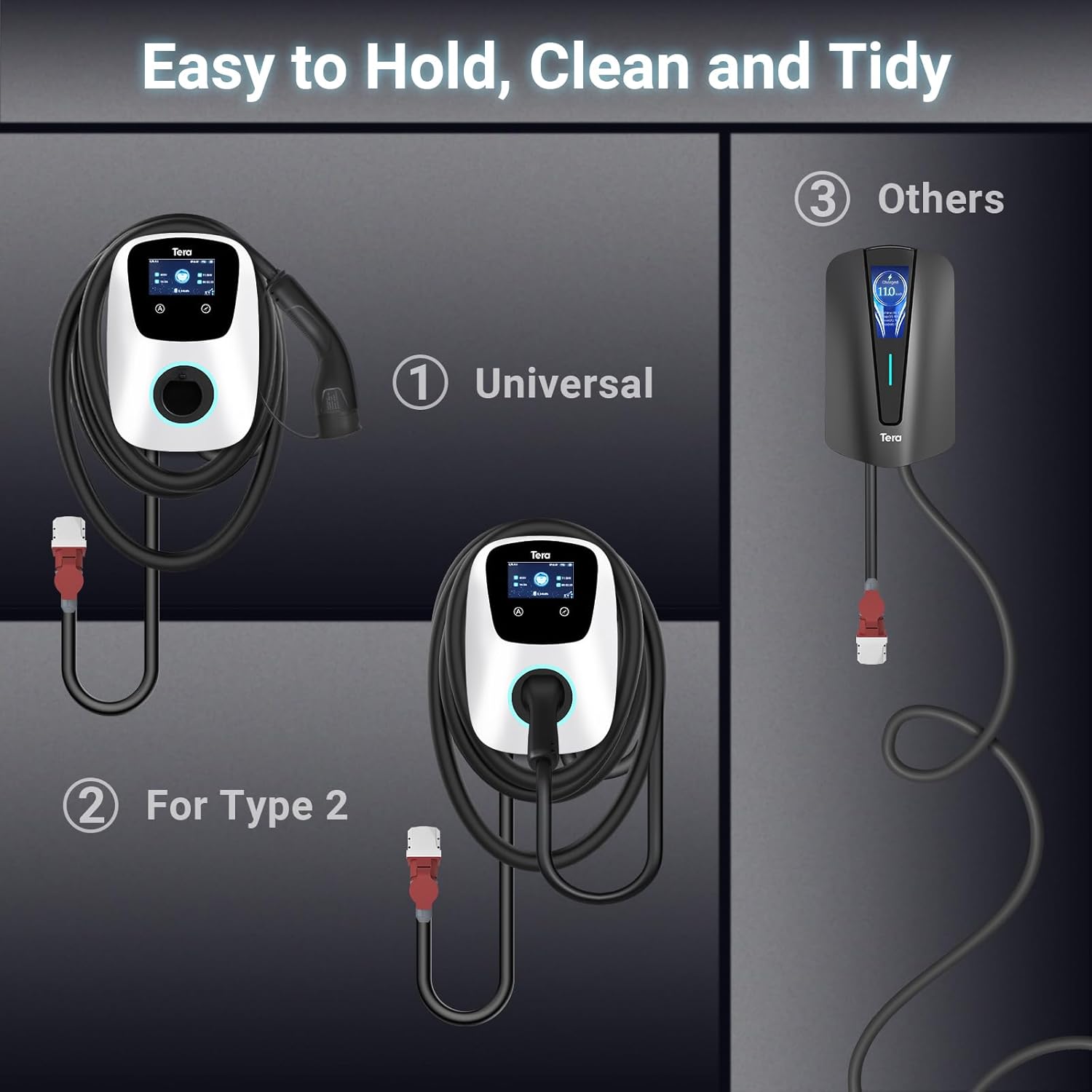
- Quản lý cáp: Utilize the additional cable holder to store the 7-meter charging cable neatly, saving space and maintaining a tidy charging area.

5. Hoạt động
The Tera EV Charger offers both manual and app-controlled charging options for convenience.
Bắt đầu sạc:
- Ensure the charger is properly installed and connected to the power supply.
- Plug the Type 2 charging cable into your electric vehicle's charging port.
- Charging will commence automatically or can be initiated via the app.
Chế độ sạc:
- Sạc thủ công: Directly set charging parameters on the EV charger's interface.
- App-Scheduled Charging: Use the dedicated mobile application (via Wi-Fi and Bluetooth) to schedule charging sessions, adjust charging power, and monitor progress. This provides flexibility to plan charging according to your needs.
The charging power can be adjusted to prevent overcharging and protect your vehicle's battery.
Đèn báo LED:
Integrated LED indicators provide clear visual feedback on the charging progress and any potential errors, ensuring you are always aware of the operational status.

6. Bảo trì
Regular maintenance ensures the longevity and optimal performance of your Tera EV Charger.
- Vệ sinh: Thường xuyên lau sạch bề ngoài của bộ sạc bằng một miếng vải mềm.amp vải. Không sử dụng chất tẩy rửa có tính mài mòn hoặc dung môi.
- Kiểm tra cáp: Regularly inspect the charging cable and connectors for any signs of wear, damage, or corrosion. If any damage is found, discontinue use and contact support.
- Kho: When not in use, ensure the charging cable is neatly coiled and stored using the provided cable holder to prevent kinks or damage.
KHAI THÁC. Xử lý sự cố
If you encounter issues with your Tera EV Charger, consider the following basic troubleshooting steps:
- Không có điện: Check the main power supply and ensure the CEE 3-phase plug is securely connected. Verify that the circuit breaker is not tripped.
- Sạc không bắt đầu: Ensure the Type 2 plug is fully inserted into your vehicle's charging port. Check the charger's LED indicators for any error codes.
- Sự cố kết nối ứng dụng: Ensure your Wi-Fi and Bluetooth are enabled on your mobile device and that the charger is within range. Restart the app and, if necessary, the charger.
- Sạc chậm: Verify the current setting on the charger or in the app. Ensure your vehicle is capable of accepting the full 11 kW charge.
For persistent issues or complex problems, please refer to the support section.
8. Thông tin bảo hành
Specific warranty details are typically provided with your purchase documentation. Please refer to the warranty card or contact your retailer for information regarding the warranty period and terms of service for your Tera EV Charger.
9. Hỗ trợ khách hàng
Should you require further assistance, have questions regarding installation, operation, or troubleshooting, please contact Tera customer support. Contact information can typically be found on the product packaging or the official Tera webđịa điểm.
Note: The product includes a user manual in German and English.


