1. Giới thiệu
Thank you for choosing the iTOMA White Noise Machine 318. This device is designed to create a relaxing and comfortable environment conducive to sleep, relaxation, focus, and meditation. It offers a variety of soothing sounds, a convenient sleep timer, adjustable volume, and Bluetooth connectivity for personalized audio playback.

Hình 1: Mặt trước view of the iTOMA White Noise Machine 318.
2. Tính năng sản phẩm
- Thiết kế nhỏ gọn và thân thiện với người dùng: Engineered for ease of use and portability, suitable for various settings.
- 30 Soothing Sound Options: Includes 10 white noises, 10 fan sounds, and 10 nature sounds (Rain, Sea waves, Brook, Bird, etc.) to cater to diverse preferences.
- Mức âm lượng có thể điều chỉnh: Offers a wide range of volume settings, from very low to adequately high, to effectively mask disturbing noises.
- Auto-Off Sleep Timer: Features 4 timer settings (15, 30, 60, or 90 minutes) for automatic shutdown, ideal for naps or bedtime routines. Continuous play option is also available.
- Kết nối Bluetooth: Built-in Bluetooth speaker allows connection to smartphones or tablets for playing personal music or audio during relaxation, yoga, or meditation.
3. Nội dung gói hàng
- 1 × iTOMA White Noise Machine 318
- 1 × Bộ đổi nguồn
- 1 × Hướng dẫn sử dụng (tài liệu này)
4. Sản phẩm hếtview
The iTOMA White Noise Machine 318 features an intuitive design with easily accessible controls. The main unit is compact and spherical, with a speaker grille on the front and control knobs on the side.

Figure 2: The mechanical knob design for volume and sound selection.
Kiểm soát:
- Núm âm lượng: Located on the side, this knob allows you to adjust the sound output level.
- Sound Selection Knob: Also on the side, this knob is used to cycle through the different sound categories (White Noises, Fan Sounds, Nature Sounds) and individual sounds within each category.
- Nút hẹn giờ: A dedicated button to set the auto-off timer.
- Nút Bluetooth: Kích hoạt chế độ ghép nối Bluetooth.
5. Thiết lập
- Unpack the iTOMA White Noise Machine 318 and its accessories from the packaging.
- Đặt thiết bị trên bề mặt phẳng, ổn định.
- Connect the provided power adapter to the DC IN port on the back of the unit.
- Plug the power adapter into a standard electrical outlet. The device is now ready for use.
6. Hướng dẫn vận hành
6.1 Bật/Tắt nguồn
To power on the device, rotate the main knob on the side. Rotate it again to power off.
6.2 Lựa chọn âm thanh
Rotate the sound selection knob to cycle through the 30 available sounds. Sounds are categorized into White Noises, Fan Sounds, and Nature Sounds.
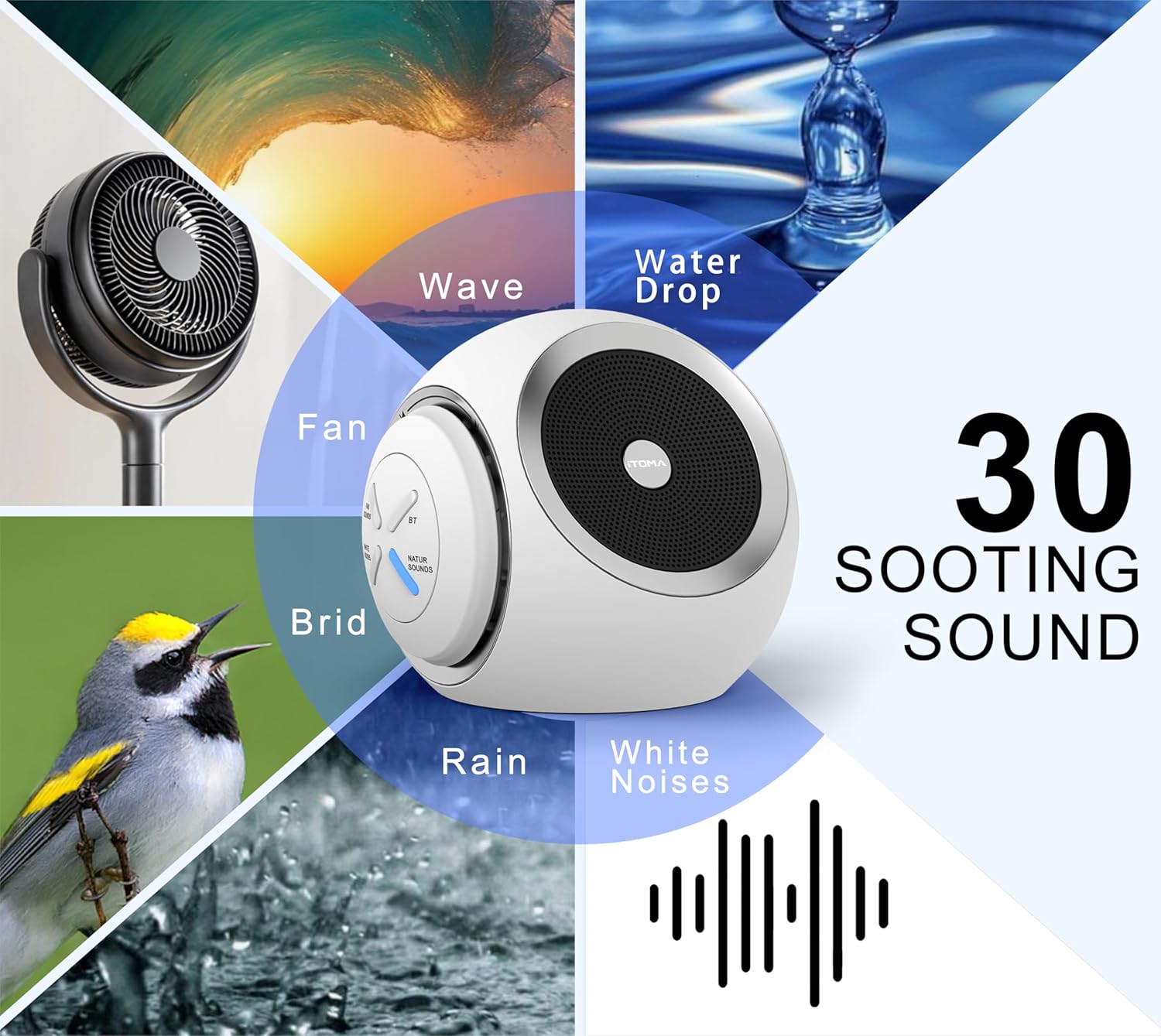
Figure 3: Visual representation of the 30 available soothing sounds.
6.3 Điều chỉnh âm lượng
Use the volume knob to increase or decrease the sound output. The device offers 16 distinct volume levels.
6.4 Hẹn giờ ngủ
Press the Timer button to activate the auto-off function. Each press cycles through the available timer settings: 15 minutes, 30 minutes, 60 minutes, 90 minutes, or continuous play. An indicator light will confirm the selected timer duration.

Figure 4: Sleep timer options for the device.
6.5 Ghép nối Bluetooth
Để sử dụng thiết bị như một loa Bluetooth:
- Press the Bluetooth button on the device. The Bluetooth indicator light will flash, indicating pairing mode.
- Trên điện thoại thông minh hoặc máy tính bảng của bạn, hãy bật Bluetooth và tìm kiếm các thiết bị có sẵn.
- Select "iTOMA 318" from the list of devices to pair.
- Once paired, the Bluetooth indicator light will remain solid, and you can play audio through the device.
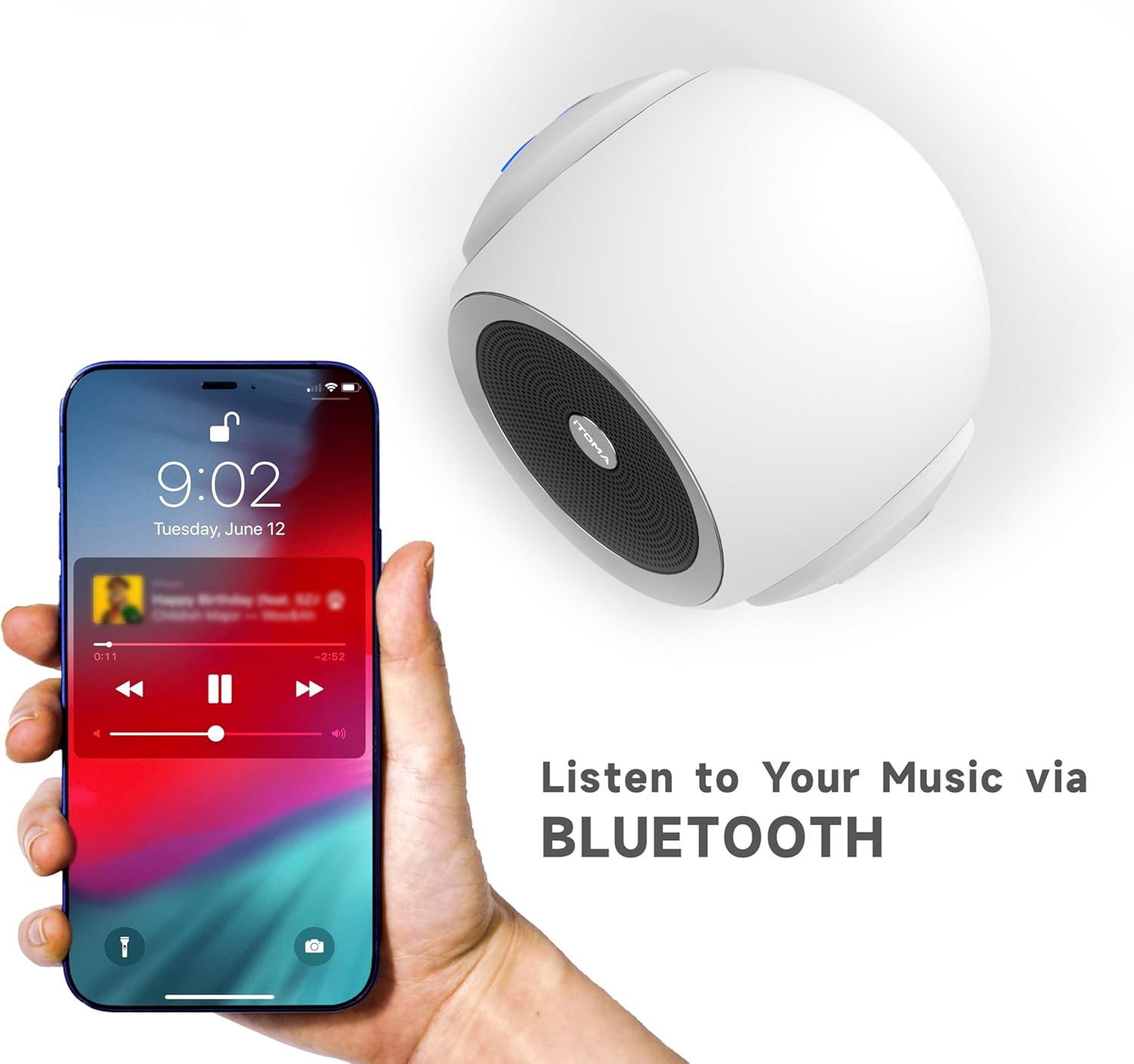
Figure 5: Bluetooth connectivity for playing personal audio.
6.6 Video Sản phẩm
Video 1: An official product video demonstrating the iTOMA White Noise Machine 318's features and operation.
7. Bảo trì
- Vệ sinh: Lau thiết bị bằng vải mềm, khô. Không sử dụng chất tẩy rửa dạng lỏng hoặc vật liệu mài mòn.
- Kho: Bảo quản thiết bị ở nơi khô ráo, thoáng mát khi không sử dụng.
- Tránh nước: Giữ thiết bị tránh xa nước và hơi ẩm.
KHAI THÁC. Xử lý sự cố
| Vấn đề | Nguyên nhân có thể | Giải pháp |
|---|---|---|
| Thiết bị không bật nguồn | Không được kết nối đúng cách với nguồn điện. | Ensure the power adapter is securely plugged into the device and a working electrical outlet. |
| Không có âm thanh phát ra | Âm lượng quá thấp hoặc bị tắt tiếng. | Tăng âm lượng bằng núm điều chỉnh âm lượng. |
| Bluetooth không kết nối | Device is not in pairing mode or out of range. | Press the Bluetooth button to enter pairing mode. Ensure your smartphone/tablet is within range (approx. 10 meters) and Bluetooth is enabled. |
| Sound quality is poor via Bluetooth | Interference or distance from paired device. | Move the paired device closer to the white noise machine. Avoid obstacles between devices. |
9. Thông số kỹ thuật
- Tên mẫu: 318
- Thương hiệu: iTOMA
- Kích thước sản phẩm: 6.2 x 2.3 x 3.5 inch
- Trọng lượng sản phẩm: 1.37 Bảng Anh
- Vật liệu: Acrylonitrile Butadiene Styrene (ABS), Nhựa
- Nguồn điện: Điện có dây
- Tùy chọn âm thanh: 30 (10 White Noises, 10 Fan Sounds, 10 Nature Sounds)
- Mức âm lượng: 16
- Hẹn giờ ngủ: 15, 30, 60, 90 minutes, or Continuous Play
- Kết nối: Bluetooth

Figure 6: Product dimensions of the iTOMA White Noise Machine 318.
10. Thông tin an toàn quan trọng
Các tuyên bố liên quan đến thực phẩm bổ sung chưa được FDA đánh giá và không nhằm mục đích chẩn đoán, điều trị, chữa khỏi hoặc ngăn ngừa bất kỳ bệnh tật hoặc tình trạng sức khỏe nào.
Always ensure the device is used in a safe environment and according to the instructions provided. Keep out of reach of children and pets. Do not disassemble or attempt to repair the device yourself.
11. Bảo hành và Hỗ trợ
For warranty information or technical support, please refer to the contact details provided with your purchase or visit the official iTOMA webtrang web. Giữ lại biên lai mua hàng làm bằng chứng mua hàng.


