Giới thiệu
The Alienware AW920K Tri-Mode Wireless Gaming Keyboard is designed to elevate your gaming and productivity performance with versatile connectivity options, customizable controls, and vibrant AlienFX per-key RGB lighting. This manual provides essential information for setting up, operating, and maintaining your keyboard.

Figure 1: Alienware AW920K Tri-Mode Wireless Gaming Keyboard with USB dongle and cable.
Có gì trong hộp
- Alienware AW920K Tri-Mode Wireless Gaming Keyboard
- USB Cable (detachable paracord)
- Tài liệu (sách hướng dẫn sử dụng này)
Cài đặt
Tùy chọn kết nối
The Alienware AW920K keyboard offers three modes of connectivity:
Kết nối không dây 2.4GHz
For responsive wireless gaming performance on your PC, use the included 2.4GHz wireless USB-C dongle. For optimal reception, deploy the convenient dongle extender to position the receiver closer to the keyboard.
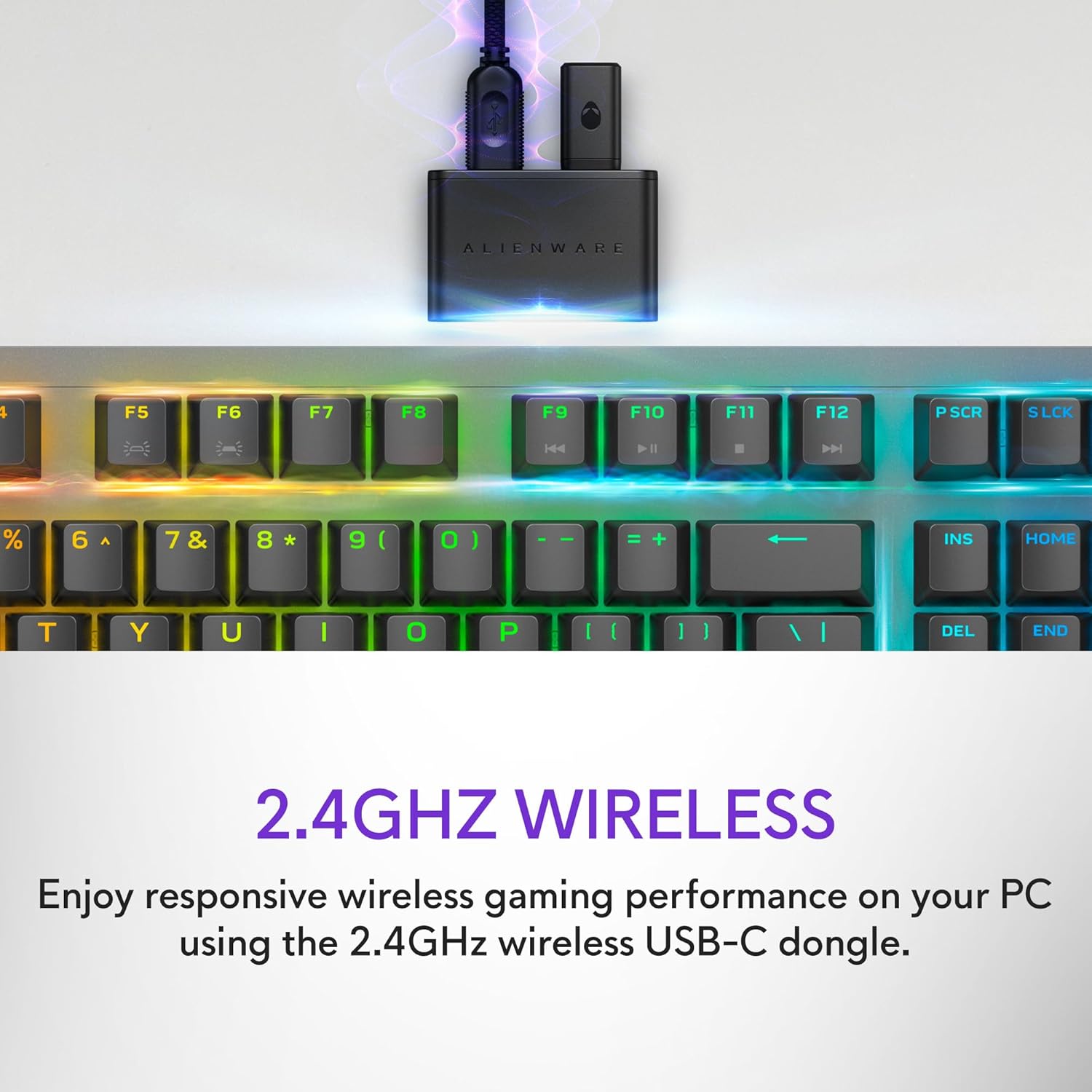
Figure 2: The 2.4GHz wireless USB-C dongle for PC connection.
Kết nối Bluetooth 5.1
Connect up to three different compatible devices via Bluetooth 5.1. Use the selection button located on the back of the keyboard to choose the active paired device or switch to the 2.4GHz connection.

Figure 3: Connectivity toggle switch on the back of the keyboard.
Kết nối USB có dây
For a direct and reliable connection, plug in and play on your PC using the detachable USB paracord cable.

Figure 4: Connecting the keyboard via the detachable USB cable.
Sạc
The keyboard features magnetic snap-on charging for convenience. Easily connect and disconnect the charging cable to keep your keyboard powered without interrupting your game or compromising performance.

Figure 5: Magnetic snap-on charging port.
The keyboard offers robust battery life: up to 42 hours with 50% RGB lighting brightness on 2.4GHz dongle connection, or up to 46 hours on Bluetooth connection with 50% RGB lighting brightness.
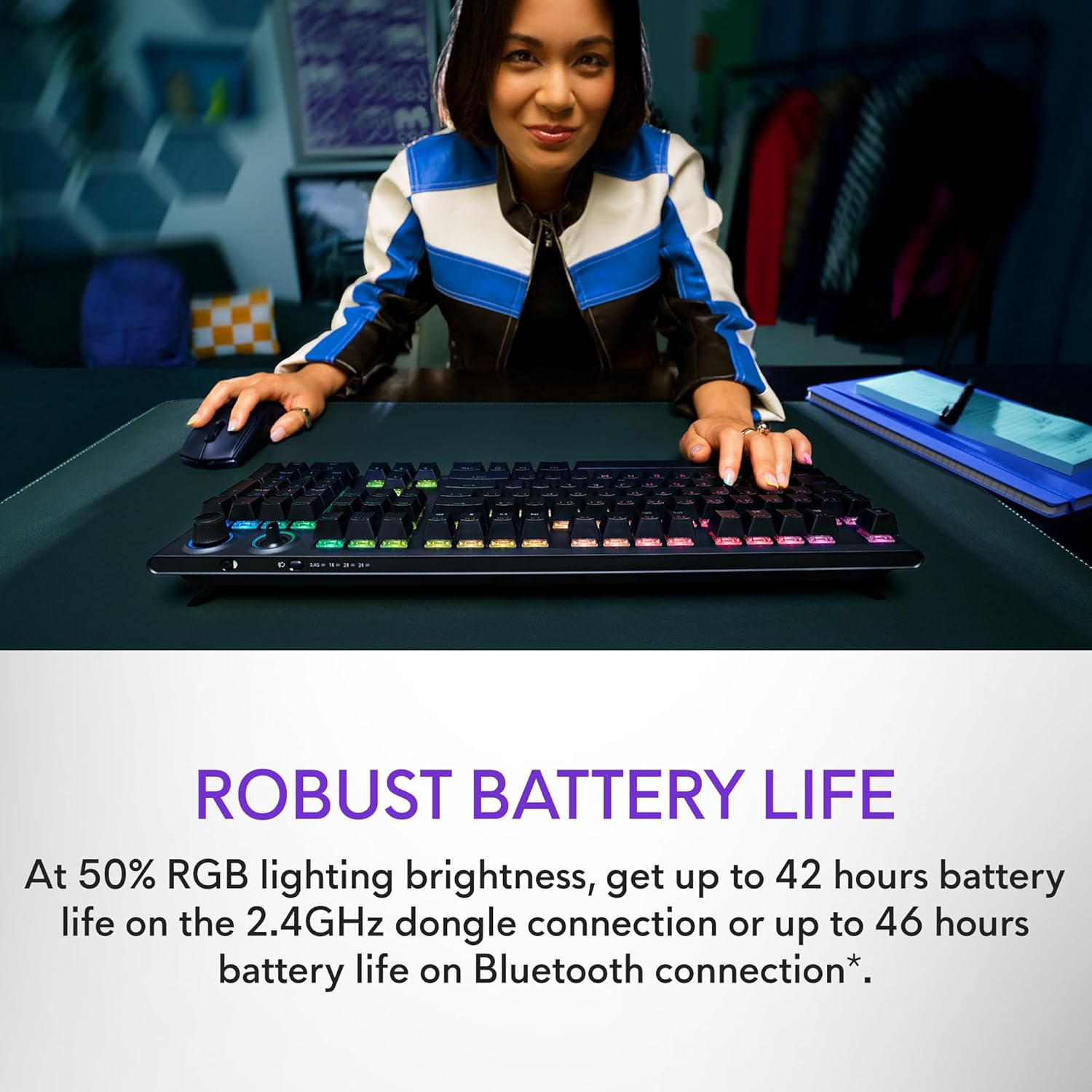
Figure 6: Illustration of the keyboard's extended battery life.
Hướng dẫn sử dụng
Key Switches and Performance
The AW920K features CHERRY MX Red switches, known for their consistent high performance, 100 million actuation lifecycle, responsive feel, and smooth linear operation, making them ideal for gaming.

Hình 7: Cận cảnh view of the CHERRY MX Red switches.
Double-shot PBT keycaps provide reliable durability and exceptional wear resistance. The key legends are molded into the cap, not painted, ensuring dependable fade resistance.
Điều khiển có thể tùy chỉnh
The programmable rocker switch and dial allow you to customize your experience. Map compatible Windows productivity controls via Alienware Command Center on your PC. This includes media controls and system volume, accessible directly from your fingertips.

Figure 8: The programmable rocker switch and dial for custom functions.
Đèn RGB AlienFX
AlienFX per-key RGB lighting is configurable with Alienware Command Center, delivering an immersive gaming experience with up to 16.8 million colors. Utilize the Alienware Command Center on PC to create themes and customize the keyboard for a more personal gaming experience.

Figure 9: Keyboard displaying AlienFX RGB lighting effects.
Tính năng chơi game
The keyboard supports full anti-ghosting and N-key rollover, ensuring that all keystrokes register correctly and the keyboard remains responsive during intense gaming sessions and rapid typing.
BẢO TRÌ
To ensure the longevity and optimal performance of your Alienware AW920K keyboard, follow these maintenance guidelines:
- Vệ sinh: Sử dụng một miếng vải mềm, không xơ vải lau nhẹampDùng nước hoặc dung dịch tẩy rửa nhẹ để lau sạch các phím và khung máy. Tránh sử dụng hóa chất mạnh hoặc vật liệu mài mòn.
- Loại bỏ bụi: Sử dụng khí nén để loại bỏ bụi và mảnh vụn giữa các phím.
- Kho: Khi không sử dụng trong thời gian dài, hãy bảo quản bàn phím ở nơi khô ráo, thoáng mát, tránh ánh nắng trực tiếp và nhiệt độ quá cao hoặc quá thấp.
- Chăm sóc cáp: Handle the detachable USB cable with care. Avoid sharp bends or excessive pulling to prevent damage.
Xử lý sự cố
Nếu bạn gặp sự cố với bàn phím của Alienware AW920K, hãy tham khảo các bước khắc phục sự cố thường gặp sau đây:
| Vấn đề | Nguyên nhân có thể / Giải pháp |
|---|---|
| Bàn phím không phản hồi (không dây) |
|
| Ánh sáng RGB không hoạt động |
|
| Các phím không được nhận diện hoặc bị lỗi ảo. |
|
| Programmable features not working |
|
Thông số kỹ thuật
| Tính năng | Chi tiết |
|---|---|
| Số hiệu mẫu | AW920K |
| Kết nối | Không dây 2.4 GHz, Bluetooth 5.1, USB-C có dây |
| Công tắc chính | CHERRY MX Red |
| Mũ chìa khóa | PBT bắn hai lần |
| Chiếu sáng | AlienFX per-key RGB |
| Battery Life (2.4GHz, 50% RGB) | Lên đến 42 giờ |
| Battery Life (Bluetooth, 50% RGB) | Lên đến 46 giờ |
| Chống bóng mờ | Chống bóng mờ hoàn toàn |
| N-Key Rollover | Được hỗ trợ |
| Kích thước (DxRxC) | 17.76 x 5.82 x 2.28 inch (45.1 x 14.8 x 5.8 cm) |
| Cân nặng | 2.35 pound (1.06 kg) |
| Thiết bị tương thích | Máy tính xách tay, máy tính để bàn, điện thoại thông minh, máy tính bảng |

Figure 10: Keyboard dimensions (Length, Width, Height).
Bảo hành và Hỗ trợ
Alienware products are backed by a manufacturer's warranty. For detailed warranty information, technical support, or service inquiries, please visit the official Alienware support webtrang web hoặc liên hệ với bộ phận chăm sóc khách hàng của họ. Giữ lại hóa đơn mua hàng để yêu cầu bảo hành.
For software updates and advanced customization, download the Alienware Command Center from the official Alienware support page.
You can visit the official Alienware store for more products and support: Alienware Store


