Giới thiệu
This manual provides essential information for setting up, operating, maintaining, and troubleshooting your HP 15 Laptop Computer. Please read this guide thoroughly to ensure optimal performance and longevity of your device. This laptop is equipped with an AMD Ryzen 3 processor, 16GB RAM, and a 512GB SSD, running on Windows 11 Home.

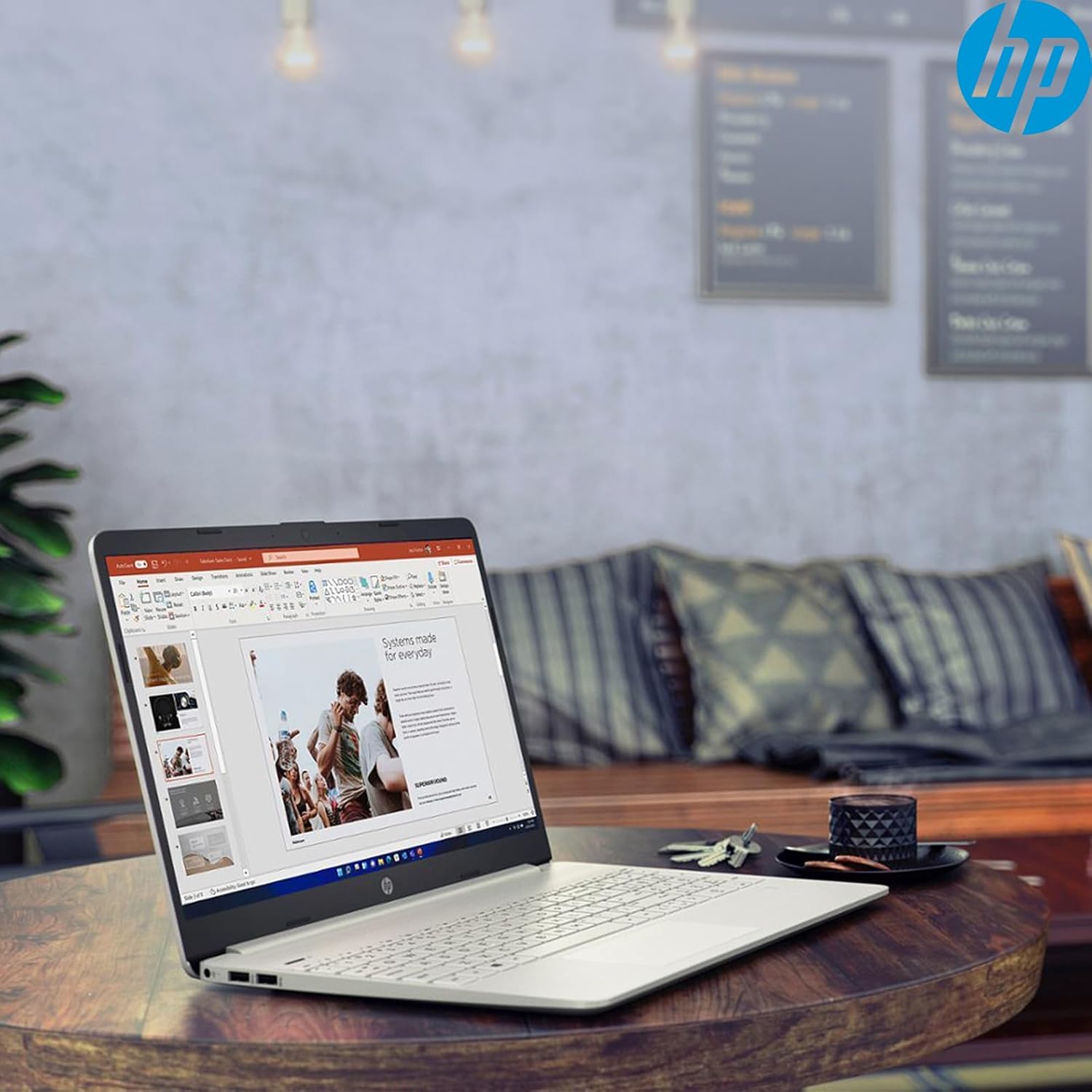
Image: The HP 15 Laptop Computer open, displaying the Windows 11 Home operating system, AMD Ryzen 3 processor, and AMD Radeon Graphics on its screen. An HP earphone case is visible on the palm rest, and the Microsoft Office logo is present on the bottom right.
1. Thiết lập
1.1 Mở hộp và kiểm tra ban đầu
Carefully remove all components from the packaging. Verify that all items listed in the 'What's in the Box' section are present. Inspect the laptop for any visible damage.
- Máy tính xách tay HP 15 inch
- Bộ đổi nguồn
- HP Earphone
- Chuột không dây
1.2 Kết nối bộ đổi nguồn
Connect the power adapter to the laptop's power jack and then plug it into a wall outlet. It is recommended to fully charge the battery before initial use.
1.3 Khởi động ban đầu và cài đặt Windows 11
Press the power button to turn on the laptop. Follow the on-screen instructions to complete the Windows 11 Home setup process. This includes selecting your region, connecting to a Wi-Fi network, and creating a user account.
2. Operating Your HP 15 Laptop
2.1 Chức năng cơ bản
- Nút nguồn: Located on the top right of the keyboard deck. Press to turn on/off, or put the laptop to sleep.
- Bàn phím: Features a full-size keyboard with a 10-key numeric keypad for efficient data entry.
- Bàn di chuột: Supports multi-touch gestures for navigation.
Hình ảnh: Cận cảnh view of the HP 15 laptop's keyboard, clearly showing the integrated 10-key numeric keypad on the right side and the central touchpad below the spacebar.
2.2 Cổng và kết nối
Your HP 15 laptop is equipped with various ports for connectivity:
- USB-C (5Gbps signaling rate): Đối với truyền dữ liệu.
- USB-A (x2): Các cổng USB tiêu chuẩn dành cho thiết bị ngoại vi.
- HDMI1.4b: Để kết nối với màn hình ngoài.
- Đầu đọc thẻ SD: Dùng để đọc thẻ nhớ.
- Jack cắm tai nghe: Dùng để kết nối tai nghe hoặc bộ tai nghe.

Image: This image provides a detailed side view of the HP 15 laptop, illustrating the locations of its various connectivity ports including the power jack, two USB-A ports, an HDMI 1.4b port, an SD card reader, a headset jack, and a SuperSpeed USB Type-C port.
2.3 Webcamera và âm thanh
The laptop features an HP True Vision 720p HD camera with dual array digital microphones for video calls. Audio is delivered through B&O-tuned stereo speakers.
2.4 Quản lý pin
The laptop offers up to 9.75 hours of battery life. HP Fast Charge technology allows for a 50% charge in approximately 45 minutes when the laptop is powered off or in sleep mode.
3. Bảo trì
3.1 Vệ sinh máy tính xách tay của bạn
Sử dụng một miếng vải mềm, không xơ vải lau nhẹampened with water or a specialized screen cleaner to clean the display. For the keyboard and chassis, use a soft, dry cloth. Avoid harsh chemicals.
3.2 Cập nhật phần mềm
Regularly check for and install Windows updates and HP driver updates to ensure optimal performance and security. Access Windows updates via Settings > Windows Update.
3.3 Quản lý lưu trữ
Định kỳ review và xóa những thứ không cần thiết files to maintain sufficient free space on your 512GB SSD. Utilize cloud storage or external drives for large files.
KHAI THÁC. Xử lý sự cố
4.1 Các vấn đề về nguồn điện
- Máy tính xách tay không bật nguồn: Đảm bảo bộ đổi nguồn được kết nối chắc chắn và ổ cắm hoạt động bình thường. Hãy thử ổ cắm khác.
- Pin không sạc: Verify the power adapter connection. Check for any damage to the adapter or charging port.
4.2 Vấn đề hiển thị
- Màn hình trống: Connect an external monitor to check if the laptop is outputting video. If it displays, the laptop screen may be faulty.
- Màn hình mờ: Adjust brightness settings using the function keys (Fn + F2/F3 typically).
4.3 Các vấn đề về hiệu suất
- Hoạt động chậm: Close unnecessary applications. Check Task Manager for high resource usage. Ensure sufficient free storage space.
- Quá nhiệt: Ensure ventilation vents are clear. Use the laptop on a hard, flat surface.
4.4 Các vấn đề kết nối
- Wi-Fi không kết nối: Restart your router and laptop. Check Wi-Fi settings in Windows.
- Thiết bị Bluetooth không ghép nối được: Ensure the device is in pairing mode and within range. Check Bluetooth settings.
5. Thông số kỹ thuật
| Tính năng | Chi tiết |
|---|---|
| Người mẫu | Máy in HP 15 |
| Hệ điều hành | Windows 11 Trang chủ |
| Bộ xử lý | AMD Ryzen 3 (up to 3.8GHz, 4 cores, 8 threads) |
| Đồ họa | Đồ họa AMD Radeon (Tích hợp) |
| ĐẬP | 16GB DDR4 |
| Kho | Ổ SSD PCIe NVMe M.2 512 GB |
| Trưng bày | 15.6" HD (1366 x 768), micro-edge, anti-glare, 250 nits, 45% NTSC |
| Kết nối không dây | Realtek Wi-Fi 5, Bluetooth 5 |
| Cổng | 1x USB-C (5Gbps), 2x USB-A, 1x HDMI 1.4b, 1x SD Card Reader, 1x Headset Jack |
| Webcam | Camera HD HP True Vision 720p |
| Âm thanh | Dual B&O-tuned stereo speakers |
| Tuổi thọ pin | Up to 9.75 hours (HP Fast Charge: 50% in 45 mins) |
| Kích thước (DxRxC) | 14.11 x 9.53 x 0.78 inch |
| Cân nặng | 3.75 pound |
6. Bảo hành và Hỗ trợ
6.1 Bảo hành sản phẩm
Your HP 15 Laptop Computer comes with a standard manufacturer's warranty. Please refer to the warranty card included with your product or visit the official HP support webtrang web để biết các điều khoản và điều kiện chi tiết.
6.2 Hỗ trợ kỹ thuật
For technical assistance, driver downloads, or further information, please visit the official HP Support website or contact HP customer service. Have your product model and serial number ready when contacting support.
Hỗ trợ HP Webđịa điểm: support.hp.com