1. Giới thiệu
The BuzzTV B5 is an advanced Android 11 TV Box designed to deliver a superior 4K UHD streaming experience. This device allows you to access a wide range of entertainment, including movies, TV shows, and applications, directly on your television. This manual provides essential information for the proper setup, operation, maintenance, and troubleshooting of your BuzzTV B5.
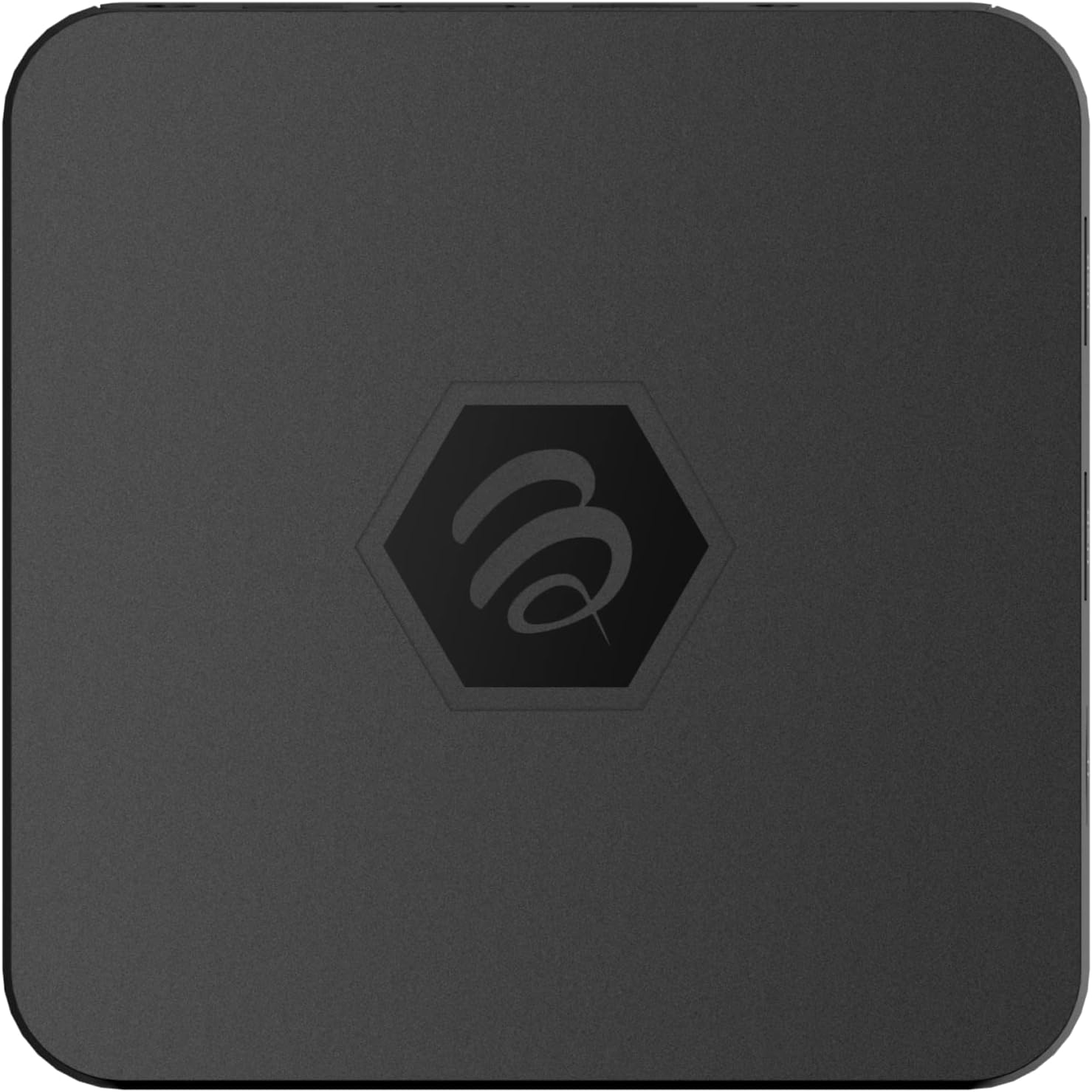
Hình ảnh 1.1: Trên cùng view of the BuzzTV B5 Android 11 TV Box.
2. Nội dung gói hàng
Please verify that all items listed below are included in your BuzzTV B5 package:
- BuzzTV B5 Set Top Box
- IR-100 Remote Control
- Bộ cấp nguồn
- Sử dụng 2 pin AAA (cho điều khiển từ xa)
- Cáp HDMI
- Hướng dẫn sử dụng (tài liệu này)

Image 2.1: Contents included in the BuzzTV B5 retail package.
3. Hướng dẫn cài đặt
Follow these steps to set up your BuzzTV B5 TV Box:
- Kết nối với TV: Connect one end of the provided HDMI cable to the HDMI port on the BuzzTV B5 and the other end to an available HDMI input on your television.
- Kết nối nguồn: Plug the power supply adapter into the DC 5V port on the BuzzTV B5, then plug the adapter into a wall outlet. The device should power on automatically or can be powered on using the remote control.
- Lắp pin vào điều khiển từ xa: Open the battery compartment on the back of the IR-100 Remote Control and insert the two AAA batteries, ensuring correct polarity (+/-).
- Kết nối mạng: Once the device boots up, follow the on-screen instructions to connect to your network. You can choose between Wi-Fi (wireless) or Ethernet (wired) connection. For a wired connection, connect an Ethernet cable from your router to the Ethernet port on the BuzzTV B5.
- Thiết lập ban đầu: Complete the initial Android setup process, which may include language selection, Google account login, and time zone settings.

Image 3.1: Rear ports of the BuzzTV B5 for connectivity.
4. Hướng dẫn vận hành
The BuzzTV B5 operates on Android 11, providing a user-friendly interface for navigation and content access.
4.1 Chức năng điều khiển từ xa
The IR-100 Remote Control is your primary interface for the BuzzTV B5. Key functions include:
- Nút nguồn: Bật hoặc tắt thiết bị.
- Phím điều hướng (Lên/Xuống/Trái/Phải/OK): Được sử dụng để điều hướng menu và chọn mục.
- Nút Quay lại: Quay lại màn hình hoặc menu trước đó.
- Nút Home: Trở lại màn hình chính của Android.
- Nút âm lượng: Điều chỉnh âm lượng.
- App/Menu Buttons: Accesses specific applications or context menus.

Image 4.1: Layout of the IR-100 Remote Control.
4.2 Truy cập ứng dụng
From the home screen, you can access pre-installed applications like Netflix and YouTube, or download new applications from the Google Play Store. Use the navigation pad on your remote to select and launch applications.
4.3 4K UHD Streaming
The BuzzTV B5 supports 4K UHD resolution. Ensure your television is 4K compatible and that you are using a high-speed HDMI cable for optimal picture quality. Streaming quality will also depend on your internet connection speed and the content source.
5. Bảo trì
To ensure the longevity and optimal performance of your BuzzTV B5, consider the following maintenance tips:
- Vệ sinh: Hãy dùng khăn mềm, khô để lau sạch bên ngoài thiết bị. Tránh sử dụng chất tẩy rửa dạng lỏng hoặc vật liệu có tính mài mòn.
- Thông gió: Hãy đảm bảo đặt thiết bị ở nơi thông thoáng để tránh quá nhiệt. Không che các lỗ thông gió.
- Cập nhật phần mềm: Periodically check for and install system updates to benefit from new features, performance improvements, and security patches. These can usually be found in the device's settings menu.
- Chu kỳ nguồn điện: Nếu thiết bị không phản hồi, hãy rút bộ chuyển đổi nguồn, đợi 10 giây, rồi cắm lại để khởi động lại thiết bị.
KHAI THÁC. Xử lý sự cố
If you encounter issues with your BuzzTV B5, refer to the following common problems and solutions:
| Vấn đề | Nguyên nhân có thể | Giải pháp |
|---|---|---|
| Không có điện | Bộ chuyển đổi nguồn không được kết nối; ổ cắm không hoạt động. | Hãy đảm bảo bộ chuyển đổi nguồn được kết nối chắc chắn với thiết bị và ổ cắm điện hoạt động tốt. Thử cắm vào một ổ cắm khác. |
| Không có tín hiệu trên TV | Incorrect HDMI input selected; faulty HDMI cable. | Select the correct HDMI input on your TV. Check HDMI cable connections or try a different HDMI cable. |
| Điều khiển từ xa không phản hồi | Dead batteries; remote not paired (if applicable); obstruction. | Replace AAA batteries. Ensure no obstructions between remote and device. |
| Sự cố kết nối mạng | Mật khẩu Wi-Fi không chính xác; sự cố bộ định tuyến; tín hiệu yếu. | Verify Wi-Fi password. Restart your router. Move the device closer to the router or use an Ethernet cable. |
| Applications Crashing/Freezing | Insufficient memory; outdated app; software glitch. | Close background apps. Update the app or the device's firmware. Clear app cache/data in settings. |
7. Thông số kỹ thuật
Detailed technical specifications for the BuzzTV B5 Android 11 TV Box:
- Hệ điều hành: Hệ điều hành Android 11
- Bộ xử lý: Amlogic S905W2 Quad-Core A-35
- Bộ xử lý đồ họa: Mali-G31 MP2
- ĐẬP: 2GB DDR
- Kho: 16GB eMMC
- Wi-Fi: Dual Band AC
- LAN: Ethernet 10/100 Mbps
- Bluetooth: 4.2
- Cổng USB: 2xUSB 2.0
- Khe cắm thẻ nhớ MicroSD: 1
- Giao diện nguồn: Điện áp một chiều 5V
- Đầu ra HDMI: 1
- Đầu ra âm thanh quang học: 1
- Độ phân giải đầu ra: 4K (32 FPS)
- Kích thước: 9.06 x 5.63 x 2.32 inch
- Trọng lượng sản phẩm: 1.01 pound

Image 7.1: BuzzTV B5 with a summary of its technical specifications.
8. Thông tin bảo hành
For detailed warranty information regarding your BuzzTV B5, please refer to the warranty card included in your product packaging or visit the official BuzzTV webtrang web. Điều khoản và điều kiện bảo hành có thể khác nhau tùy theo khu vực và nhà bán lẻ.
9. Hỗ trợ
If you require further assistance or have questions not covered in this manual, please contact BuzzTV customer support or visit their official webtrang web dành cho các câu hỏi thường gặp, tải phần mềm và các tài nguyên bổ sung.
BuzzTV Official Webđịa điểm: www.buzztv.com


