1. Giới thiệu
Thank you for choosing the Parsonver FF2 Smartwatch. This device is designed to be a comprehensive companion for your daily life, offering advanced fitness tracking, health monitoring, and smart notifications. With its 5ATM water resistance, over 100 sports modes, and a vibrant 1.8-inch HD touchscreen, the FF2 Smartwatch helps you stay connected and active. Please read this manual carefully to understand how to operate your new smartwatch and ensure its optimal performance.
2. Có gì trong hộp
Upon opening your Parsonver FF2 Smartwatch package, you should find the following items:
- 1x FF2 Smartwatch
- 1x Cáp sạc
- 1x Hướng dẫn sử dụng
3. Hướng dẫn cài đặt
3.1 Sạc đồng hồ thông minh
Before initial use, fully charge your smartwatch. Connect the magnetic charging cable to the charging contacts on the back of the watch and plug the USB end into a standard USB power adapter (not included) or a computer's USB port. A full charge typically takes approximately 2 hours.

Image: The Parsonver FF2 Smartwatch, its magnetic charging cable, and the user manual included in the box.
3.2 Tải xuống ứng dụng đồng hành
To unlock all features and synchronize data, download the official Parsonver companion app on your smartphone. Tìm kiếm "Parsonver Fit" (or similar name as specified in the manual) in the Apple App Store for iOS devices or Google Play Store for Android devices.
3.3 Ghép nối với điện thoại thông minh của bạn
- Hãy đảm bảo đồng hồ thông minh của bạn đã được sạc đầy và bật nguồn.
- Bật Bluetooth trên điện thoại thông minh của bạn.
- Open the Parsonver Fit app and follow the on-screen instructions to create an account or log in.
- In the app, navigate to the device pairing section and select your FF2 Smartwatch from the list of available devices.
- Xác nhận yêu cầu ghép nối trên cả điện thoại thông minh và đồng hồ thông minh của bạn.

Image: A smartphone displaying the Parsonver companion application interface.
4. Hướng dẫn vận hành
4.1 Hiển thị và Tùy chỉnh
The FF2 Smartwatch features a vibrant 1.8-inch HD touchscreen with a resolution of 320x390 pixels. You can adjust the brightness to one of 5 levels for optimal visibility in various lighting conditions. Personalize your watch with over 200 captivating watch faces available through the app, or upload your own photos to create a unique look.
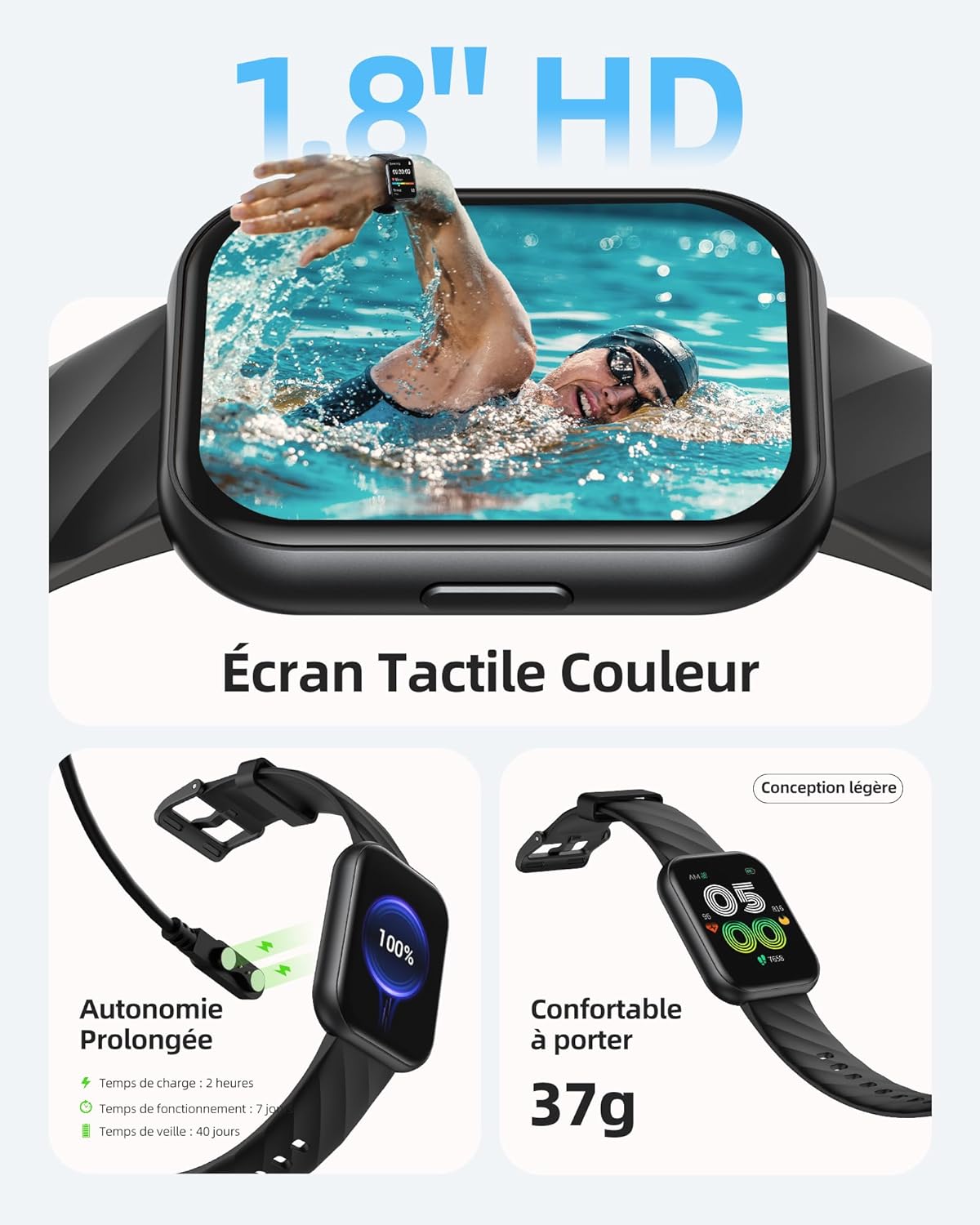
Image: The Parsonver FF2 Smartwatch showcasing a selection of its customizable watch faces.
4.2 Chế độ thể thao và theo dõi hoạt động
The smartwatch supports over 100 sports modes, including running, cycling, swimming, yoga, and more. It accurately records your activity data such as heart rate, steps, pace, calories burned, and distance. This data is synchronized with the app for detailed analysis and progress tracking.
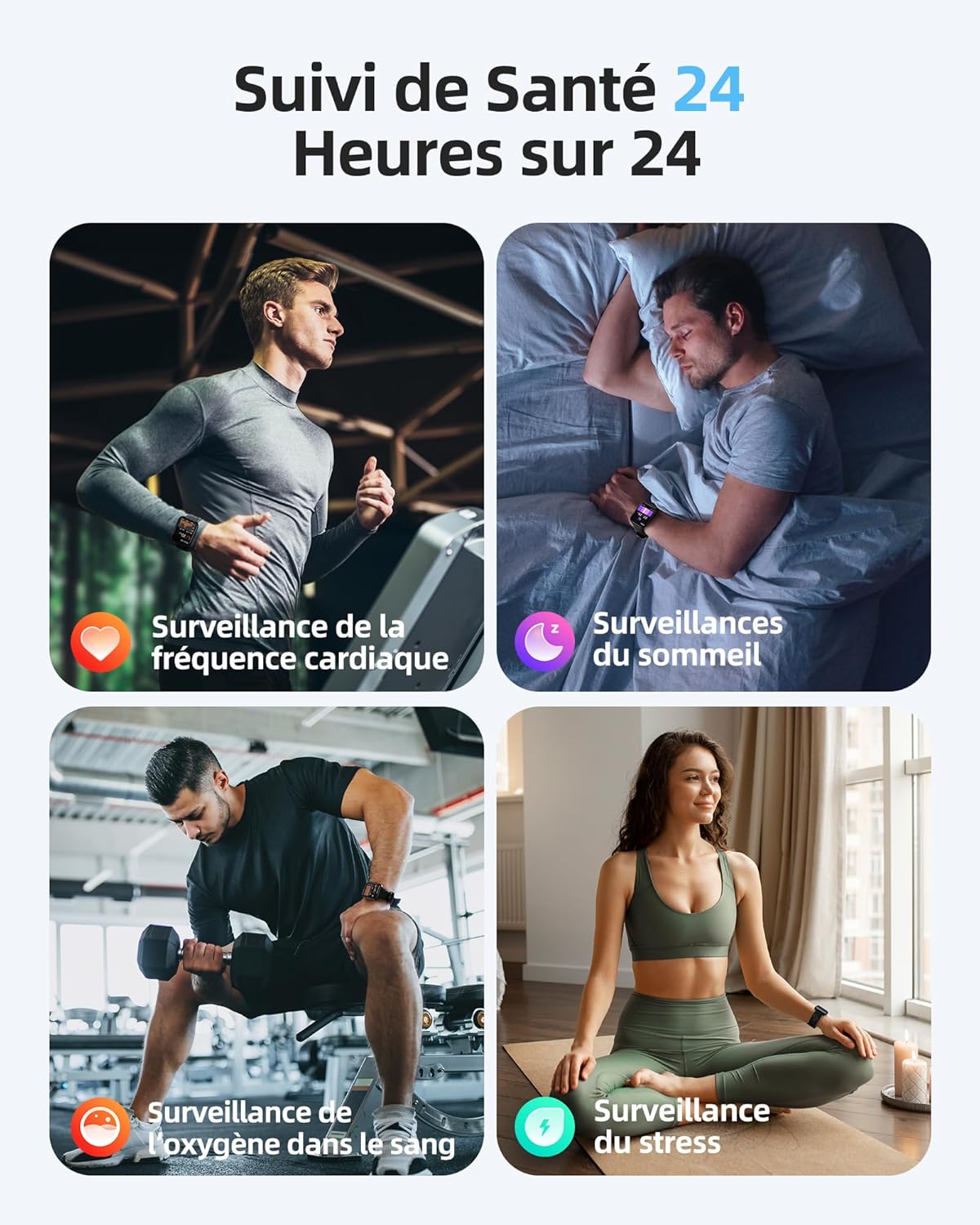
Image: A person engaged in physical activity, with the Parsonver FF2 Smartwatch on their wrist displaying activity metrics.
4.3 Water Resistance and Swimming Tracking
With a 5ATM water resistance rating, the FF2 Smartwatch can withstand water pressure up to 50 meters, making it suitable for swimming. It tracks swimming duration, laps, heart rate, and SWOLF efficiency, providing comprehensive data to help improve your swimming performance.

Image: A swimmer wearing the Parsonver FF2 Smartwatch, with an overlay of swimming activity data.
4.4 Theo dõi sức khỏe
The smartwatch offers continuous health monitoring features:
- Theo dõi nhịp tim 24/7: Tracks your heart rate continuously and provides alerts for abnormal readings.
- Theo dõi giấc ngủ: Theo dõi giấc ngủ của bạntages (deep, light, REM, awake) to help you understand and improve your sleep quality.
- Theo dõi oxy trong máu (SpO2): Đo mức độ bão hòa oxy trong máu của bạn.
- Giám sát căng thẳng: Helps you understand and manage your emotional stress levels.
- Theo dõi sức khỏe phụ nữ: Assists women in predicting and tracking menstrual periods and ovulation.
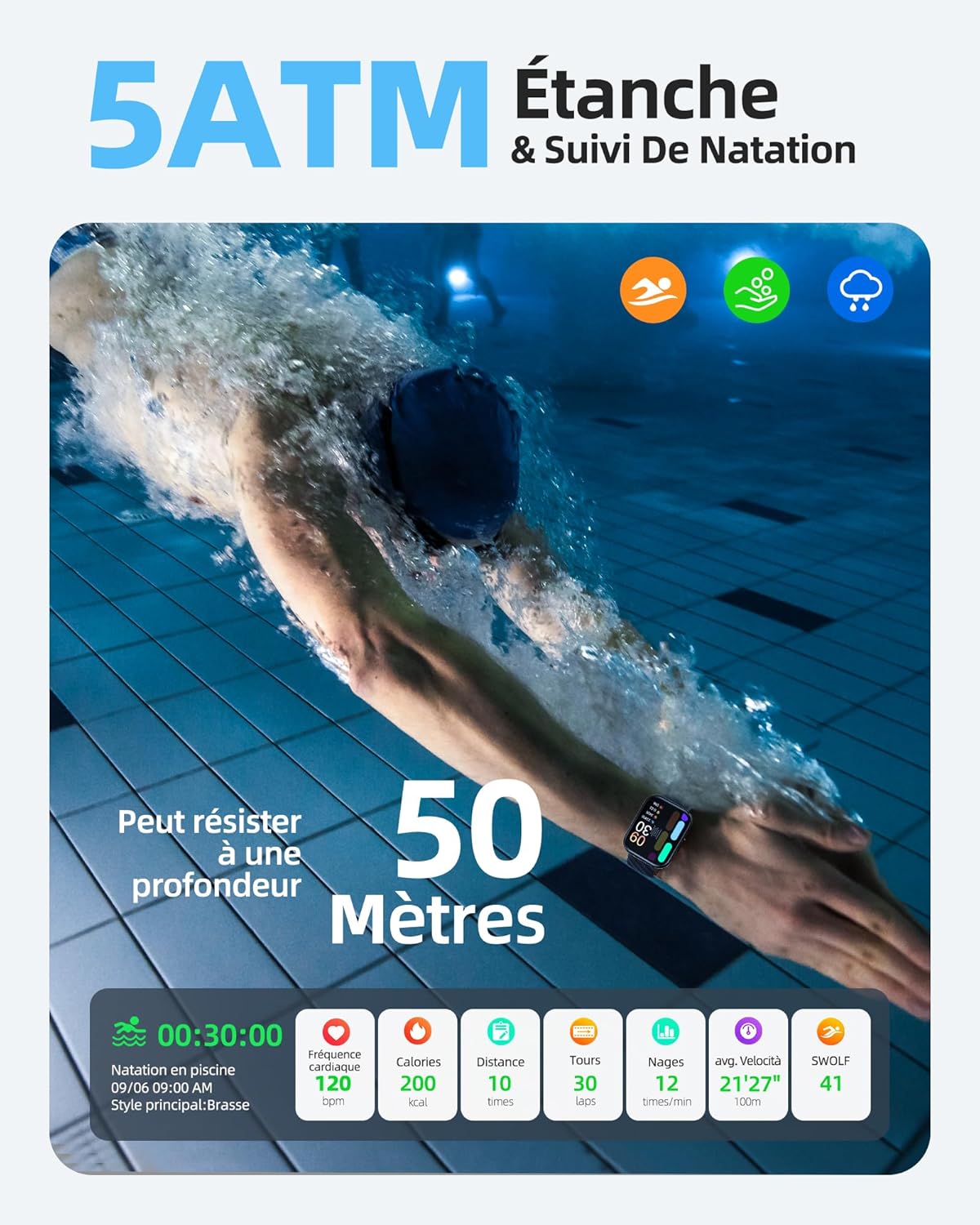
Image: The Parsonver FF2 Smartwatch on a wrist, showing real-time heart rate data.
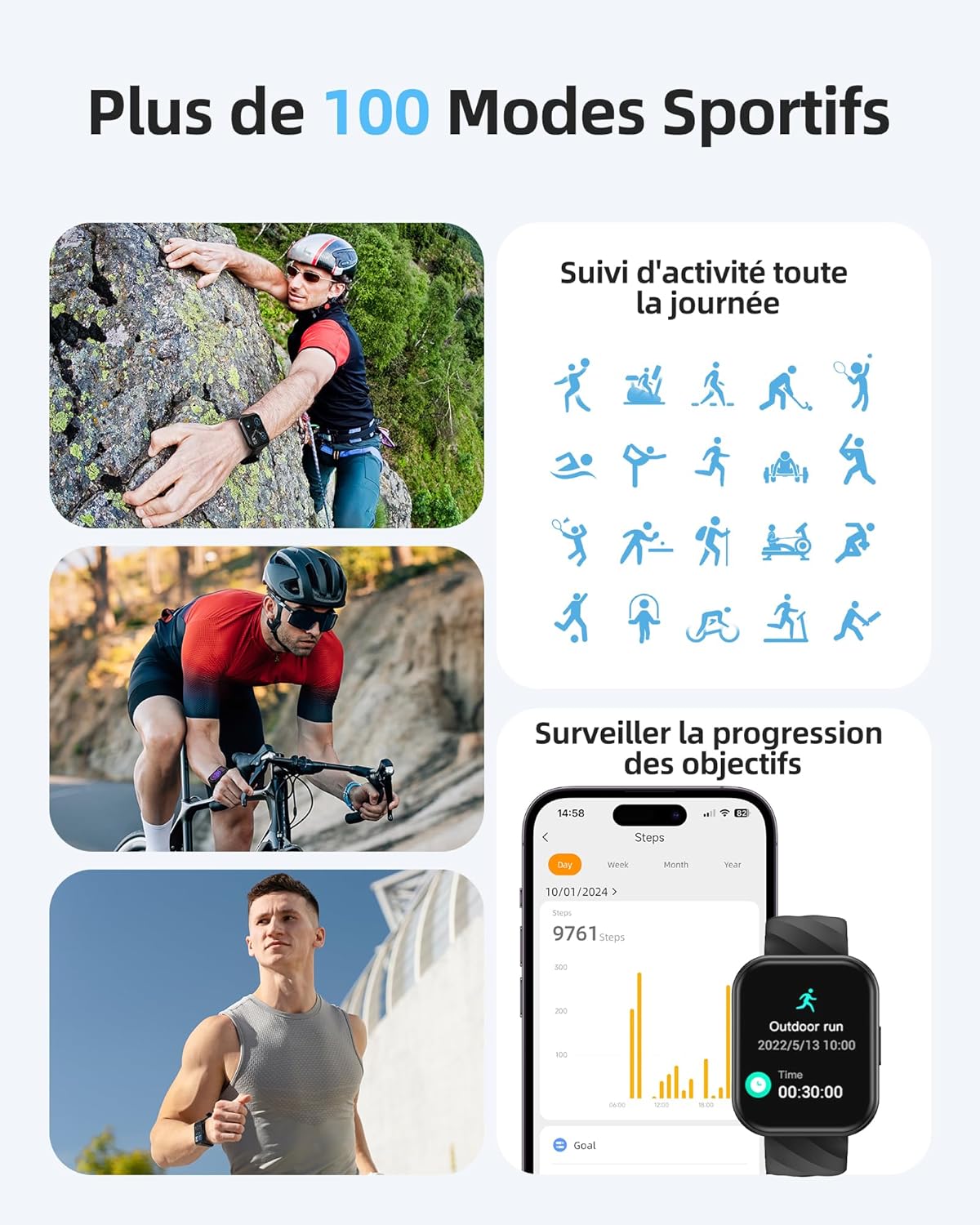
Image: A person sleeping, with the Parsonver FF2 Smartwatch on their wrist displaying sleep tracking information.
4.5 Thông báo thông minh
Stay informed with real-time notifications for incoming calls, SMS messages, emails, and social media alerts (e.g., WhatsApp, Facebook) directly on your wrist. You can decline calls from the watch, but direct answering is not supported.

Image: A person looking at their Parsonver FF2 Smartwatch, which displays various app notification icons.
4.6 Các tính năng khác
The FF2 Smartwatch includes several other convenient functions:
- Điều khiển máy ảnh từ xa
- Dự báo thời tiết
- Kiểm soát âm nhạc
- Stopwatch and Alarm Clock
- Nhắc nhở ít vận động
- Bài tập thở
- Find My Phone function
5. Bảo trì
5.1 Vệ sinh đồng hồ thông minh của bạn
Thường xuyên vệ sinh đồng hồ thông minh và dây đeo để tránh kích ứng da và giữ gìn vệ sinh thiết bị. Sử dụng khăn mềm,amp Dùng khăn mềm để lau mặt đồng hồ và dây đeo. Tránh sử dụng hóa chất mạnh hoặc vật liệu mài mòn.
5.2 Chăm sóc pin
The FF2 Smartwatch offers up to 7 days of typical usage and 40 days of standby time on a single charge. To prolong battery life, avoid extreme temperatures and fully discharging the battery frequently. Charge the watch using the provided magnetic cable.
5.3 Biện pháp phòng ngừa khả năng chống nước
While the FF2 Smartwatch is 5ATM water resistant, it is important to avoid wearing it in hot baths, saunas, or steam rooms. High temperatures and steam can compromise the watch's water resistance and cause damage.
KHAI THÁC. Xử lý sự cố
If you encounter any issues with your Parsonver FF2 Smartwatch, please refer to the following common solutions:
- Đồng hồ không bật: Đảm bảo đồng hồ đã được sạc đầy. Kết nối đồng hồ với bộ sạc trong ít nhất 30 phút.
- Không thể ghép nối với điện thoại: Make sure Bluetooth is enabled on your phone and the watch is within range. Restart both the watch and your phone, then try pairing again through the app.
- Dữ liệu không chính xác: Ensure the watch is worn snugly on your wrist. For sports tracking, select the correct activity mode.
- Không nhận được thông báo: Check app permissions on your phone to ensure the Parsonver Fit app has access to notifications. Verify that notifications are enabled within the app settings.
- Màn hình không phản hồi: Try restarting the watch. If the issue persists, contact customer support.
For further assistance, please refer to the support section of the Parsonver Fit app or visit the official Parsonver webđịa điểm.
7. Thông số kỹ thuật
Here are the technical specifications for the Parsonver FF2 Smartwatch:
| Tính năng | Đặc điểm kỹ thuật |
|---|---|
| Số hiệu mẫu | FF2 |
| Hệ điều hành | Android (tương thích) |
| Trọng lượng sản phẩm | 37 gam |
| Kích thước sản phẩm (D x R x C) | 24.69 x 3.81 x 1.19cm |
| Ắc quy | 1 CR5 (đã bao gồm) |
| Công nghệ kết nối | Bluetooth |
| GPS | Không có GPS |
| Tính năng đặc biệt | Notification, Alarm Clock, Activity Tracker, Multisport Tracker, Touchscreen |
| Độ phân giải màn hình | 320x390 pixel |
| Đầu vào giao diện con người | Màn hình cảm ứng |
| Màu sắc | Đen |
| Dung lượng pin | 320mAh |
| Tiêu chuẩn giao tiếp không dây | Bluetooth |
| Thành phần pin | Pin lithium-ion |
| Kích thước màn hình | 1.8 inch |

Image: Technical diagram illustrating the dimensions of the Parsonver FF2 Smartwatch.
8. Bảo hành và Hỗ trợ
Your Parsonver FF2 Smartwatch comes with a standard manufacturer's warranty. For details regarding warranty coverage, returns, or technical support, please refer to the warranty information provided in the packaging or contact Parsonver customer service directly. You can usually find contact information on the official Parsonver webtrên trang web hoặc trong ứng dụng đi kèm.
Video: Một kết thúcview of the Parsonver FF2 Smartwatch features, including its display, sports modes, and health tracking capabilities.


