1. Giới thiệu
This manual provides detailed instructions for the installation, operation, and maintenance of your Newgoal 1 Channel Smart WiFi Relay Switching Module. This wireless switch allows you to remotely control connected home appliances or electrical devices via the eWeLink app, Bluetooth, or voice commands through Amazon Alexa and Google Home. It supports various working modes to suit different applications.
2. Thông tin an toàn
Vui lòng đọc và hiểu tất cả các cảnh báo và hướng dẫn an toàn trước khi lắp đặt hoặc vận hành thiết bị này. Việc không tuân theo các hướng dẫn này có thể dẫn đến điện giật, hỏa hoạn hoặc thương tích nghiêm trọng.
- Hãy đảm bảo ngắt nguồn điện tại cầu dao trước khi tiến hành bất kỳ thao tác đấu dây nào.
- Việc đấu nối dây điện phải do thợ điện có chuyên môn thực hiện hoặc tuân theo các quy định về điện của địa phương.
- Do not exceed the maximum current and wattage ratings of the device (10A/2000W per channel, 16A/3500W total).
- This device is designed for indoor use only. Avoid exposure to moisture or extreme temperatures.
- The relay is a switch with no output; the power input (AC/DC) is only for the PCBA.
3. Sản phẩm hếtview
The Newgoal Smart WiFi Relay Switching Module is a compact device designed for smart home integration. It features a single channel relay for controlling electrical loads.

Figure 3.1: Newgoal 1 Channel Smart WiFi Relay Switching Module. This image shows the compact design of the smart relay module, highlighting its small form factor suitable for various installations.
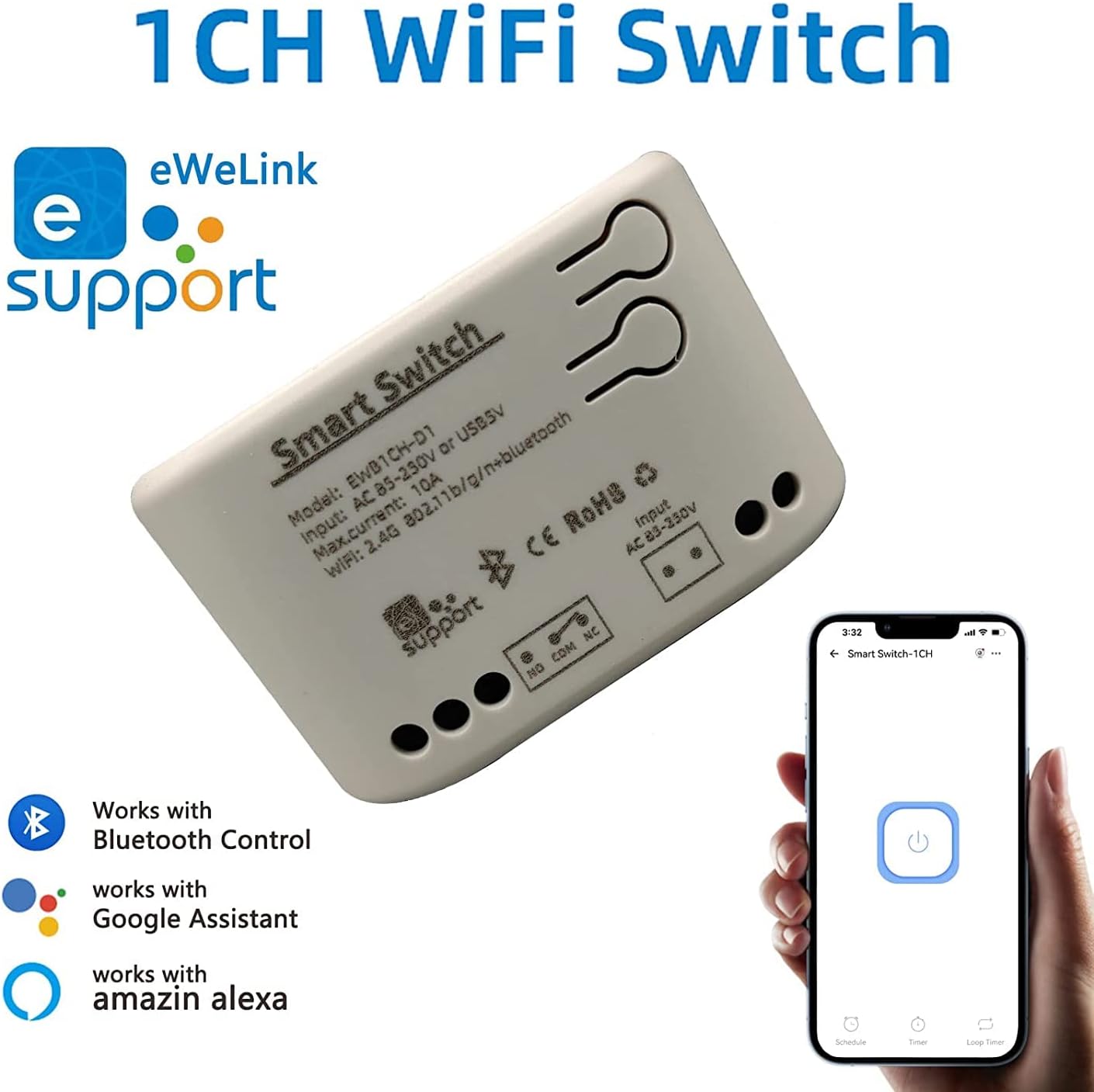
Figure 3.2: Module with eWeLink and Voice Assistant Compatibility. This image illustrates the module's compatibility with eWeLink, Bluetooth, Amazon Alexa, and Google Assistant, emphasizing its versatile control options.
Các thành phần chính:
- Rơle: Controls the connected electrical load.
- Input Terminals (AC85V-250V or USB 5V): For powering the module.
- Output Terminals (NO, COM, NC): For connecting to the device to be controlled.
- Reset/Manual Switch Button: For pairing and manual control.
- Network Indicator/Power Indicator LED: Cung cấp phản hồi về trạng thái.

Figure 3.3: Internal Board and Wiring Diagram. This image displays the internal circuit board of the module, clearly labeling the input terminals (AC 85-250V, USB 5V), output terminals (NO, COM, NC), reset/manual switch, network indicator, and the relay component.
4. Thông số kỹ thuật
| Tham số | Giá trị |
|---|---|
| Đầu vào Voltage | AC85V-250V or USB 5V |
| Maximum Current (Single Channel) | 10A |
| Wat tối đatage (Single Channel) | 2000W |
| Tổng công suất | 3500W/16A (for 4-channel models, not applicable to this 1-channel model's total) |
| chuẩn không dây | Wi-Fi 2.4GHz b/g/n + Bluetooth |
| Tần số điều khiển từ xa | 2.4G (for optional wireless remote control) |
| Nhiệt độ làm việc | -20~70℃ |
| Vật liệu thân máy | ABS chống cháy |
| Kích thước | 73 x 46 x 30mm (2.76 x 1.77 x 1.18 inch) |
| Trọng lượng sản phẩm | 2.04 ounce |
| Loại liên hệ | Thường mở |
| Số lượng thiết bị đầu cuối | 2 (for relay output) |
| Số hiệu mẫu | NG8000006ew-RF |
| Mã số UPC | 735372698226 |
5. Thiết lập
5.1 Đấu dây
Before wiring, ensure the power supply to the circuit is completely disconnected. Connect the module according to your application's requirements. The module can be powered by AC85V-250V or USB 5V. The relay output has Normally Open (NO), Common (COM), and Normally Closed (NC) terminals. Connect your device to be controlled to the COM and NO terminals for typical switching applications.
Refer to Figure 3.3 for a visual representation of the wiring terminals.
5.2 Cài đặt và ghép nối ứng dụng
To control the module via your smartphone, you need to install the eWeLink app and pair the device.
- Tải xuống Ứng dụng eWeLink: Tìm kiếm "eWeLink" in your mobile device's app store (available for Android and iOS) and install it.
- Đăng ký/Đăng nhập: Open the eWeLink app and register a new account or log in with an existing one.
- Bật nguồn mô-đun: Connect the module to a power source (AC85V-250V or USB 5V). The network indicator LED should start blinking.
- Vào Chế độ Ghép nối: Press and hold the reset/manual switch button on the module for approximately 5-7 seconds until the network indicator LED blinks rapidly.
- Thêm thiết bị vào ứng dụng: In the eWeLink app, tap the "+" icon to add a new device. Select "Quick Pairing Mode" or follow the on-screen instructions for Bluetooth pairing.
- Kết nối với Wi-Fi: Enter your 2.4GHz Wi-Fi network name and password when prompted. (Note: The device only supports 2.4G WiFi networks, not 5.0G WiFi).
- Ghép nối hoàn chỉnh: The app will search for and connect to the module. Once connected, you can rename the device and assign it to a room.
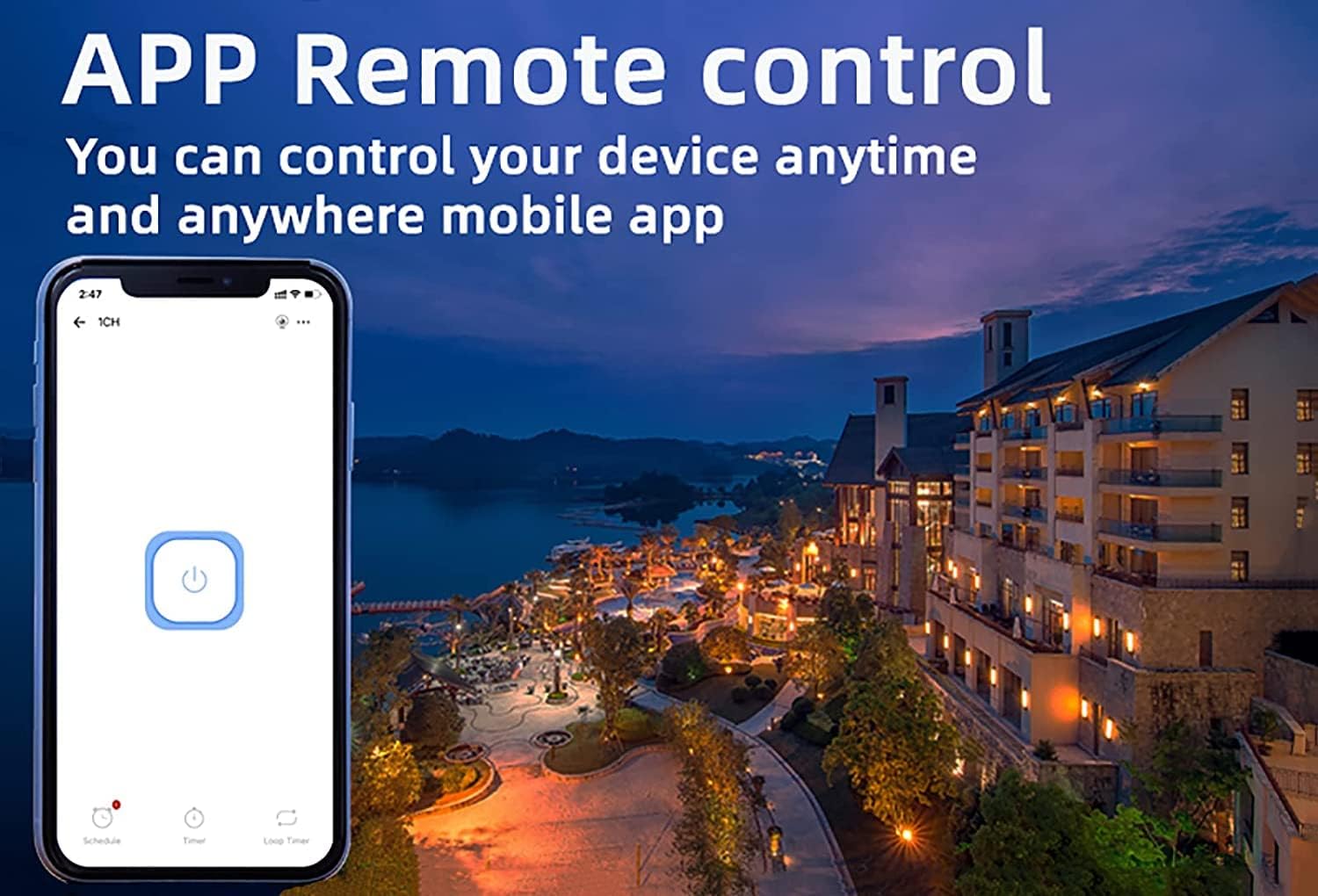
Figure 5.1: eWeLink App Remote Control. This image shows the eWeLink mobile application interface, demonstrating how users can remotely control their devices from anywhere.
6. Hướng dẫn vận hành
6.1 Chế độ làm việc
The 1-channel relay module supports two primary working modes: Self-locking and Jog (Inching) mode. These modes can be configured within the eWeLink app.
- Chế độ tự khóa: In this mode, the relay acts like a traditional on/off switch. One tap turns the device on, and another tap turns it off. The state remains until manually changed.
- Jog (Inching) Mode: In this mode, the relay will automatically turn off after a set period (0.5 to 3600 seconds) once it's turned on, or automatically turn on after a set period once it's turned off. This is useful for momentary actions like garage door openers or pulse switches. The duration can be customized in the app.

Figure 6.1: Dual Mode Options: Self-locking and Inching. This diagram visually explains the difference between self-locking mode, where channels operate independently, and inching mode, which allows for customizable timed operations.
6.2 Remote Control & Voice Control
Once paired, you can control your device using the following methods:
- Ứng dụng eWeLink: Remotely turn devices on/off, set schedules, and manage groups from anywhere with an internet connection.
- Điều khiển Bluetooth: Control the device at close range even when your Wi-Fi network is disconnected.
- Amazon Alexa / Google Home: Integrate the module with your smart home ecosystem for convenient voice control. Follow the instructions within the Alexa or Google Home app to link your eWeLink account.
- Điều khiển từ xa không dây 2.4G: (Sold separately) For local control without needing a smartphone or internet connection.

Figure 6.2: Multiple Control Modes. This image illustrates the various ways to control the smart switch, including mobile app control, remote control, and manual control.
6.3 Device Sharing & Group Management
The eWeLink app allows for enhanced control and collaboration:
- Chia sẻ thiết bị: Share control of your smart relay with family members or other authorized users through the eWeLink app. This enables multiple mobile phones to control the same smart device.
- Quản lý nhóm: Organize multiple eWeLink devices into groups for simultaneous control.
- Schedules/Timers: Set up schedules or countdown timers for automated on/off operations.

Figure 6.3: Sharing Function in eWeLink App. This image demonstrates the device sharing feature within the eWeLink app, allowing multiple users to control smart breakers from their mobile phones.
7. Bảo trì
The Newgoal Smart WiFi Relay Switching Module requires minimal maintenance. Follow these guidelines to ensure optimal performance:
- Giữ thiết bị sạch sẽ và không bám bụi. Dùng vải mềm, khô để lau chùi.
- Không sử dụng chất tẩy rửa dạng lỏng hoặc bình xịt.
- Hãy đảm bảo mô-đun được lắp đặt ở khu vực thông gió tốt để tránh quá nhiệt.
- Thường xuyên kiểm tra các mối nối dây điện để đảm bảo chúng chắc chắn.
KHAI THÁC. Xử lý sự cố
If you encounter issues with your Newgoal Smart WiFi Relay Switching Module, refer to the following common problems and solutions:
| Vấn đề | Nguyên nhân có thể và giải pháp |
|---|---|
| Device cannot connect to Wi-Fi / Flaky connectivity |
|
| Device is offline in eWeLink app |
|
| Voice control (Alexa/Google Home) not working |
|
| Inching mode time is not as expected |
|
| Manual switch button not responding |
|
9. Bảo hành và Hỗ trợ
Newgoal products are designed for reliability and performance. For specific warranty information and technical support, please refer to the documentation included with your purchase or contact Newgoal customer service directly. You can typically find contact information on the manufacturer's webtrang web hoặc thông qua điểm mua hàng của bạn.


