1. Giới thiệu
Thank you for choosing the HXSJ L800 3-Mode 61-Key RGB Mechanical Gaming Keyboard. This keyboard offers versatile connectivity options including 2.4GHz wireless, Bluetooth 5.0, and wired USB-C, making it suitable for various devices and usage scenarios. Its compact 61-key layout is designed for portability and efficiency, providing ample space for mouse movement. The keyboard features durable two-color injection molded ABS keycaps and vibrant RGB backlighting for an enhanced user experience. This manual provides detailed instructions for setup, operation, maintenance, and troubleshooting to ensure optimal performance.
2. Nội dung gói hàng
- 1 x Bàn phím cơ chơi game HXSJ L800
- 1 x USB Receiver (for 2.4GHz wireless connection)
- 1 x Type-C Cable (for wired connection and charging)
- 1 x Hướng dẫn sử dụng

3. Thiết lập
3.1 Chế độ kết nối
The HXSJ L800 keyboard supports three connection modes: 2.4GHz wireless, Bluetooth 5.0, and wired USB-C. You can switch between these modes based on your device and preference.
3.1.1 Kết nối không dây 2.4 GHz
- Locate the USB receiver included in the package.
- Cắm bộ thu USB vào cổng USB trống trên máy tính hoặc thiết bị tương thích của bạn.
- Hãy đảm bảo công tắc chuyển chế độ của bàn phím (thường ở phía sau hoặc bên cạnh) được đặt ở chế độ không dây 2.4G.
- The keyboard should automatically connect. If not, press and hold the Fn + R keys simultaneously for a few seconds to initiate pairing.
3.1.2 Kết nối Bluetooth 5.0
Bàn phím có thể kết nối đồng thời với tối đa ba thiết bị Bluetooth.
- Hãy đảm bảo công tắc chế độ của bàn phím được đặt ở chế độ Bluetooth.
- Trên thiết bị của bạn (máy tính, máy tính bảng, điện thoại thông minh), hãy bật Bluetooth và tìm kiếm thiết bị mới.
- To connect to the first device, press and hold Fn+Z (BT1) until the indicator light flashes rapidly.
- To connect to the second device, press and hold Fn + X (BT2) until the indicator light flashes rapidly.
- To connect to the third device, press and hold Fn + C (BT3) until the indicator light flashes rapidly.
- Select "HXSJ L800" or a similar name from your device's Bluetooth list to pair.

3.1.3 Kết nối USB-C có dây
- Connect one end of the provided Type-C cable to the keyboard's Type-C port.
- Kết nối đầu kia của cáp với cổng USB trên máy tính của bạn.
- Bàn phím sẽ tự động chuyển sang chế độ có dây và bắt đầu sạc.
3.2 Khả năng tương thích của hệ thống
The HXSJ L800 keyboard is compatible with a wide range of operating systems, including IBM PC, Win98SE, Me, 2000, XP, VISTA, WIN 7, and WIN10. It also supports Mac OS, iOS, and Android systems.

4. Hướng dẫn vận hành
4.1 Các chức năng chính
The 61-key layout is compact but retains all essential functions. Many keys have secondary functions accessible via the Fn key. Refer to the keyboard's keycap legends for specific Fn combinations (e.g., Fn + number row for F1-F12, Fn + arrow keys for page navigation).
4.1.1 Blue Mechanical Switches
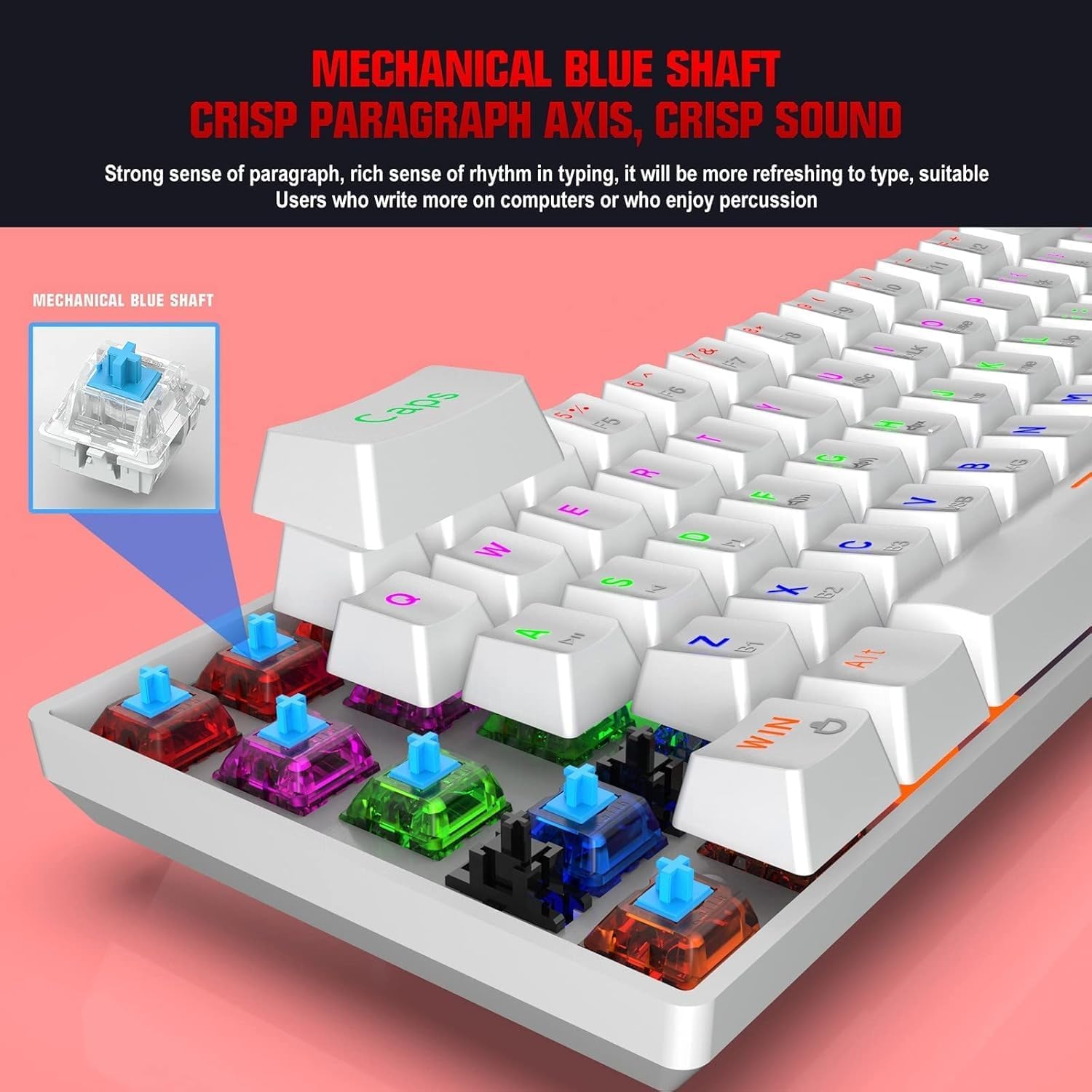
The keyboard is equipped with blue mechanical switches, known for their distinct tactile bump and audible click. This provides clear feedback for each keystroke, preferred by many for typing and gaming.
4.2 Đèn nền RGB
The keyboard features dynamic RGB backlight effects. Use specific Fn key combinations (e.g., Fn + \|) to cycle through different lighting modes, adjust brightness, or change colors. Consult the full user manual for a complete list of lighting controls.
4.3 Sạc bàn phím
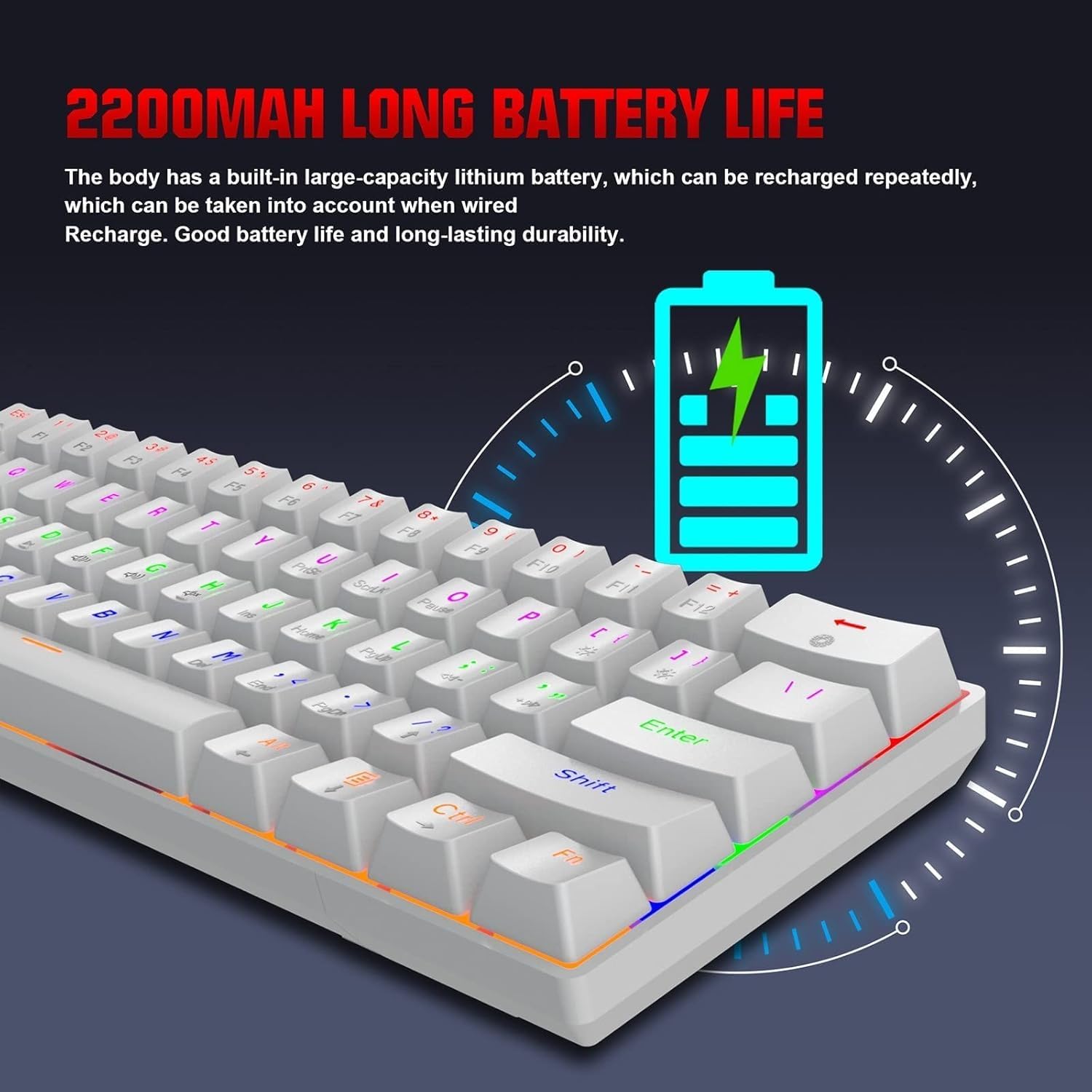
The HXSJ L800 has a built-in 2200mAh rechargeable lithium battery. When the battery is low, the indicator light may flash or change color. Connect the keyboard to a USB power source using the provided Type-C cable to charge. The indicator light will typically show charging status and turn off or change color when fully charged.
5. Bảo trì
To ensure the longevity and optimal performance of your HXSJ L800 keyboard, follow these maintenance guidelines:
- Vệ sinh: Regularly clean the keyboard with a soft, dry cloth. For deeper cleaning, use compressed air to remove dust and debris from between the keycaps. You may carefully remove keycaps using a keycap puller (not included) for thorough cleaning, but ensure to reattach them correctly.
- Phím bấm: The two-color injection molded ABS keycaps are designed for durability and resistance to fading. Avoid using harsh chemicals or abrasive materials that could damage the keycap surface.
- Kho: Bảo quản bàn phím ở nơi khô ráo, thoáng mát, tránh ánh nắng trực tiếp và nhiệt độ cao.
- Tiếp xúc với chất lỏng: Avoid spilling liquids on the keyboard. If a spill occurs, immediately disconnect the keyboard, turn it upside down to drain, and allow it to dry completely before reconnecting.
KHAI THÁC. Xử lý sự cố
If you encounter issues with your HXSJ L800 keyboard, refer to the following common troubleshooting steps:
| Vấn đề | Giải pháp khả thi |
|---|---|
| Bàn phím không phản hồi (kết nối dây) | Đảm bảo cáp USB-C được kết nối chắc chắn với cả bàn phím và máy tính. Hãy thử cổng USB hoặc cáp khác. |
| Bàn phím không kết nối (không dây 2.4GHz) | Ensure the USB receiver is plugged in and the keyboard is in 2.4G mode. Try re-pairing by pressing Fn + R. Check battery level. |
| Bàn phím không kết nối được (Bluetooth) | Ensure the keyboard is in Bluetooth mode and discoverable (Fn + Z/X/C). Check your device's Bluetooth settings. Forget and re-pair the device. Check battery level. |
| Đèn nền RGB không hoạt động hoặc bị kẹt | Ensure the backlight is not turned off. Use Fn key combinations to cycle through modes or adjust brightness. Check battery level. |
| Các phím không được nhận diện hoặc gõ hai lần. | Clean under the affected keycap. Ensure the switch is not damaged. Try updating keyboard drivers if available. |
| Tuổi thọ pin ngắn | Ensure the keyboard is fully charged. Reduce backlight brightness or turn it off when not needed. |
7. Thông số kỹ thuật
| Tính năng | Chi tiết |
|---|---|
| Thương hiệu | HXSJ |
| Người mẫu | L800 |
| Loại sản phẩm | 3-Mode Mechanical Gaming Keyboard |
| Kết nối | Type-C Wired + 2.4GHz Wireless + Bluetooth 5.0 |
| Màu sắc | Trắng |
| Đèn nền | Hiệu ứng đèn nền RGB |
| Bố cục chính | 61 chìa khóa |
| Cuộc sống quan trọng | 50 Triệu Lần |
| Công tắc cơ học | Công tắc màu xanh lam |
| Chất liệu keycap | ABS |
| Công nghệ nắp phím | Two-color Injection Molded Keycaps |
| Dung lượng pin tích hợp | 2200mAh |
| Hoạt động Voltage | DC 5V + 5% |
| Dòng điện định mức | 150mA (Tối đa) |
| Cổng giao diện | Loại C |
| Chiều dài cáp | 1.75 phút |
| Kích thước (D×R×C) | Khoảng 289 × 101 × 38 mm |
| Cân nặng | 590g |
| Hỗ trợ hệ điều hành | IBM PC Win98SE/Me/2000/XP/VISTA/WIN 7/WIN10, Mac OS, iOS, Android |
8. Thông tin bảo hành
This product is covered by a standard manufacturer's warranty against defects in materials and workmanship. The warranty period typically begins from the date of purchase. Please retain your proof of purchase for warranty claims. The warranty does not cover damage caused by misuse, accident, unauthorized modification, or normal wear and tear. For specific warranty terms and conditions, please refer to the documentation provided at the time of purchase or contact your retailer.
9. Hỗ trợ
If you require further assistance or have questions not covered in this manual, please contact the seller or manufacturer's customer support. You may find contact information on the product packaging or the retailer's website. When contacting support, please have your product model (L800) and purchase details ready.