1. Giới thiệu
Cảm ơn bạn đã muaasing the Edifier X3s True Wireless Stereo Earbuds. This manual provides detailed instructions on how to set up, operate, and maintain your earbuds to ensure optimal performance and longevity. Please read this manual thoroughly before use.

Image: The Edifier X3s earbuds, one removed from the open charging case, showcasing thiết kế nhỏ gọn của chúng.
2. Nội dung gói hàng
- Edifier X3s True Wireless Earbuds (Left and Right)
- Vỏ sạc
- Cáp sạc USB
- Nút tai (nhiều kích cỡ)
- Hướng dẫn sử dụng
3. Thiết lập
3.1 Sạc tai nghe và hộp đựng
Trước khi sử dụng lần đầu, hãy sạc đầy tai nghe và hộp sạc.
- Đặt tai nghe vào hộp sạc. Đảm bảo tai nghe được đặt đúng vị trí; đèn báo trên tai nghe sẽ sáng lên.
- Kết nối hộp sạc với nguồn điện bằng cáp USB được cung cấp. Đèn báo trên hộp sạc sẽ hiển thị trạng thái sạc.
- A full charge for the charging case typically takes approximately 8 hours. The earbuds will charge automatically when placed in the case.
3.2 Ghép nối Bluetooth
Follow these steps to pair your Edifier X3s earbuds with your device:
- Đảm bảo tai nghe đã được sạc.
- Mở hộp sạc. Tai nghe sẽ tự động chuyển sang chế độ ghép nối, được biểu thị bằng đèn nhấp nháy trên tai nghe.
- Trên thiết bị của bạn (điện thoại thông minh, máy tính bảng, v.v.), hãy bật Bluetooth và tìm kiếm thiết bị mới.
- Select "EDIFIER X3s" from the list of available devices.
- Once connected, a voice prompt will confirm successful pairing, and the earbud indicator lights will turn off.
Tai nghe nhét tai hỗ trợ TrueWireless Mirroring, allowing seamless switching between single and dual earbud use.
4. Hướng dẫn vận hành
4.1 Điều khiển cảm ứng
The Edifier X3s earbuds feature intuitive touch controls on each earbud. Refer to the diagram below for specific functions:

Image: A diagram illustrating the touch control functions for the left and right Edifier X3s earbuds.
- Nhấn một lần (Trái/Phải): Play/Pause music, Answer an Incoming Call
- Double Tap (L): Bài hát trước
- Double Tap (R): Bài hát tiếp theo
- Nhấn ba lần (L): Switch On Game Mode
- Triple Tap (R): Kích hoạt Trợ lý giọng nói
- Long Press for 2-3 Seconds (L/R): Hang Up/Reject a Call
- Long Press (L): Giảm âm lượng
- Long Press (R): Tăng âm lượng
4.2 Chế độ trò chơi
To enhance your gaming experience, the Edifier X3s features a dedicated Game Mode. Triple-tap the bên trái earbud to activate or deactivate Game Mode. This mode optimizes audio-visual synchronization for gaming.
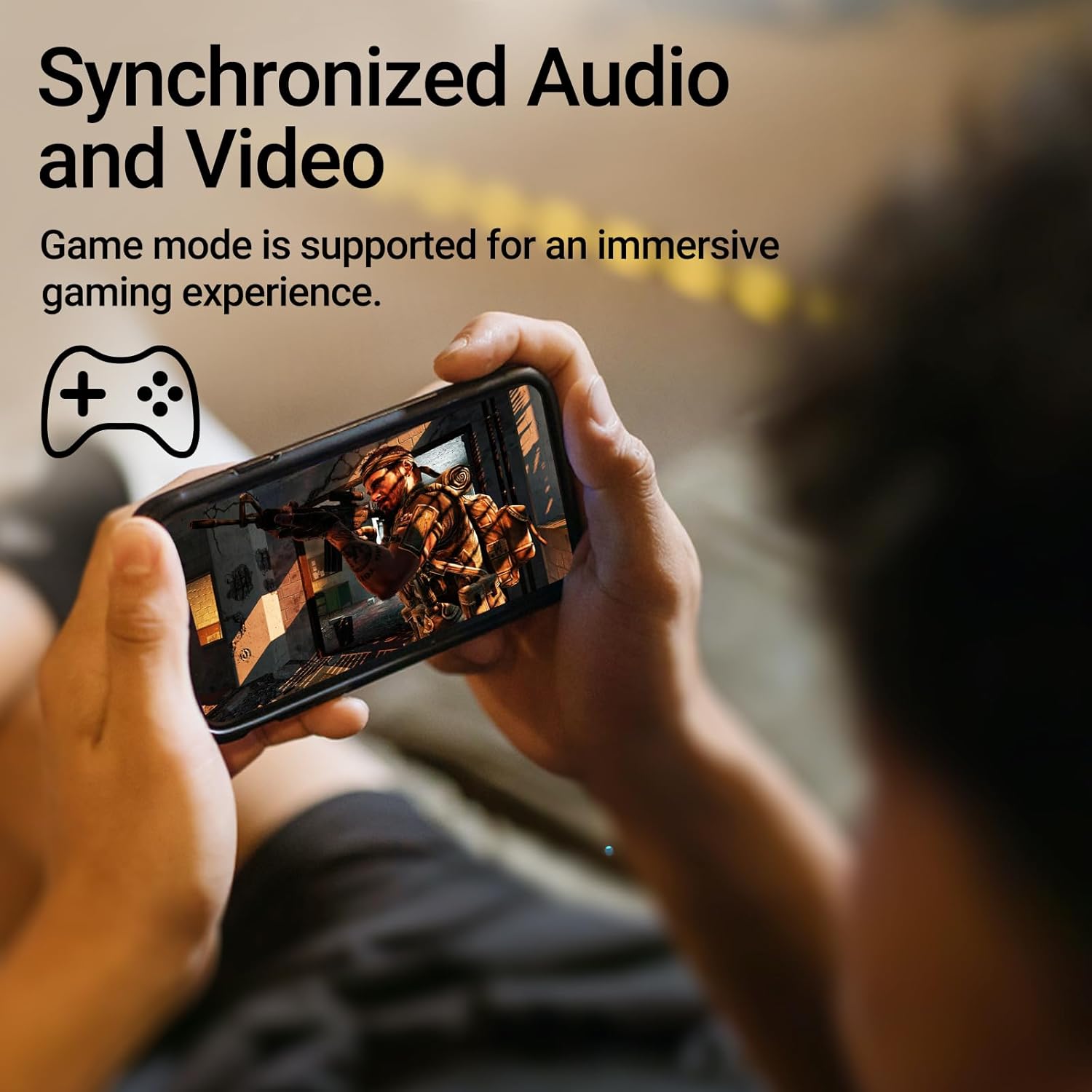
Image: A person holding a smartphone, playing a game, with the text "Synchronized Audio and Video. Game mode is supported for an immersive gaming experience."
5. Các tính năng chính
- True Wireless Experience: Bluetooth V5.2 with Qualcomm aptX audio decoding for high-fidelity sound and stable connections.
- Thời gian chơi kéo dài: Up to 28 hours of total playtime, with 8 hours from the earbuds and an additional 20 hours from the charging case.
- Superior Call Clarity: Equipped with Qualcomm cVc 8.0 noise cancellation technology for crystal clear calls.
- IP55 Rated Protection: Dust and water resistance make these earbuds suitable for outdoor activities and various weather conditions.
- Thiết kế thoải mái và nhẹ nhàng: Weighing only 62g, these earbuds provide a secure and comfortable fit for extended wear.

Image: A close-up of the Qualcomm aptX QCC3040 chip, highlighting Bluetooth V5.2 with aptX audio decoding for lossless audio transmission.

Image: Hands holding the Edifier X3s charging case, with an overlay indicating "Up to 28 hours of playback in total: 8 hours (earbuds), 20 hours (charging case)".

Image: A graphic illustrating cVc 8.0 noise reduction, showing how ambient noise is reduced while voice remains clear during calls.

Image: A woman exercising, with an overlay indicating "Dust and water resistant. Feel free to use them at the gym or on a rainy day. IP55-Rated."
6. Bảo trì
6.1 Vệ sinh
- Thường xuyên vệ sinh tai nghe và hộp sạc bằng vải mềm, khô và không xơ.
- Tháo đầu tai nghe ra và làm sạch bằng xà phòng nhẹ và nước nếu cần. Đảm bảo chúng khô hoàn toàn trước khi gắn lại.
- Dùng tăm bông để nhẹ nhàng lau sạch các điểm tiếp xúc sạc trên cả tai nghe và hộp đựng.
6.2 Lưu trữ
- Khi không sử dụng, hãy cất tai nghe vào hộp sạc để bảo vệ và duy trì trạng thái sạc.
- Bảo quản nơi khô ráo, thoáng mát, tránh nhiệt độ cao và ánh nắng trực tiếp.
6.3 Khả năng chống nước và bụi
The earbuds are IP55 rated, meaning they are protected against dust ingress and low-pressure water jets from any direction. While they can withstand sweat and light rain, they are not designed for submersion in water. Do not use them while swimming or showering.
KHAI THÁC. Xử lý sự cố
- Tai nghe không ghép nối được: Đảm bảo cả hai tai nghe đều nằm trong hộp sạc, sau đó mở nắp để bắt đầu chế độ ghép nối. Kiểm tra cài đặt Bluetooth trên thiết bị và thử kết nối lại.
- Chỉ có một bên tai nghe hoạt động: Đặt cả hai tai nghe trở lại hộp sạc, đóng nắp, đợi vài giây rồi mở lại. Thao tác này thường giúp đồng bộ lại chúng.
- Không có âm thanh: Check the volume level on both your device and the earbuds. Ensure the earbuds are properly paired and connected.
- Vấn đề sạc: Verify that the charging cable is securely connected and the power source is active. Clean the charging contacts on the earbuds and case.
- Chất lượng cuộc gọi kém: Ensure the earbuds are clean and positioned correctly in your ears. Check for any obstructions to the microphone.
8. Thông số kỹ thuật
- Người mẫu: EDIFIER X3S
- Kết nối: Không dây (Bluetooth V5.2)
- Giải mã âm thanh: aptX Qualcomm
- Khử tiếng ồn: Qualcomm cVc 8.0 (for calls)
- Thời gian chơi: Earbuds: 8 hours, Total with Charging Case: 28 hours
- Thời gian sạc (Vỏ): Khoảng 8 giờ
- Khả năng chống nước/bụi: Xếp hạng IP55
- Phương pháp kiểm soát: Chạm
- Cân nặng: 62 gam (tổng cộng)
- Vật liệu: Polycarbonate (PC), Nhựa nhiệt dẻo đàn hồi (TPE)
- Thiết bị tương thích: Smartphones, Gaming Devices, Tablets
9. Bảo hành và Hỗ trợ
For warranty information and customer support, please refer to the warranty card included with your product or visit the official Edifier webtrang web. Giữ lại bằng chứng mua hàng để yêu cầu bảo hành.


