Giới thiệu
The Amazon Echo Dot (5th Generation) is a compact smart speaker designed to deliver enhanced audio and seamless integration with Alexa. This device allows you to control your smart home, play music, get information, and much more, all through voice commands. Its improved speaker offers clearer vocals and deeper bass, providing a richer audio experience for its size. The Echo Dot also incorporates privacy features and is built with sustainability in mind.
Cài đặt
Setting up your Echo Dot (5th Generation) is a straightforward process. The device is designed for easy connection to your Wi-Fi network using Amazon's simple setup technology.
Có gì trong hộp:
- Echo Dot (Thế hệ thứ 5)
- Bộ chuyển đổi nguồn màu trắng (15 W)
- Hướng dẫn bắt đầu nhanh
Các bước thiết lập ban đầu:
- Giải nén thiết bị: Carefully remove the Echo Dot and its accessories from the packaging.
- Kết nối nguồn: Plug the included power adapter into the Echo Dot and then into a wall outlet. The light ring on the Echo Dot will turn blue, then orange, indicating it's ready for setup.
- Tải xuống ứng dụng Alexa: On your smartphone or tablet, download the Amazon Alexa app. It is compatible with Fire OS, iOS, and Android devices. You can also access it via a web trình duyệt trên máy tính của bạn.
- Làm theo hướng dẫn trong ứng dụng: Open the Alexa app and follow the on-screen prompts to connect your Echo Dot to your Wi-Fi network and link it to your Amazon account.
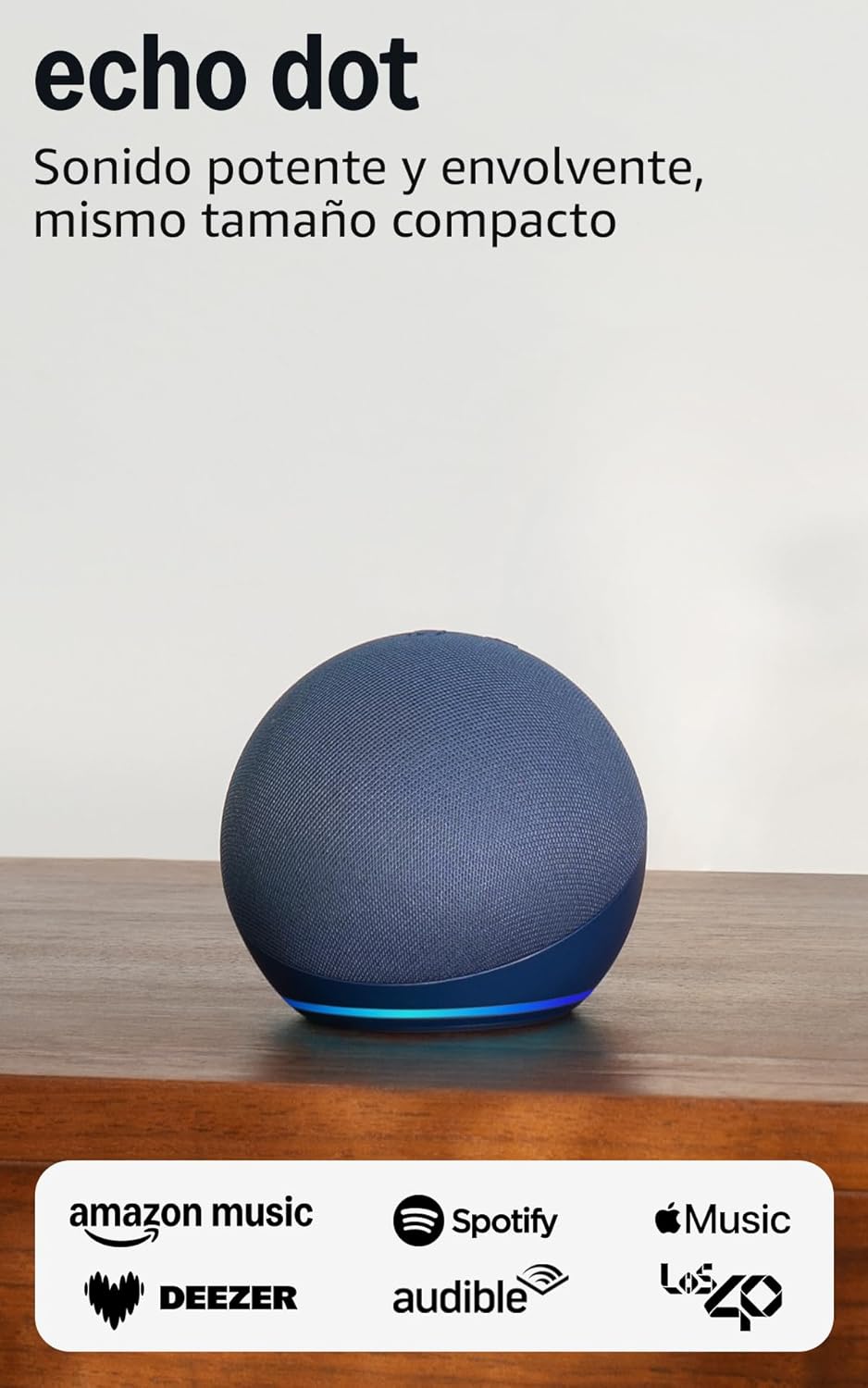
Image: The Echo Dot (5th Generation) in blue, showcasing its compact design and illuminated base, ready for setup.
Vận hành Echo Dot của bạn
The Echo Dot (5th Generation) is primarily controlled using your voice with Alexa. It also features physical buttons and touch controls for convenience.
Voice Commands with Alexa:
Simply say "Alexa" followed by your command or question. Alexa can assist with a wide range of tasks:
- Âm nhạc và Podcast: Play music, audiobooks, and podcasts from services like Amazon Music, Audible, Apple Music, and Spotify. You can also stream via Bluetooth or Wi-Fi.
- Thông tin: Ask about the weather, news, set timers, ask questions, and more.
- Điều khiển nhà thông minh: Control compatible smart home devices with your voice or set up routines based on temperature sensors.
- Giao tiếp: Make calls to other Echo devices or contacts who have enabled the communication option.
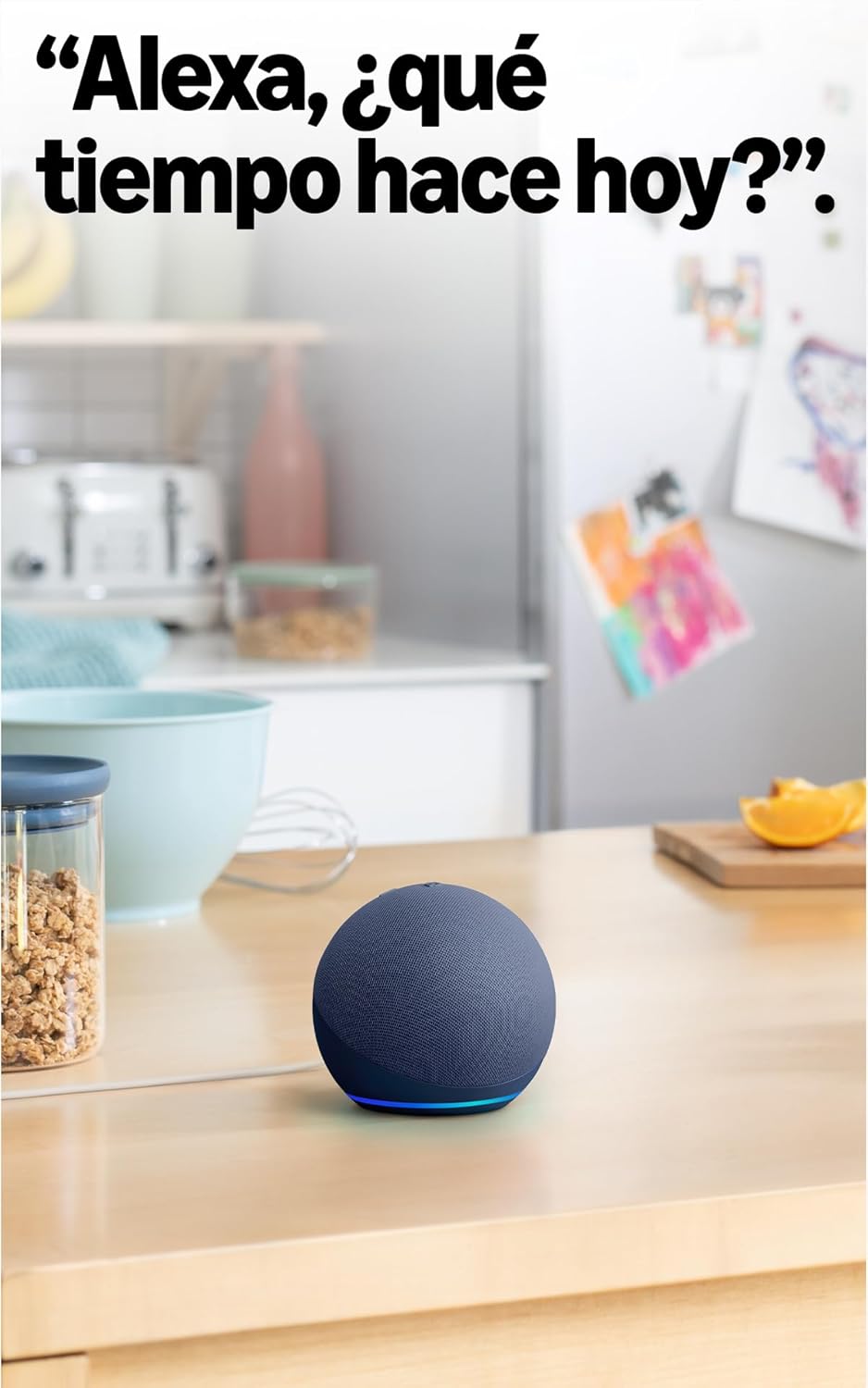
Image: The Echo Dot (5th Generation) in a kitchen, demonstrating its use for asking Alexa about the weather.
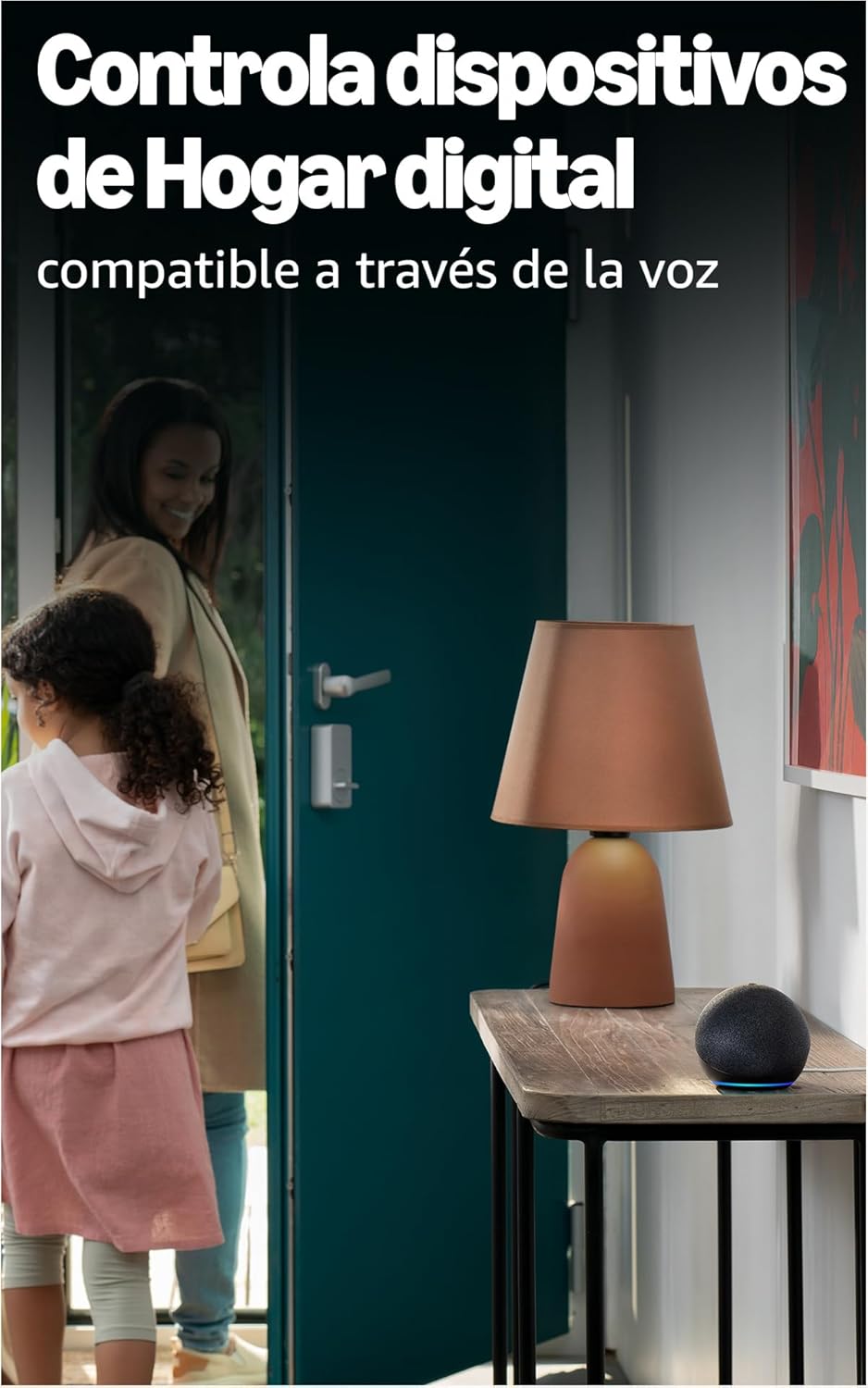
Image: The Echo Dot (5th Generation) positioned to control smart home devices, such as a lamp, via voice commands.
Kiểm soát vật lý:
The top of your Echo Dot features several buttons:
- Nút Bật/Tắt Micro: Press this button to electronically disconnect the microphones, indicated by a red light ring. This ensures your privacy.
- Các nút Tăng / Giảm âm lượng: Điều chỉnh âm lượng loa.
- Nút hành động: Activates Alexa without using the wake word, or can be used to dismiss alarms.

Image: The Echo Dot (5th Generation) with its microphone mute button activated, showing the red indicator for privacy.
Điều khiển cảm ứng:
The Echo Dot (5th Generation) also supports simple touch gestures:
- Chạm để tạm dừng/hoãn phát: A simple tap on the top of the device can pause music or snooze an alarm.
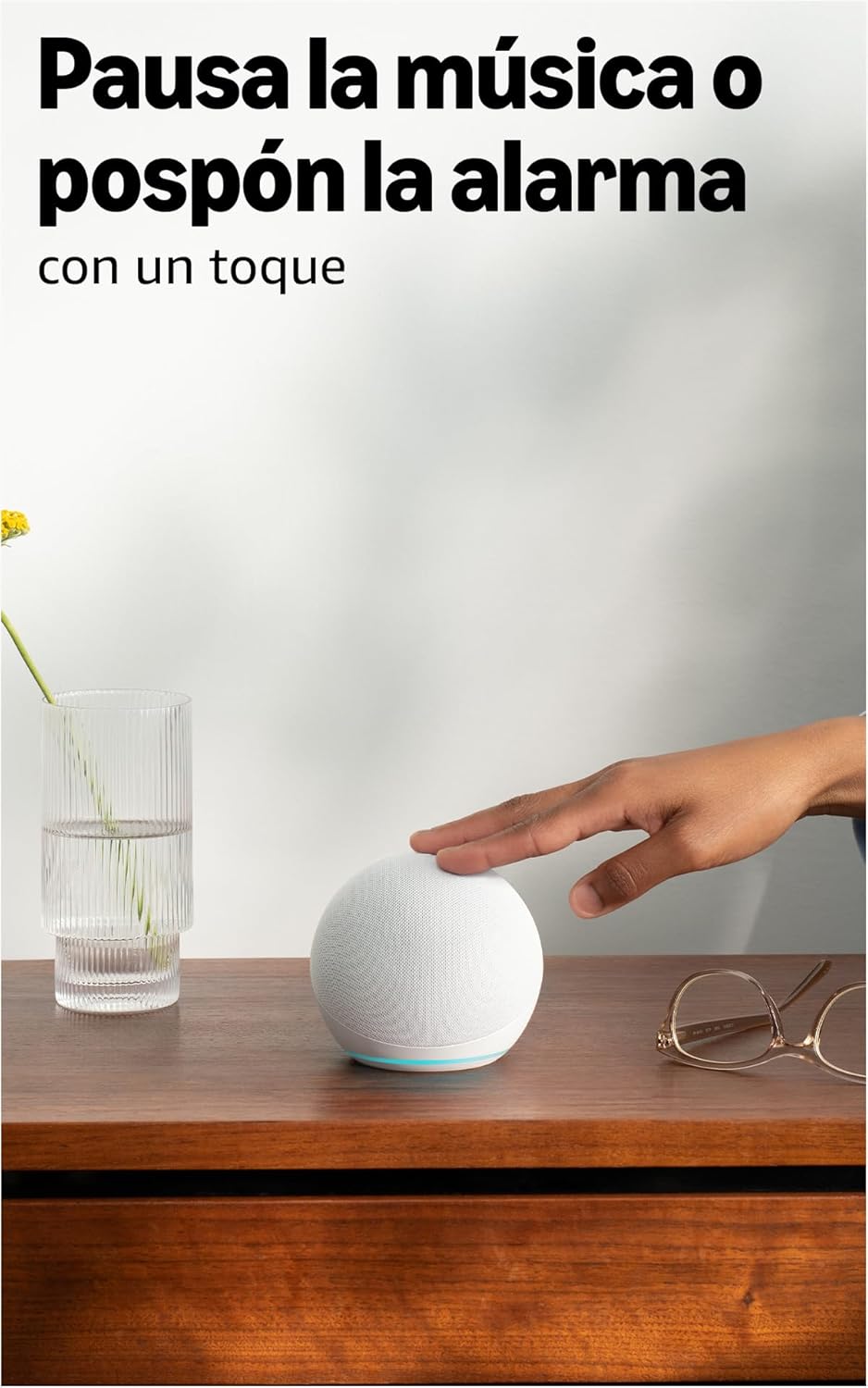
Image: A user interacting with the Echo Dot (5th Generation) by tapping its top surface to pause music or snooze an alarm.
Âm thanh nâng cao:
The 5th Generation Echo Dot features a 44 mm (1.73") front-firing speaker, providing a more powerful and immersive sound experience with clearer vocals and deeper bass compared to previous generations.

Hình ảnh: Một nội bộ view of the Echo Dot (5th Generation) highlighting its speaker, illustrating the enhanced audio design.
BẢO TRÌ
To ensure the longevity and optimal performance of your Echo Dot, follow these simple maintenance guidelines:
- Vệ sinh: Gently wipe the exterior of the device with a soft, dry, lint-free cloth. Avoid using abrasive cleaners, solvents, or aerosol sprays.
- Vị trí: Place your Echo Dot on a stable, flat surface away from direct sunlight, heat sources, and moisture. Ensure it has adequate ventilation.
- Cập nhật phần mềm: Your Echo Dot receives automatic software updates to improve performance and add new features. Ensure your device is connected to Wi-Fi for these updates to occur.
Xử lý sự cố
If you encounter issues with your Echo Dot, refer to the following common solutions:
Không có nguồn/Thiết bị không phản hồi:
- Ensure the power adapter is securely plugged into both the Echo Dot and a working wall outlet. The Echo Dot requires continuous power and does not have an internal battery.
- Hãy thử cắm bộ chuyển đổi vào một ổ cắm khác.
Không có kết nối Wi-Fi:
- Hãy kiểm tra xem mạng Wi-Fi của bạn có đang hoạt động hay không.
- Khởi động lại bộ định tuyến Wi-Fi và modem của bạn.
- Ensure your Echo Dot is within range of your Wi-Fi router.
- Use the Alexa app to reconfigure Wi-Fi settings if necessary.
- Note: The Echo Dot requires Wi-Fi for most functions, including providing time and alarms. It does not support wired internet connections.
Alexa Not Responding to Voice Commands:
- Check if the microphone is muted (red light ring). Press the microphone on/off button to unmute.
- Ensure you are speaking clearly and are within range of the device.
- Try saying "Alexa, are you there?" to check if the device is active.
Chất lượng âm thanh kém:
- Điều chỉnh âm lượng bằng lệnh thoại hoặc các nút vật lý.
- Ensure the device is not obstructed and is placed on a stable surface.
- If connecting to external speakers or a TV: You can connect via Bluetooth if your TV is compatible, or using a 3.5mm audio cable (if available on your model, though the 5th Gen primarily uses Bluetooth for external audio).
Thông số kỹ thuật
| Tính năng | Chi tiết |
|---|---|
| Kích thước | 100 x 100 x 89mm |
| Cân nặng | 340 g (Kích thước và trọng lượng thực tế có thể thay đổi tùy theo quy trình sản xuất) |
| Âm thanh | 44 mm (1.73") front-firing speaker |
| Kết nối Wi-Fi | Dual-band Wi-Fi supports 802.11a/b/g/n/ac (2.4 and 5 GHz). Not compatible with ad-hoc (peer-to-peer) Wi-Fi networks. |
| Khả năng tương thích của nhà thông minh | Wi-Fi, Bluetooth Low Energy Mesh và Matter |
| Kết nối Bluetooth | Phân phối âm thanh nâng cao Profile (A2DP) for audio streaming from your mobile device to Echo Dot and from Echo Dot to your Bluetooth speakers. Audio/Video Remote Control Profile (AVRCP) để điều khiển bằng giọng nói các thiết bị di động được kết nối. Chức năng điều khiển bằng giọng nói rảnh tay không được hỗ trợ cho các thiết bị Mac OS X. Không tương thích với loa Bluetooth yêu cầu mã PIN. |
| Yêu cầu hệ thống | Echo Dot đã sẵn sàng kết nối với mạng Wi-Fi của bạn. Ứng dụng Alexa tương thích với các thiết bị Fire OS, iOS và Android. Bạn cũng có thể sử dụng ứng dụng này trên máy tính của mình. web Trình duyệt. Một số dịch vụ và kỹ năng có thể yêu cầu đăng ký hoặc phí bổ sung. |
| Thiết lập công nghệ | Amazon's simple setup Wi-Fi standard allows you to connect your smart devices to the Wi-Fi network in just a few steps. |
| Tính năng trợ năng | The Alexa app and Alexa-enabled devices include various functionalities for users with accessibility needs related to sight, hearing, mobility, and speech. |
| Thế hệ | Echo Dot (Thế hệ thứ 5, mẫu năm 2022) |
| Tính năng riêng tư | Công nghệ từ khóa kích hoạt, đèn báo chuyển giọng nói, nút tắt micro, tùy chọn để cài đặt lại.view và xóa các bản ghi âm giọng nói, và nhiều hơn nữa. |
| Ngôn ngữ | Alexa nói được tiếng Tây Ban Nha, tiếng Anh, tiếng Pháp, tiếng Ý và tiếng Đức. |
| Cập nhật bảo mật phần mềm | Software security updates for this device are guaranteed for at least four years after new units are no longer available for purchase on our webcác trang web. |
Bảo hành và Hỗ trợ
Bảo hành có giới hạn:
Loa thông minh Amazon Echo Dot (thế hệ thứ 5) được bảo hành có giới hạn một năm do nhà sản xuất cung cấp. Chế độ bảo hành có giới hạn này bổ sung cho các quyền lợi người tiêu dùng của bạn và không làm ảnh hưởng đến các quyền lợi đó. Điều này có nghĩa là bạn có thể có thêm các quyền lợi theo luật hiện hành ngay cả sau khi thời hạn bảo hành có giới hạn đã hết.
Điều khoản sử dụng:
The use of the Echo Dot is subject to the terms described in the official documentation provided by Amazon. Please refer to the Amazon webtrang web để biết các điều khoản và điều kiện chi tiết.
Hỗ trợ khách hàng:
Để được hỗ trợ thêm, hỗ trợ kỹ thuật hoặc yêu cầu bảo hành, vui lòng truy cập trang hỗ trợ chính thức của Amazon. website or contact Amazon customer service directly. You can find more information regarding your consumer rights and device-specific details by managing your content and devices on your Amazon account.


