Giới thiệu
This manual provides essential information for the proper setup, operation, and maintenance of your Schubert Preludio 88-Key Digital Piano. Please read this manual thoroughly before using the instrument to ensure optimal performance and longevity. Keep this manual for future reference.
Hướng dẫn an toàn
- Đảm bảo bộ chuyển đổi nguồn có âm lượngtage phù hợp với nguồn điện địa phương của bạn.
- Do not expose the instrument to rain, moisture, or extreme temperatures.
- Avoid placing the instrument near heat sources or in direct sunlight.
- Không mở casing; chuyển mọi dịch vụ bảo dưỡng cho nhân viên có trình độ.
- Để xa tầm tay trẻ nhỏ nhằm tránh tai nạn.
- Disconnect power during thunderstorms or when not in use for extended periods.
Cài đặt
Tháo dỡ và lắp ráp
Carefully remove all components from the packaging. Ensure all items listed in the "Included in Delivery" section are present.
- Place the keyboard on a stable, flat surface or a compatible keyboard stand.
- Attach the music stand to the designated slot on the keyboard.
- Connect the sustain pedal to the "PEDAL" input on the rear panel of the keyboard.
- Connect the power adapter to the "DC 12V" input and then to a power outlet.

Hình 1: Các phụ kiện đi kèm. The image displays the Schubert Preludio keyboard's accessories, including the music stand, sustain pedal, power adapter, and various USB cables for connectivity.

Figure 2: Connection Options. This image shows the various input/output ports on the rear of the keyboard, including Audio In, Audio Out, USB, pedal input, and two 6.3mm headphone jacks.
Hướng dẫn sử dụng
Bật/Tắt nguồn
Nhấn nút QUYỀN LỰC Nút để bật hoặc tắt bàn phím.
Kiểm soát âm lượng
Điều chỉnh âm lượng chính bằng cách sử dụng KHỐI LƯỢNG TỔNG THỂ knob. Individual volumes for Upper and Lower voices can be adjusted via the TẦM+ Và vol- buttons in Function mode.
Selecting Voices (Sounds)
The Schubert Preludio offers 140 different voices. To select a voice:
- Nhấn nút TIẾNG NÓI cái nút.
- Sử dụng bàn phím số hoặc +/- buttons to select the desired voice number. The selected voice number will be displayed on the LED screen.

Figure 3: Control Panel and Voice Selection. The image highlights the control panel with buttons for voice selection, layering, splitting, and reverb, along with categories like Piano, Organ, Guitar, and Strings.
Layer and Split Functions
- Lớp: Nhấn nút LỚP button to combine two voices simultaneously. Select the second voice using the voice selection method.
- Tách ra: Nhấn nút TÁCH button to divide the keyboard into two sections, each with a different voice. The split point can be adjusted. This is useful for teaching or playing duets.
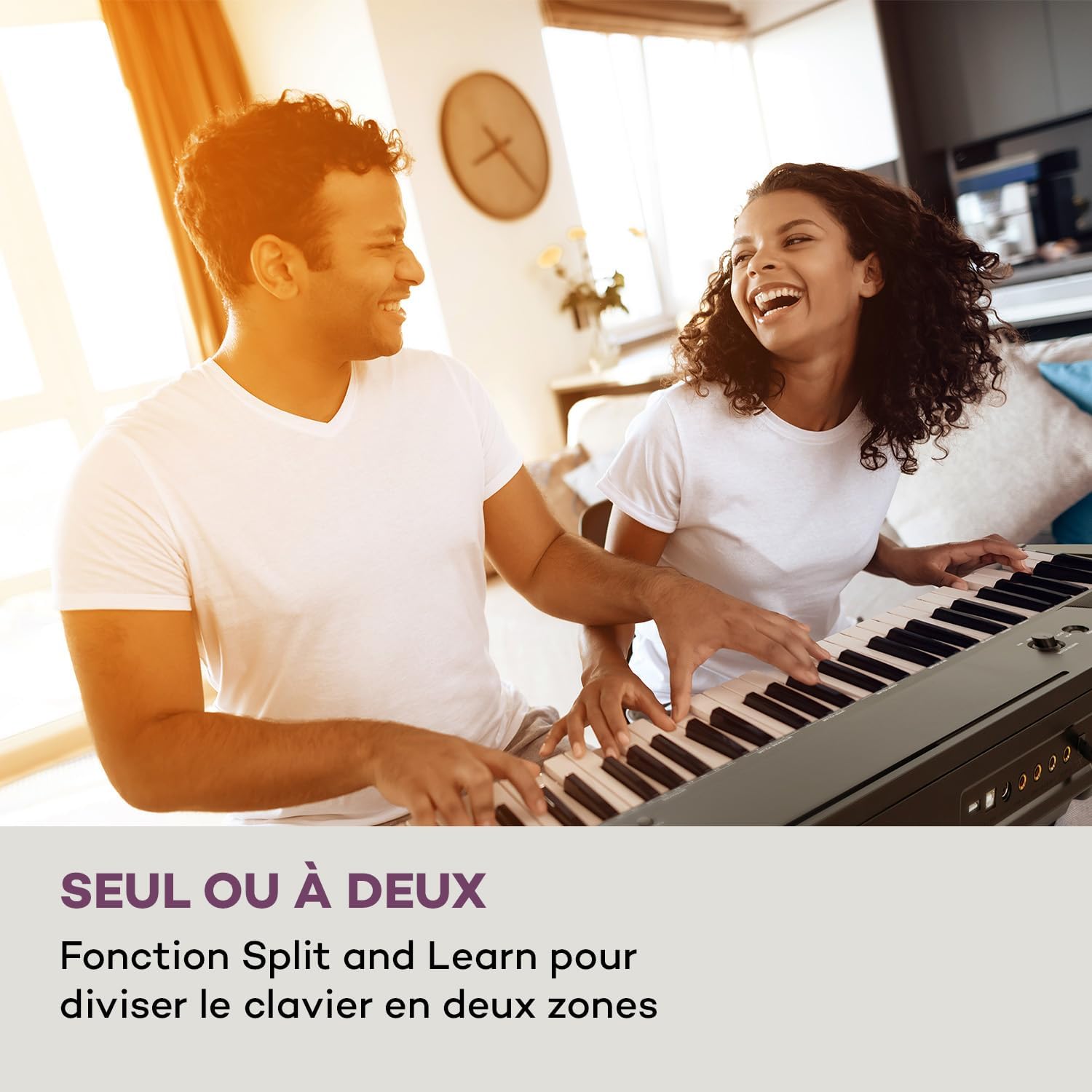
Figure 4: Split and Learn Function. This image shows two individuals playing the keyboard simultaneously, demonstrating the Split function which divides the keyboard into two playable zones.
Metronome and Tempo
Kích hoạt máy đếm nhịp bằng cách nhấn nút. TÀU ĐIỆN NGẦM button. Adjust the tempo using the NHỊP ĐỘ nút bấm.
Ghi âm và Phát lại
The keyboard features a recording function:
- Nhấn nút GHI button to start recording your performance.
- Nhấn CHƠI để nghe lại bản thu âm của bạn.
Kết nối USB
The integrated USB port allows for MP3 playback and MIDI connectivity:
- Phát lại MP3: Chèn ổ USB có chứa MP3 files vào cổng USB. Sử dụng BÀI HÁT buttons to navigate and play tracks.
- USB-MIDI: Connect the keyboard to a computer using the provided USB-MIDI cable for use with educational and recording software.

Figure 5: Recording and USB Playback. The image depicts the keyboard's capability for recording performances and playing MP3 files via its integrated USB port, enhanced by its 5-watt RMS speakers.
BẢO TRÌ
- Vệ sinh: Hãy dùng khăn mềm, khô để lau sạch bề mặt bàn phím. Không sử dụng chất tẩy rửa có tính ăn mòn hoặc dung môi.
- Kho: When not in use, store the keyboard in a dry, dust-free environment. If storing for a long period, disconnect the power adapter.
- Chăm sóc chính: Avoid excessive force on the keys. Clean keys gently with a slightly damp Nếu cần, hãy dùng khăn lau, sau đó lau khô ngay lập tức.
Xử lý sự cố
| Vấn đề | Nguyên nhân có thể | Giải pháp |
|---|---|---|
| Không có âm thanh | Không có nguồn điện, âm lượng quá nhỏ, tai nghe đã được kết nối. | Check power connection, increase master volume, disconnect headphones. |
| Các phím không phản hồi | Function mode active, internal error. | Exit Function mode, power cycle the instrument. |
| Bàn đạp duy trì không hoạt động | Pedal not fully inserted, pedal polarity issue. | Ensure pedal is firmly connected. Some pedals require the keyboard to be powered on with the pedal already pressed to set polarity. |
| Sự cố phát lại USB | Không được hỗ trợ file format, corrupted USB drive. | Đảm bảo files are MP3 format. Try a different USB drive or reformat the current one. |
Thông số kỹ thuật
- Tên mẫu: Preludio
- Số lượng chìa khóa: 88
- Loại chính: Full-size, touch-sensitive (3 levels)
- Sounds (Voices): 140
- Bài hát demo: 16
- Chức năng: Sustain, Vibrato, Transposition, Octave, Split, Layer, Metronome, Record, Playback, Learning Function
- Kết nối: 1 x 6.3 mm Audio In, 1 x 6.3 mm Audio Out, 2 x 6.3 mm Headphone Outputs, 1 x USB (Type A for MP3), 1 x USB-MIDI (Type B)
- Nguồn điện: AC adapter (220-240 V~ | 50/60 Hz)
- Kích thước (L x H x D): Xấp xỉ 130 x 29 x 35 cm (51.2 x 11.4 x 13.8 inch)
- Cân nặng: Xấp xỉ 6.2 kg (13.7 lbs)
- Vật liệu: Nhựa

Hình 6: Kích thước sản phẩm. A visual representation of the keyboard's length, height, and depth measurements.
Bảo hành và Hỗ trợ
For detailed warranty information and technical support, please refer to the warranty card included with your product or visit the official Schubert webtrang web. Giữ lại bằng chứng mua hàng để yêu cầu bảo hành.
Video sản phẩm
Sustain Pedal Overview
Video này cung cấp hình ảnh cận cảnh. view and demonstration of the M-Audio SP-2 sustain pedal, which is compatible with digital pianos like the Schubert Preludio. It shows how the pedal functions to extend notes, similar to an acoustic piano.
Keyboard Features Overview
This video offers a detailed close-up view of the digital piano, showcasing its keys, control panel, and various functions. It provides a visual guide to the instrument's design and user interface.


