1. Giới thiệu
This manual provides detailed instructions for the installation, operation, and maintenance of your Aigostar Wireless Doorbell 2HQEZ. Please read it carefully before use to ensure proper functionality and safety. Keep this manual for future reference.
2. Sản phẩm hếtview
The Aigostar Wireless Doorbell 2HQEZ is a convenient and reliable doorbell system designed for homes, offices, and various other settings. It features a plug-and-play receiver and a waterproof push-button transmitter.
Các tính năng chính:
- 36 Unique Melodies: Choose from a wide selection of pleasant chimes.
- 3 mức âm lượng có thể điều chỉnh: Customize the sound level to your preference, including a silent mode.
- Strong Wireless Signal: Offers a transmission distance of up to 150 meters (500 feet) in open areas.
- Bộ phát chống nước IP44: Được thiết kế để chịu được mưa và các điều kiện thời tiết khác nhau.
- Cài đặt dễ dàng: Simple setup with double-sided adhesive tape or screws.
- Ứng dụng đa năng: Suitable for homes, offices, hospitals, factories, hotels, and more.
Thành phần:
- 1 x Wireless Transmitter (Push Button)
- 1 bộ thu cắm ngoài
- Mounting Accessories (Double-sided adhesive tape, screws)

Image: Dimensions of the Aigostar Wireless Doorbell transmitter and receiver.

Image: The Aigostar Wireless Doorbell featuring an acrylic panel for enhanced durability.
3. Thiết lập
Follow these steps for quick and easy installation and pairing of your Aigostar Wireless Doorbell.
3.1. Lắp đặt pin máy phát
The transmitter requires a battery (included). Use a small screwdriver to open the back cover, insert the battery, and close the cover securely.
3.2. Vị trí đặt thiết bị thu
Plug the receiver into a standard AC power outlet in a location where the chime can be easily heard throughout your home or desired area.
3.3. Lắp đặt máy phát
Choose a suitable location for the transmitter (push button) near your door. Ensure the surface is clean and dry. You can install it using:
- Double-sided adhesive tape: Peel off the protective film from the adhesive tape on the back of the transmitter and firmly press it onto the desired surface.
- Vít: For a more secure installation, use the provided screws to mount the transmitter to the wall.
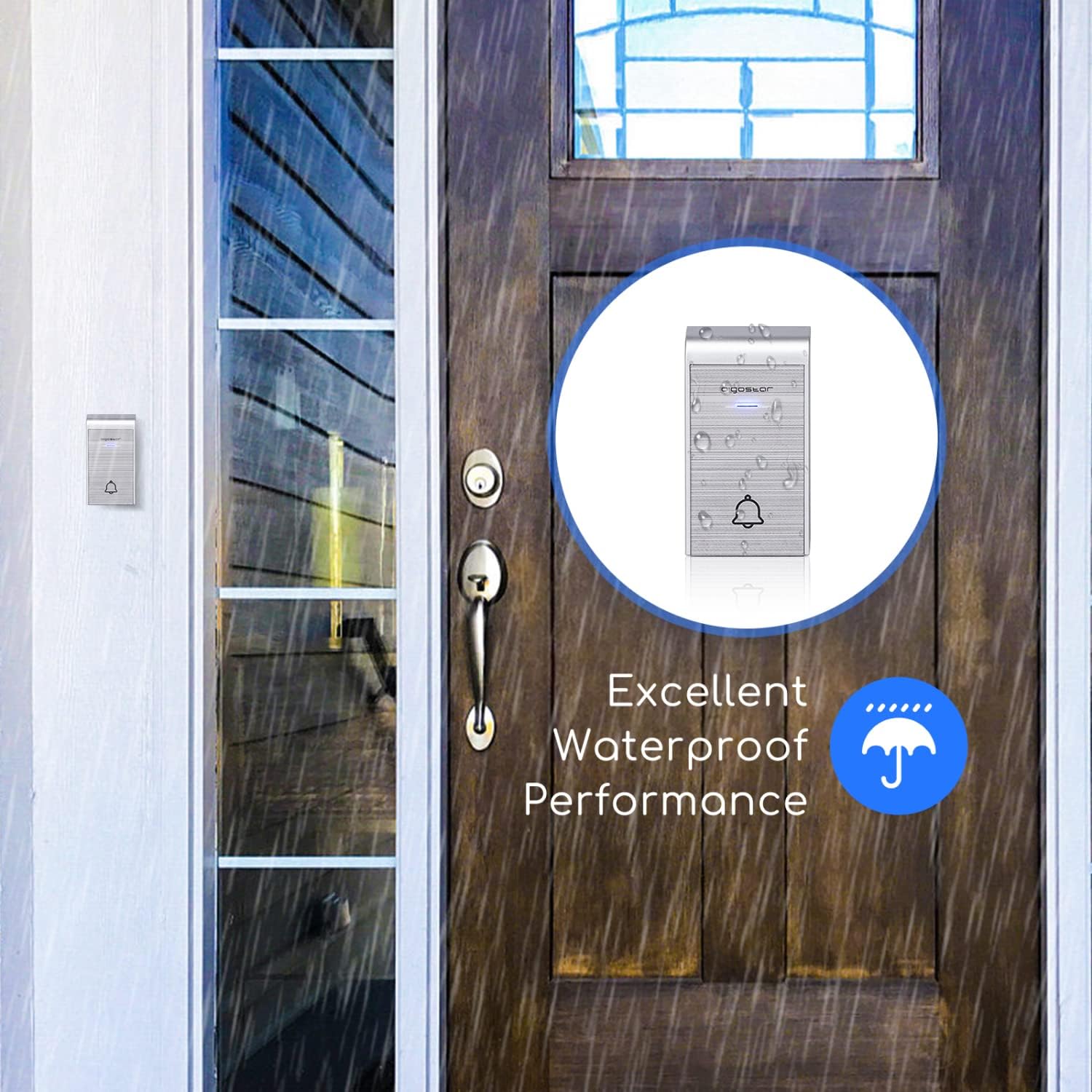
Image: The IP44 waterproof transmitter installed outside, demonstrating its resistance to rain.
3.4. Hướng dẫn ghép nối
The doorbell system is typically pre-paired. If re-pairing is needed or you are adding additional transmitters/receivers, follow these steps:
- Pairing a single transmitter with a single receiver:
a. Plug in the receiver.
b. Press and hold the volume button on the receiver until it beeps twice.
c. Immediately press the transmitter button. The receiver will chime, indicating successful pairing. - Pairing multiple transmitters with a single receiver:
a. Plug in the receiver.
b. Press and hold the volume button on the receiver until it beeps twice.
c. Press each transmitter button one by one. The receiver will chime for each successful pairing. - Pairing one transmitter with multiple receivers:
a. Plug in all receivers.
b. For each receiver, press and hold its volume button until it beeps twice.
c. Immediately press the transmitter button. Each receiver will chime, indicating successful pairing.
Video: Tutorial demonstrating how to connect the doorbell transmitter and receiver, including single and multiple unit pairings.
4. Hướng dẫn vận hành
Once installed and paired, your Aigostar Wireless Doorbell is ready for use.
4.1. Điều chỉnh âm lượng
The receiver has a volume control button. Press this button repeatedly to cycle through 3 different volume levels (low, medium, high) and a silent mode. Select the volume that best suits your environment.
4.2. Những giai điệu thay đổi
The receiver offers 36 different melodies. Press the melody selection button on the receiver to preview and choose your preferred chime. The selected melody will be saved even after the receiver is unplugged.

Image: Close-up of the receiver showing buttons for volume adjustment and melody selection.

Image: Illustration of various scenarios where the one-click calling feature of the doorbell is beneficial, such as for elderly individuals, pregnant women, or patients.
5. Bảo trì
To ensure the longevity and optimal performance of your doorbell, follow these maintenance guidelines:
- Vệ sinh: Wipe the transmitter and receiver with a soft, dry cloth. Do not use abrasive cleaners or solvents.
- Pin máy phát: If the transmitter stops working or the signal weakens, replace the battery. Ensure the new battery is correctly oriented.
- Vị trí đặt máy phát: Periodically check the transmitter's mounting to ensure it remains securely attached, especially if using adhesive tape. Consider using screws for a more permanent fixture.
KHAI THÁC. Xử lý sự cố
If you encounter issues with your Aigostar Wireless Doorbell, refer to the following common problems and solutions:
| Vấn đề | Nguyên nhân có thể | Giải pháp |
|---|---|---|
| Chuông cửa không kêu. | Pin của máy phát yếu hoặc đã hết. Đầu thu đã bị rút phích cắm hoặc không được cấp nguồn. Bộ phát và bộ thu chưa được ghép nối. | Thay pin máy phát. Hãy đảm bảo rằng bộ thu được cắm chắc chắn vào ổ cắm đang hoạt động. Hãy làm theo hướng dẫn ghép cặp trong Mục 3.4. |
| Short transmission range or intermittent signal. | Vật cản (tường dày, vật bằng kim loại). Nhiễu từ các thiết bị không dây khác. Pin máy phát yếu. | Di chuyển thiết bị thu hoặc phát để giảm thiểu vật cản. Ensure the transmitter battery is fresh. Avoid placing near large metal structures or strong electromagnetic fields. |
| Transmitter falls off the wall. | Adhesive tape not strong enough or improper surface preparation. | Clean the surface thoroughly before applying adhesive. For a more secure installation, use the provided screws. |
| Transmitter is damaged by rain. | Improper installation or extreme weather conditions exceeding IP44 rating. | Ensure the transmitter is installed in a location that minimizes direct exposure to heavy rain or extreme elements, despite its IP44 rating. Check for any cracks or damage to the casing. |
7. Thông số kỹ thuật
| Tên mẫu | 2HQEZ |
| Mã số sản phẩm | 197926 |
| Thương hiệu | Aigostar |
| Màu sắc | Bạc |
| Nguồn điện máy thu | AC (Cắm vào) |
| Nguồn điện máy phát | Pin (Đã bao gồm) |
| Khả năng chống nước (Bộ phát) | IP44 |
| Wireless Dải | Lên đến 150m (500ft) ở những khu vực thoáng đãng |
| Giai điệu | 36 giai điệu có thể lựa chọn |
| Mức âm lượng | 3 adjustable levels + Silent Mode |
| Kích thước gói hàng | 15.1 x 14 x 6.8cm |
| Trọng lượng gói hàng | 60 gam |

Image: Illustration showing the 150m (500ft) transmission distance of the Aigostar Wireless Doorbell.
8. Bảo hành và Hỗ trợ
Aigostar products are designed and manufactured to the highest quality standards. For warranty information or technical support, please refer to the contact details provided on the product packaging or visit the official Aigostar webtrang web. Vui lòng giữ lại bằng chứng mua hàng để yêu cầu bảo hành.


