Giới thiệu
This manual provides detailed instructions for the installation, operation, and maintenance of your ESX VN1015-MA-DAB-1DIN 1-DIN Touchscreen Navigation System. This advanced car multimedia unit features a 10.1-inch multi-angle touchscreen, Android operating system, DAB+ digital radio, Bluetooth hands-free and audio streaming, GPS navigation, and extensive media connectivity. Please read this manual thoroughly before using the device to ensure proper operation and to maximize your user experience.
Thiết lập và cài đặt
Proper installation is crucial for the optimal performance of your ESX navigation system. It is recommended that installation be performed by a qualified professional.
1. Mở hộp và kiểm tra
- Cẩn thận loại bỏ tất cả các thành phần khỏi bao bì.
- Hãy kiểm tra xem tất cả các phụ kiện được liệt kê đều có đầy đủ.
- Kiểm tra thiết bị xem có dấu hiệu hư hỏng nào không.
2. Kết nối dây
Refer to the wiring diagram for detailed connections. Ensure all connections are secure to prevent malfunctions.
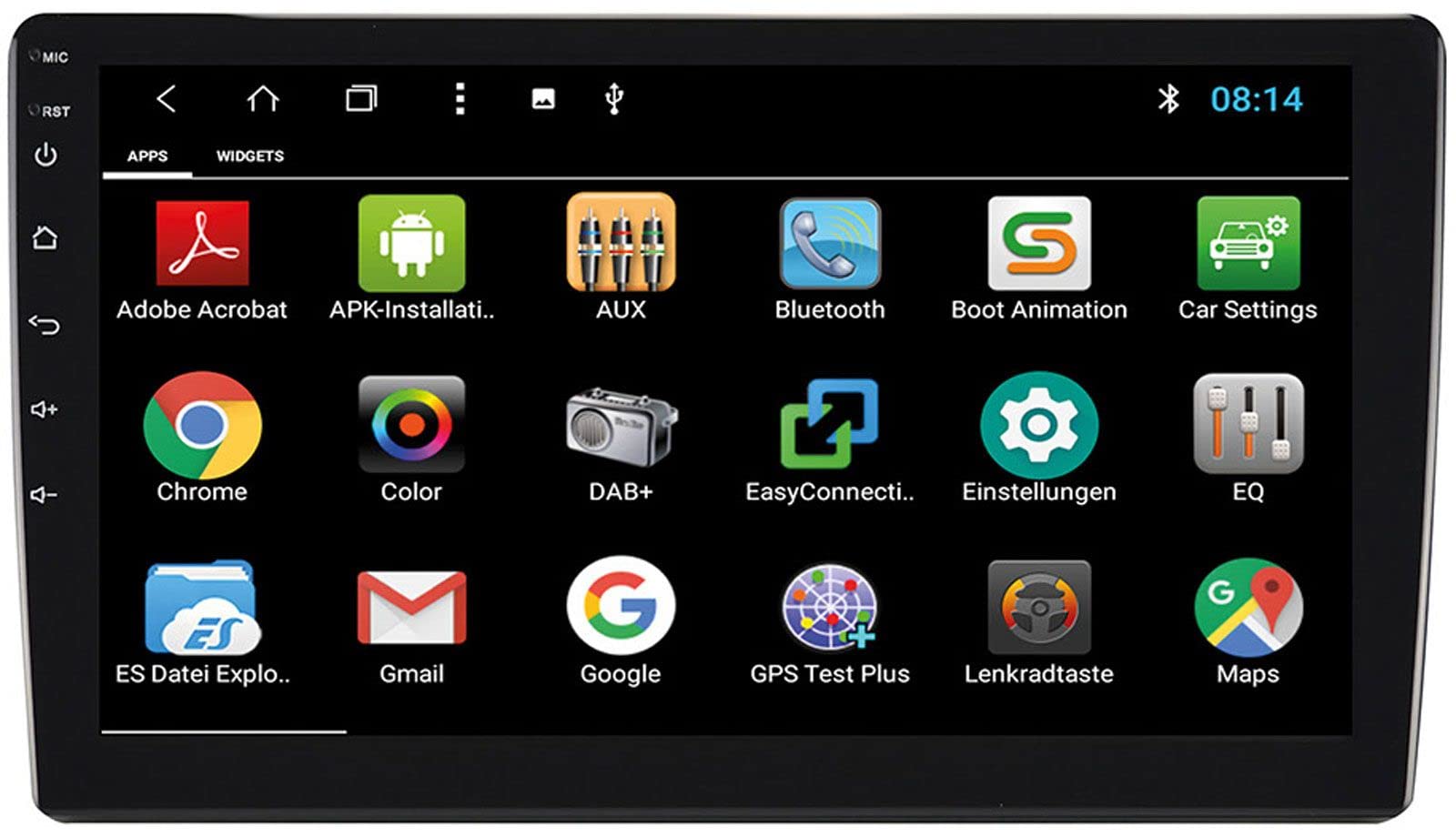
Image: Rear Connection Ports. This image displays the rear panel of the ESX VN1015-MA-DAB-1DIN unit, highlighting the various input and output ports. Key connections visible include GPS antenna input, WiFi antenna input, microphone input, USB ports, AV inputs, and the main power/speaker harness connector. A DAB+ antenna input is also present, along with a "PASSED" quality control sticker.
- Kết nối nguồn điện: Connect the main power harness to your vehicle's power supply (constant 12V, ignition 12V, and ground).
- Kết nối loa: Nối dây loa vào loa trên xe của bạn, đảm bảo đúng cực.
- Ăng ten GPS: Connect the GPS antenna to the dedicated GPS input. Position the antenna in a location with a clear view trên bầu trời để thu sóng tối ưu.
- Ăng-ten DAB+: Connect the included DAB+ antenna to the DAB+ input. Ensure proper placement for best digital radio reception.
- Ăng-ten WiFi: Connect the WiFi antenna for internet connectivity via a mobile hotspot.
- Cổng USB: Kết nối các thiết bị USB để phát nhạc hoặc sạc điện thoại thông minh.
- Micrô: Connect the internal microphone or an optional external microphone (VNA-MIC-AND) for Bluetooth hands-free calling.
- AUX/Video Input: Kết nối nguồn âm thanh/video bên ngoài.
- Đầu vào camera: Kết nối phía sauview camera to the camera input. The system supports adjustable parking lines.
- Trước đóamp Đầu ra: Kết nối bên ngoài ampBộ khuếch đại cho các kênh phía trước, phía sau và loa siêu trầm.
- Điều khiển vô lăng: If your vehicle supports steering wheel controls, an optional adapter may be required. Connect the steering wheel control wires as per the adapter's instructions.
3. Gắn thiết bị
- Install the 1-DIN chassis into your vehicle's dashboard opening.
- Attach the 10.1-inch touchscreen display to the chassis. The display is multi-angle adjustable (height and viewing angle) for optimal visibility.
- Secure the unit firmly to prevent movement during driving.
4. Bật nguồn ban đầu
- After all connections are made, turn on your vehicle's ignition.
- The unit should power on and display the ESX logo.
- Follow any on-screen prompts for initial setup, such as language selection and time zone.
Hướng dẫn sử dụng
Your ESX navigation system runs on an Android operating system, offering a familiar and intuitive user interface.
1. Giao diện màn hình cảm ứng
The 10.1-inch high-resolution touchscreen allows for easy control of all functions. Tap, swipe, and pinch-to-zoom gestures are supported.
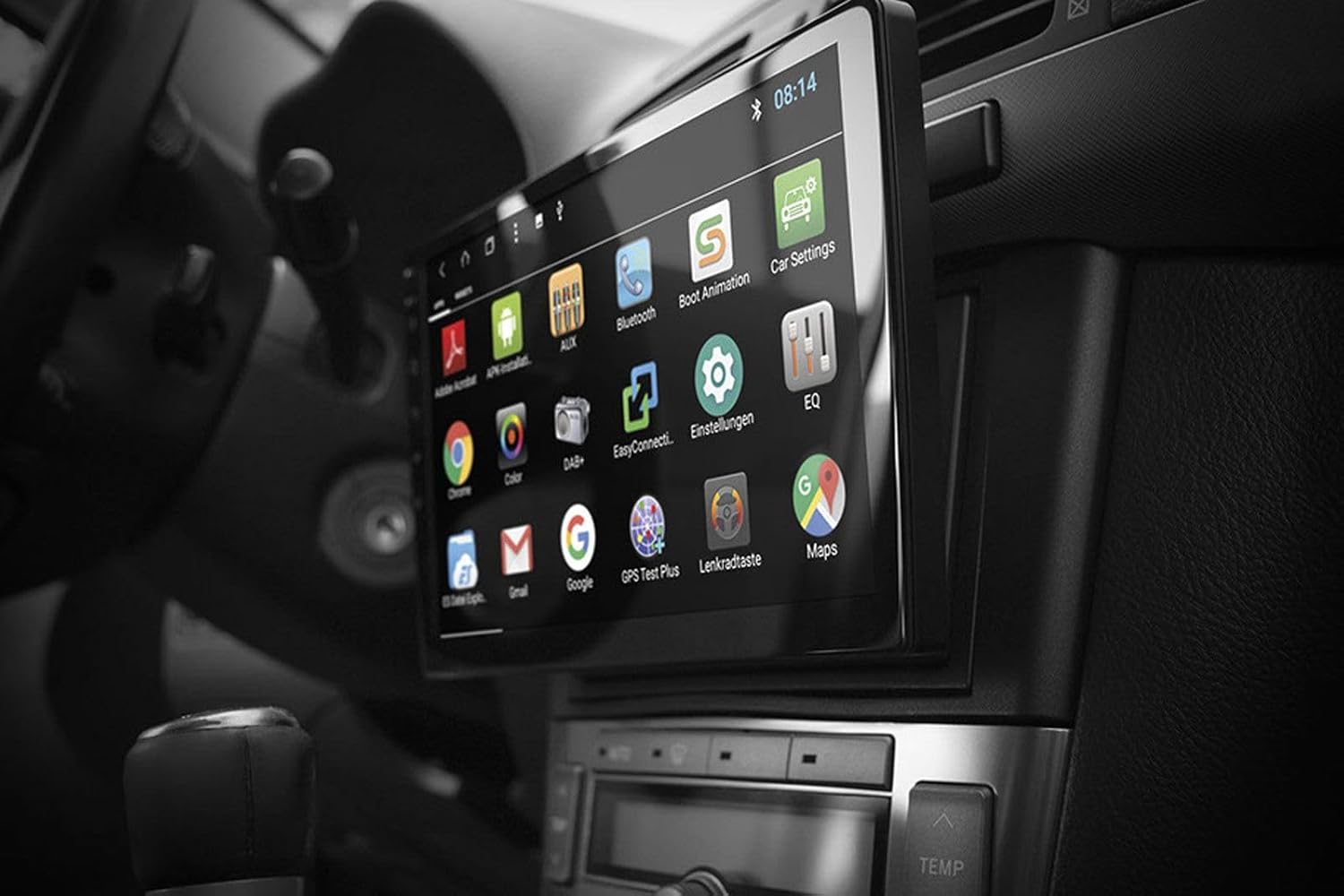
Image: Android App Interface. This image shows the ESX VN1015-MA-DAB-1DIN unit installed in a car, with its screen displaying a grid of Android application icons. Visible apps include Bluetooth, DAB+, EQ, Google, Maps, and various system settings, indicating the unit's smart functionality.
2. Hệ thống định vị (GPS)
- The system uses Google Maps for navigation, supporting both online and offline modes.
- Hãy đảm bảo ăng-ten GPS được kết nối và đặt đúng vị trí.
- For offline maps, download the required map data via a WiFi connection.
- To start navigation, open the Maps application and enter your destination.

Image: Navigation Display. This image illustrates the ESX VN1015-MA-DAB-1DIN unit's screen showing a detailed navigation map. The map displays street names and routes, indicating active GPS guidance within a vehicle's interior.
3. Radio Functions (DAB+/AM/FM)
- Đài phát thanh kỹ thuật số DAB+: Access high-quality digital radio broadcasts. The system displays station logos. Ensure the DAB+ antenna is connected.
- Đài phát thanh AM/FM: Tune into analog radio stations. RDS (Radio Data System) functionality provides station information.
- To switch between radio modes, select the appropriate option in the radio application.
- Scan for stations and save your favorites for quick access.

Image: Radio Interface. This image shows the ESX VN1015-MA-DAB-1DIN unit's screen displaying the FM radio interface. It features a frequency tuner, station presets, and controls for functions like REG, TA, AF, and PTY, indicating comprehensive radio capabilities.
4. Kết nối Bluetooth
- Ghép nối: Go to the Bluetooth settings on the unit and your smartphone. Tìm kiếm available devices and select "ESX VN1015-MA-DAB-1DIN" (or similar). Enter the PIN if prompted (usually 0000 or 1234).
- Gọi rảnh tay: Once paired, you can make and receive calls directly from the unit. Use the internal microphone or an optional external microphone for clear communication.
- Truyền phát âm thanh (A2DP): Stream music from your smartphone to the unit wirelessly.
5. Phát lại phương tiện
- USB/MicroSD: Insert USB drives or MicroSD cards containing audio or video files into the respective ports. The system will automatically detect and allow playback through the media player application.
- Đầu vào AUX: Connect external audio/video devices via the AUX input.
- Kết nối điện thoại thông minh: Connect Android or iPhone devices via USB for charging. Some Android devices may support mirroring or data transfer depending on the phone and app.
6. Cài đặt hệ thống
- Access the Android settings menu to customize various aspects of the unit, including display, sound, network, and system information.
- You can adjust display brightness, sound equalizer settings, and connect to a WiFi hotspot for internet access.
- Customize boot logos and background images from the settings.
BẢO TRÌ
Regular maintenance ensures the longevity and optimal performance of your ESX navigation system.
- Làm sạch màn hình: Dùng vải mềm, không xơ để lau nhẹ màn hình cảm ứng. Đối với các vết bẩn cứng đầu, hãy lau nhẹ.ampLau khăn bằng nước hoặc chất tẩy rửa an toàn cho màn hình. Tránh hóa chất mạnh hoặc vật liệu mài mòn.
- Cập nhật phần mềm: Thường xuyên kiểm tra các bản cập nhật phần mềm từ nhà sản xuất. website or through the unit's system settings (if available). Updates can improve performance and add new features.
- Quan tâm chung: Avoid exposing the unit to extreme temperatures, direct sunlight for prolonged periods, or excessive moisture. Ensure proper ventilation around the unit.
Xử lý sự cố
If you encounter issues with your ESX navigation system, refer to the following common problems and solutions.
| Vấn đề | Giải pháp khả thi |
|---|---|
| Thiết bị không bật nguồn. | Check all power connections (constant 12V, ignition 12V, ground). Verify the vehicle's fuse box and the unit's inline fuse. Ensure the ignition is on. |
| Không có âm thanh. | Check speaker connections. Ensure volume is not muted or set too low. Verify ampkết nối lifier nếu bên ngoài amplifiers are used. Check audio source selection. |
| Tín hiệu GPS yếu hoặc không có. | Hãy đảm bảo ăng-ten GPS được kết nối chắc chắn và đặt ở vị trí thoáng đãng. view of the sky (e.g., dashboard, under windshield). Avoid obstructions. |
| Bluetooth not connecting or unstable. | Ensure Bluetooth is enabled on both the unit and your smartphone. Delete previous pairings and try re-pairing. Move the phone closer to the unit. Restart both devices. |
| Khả năng thu sóng radio DAB+ kém. | Check the DAB+ antenna connection and its placement. Ensure you are in an area with DAB+ coverage. Rescan for stations. |
| Màn hình cảm ứng không phản hồi. | Perform a soft reset of the unit (refer to the system settings for a reset option, or press and hold the power button if available). Ensure the screen is clean and free of debris. |
Thông số kỹ thuật
Key technical specifications for the ESX VN1015-MA-DAB-1DIN navigation system:
- Trưng bày: 10.1-inch high-resolution multi-angle LCD touchscreen
- Hệ điều hành: Android
- Điều hướng: Google Maps (online and offline)
- Kết nối: WiFi Hotspot (requires compatible smartphone), Bluetooth (hands-free, audio streaming), USB (2 ports), MicroSD card slot (for navigation and media), AUX/Video input, AUX/Audio input
- Radio: DAB+ Digital Radio (with station logos, DAB antenna included), AM/FM Radio (with RDS function)
- Đầu ra âm thanh: Front/Rear/Subwoofer pre-amp đầu ra
- Đầu vào: 1 Camera input (adjustable lines), 1 AUX/Video input, 1 AUX/Audio input
- Tính năng đặc biệt: Adjustable boot logos and background images, Internal microphone, Connector for optional external microphone (VNA-MIC-AND), Steering wheel control support (optional adapter required)
- Phương pháp kiểm soát: Màn hình cảm ứng
- Loại dịch vụ xe: Xe hơi
- Nhà sản xuất: ESX
- Nước xuất xứ: Trung Quốc
Thông tin bảo hành
The ESX VN1015-MA-DAB-1DIN unit includes a Certificate of Authenticity. For specific warranty terms and conditions, please refer to the documentation provided with your purchase or contact your retailer. Information regarding spare parts availability and guaranteed software updates is not explicitly provided.
Hỗ trợ khách hàng
If you require further assistance or have questions not covered in this manual, please contact your authorized ESX dealer or the retailer from whom you purchased the product. They can provide specialized support and service.