Giới thiệu
The Lutron Caseta Wireless Smart Switch (model PD-5ANS-WH-R) provides convenient on/off control for lights or fans. This wireless switch can be controlled directly at the device or remotely when paired with Lutron Pico remote controls. For advanced control, including scheduling and voice commands, the switch integrates with the Lutron App via a Smart Bridge (sold separately). It utilizes Lutron's patented Clear Connect RF Technology for reliable communication through walls and floors.
Thông tin an toàn
- CẢNH BÁO: Risk of Electric Shock. Turn off power at the circuit breaker or fuse box before installation.
- Cài đặt phù hợp với tất cả các mã điện quốc gia và địa phương.
- Use only with copper or copper clad wire.
- A neutral wire is required for installation. Verify your electrical box has a neutral wire before proceeding.
- Không sử dụng nếu sản phẩm có dấu hiệu hư hỏng.
Nội dung gói
Gói hàng của bạn phải bao gồm những mục sau:
- One (1) Lutron Caseta Wireless Smart Switch (PD-5ANS-WH-R)
Note: Coordinating wallplates and Pico remote controls are sold separately.

Hình ảnh: Mặt trước view of the Lutron Caseta Wireless Smart Switch in its retail packaging.
Thiết lập và cài đặt
Follow these steps to install your Lutron Caseta Wireless Smart Switch:
- Tắt nguồn: Before beginning, turn off the power at the circuit breaker for the switch location.
- Xóa công tắc hiện có: Cẩn thận tháo tấm ốp tường và vặn công tắc hiện có ra khỏi hộp điện. Ngắt kết nối dây điện.
- Xác định dây: You will typically find a Line (hot) wire, a Load wire (to the light/fan), a Neutral wire, and a Ground wire. A neutral wire is essential for this switch.
- Đấu dây cho công tắc Caseta: Connect the wires from the wall box to the corresponding wires on the Caseta switch. Refer to the wiring diagram provided with your product for specific connections. Typically:
- Black wire (Switch) to Line (hot) wire (Wall Box)
- Red wire (Switch) to Load wire (Wall Box)
- White wire (Switch) to Neutral wire (Wall Box)
- Green wire (Switch) to Ground wire (Wall Box)
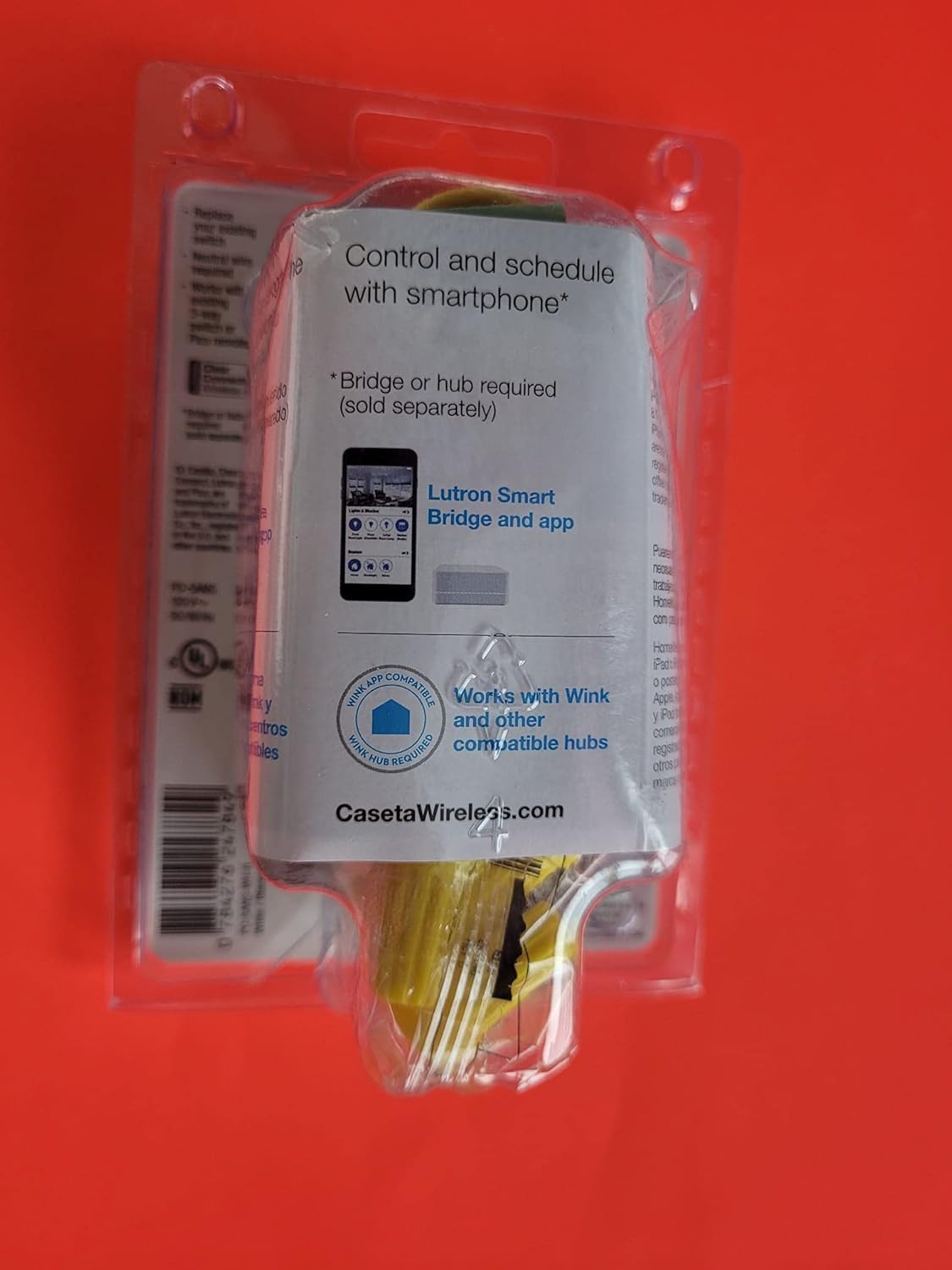
Hình ảnh: Phía sau view of the Lutron Caseta Wireless Smart Switch, showing wiring terminals.
- Gắn công tắc: Gently push the wired switch into the wall box and secure it with screws. Attach the new wallplate (sold separately).
- Khôi phục điện: Bật lại nguồn điện tại cầu dao điện.
- System Integration (Optional): For smartphone and voice control, a Lutron Smart Bridge is required (sold separately). Download the Lutron App and follow the in-app instructions to add your new switch to your Caseta system.
- 3-Way Applications: For multi-location control, the Caseta switch can be used with an existing toggle switch or paired with 2-button Pico remote controls (PJ2-2B-GWH-L01, sold separately). Consult the specific wiring instructions for 3-way setups.
Hướng dẫn sử dụng
The Lutron Caseta Wireless Smart Switch offers multiple ways to control your lights or fans:
- Kiểm soát thủ công: Nhấn nút phía trên công tắc để bật thiết bị được kết nối. Nhấn nút phía dưới để tắt thiết bị được kết nối.
- Điều khiển từ xa Pico: If paired with a Pico remote (sold separately), use the ON/OFF buttons on the remote to control the switch wirelessly.
- Ứng dụng điều khiển Lutron: Once connected to a Lutron Smart Bridge (sold separately) and configured in the Lutron App, you can control the switch from your smartphone or tablet. This includes turning lights/fans on/off, creating schedules, and setting scenes.
- Điều khiển bằng giọng nói: When integrated with a compatible voice assistant (e.g., Amazon Alexa, Google Assistant, Apple HomeKit) via the Lutron Smart Bridge, you can use voice commands to operate the switch.
BẢO TRÌ
The Lutron Caseta Wireless Smart Switch is designed for maintenance-free operation. To clean the switch, wipe it with a soft, damp cloth. Do not use chemical cleaners. There are no user-serviceable parts inside the switch.
Xử lý sự cố
If you encounter issues with your Lutron Caseta Wireless Smart Switch, consider the following:
- Công tắc không phản hồi: Ensure power is on at the circuit breaker. Check all wire connections are secure.
- Lights/Fan Not Turning On/Off: Verify the load (light bulb or fan) is functioning correctly. Ensure the switch is wired correctly, especially the Line and Load connections.
- Lights Blinking or Flickering: This can sometimes indicate incorrect wiring, particularly in 3-way setups, or an incompatible load. Ensure a neutral wire is properly connected. For low-wattage LED loads, a load capacitor might be required (consult Lutron support).
- Các vấn đề về điều khiển ứng dụng/giọng nói: Confirm your Lutron Smart Bridge is powered on and connected to your home network. Ensure the switch is properly paired with the Smart Bridge in the Lutron App. Check your Wi-Fi connectivity and router settings.
- Điều khiển từ xa Pico không điều khiển được công tắc: Hãy đảm bảo rằng điều khiển từ xa Pico đã được ghép nối đúng cách với công tắc. Tham khảo hướng dẫn sử dụng điều khiển từ xa Pico để biết quy trình ghép nối.
- Yêu cầu về dây trung tính: Many smart switches, including this model, require a neutral wire. If your electrical box lacks a neutral wire, the switch will not function correctly.
Để được hỗ trợ thêm, vui lòng liên hệ bộ phận hỗ trợ khách hàng của Lutron.
Thông số kỹ thuật
| Số hiệu mẫu | PD-5ANS-WH-R |
| Chế độ hoạt động | On/Off, Toggle |
| Xếp hạng hiện tại | 5 Amps |
| Loại liên hệ | Thường mở |
| Loại đầu nối | Không dây |
| Phần cuối | SPST (Cực đơn ném đơn) |
| Loại mạch | Đơn cực hoặc 3 chiều |
| Kiểu lắp đặt | Treo tường |
| Phương pháp kiểm soát | Manual, App (via Smart Bridge), Voice (via Smart Bridge) |
| Giao thức kết nối | Lutron Clear Connect RF Technology, Wi-Fi (via Smart Bridge) |
| Thiết bị tương thích | iOS, Android, Wi-Fi enabled devices (with Smart Bridge) |
| Kích thước (D x R x C) | 6 x 3 x 4 inch (Sản phẩm) |
| Trọng lượng sản phẩm | 4.8 ounce |
| Màu sắc | Trắng, Xám |
| Bảo vệ quốc tế Rating | IP54 |
Thông tin bảo hành
Lutron products typically come with a manufacturer's warranty. For detailed information regarding the warranty period, coverage, and terms for your PD-5ANS-WH-R switch, please refer to the documentation included with your purchase or visit the official Lutron webđịa điểm.
Ủng hộ
For technical support, troubleshooting assistance, or further product information, please contact Lutron customer service directly. You can typically find contact details, FAQs, and additional resources on the official Lutron webđịa điểm:
Lutron Official Webđịa điểm: www.lutron.com