1. Giới thiệu
This manual provides comprehensive instructions for the installation, operation, and maintenance of your Sinopé TH1123ZB Smart ZigBee Thermostat. This thermostat is designed for electric baseboard heaters, convectors, fan-forced convectors, and radiant ceiling heating systems. It offers advanced smart home integration capabilities, allowing control via Amazon Alexa, Google Home, Neviweb, and Hubitat (compatible hub required).

Image: The Sinopé TH1123ZB Smart ZigBee Thermostat displayed in a modern living room, highlighting its sleek design and integration into a smart home environment. The image also features the Sinopé logo and the text "The most performing smart thermostat for electric heating."
2. Thông tin an toàn
Please read all safety warnings and installation instructions carefully before installing or using this product. Failure to follow these instructions may result in electric shock, fire, or property damage.
- VOL CAOTAGE: Disconnect power before servicing. Always turn off power at the circuit breaker or fuse box before attempting any installation or maintenance.
- Việc lắp đặt phải được thực hiện bởi thợ điện có trình độ theo đúng quy định về điện tại địa phương.
- This thermostat is designed for electric heating systems only. NOT compatible with HVAC systems or floor heating.
- Ensure the thermostat's electrical ratings (3000 W / 240 V) are compatible with your heating system.
- Không để bộ điều nhiệt tiếp xúc với nước hoặc độ ẩm quá cao.

Hình ảnh: Phía sau view of the Sinopé TH1123ZB thermostat, showing the wiring terminals and important safety labels, including warnings about high voltage and electrical specifications. This image emphasizes the need for careful handling and professional installation.
3. Nội dung gói hàng
Xác minh rằng tất cả các thành phần đều có sẵn trước khi bắt đầu cài đặt:
- Sinopé TH1123ZB Smart ZigBee Thermostat
- Đầu nối
- Vít lắp
- Hướng dẫn sử dụng (tài liệu này)
4. Thiết lập và Cài đặt
4.1 Danh sách kiểm tra cài đặt trước
- Ensure power to the heating system is OFF at the main electrical panel.
- Confirm your heating system is compatible (electric baseboard, convector, fan-forced convector, or radiant ceiling heating).
- Have necessary tools: screwdriver, wire strippers.
4.2 Hướng dẫn đấu dây
The TH1123ZB thermostat is designed for 2-wire installations and works with both 120V and 240V systems. It does not require a neutral wire or ground wire for operation.
- Tắt nguồn: Tìm cầu dao điều khiển hệ thống sưởi và tắt nó đi. Kiểm tra xem nguồn điện đã tắt chưa bằng cách sử dụng đồng hồ đo điện áp.tage thử nghiệm.
- Tháo bộ điều nhiệt cũ: Carefully remove your existing thermostat from the wall. Disconnect the wires, noting which wire was connected to which terminal if applicable (though for 2-wire systems, polarity typically doesn't matter for this thermostat).
- Kết nối bộ điều nhiệt mới: Connect the two wires from your wall to the two wires of the TH1123ZB thermostat using the provided connectors. The thermostat wires can be connected in either polarity.
- Lắp đặt bộ điều nhiệt: Secure the thermostat to the wall electrical box using the mounting screws.
- Khôi phục nguồn điện: Bật lại nguồn điện tại cầu dao.

Hình ảnh: Mặt trước rõ ràng view of the Sinopé TH1123ZB thermostat, showing its digital display with time, outdoor temperature, and indoor temperature. Two circular buttons are visible below the screen. This image illustrates the thermostat's appearance once installed.
4.3 ZigBee Pairing
To enable smart features and remote control, the TH1123ZB requires a compatible ZigBee hub (e.g., Sinopé GT130, SmartThings, Hubitat). Ensure your hub is in pairing mode before proceeding.
- On the thermostat, press and hold both circular buttons simultaneously for a few seconds until the ZigBee icon on the display starts flashing.
- Once successfully paired, the ZigBee icon will become solid.
- Refer to your specific hub's instructions for adding new ZigBee devices and integrating the thermostat into your smart home platform (e.g., Amazon Alexa, Google Home).
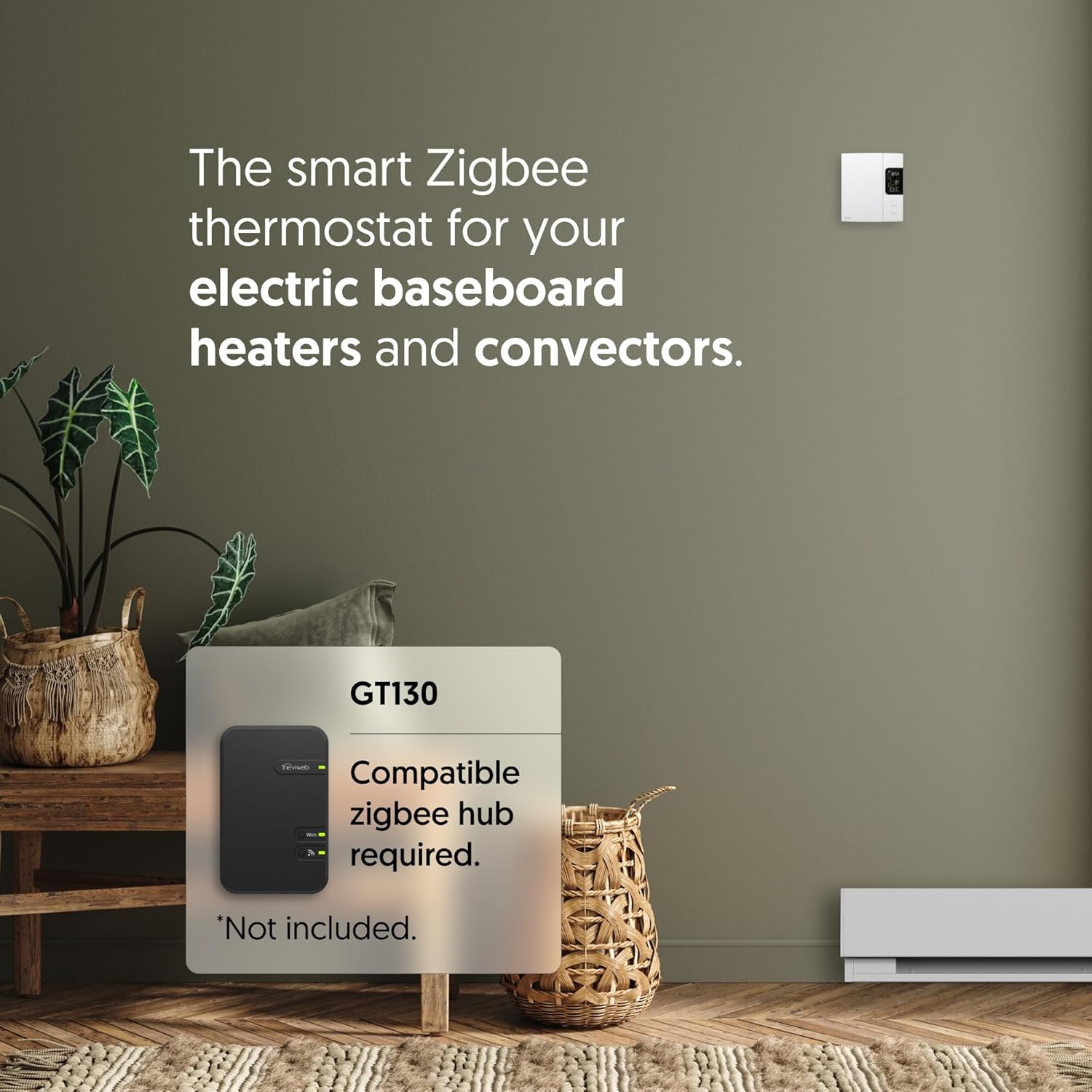
Image: The Sinopé TH1123ZB thermostat positioned next to a smartphone screen showing the Neviweb app interface. The app displays various smart home devices and controls, illustrating the remote management capabilities of the thermostat through a compatible hub.
5. Hướng dẫn vận hành
5.1 Hiển thị trênview
The LCD screen displays key information:
- Thời gian: Thời gian hiện tại.
- Nhiệt độ ngoài trời: Requires connection to a compatible hub and internet access to display.
- Nhiệt độ trong nhà: Nhiệt độ phòng hiện tại.
- Nhiệt độ điểm đặt: Nhiệt độ mong muốn.
- ZigBee Icon: Indicates connection status to the ZigBee network.

Hình ảnh: Một góc cạnh view of the Sinopé TH1123ZB thermostat, providing a clear look at its digital display and the two control buttons. This perspective helps users visualize the device's physical interface and how information is presented on the screen.
5.2 Điều chỉnh nhiệt độ
Use the two circular buttons below the display to adjust the setpoint temperature:
- Nhấn nút nút trên cùng to increase the setpoint temperature.
- Nhấn nút nút dưới cùng to decrease the setpoint temperature.
5.3 Tích hợp nhà thông minh
Once paired with a compatible ZigBee hub, you can control your thermostat remotely and integrate it with various smart home platforms:
- nốt ruồiweb Ứng dụng: For the best experience, use the Neviweb app with the GT130 hub. Features include automations (scheduling, presence-based actions), scenes (personalized ambiances), geofencing (actions based on your location), and real-time energy reports.
- Amazon Alexa / Google Home: Control your thermostat using voice commands. (e.g., "Alexa, set living room thermostat to 72 degrees").
- Hubitat / SmartThings: Integrate into your existing smart home ecosystem for advanced automations and control.

Image: An Amazon Echo smart speaker placed on a wooden table next to a book and glasses. This image visually represents the voice control capability of the thermostat through integration with smart assistants like Amazon Alexa.

Image: A person holding a smartphone that displays a smart home application interface, with a coffee cup and a window in the background. This image signifies the ability to control the entire smart home system, including the thermostat, remotely from anywhere using a mobile app.
6. Bảo trì
The Sinopé TH1123ZB thermostat requires minimal maintenance.
- Vệ sinh: Lau sạch bề mặt của bộ điều nhiệt bằng một miếng vải mềm.amp vải. Không sử dụng chất tẩy rửa có tính mài mòn hoặc dung môi.
- Cập nhật chương trình cơ sở: Ensure your connected ZigBee hub and smart home platform are kept up-to-date, as they may provide firmware updates for the thermostat to improve performance and add features.
- Chu kỳ nguồn điện: If the thermostat becomes unresponsive, turn off the power at the circuit breaker for 30 seconds, then turn it back on.
KHAI THÁC. Xử lý sự cố
| Vấn đề | Nguyên nhân có thể | Giải pháp |
|---|---|---|
| Màn hình bộ điều chỉnh nhiệt trống. | Không có điện vào bộ điều nhiệt. | Kiểm tra cầu dao điện và đảm bảo nó đang ở vị trí BẬT. Kiểm tra lại các kết nối dây dẫn. |
| Bộ điều nhiệt không hoạt động. | Setpoint is below room temperature; heating system issue. | Increase the setpoint temperature. Check your heating system for faults. |
| Cannot pair with ZigBee hub. | Hub not in pairing mode; interference; distance. | Ensure hub is in pairing mode. Move thermostat closer to hub temporarily. Check for other ZigBee devices causing interference. |
| Nhiệt độ ngoài trời không được hiển thị. | No internet connection for hub; hub not configured for outdoor temp. | Ensure your ZigBee hub has an active internet connection. Configure outdoor temperature source in your smart home app (e.g., Neviweb). |
| Thermostat not responding to app/voice commands. | Loss of ZigBee connection; hub offline; app issue. | Check ZigBee icon on thermostat (should be solid). Verify hub's internet connection. Restart the app or smart assistant. |
8. Thông số kỹ thuật
| Tính năng | Chi tiết |
|---|---|
| Số hiệu mẫu | TH1123ZB |
| Thương hiệu | Sinopé |
| Tậptage | Điện áp 120V / 240V AC, tần số 60 Hz |
| Tải trọng tối đa | 12.5 A (điện trở) |
| Cái gì?tage | 3000 W @ 240V |
| Kết nối | ZigBee |
| Loại bộ điều khiển | Amazon Alexa, Google Assistant, Hubitat, Neviweb |
| Kiểu hiển thị | LCD có đèn nền |
| Kích thước (C x R x S) | 5" x 3.35" x 1" |
| Màu sắc | Trắng |
| Vật liệu | Nhựa |
| Chứng nhận | ETL, Conforms to UL STD 60730-1 & 60730-2-9, CSA STD E60730-1 & E60730-2-9 |
| Mã số UPC | 667563000849 |
9. Bảo hành và Hỗ trợ
Sinopé products are designed for reliability and performance. For specific warranty details and technical support, please refer to the official Sinopé webtrang web hoặc liên hệ trực tiếp với bộ phận chăm sóc khách hàng của họ.
- Hỗ trợ trực tuyến: Thăm nom www.sinopetech.com for FAQs, product documentation, and support resources.
- Dịch vụ khách hàng: Contact information for technical assistance can be found on the Sinopé webđịa điểm.


