1. Kết thúcview
The Plantronics CS540 Wireless DECT Headset is designed for office and desk-centric workers who use desk phones. It offers clear communication with a noise-canceling microphone and a versatile convertible design for all-day comfort.
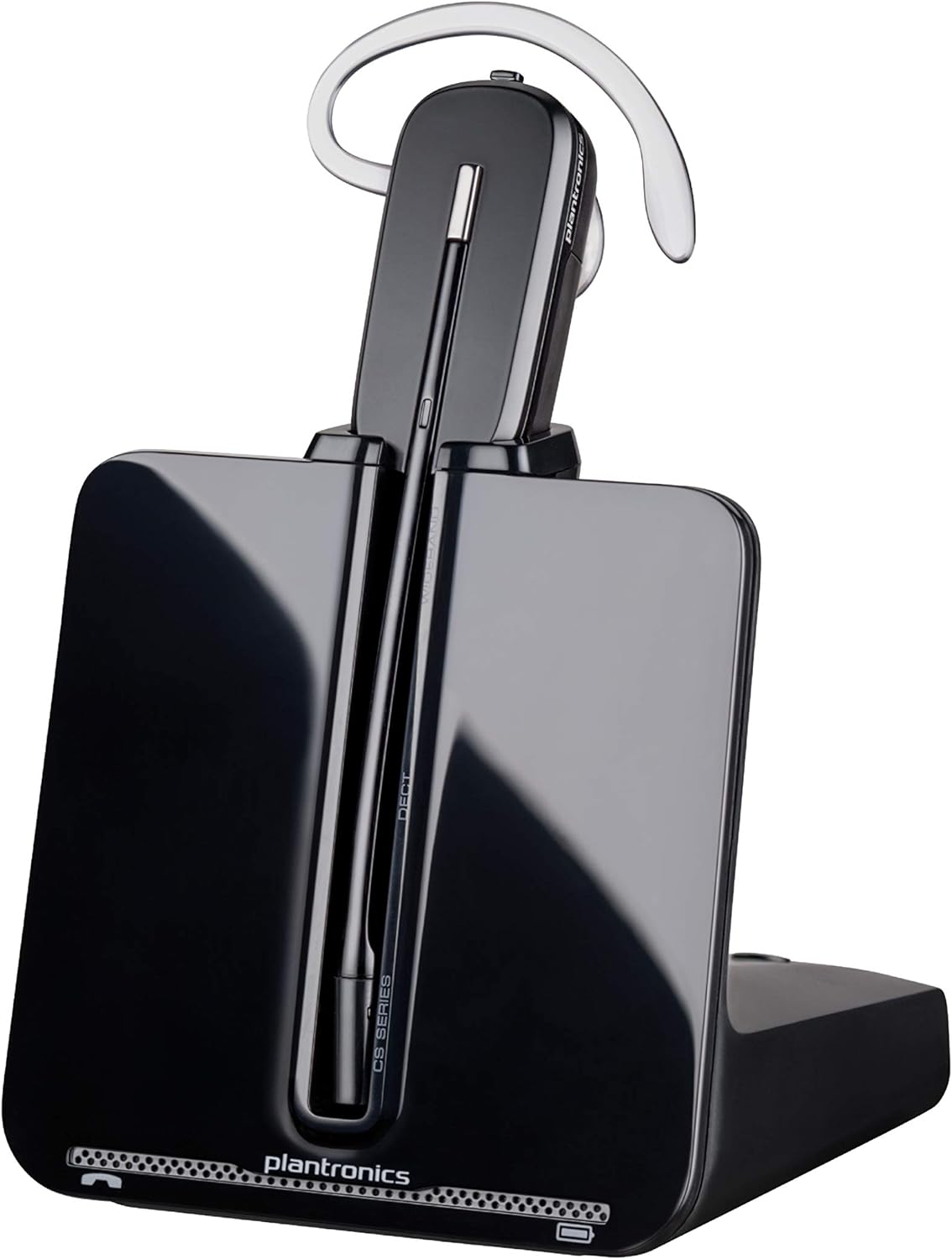
Image: The Plantronics CS540 Wireless DECT Headset resting on its charging base.
2. Có gì trong hộp
The Plantronics CS540 package includes the following components:
- Tai nghe không dây
- Hướng dẫn sử dụng
- Bộ chuyển đổi
- Đế sạc
3. Phong cách ăn mặc
The CS540 headset offers a convertible design with three wearing options to ensure comfort for extended use:
- Tai nghe chụp tai: A lightweight earloop style.
- Trên đầu: A traditional headband style.
- Behind-the-Head: Requires a separately sold neckband for this style.
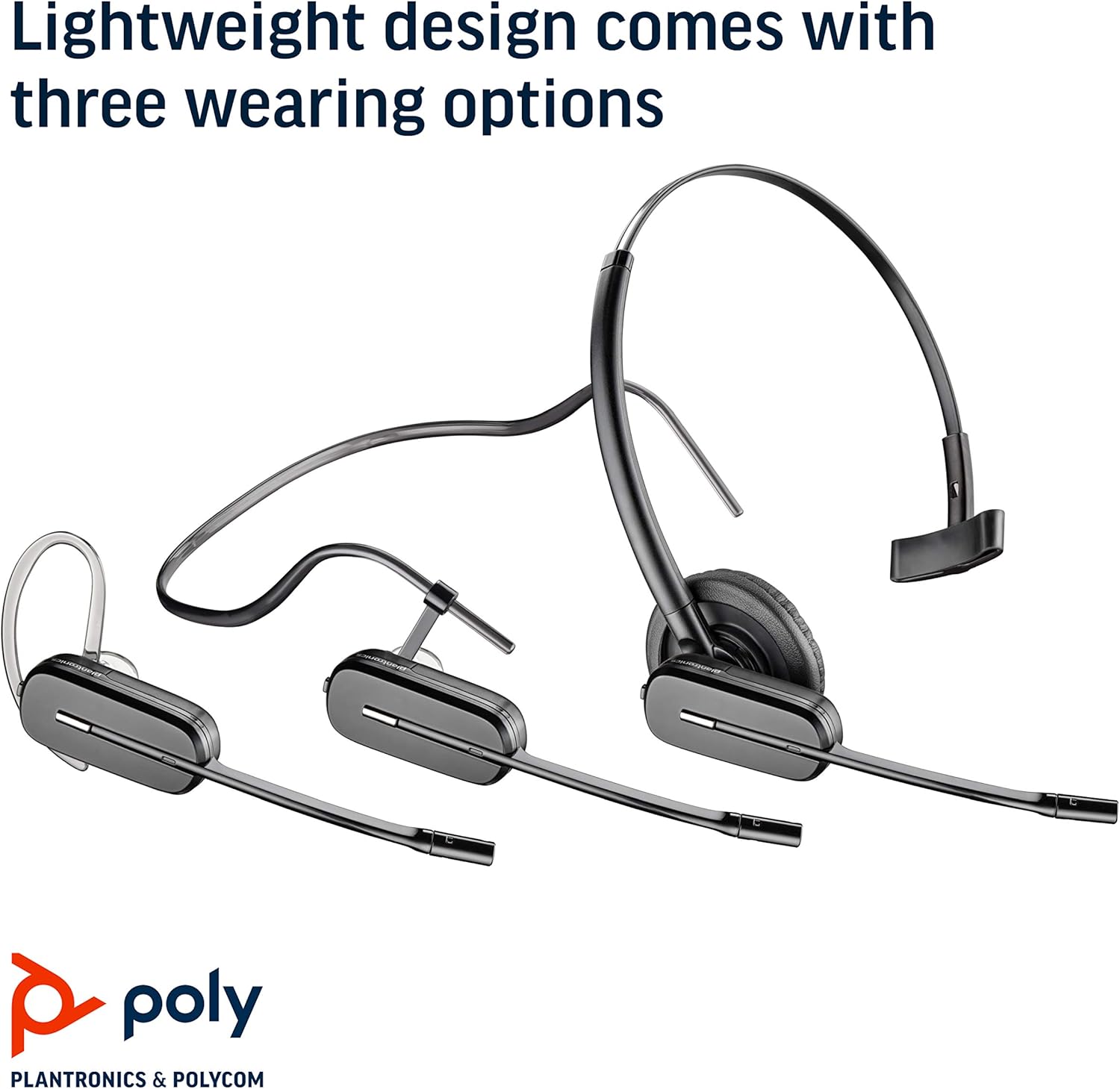
Image: The Plantronics CS540 headset shown in its three convertible wearing styles.
4. Thiết lập
4.1. Kết nối với điện thoại bàn
- Connect the provided cable from the CS540 base to your desk phone's headset port.
- Ensure the base is powered on and the headset is docked.
- For remote call answering, an optional HL10 lifter (sold separately) can be integrated.
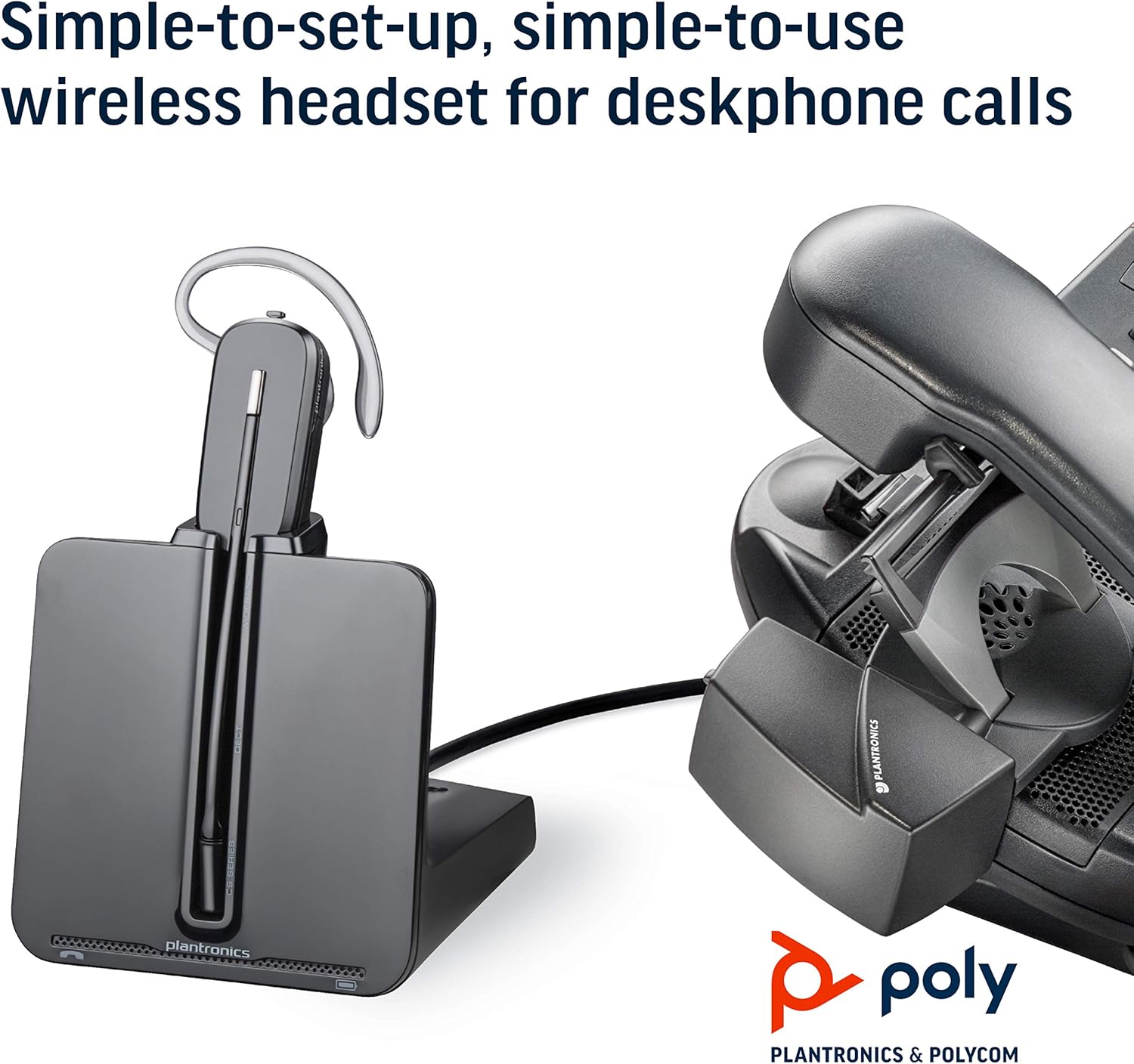
Image: The CS540 charging base connected to a desk phone, illustrating a typical setup.
4.2. Sạc tai nghe
Place the headset onto the charging base. The indicator light on the base will show the charging status. A full charge provides up to 7 hours of talk time.

Image: The CS540 headset securely placed in its charging base.
4.3. Ghép đôi
The headset is typically pre-paired with its base. If re-pairing is needed, consult the detailed user manual for specific instructions.
5. Vận hành Tai nghe
5.1. Call Controls
- Trả lời/Kết thúc cuộc gọi: Use the one-touch control button on the headset.
- Điều chỉnh âm lượng: Adjust the volume using the dedicated controls on the headset.
- Tắt tiếng: Mute the microphone using the mute button on the headset.
5.2. Micro khử tiếng ồn
The integrated noise-canceling microphone helps to minimize background noise, ensuring clear speech transmission during calls.
5.3. Roaming Range
Enjoy freedom of movement with a roaming range of up to 120 meters (400 feet) from the charging base, allowing you to multitask during calls.
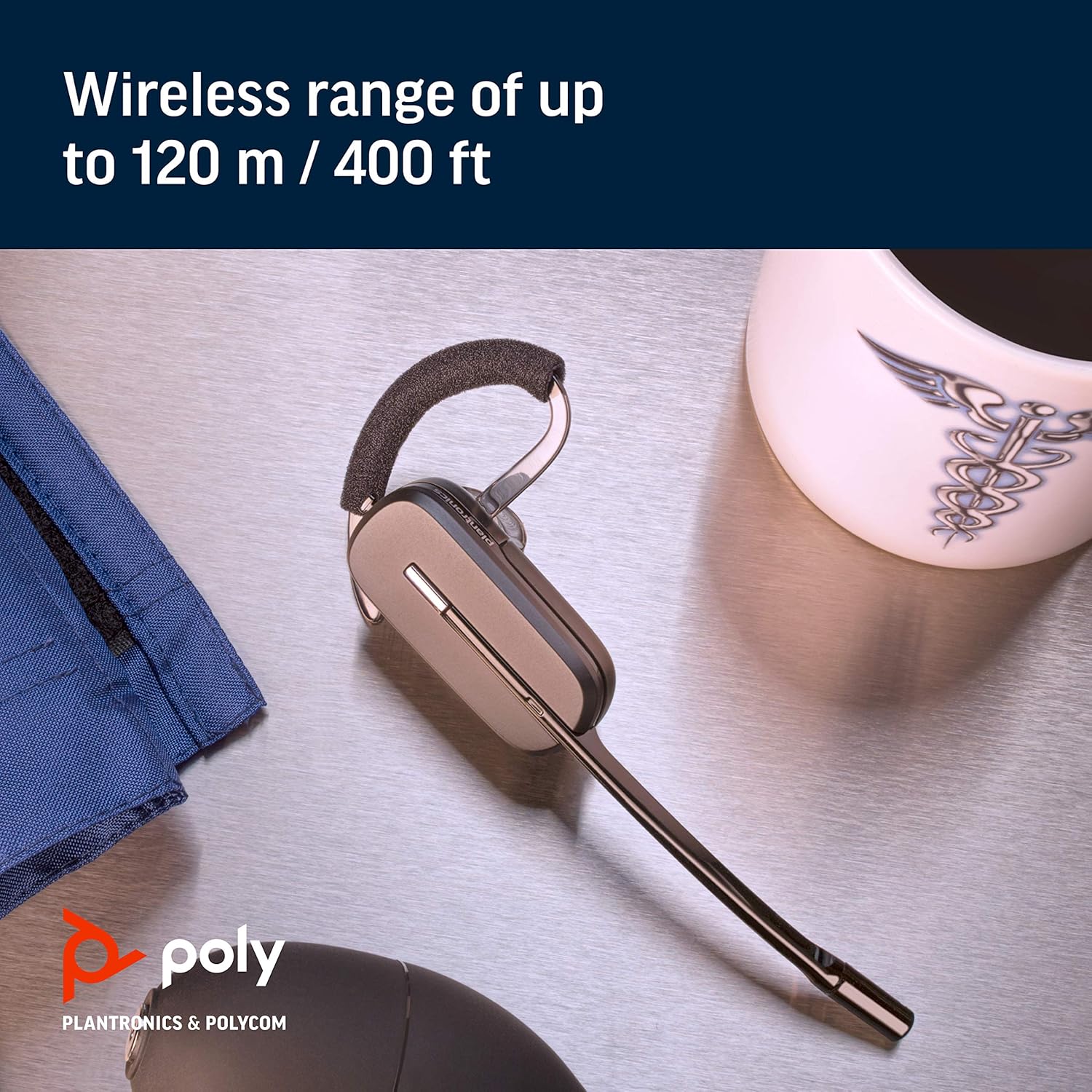
Image: A close-up of the CS540 headset, emphasizing its wireless capabilities.
6. Bảo trì
To ensure the longevity and optimal performance of your Plantronics CS540 headset:
- Keep the headset and charging base clean and free from dust.
- Bảo quản tai nghe ở nơi khô ráo, thoáng mát khi không sử dụng.
- Tránh để thiết bị tiếp xúc với nhiệt độ hoặc độ ẩm quá cao.
KHAI THÁC. Xử lý sự cố
If you encounter issues with your CS540 headset, consider the following:
- Không có âm thanh: Ensure the headset is charged and properly paired with the base. Check all cable connections to the desk phone.
- Chất lượng âm thanh kém: Verify the headset is within range of the base. Check for any obstructions or interference.
- Cannot Answer Calls Remotely: If using an HL10 lifter, ensure it is correctly installed and configured.
- For further assistance, refer to the complete user manual or contact Plantronics support.
8. Thông số kỹ thuật
| Thương hiệu | NHIỀU |
| Tên mẫu | Poly CS540 - Convertible Wireless Headset |
| Công nghệ kết nối | Không dây (DECT) |
| Công nghệ truyền thông không dây | DECT |
| Kiểm soát tiếng ồn | Sound Isolation, Noise Canceling Microphone |
| Phong cách mặc | Over-the-ear, Over-the-head, One-Ear (Convertible) |
| Thời gian nói chuyện | Lên đến 7 giờ |
| Phạm vi di chuyển | Lên đến 120 m / 400 ft |
| Thiết bị tương thích | Điện thoại bàn |
| Loại điều khiển | Call Control, Volume Control, Touch Control |
| Trọng lượng sản phẩm | 1.15 pound |
| Kích thước sản phẩm | 6.5 x 1.25 x 6.48 inch |
9. Video sản phẩm
Watch this short video for an overview of the Plantronics CS540 Wireless Headset System.
Video: A brief product video showcasing the Plantronics CS540 Wireless Headset System.
10. Bảo hành & Hỗ trợ
For any issues with the headset or cord, please reach out to Plantronics directly for support and warranty claims.


