
1. Giới thiệu
Thank you for choosing the Surge Wireless Pro Controller. This multi-platform Bluetooth controller is designed to enhance your gaming experience across various devices, including Nintendo Switch/Switch 2, Windows PC, Android, and iOS. Featuring Hall Effect sticks and triggers, adjustable turbo functionality, and customizable vibration feedback, this controller offers precision and comfort. Please read this manual thoroughly before use to ensure optimal performance and longevity of your device.
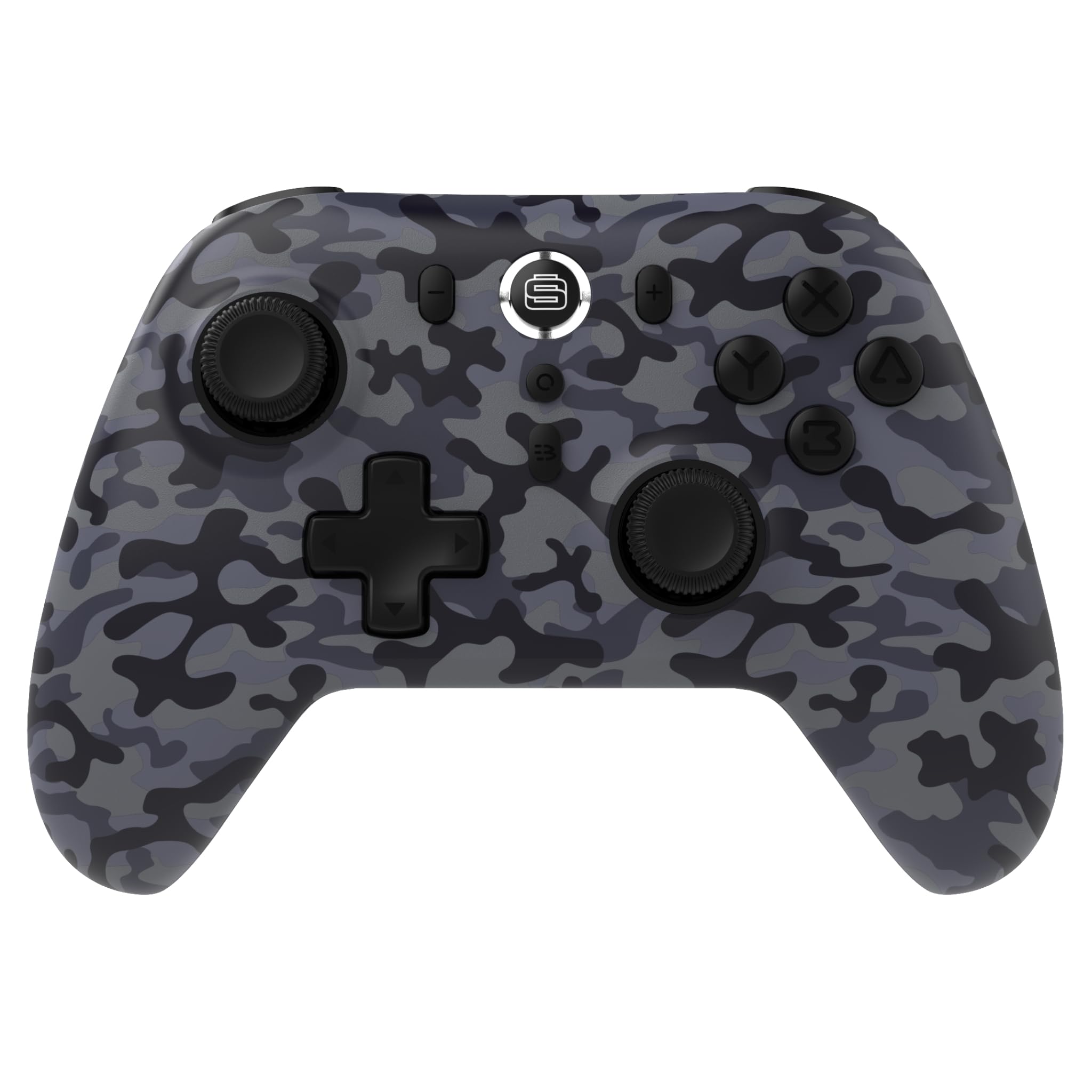
2. Tính năng sản phẩm
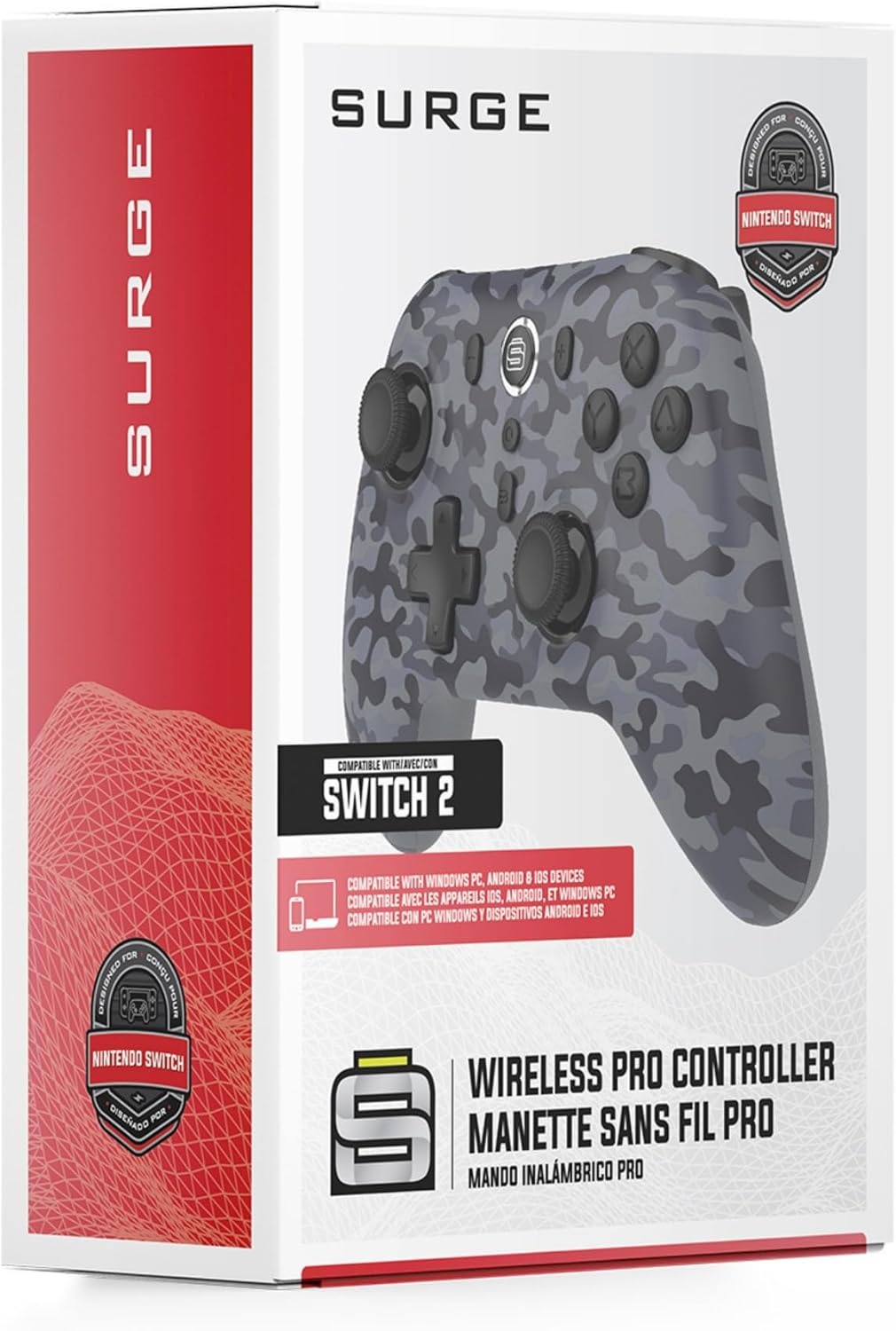
- Khả năng tương thích đa nền tảng: Compatible with Nintendo Switch/Switch 2 (Note: No C Button/Audio Port), Windows PC, Steam Deck, Android, and iOS devices.
- Hall Effect Thumb Sticks & Triggers: Delivers precision control and prevents stick drift, ensuring accurate input.
- Chức năng Turbo: Offers 3 adjustable turbo levels for rapid-fire control in compatible games.
- Phản hồi rung: Choose from 4 vibration levels for tailored haptic feedback, enhancing immersion.
- Điều khiển chuyển động: Supports motion controls for compatible games on supported platforms.
- Console Wake Up: Ability to wake your Nintendo Switch console from sleep mode instantly (Nintendo Switch Only).
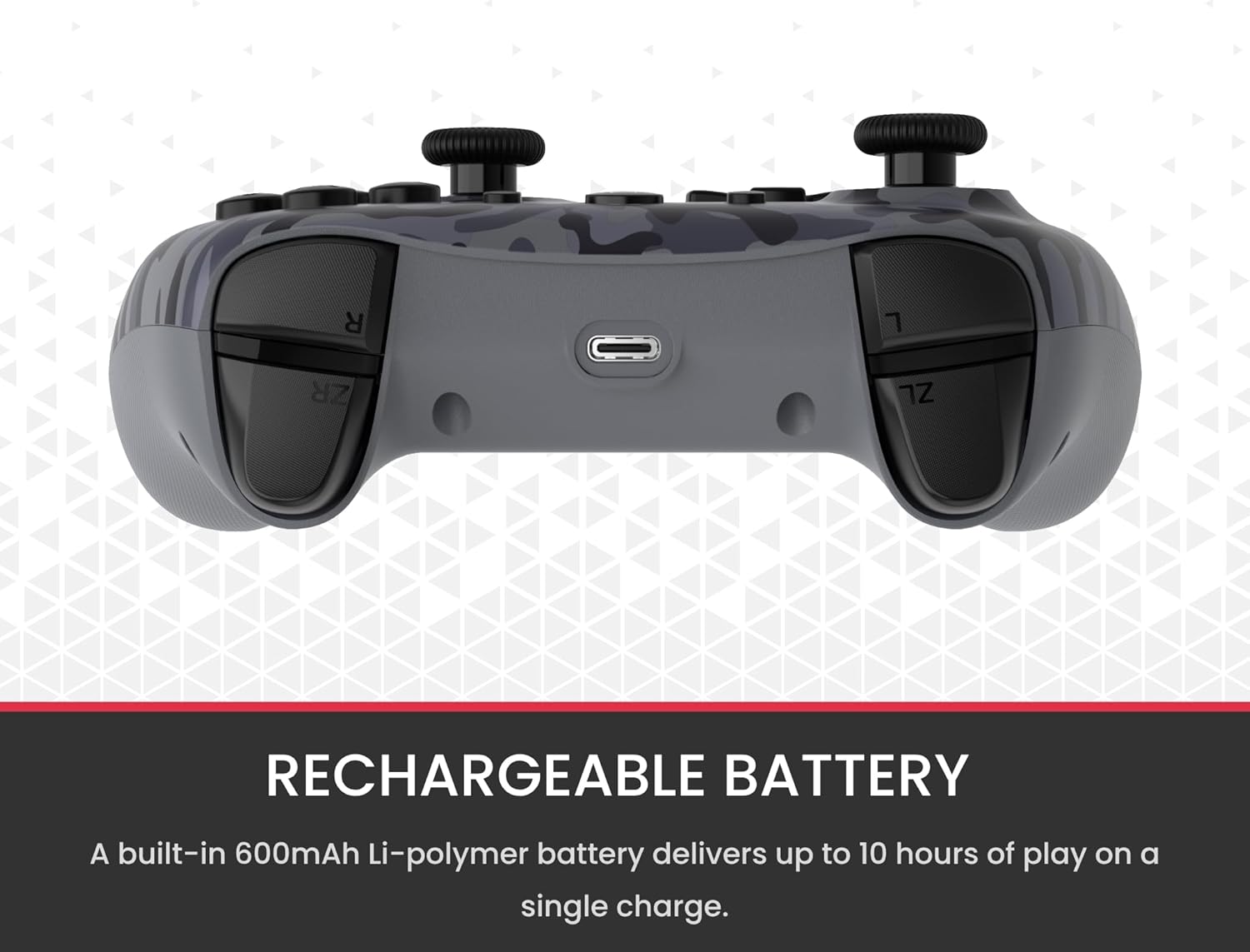
- Pin sạc: A built-in 600mAh Li-polymer battery provides up to 10 hours of gameplay on a single charge.
- Cáp sạc USB-C: Includes a 1-meter USB-C cable for convenient recharging.

3. Nội dung gói hàng
Vui lòng đảm bảo tất cả các mục đều có trong gói hàng của bạn:
- 1 x Surge Wireless Pro Controller (Model: SG60096)
- 1 x Cáp sạc USB-C (1 mét)
- 1 x Hướng dẫn sử dụng
4. Thiết lập & Ghép nối
4.1. Sạc bộ điều khiển
Before first use, fully charge the controller using the provided USB-C cable. Connect the USB-C end to the controller's charging port and the USB-A end to a power source (e.g., console, PC, USB wall adapter). The LED indicators on the controller will show charging status.
4.2. Pairing with Nintendo Switch/Switch 2
- Từ Menu HOME, chọn Bộ điều khiển, sau đó Thay đổi cách cầm/thứ tự.
- Trên bộ điều khiển, nhấn và giữ Nút ghép nối (usually a small button on the top edge or back) for a few seconds until the player LEDs begin to flash.
- Sau khi được ghép nối, (các) đèn LED của trình phát tương ứng với số bộ điều khiển sẽ vẫn sáng.
- To wake the console from sleep mode, press the Nút Trang chủ trên bộ điều khiển.
4.3. Pairing with Windows PC
- Đảm bảo máy tính của bạn đã bật Bluetooth.
- Trên bộ điều khiển, nhấn và giữ Nút ghép nối until the LEDs flash rapidly.
- Trên máy tính của bạn, hãy vào Cài đặt Bluetooth và các thiết bị khác, sau đó Thêm Bluetooth hoặc thiết bị khác.
- Lựa chọn Bluetooth và chọn
Ask a question about this manual
Ask about setup, troubleshooting, compatibility, parts, safety, or missing instructions. Manuals+ will review the question and use this page’s manual context to help answer it.