
CHEREEKI B0FHHKMP1X
CHEREEKI Digital LED Alarm Clock User Manual
Model: B0FHHKMP1X
Giới thiệu
Cảm ơn bạn đã muaasing the CHEREEKI Digital LED Alarm Clock. This manual provides detailed instructions for setting up and operating your new alarm clock. Please read it thoroughly before use and keep it for future reference.
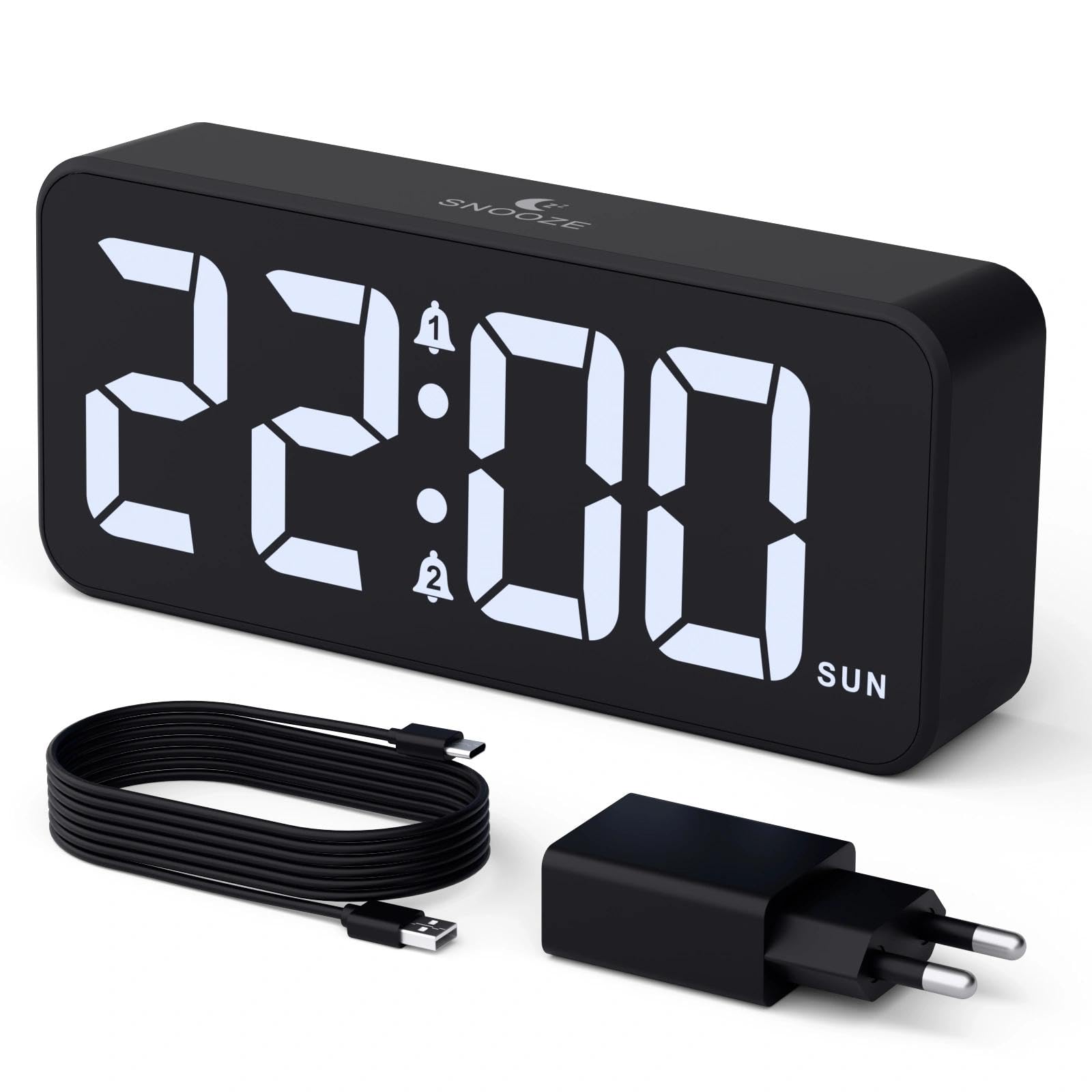
Image: The CHEREEKI Digital LED Alarm Clock, showcasing its large LED display and key features.
Thông tin an toàn
- Ensure the power adapter and cable are compatible with the device's voltage requirements (5V/1A or 5V/2A).
- Không để thiết bị tiếp xúc với nước hoặc độ ẩm quá cao.
- Tránh đặt thiết bị gần nguồn nhiệt hoặc dưới ánh nắng trực tiếp.
- Không tự ý tháo rời hoặc sửa chữa thiết bị. Hãy liên hệ với bộ phận hỗ trợ khách hàng nếu phát sinh vấn đề.
- Để xa tầm tay trẻ em.
Nội dung gói
- CHEREEKI Digital LED Alarm Clock
- Power Adapter (5V/1A or 5V/2A)
- Cáp sạc USB (1.5m)
- Hướng dẫn sử dụng
- CR2032 Backup Battery (pre-installed or included)

Hình ảnh: Minh họa các mặt hàng có trong gói sản phẩm.
Bố cục và điều khiển sản phẩm

Image: Rear panel of the alarm clock with labels for all buttons and ports.
- Nút cài đặt thời gian: Nhấn để vào chế độ cài đặt thời gian.
- Nút báo động 1: Press to set Alarm 1.
- Nút báo động 2: Press to set Alarm 2.
- Các nút Lên / Xuống: Adjust values during setting.
- Núm điều chỉnh độ sáng: Rotate to adjust display brightness (0-100%).
- Núm âm lượng: Rotate to adjust alarm volume (10 levels).
- Cổng đầu ra USB: Dùng để sạc các thiết bị ngoại vi.
- Cổng đầu vào loại C: For power supply to the alarm clock.
- DST Button: For Daylight Saving Time adjustment.
- Ngăn chứa pin: Houses the CR2032 backup battery.
Cài đặt
1. Kết nối nguồn điện
The alarm clock operates solely on AC power. Connect the provided USB cable to the Type-C input port on the back of the clock and plug the adapter into a standard wall outlet (5V/1A or 5V/2A). The display will light up.

Image: The alarm clock connected to a power source via its adapter.
2. Pin dự phòng
A CR2032 backup battery is included to retain time and alarm settings during power outages. This battery does not power the display or alarm functions; it only preserves memory. Ensure the battery is correctly installed in the compartment on the back of the clock.

Image: Close-up of the backup battery compartment, indicating its purpose to retain settings during power loss.
Hướng dẫn sử dụng
Thiết lập thời gian
- Press the "TIME SET" button. The hour digits will flash.
- Use the "UP" or "DOWN" buttons to adjust the hour.
- Press "TIME SET" again to confirm the hour and move to minute setting. The minute digits will flash.
- Sử dụng các nút "LÊN" hoặc "XUỐNG" để điều chỉnh phút.
- Press "TIME SET" once more to confirm the minutes and exit time setting mode.
Setting Alarms (Alarm 1 and Alarm 2)
This clock supports two independent alarms with three scheduling options.
- Press the "ALARM 1" or "ALARM 2" button. The alarm hour digits will flash.
- Use the "UP" or "DOWN" buttons to adjust the alarm hour.
- Press the respective alarm button again to confirm the hour and move to minute setting. The minute digits will flash.
- Use the "UP" or "DOWN" buttons to adjust the alarm minutes.
- Press the alarm button again to select the alarm schedule:
- Các ngày trong tuần: Thứ Hai đến Thứ Sáu
- Cuối tuần: thứ bảy đến chủ nhật
- Hằng ngày: Thứ Hai đến Chủ Nhật
- Press the alarm button once more to confirm the schedule and exit alarm setting mode.
- To enable/disable an alarm, press the "ALARM 1" or "ALARM 2" button briefly outside of setting mode. An alarm icon will appear/disappear on the display.

Image: The alarm clock demonstrating dual alarm settings with various scheduling options.
Chức năng báo lại
When the alarm sounds, touch the top of the clock to activate the 5-minute snooze function. The alarm will temporarily stop and sound again after 5 minutes. To turn off the alarm completely, press any other button on the back of the clock.
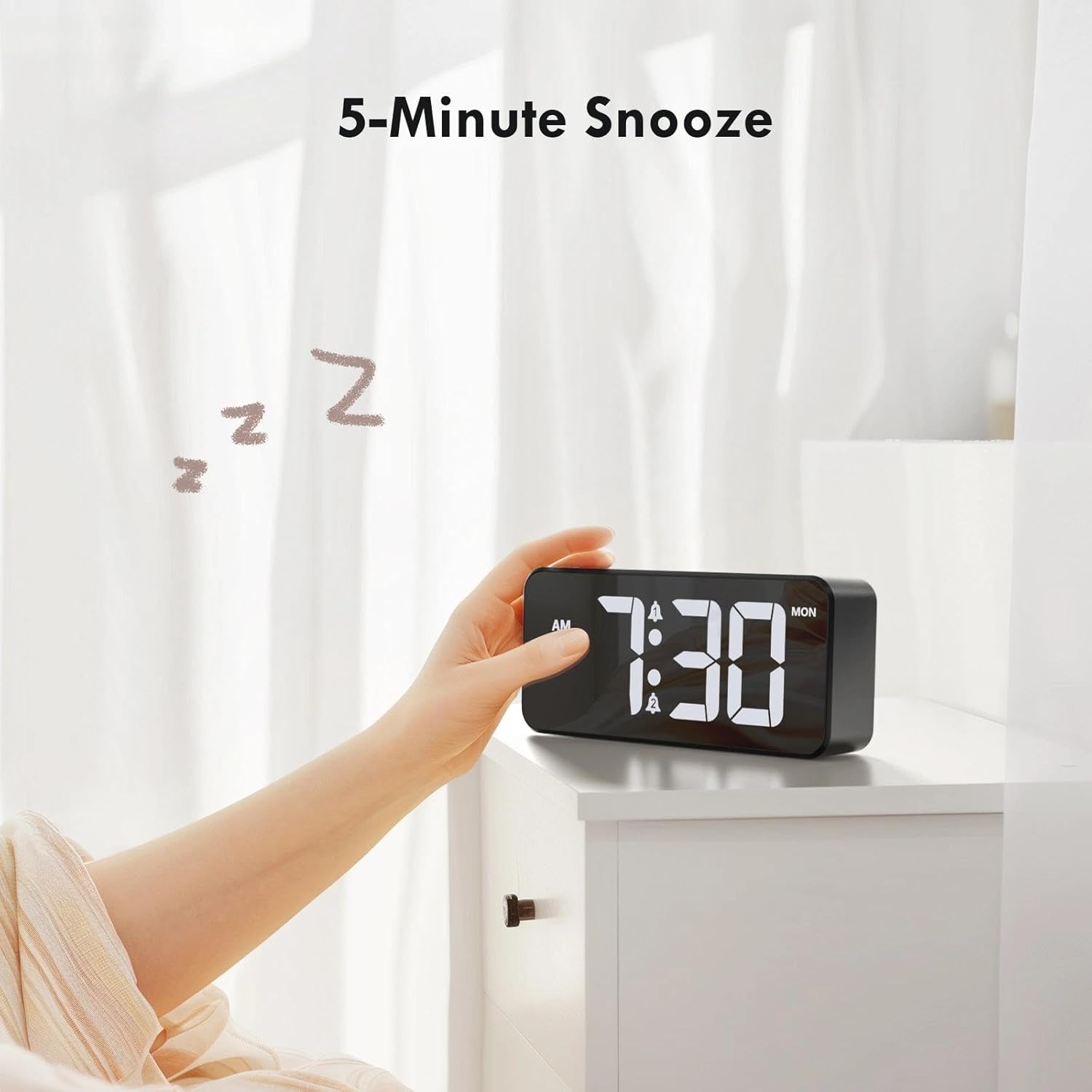
Image: A user activating the snooze function by touching the top of the alarm clock.
Điều chỉnh độ sáng màn hình
Rotate the "DIMMER" knob on the back of the clock to adjust the display brightness from 0% (off) to 100% (maximum brightness). This allows for comfortable viewtrong mọi điều kiện ánh sáng.

Image: Visual representation of the adjustable brightness feature and the dimmer knob.
Điều chỉnh âm lượng báo động
Rotate the "VOLUME" knob on the back of the clock to select one of the 10 available alarm volume levels. Choose a volume that suits your preference.

Image: The volume control knob and a visual scale indicating adjustable volume levels.
Định dạng 12/24 giờ
To switch between 12-hour and 24-hour time formats, press and hold the "TIME SET" button for a few seconds until the format changes. In 12-hour format, "AM" or "PM" indicators will be displayed.

Image: The alarm clock showing both 12-hour and 24-hour time display options.
Cổng sạc USB
The USB-A output port on the back of the clock allows you to charge other devices, such as smartphones or tablets. Simply connect your device's charging cable to this port.

Image: The alarm clock charging a smartphone via its integrated USB port.
Giờ tiết kiệm ánh sáng ban ngày (DST)
To adjust for Daylight Saving Time, press the "DST" button on the back of the clock. This will advance or set back the time by one hour. Press it again to revert.
BẢO TRÌ
- Lau sạch bề mặt đồng hồ bằng vải mềm, khô. Không sử dụng chất tẩy rửa có tính ăn mòn hoặc dung môi.
- Giữ thiết bị không có bụi và mảnh vụn.
- If the backup battery needs replacement, use a CR2032 coin cell battery. Ensure correct polarity.
Xử lý sự cố
| Vấn đề | Nguyên nhân có thể | Giải pháp |
|---|---|---|
| Màn hình tắt. | Not connected to power; Dimmer set to 0%. | Ensure the clock is plugged into a working power outlet. Rotate the Dimmer knob to increase brightness. |
| Chuông báo động không kêu. | Alarm not activated; Volume set to minimum. | Press the ALARM 1/2 button to activate the alarm (icon should appear). Rotate the Volume knob to increase volume. |
| Cài đặt bị mất sau khi tắt nguồntage. | Backup battery is dead or missing. | Thay thế pin dự phòng CR2032. |
| Chức năng sạc USB không hoạt động. | Clock not powered; Device cable faulty. | Ensure the alarm clock is powered. Try a different USB cable or device. |
Thông số kỹ thuật
- Thương hiệu: CHEREEKI
- Người mẫu: B0FHHKMP1X
- Màu sắc: Đen
- Kiểu hiển thị: Đèn LED kỹ thuật số
- Vật liệu: Acrylonitrile Butadiene Styrene (ABS)
- Kích thước sản phẩm: 14.5 x 3.81 x 6.5 cm (5.7 x 1.5 x 2.5 inch)
- Trọng lượng sản phẩm: 230 gam (0.5 lb)
- Nguồn điện: Wired Electric (5V/1A or 5V/2A adapter)
- Pin dự phòng: CR2032 (for memory retention only)
- Tính năng đặc biệt: Adjustable Brightness, Dual Alarm, Snooze, USB Charging Port, 12/24H Format, Adjustable Volume, Day of Week Display
Bảo hành và Hỗ trợ
This CHEREEKI Digital LED Alarm Clock comes with a Bảo hành trọn đời. For any product inquiries, technical support, or warranty claims, please contact CHEREEKI customer service through the retailer where you purchased the product or visit the official CHEREEKI webtrang web để biết thông tin liên hệ.
Vui lòng giữ lại bằng chứng mua hàng để bảo hành.
Ask a question about this manual
Ask about setup, troubleshooting, compatibility, parts, safety, or missing instructions. Manuals+ will review the question and use this page’s manual context to help answer it.