
Nhiệt kế TP110
ThermoPro TP110 Refrigerator Thermometer User Manual
Mã sản phẩm: TP110 | Thương hiệu: ThermoPro
Giới thiệu
Cảm ơn bạn đã muaasing the ThermoPro TP110 Refrigerator Thermometer. This device is designed to accurately monitor temperatures in refrigerators, freezers, and other environments, ensuring optimal conditions for food storage and other applications. Please read this manual thoroughly before use to ensure proper operation and longevity of your device.
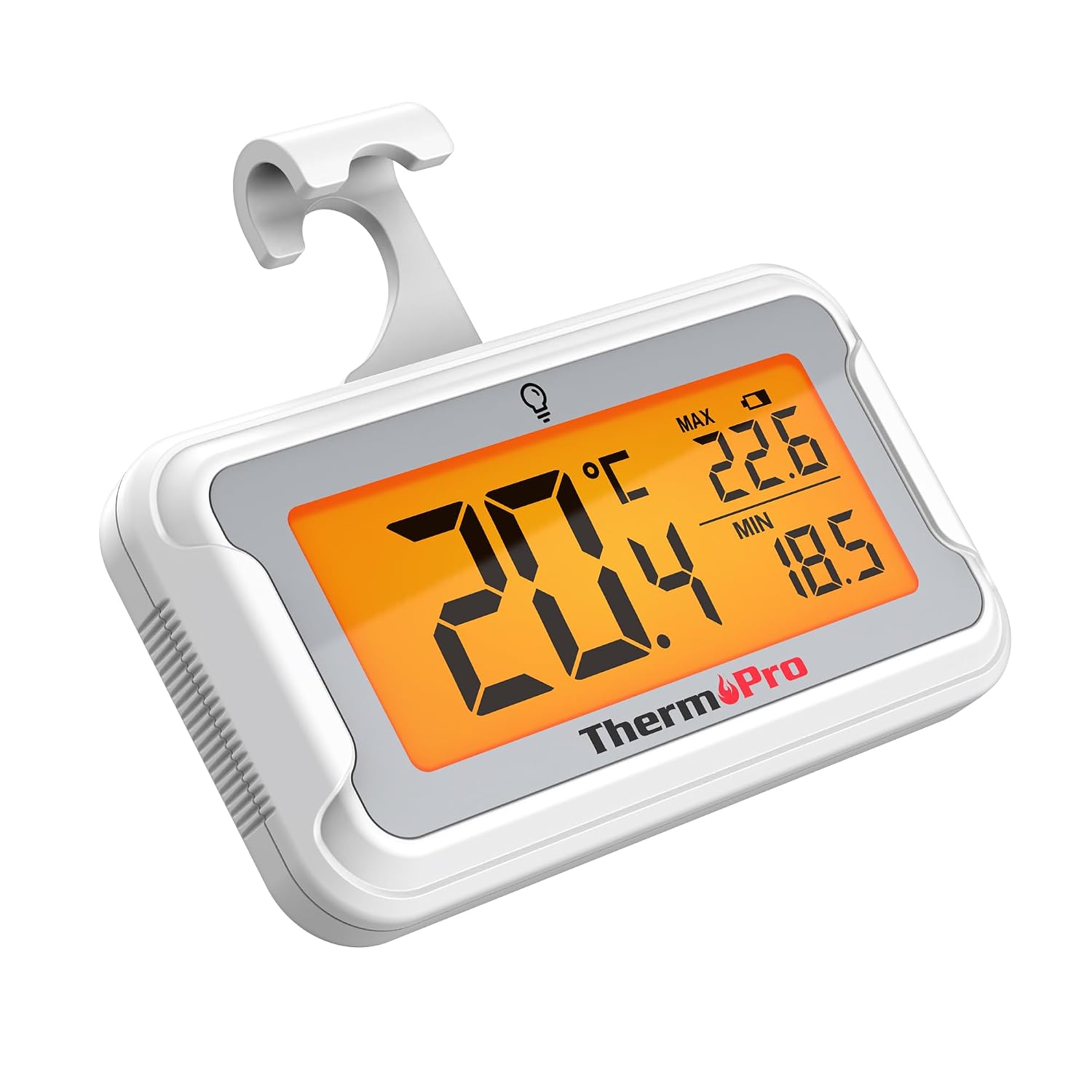
Image: The ThermoPro TP110 Refrigerator Thermometer, a compact white device with a large digital display showing temperature readings.
Các tính năng chính
- Wide Temperature Range & High Accuracy: Measures from -30°C to 50°C (-22°F to 122°F) with an accuracy of ±0.5°C (±1°F).
- Khả năng đọc tối ưu: Features an oversized LCD screen with a bright backlight for easy reading, even in low-light conditions.
- Superior Waterproofing: IPX6 rated design ensures reliable operation in humid and cold environments.
- Ghi nhiệt độ tối đa / tối thiểu: Tracks and displays the maximum and minimum temperatures over the last 24 hours, allowing you to monitor temperature fluctuations.
- Nhiều Tùy chọn Vị trí: Equipped with a magnet, a hanging hook, and a kickstand for versatile placement.
- Thay pin dễ dàng: Designed with a rotating battery compartment for quick and tool-free battery changes.

Image: A comparison chart highlighting the ThermoPro TP110's features such as backlight, easy battery change, ±0.5°C precision, full screen, waterproof design, and MAX/MIN temperature tracking, contrasting it with other thermometers.
Nội dung gói
- 1 x ThermoPro TP110 Refrigerator Thermometer
- 1 pin CR2032 (đã được lắp sẵn)
- 1 x Hướng dẫn sử dụng
Cài đặt
1. Lắp đặt pin
The ThermoPro TP110 comes with a CR2032 battery pre-installed. If the display is not active or shows a low battery indicator, please replace the battery:
- Xác định vị trí ngăn chứa pin ở mặt sau của nhiệt kế.
- Rotate the battery cover counter-clockwise to the "OPEN" position.
- Tháo pin CR2032 cũ ra.
- Lắp pin CR2032 mới vào sao cho cực dương (+) hướng lên trên.
- Rotate the battery cover clockwise to the "LOCK" position to secure it.

Image: A three-step visual guide demonstrating how to easily replace the battery by rotating the cover to open, inserting a new battery, and rotating to lock.
2. Tùy chọn vị trí
The thermometer offers three convenient placement options:
- Trở lại từ tính: Gắn nhiệt kế vào bất kỳ bề mặt kim loại nào, chẳng hạn như cửa tủ lạnh.
- Móc treo: Sử dụng móc tích hợp để treo nhiệt kế lên kệ hoặc giá đỡ.
- Chân đế có thể gập lại: Utilize the stand on the back to place the thermometer upright on a flat surface.

Image: Illustrations showing the thermometer used in different environments: a domestic refrigerator, a portable cooler, a car refrigerator, a refrigerated truck, and a wine cellar, demonstrating its versatility.
Hướng dẫn sử dụng
1. Bật/Tắt nguồn
The thermometer automatically powers on when the battery is installed. To turn it off, press and hold the power button (if available, otherwise it's always on). It features an automatic shutdown after 10 seconds of inactivity to conserve battery life, but will reactivate upon temperature change or button press.
2. Lựa chọn đơn vị nhiệt độ
Press the "°C/°F" button to switch between Celsius and Fahrenheit temperature displays.
3. Kích hoạt đèn nền
Touch the light bulb icon on the screen to activate the backlight for 10 seconds, improving visibility in dark conditions.
4. Max/Min Temperature Records
The thermometer automatically records the maximum and minimum temperatures over a 24-hour period. These values are displayed on the screen alongside the current temperature. The records reset every 24 hours or when the battery is replaced.

Image: The thermometer placed near raw meat in a refrigerator, showing current, maximum, and minimum temperatures. An accompanying graph illustrates the 24-hour temperature history, highlighting the highest and lowest points.
BẢO TRÌ
- Vệ sinh: Lau nhiệt kế bằng quảng cáoamp vải. Không ngâm nó trong nước hoặc sử dụng chất tẩy rửa mài mòn.
- Thay thế pin: Replace the CR2032 battery when the low battery indicator appears on the display. Refer to the "Battery Installation" section for instructions.
- Kho: If storing for an extended period, remove the battery to prevent leakage. Store in a dry place away from extreme temperatures.

Image: The ThermoPro TP110 thermometer partially submerged in water, with water droplets splashing around it, illustrating its IPX6 waterproof rating.
Xử lý sự cố
| Vấn đề | Nguyên nhân có thể | Giải pháp |
|---|---|---|
| Không hiển thị hoặc hiển thị mờ | Low or dead battery; battery inserted incorrectly. | Thay pin CR2032, đảm bảo lắp đúng cực. |
| Đo nhiệt độ không chính xác | Thermometer placed too close to a heat source or vent; sensor obstruction. | Relocate the thermometer to a central area of the refrigerator/freezer, away from direct airflow or heat sources. |
| Đèn nền không hoạt động | Battery low; temporary malfunction. | Thay pin. Nếu vấn đề vẫn tiếp diễn, hãy liên hệ bộ phận hỗ trợ khách hàng. |
Thông số kỹ thuật
| Tính năng | Chi tiết |
|---|---|
| Phạm vi nhiệt độ | -30°C đến 50°C (-22°F đến 122°F) |
| Sự chính xác | ±0.5°C (±1°F) |
| Kiểu hiển thị | Màn hình LCD kỹ thuật số có đèn nền |
| Xếp hạng chống thấm nước | IPX6 |
| Nguồn điện | 1 x Pin CR2032 (bao gồm) |
| Vật liệu | Nhựa |
| Kích thước (xấp xỉ) | 8 cm (Chiều dài) |
| Tính năng đặc biệt | Large screen, High precision, Low battery indicator, Backlit, Waterproof, Max/Min record |

Image: A visual representation of the ThermoPro TP110's large LCD screen, showing its approximate dimensions of 8cm by 6cm, and highlighting the backlight feature.
Bảo hành và Hỗ trợ
ThermoPro bảo hành sản phẩm này đối với các lỗi về vật liệu và tay nghề. Để biết thông tin chi tiết về bảo hành, đăng ký sản phẩm hoặc hỗ trợ kỹ thuật, vui lòng truy cập trang web chính thức của ThermoPro. webtrang web hoặc liên hệ với bộ phận chăm sóc khách hàng của họ. Giữ lại hóa đơn mua hàng để làm bằng chứng mua hàng.
Nhà sản xuất: NhiệtPro
Nước xuất xứ: Trung Quốc
For further assistance, please refer to the contact information provided on the ThermoPro official webđịa điểm.
Ask a question about this manual
Ask about setup, troubleshooting, compatibility, parts, safety, or missing instructions. Manuals+ will review the question and use this page’s manual context to help answer it.