
1. Giới thiệu
Thank you for choosing the Intelbras PFL7560 Full HD Wi-Fi Projector. This projector is designed to deliver a high-quality visual and audio experience for various applications, from home cinema to business presentations. It features Full HD resolution, 8000 lumens brightness, and integrated 12W stereo speakers. This manual provides essential information for safe and efficient operation of your projector.
2. Thông tin an toàn
Vui lòng đọc kỹ tất cả hướng dẫn an toàn trước khi sử dụng máy chiếu. Giữ lại hướng dẫn này để tham khảo sau.
- Nguồn điện: Use only the power adapter provided with the projector. Ensure the voltage phù hợp với nguồn điện địa phương của bạn.
- Thông gió: Không được bịt kín các lỗ thông gió. Đảm bảo có đủ không gian xung quanh máy chiếu để luồng không khí lưu thông tốt, tránh hiện tượng quá nhiệt.
- Vị trí: Đặt máy chiếu trên bề mặt bằng phẳng và ổn định. Tránh đặt máy chiếu dưới ánh nắng trực tiếp, gần nguồn nhiệt hoặc trong môi trường có độ ẩm cao hoặc nhiều bụi.
- Bảo vệ mắt: Không nhìn trực tiếp vào ống kính máy chiếu khi lamp Đang bật đèn vì ánh sáng mạnh có thể gây hại cho mắt.
- Vệ sinh: Rút phích cắm máy chiếu trước khi vệ sinh. Sử dụng khăn mềm, khô. Không sử dụng chất tẩy rửa dạng lỏng hoặc dạng xịt.
- Bảo dưỡng: Không tự ý sửa chữa máy chiếu. Hãy liên hệ với nhân viên bảo trì có trình độ để được hỗ trợ.
3. Nội dung gói hàng
Xác minh rằng tất cả các mục đều có trong gói hàng:
- Intelbras PFL7560 Projector Unit
- Điều khiển từ xa
- Cáp nguồn
- Hướng dẫn sử dụng
4. Sản phẩm hếtview
Familiarize yourself with the main components and ports of your Intelbras PFL7560 projector.
4.1. Linh kiện máy chiếu

Image: Intelbras PFL7560 Projector with included remote control.
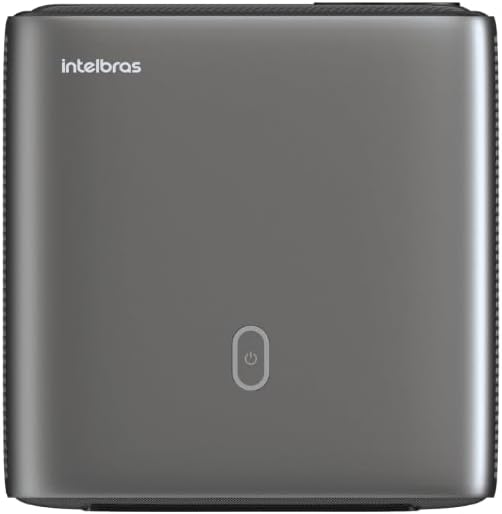
Hình ảnh: Trên cùng view of the projector, highlighting the power button and sleek design.
4.2. Cổng và kết nối
Máy chiếu này cung cấp nhiều tùy chọn kết nối:
- HDMI: For connecting high-definition devices such as laptops, gaming consoles, or Blu-ray players.
- USB: Để kết nối các thiết bị lưu trữ USB để phát phương tiện files trực tiếp.
- Wi-Fi (802.11 ac/b/g/n): For wireless connectivity and screen mirroring from compatible Android devices.
- Âm thanh ra: For connecting external audio systems or headphones.
5. Thiết lập
XUẤT KHẨU. Vị trí
Choose a suitable location for your projector. The PFL7560 can project images from 60 to 150 inches, making it versatile for various room sizes. Ensure the projector is placed on a stable surface and is not obstructed.
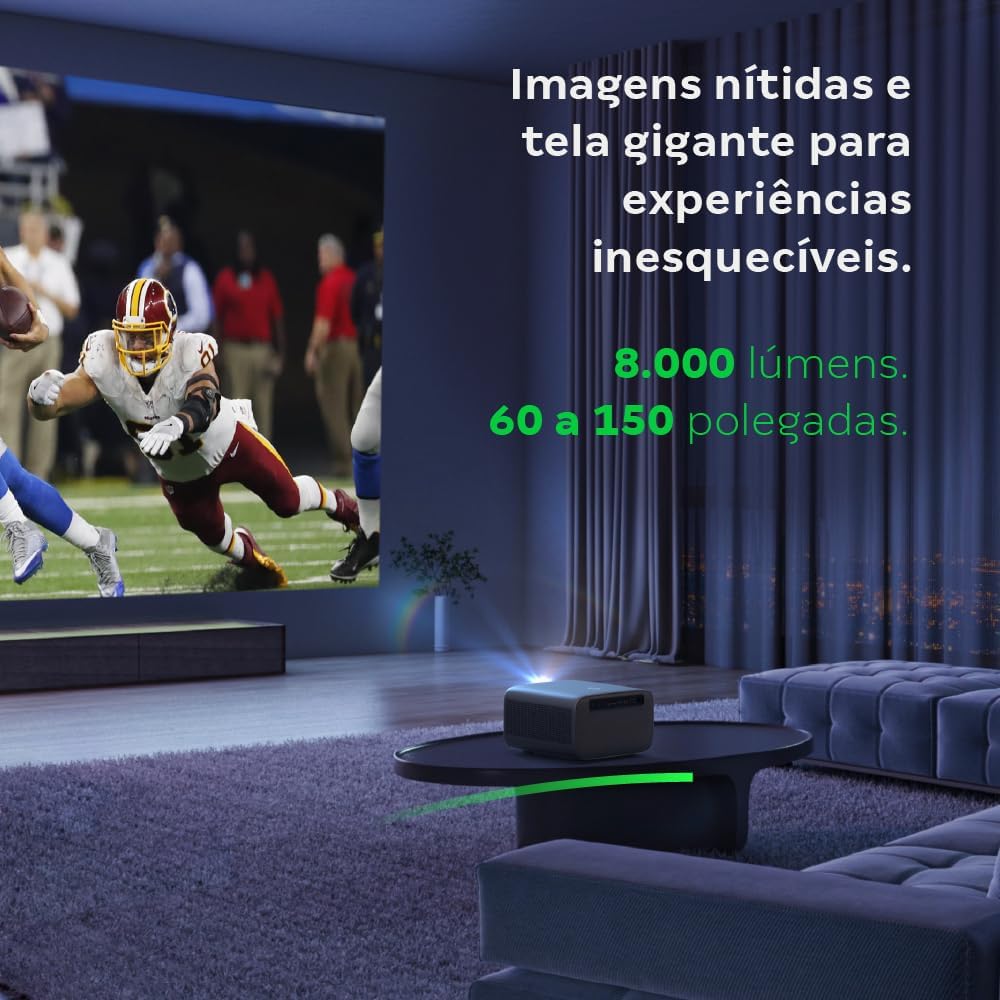
Image: The projector creating a large, clear image in a home environment, demonstrating its capability for immersive viewđang.
5.2. Kết nối nguồn điện
Kết nối cáp nguồn với đầu vào nguồn của máy chiếu và sau đó kết nối với ổ cắm điện.
5.3. Bật nguồn ban đầu
Nhấn nút nguồn trên máy chiếu hoặc điều khiển từ xa để bật thiết bị. Máy chiếu sẽ bắt đầu quá trình khởi động.
5.4. Hiệu chỉnh lấy nét và hiệu chỉnh méo hình
The PFL7560 features automatic focus and keystone correction for a perfectly aligned and sharp image without manual effort. If manual adjustment is needed, refer to the on-screen display (OSD) menu.
6. Hướng dẫn vận hành
6.1. Kết nối thiết bị
- HDMI: Connect your device using an HDMI cable to the HDMI port on the projector. Select the corresponding HDMI input from the projector's source menu.
- USB: Insert a USB drive into the USB port. The projector's media player will typically detect the drive automatically, allowing you to browse and play files.
- Wi-Fi / Screen Mirroring: For compatible Android devices, enable screen mirroring on your device and select the projector from the available devices. Ensure both devices are connected to the same Wi-Fi network.
6.2. Đầu ra âm thanh
The projector is equipped with two integrated 12W speakers, providing clear and immersive audio. For external audio, connect speakers or headphones to the audio output port.

Image: Detail of the projector's integrated 12W speakers, designed for powerful and clear sound.
7. Bảo trì
7.1. Vệ sinh ống kính
Hãy dùng khăn mềm, không xơ, chuyên dụng cho thấu kính quang học để lau nhẹ nhàng thấu kính máy chiếu. Tránh sử dụng vật liệu mài mòn hoặc hóa chất mạnh.
7.2. Vệ sinh thân máy chiếu
Wipe the exterior of the projector with a soft, dry cloth. Do not use liquid or spray cleaners directly on the unit.
7.3. LED Light Source Longevity
The Intelbras PFL7560 uses an LED light source with a lifespan of up to 30,000 hours, ensuring long-term use and consistent performance without significant brightness degradation.
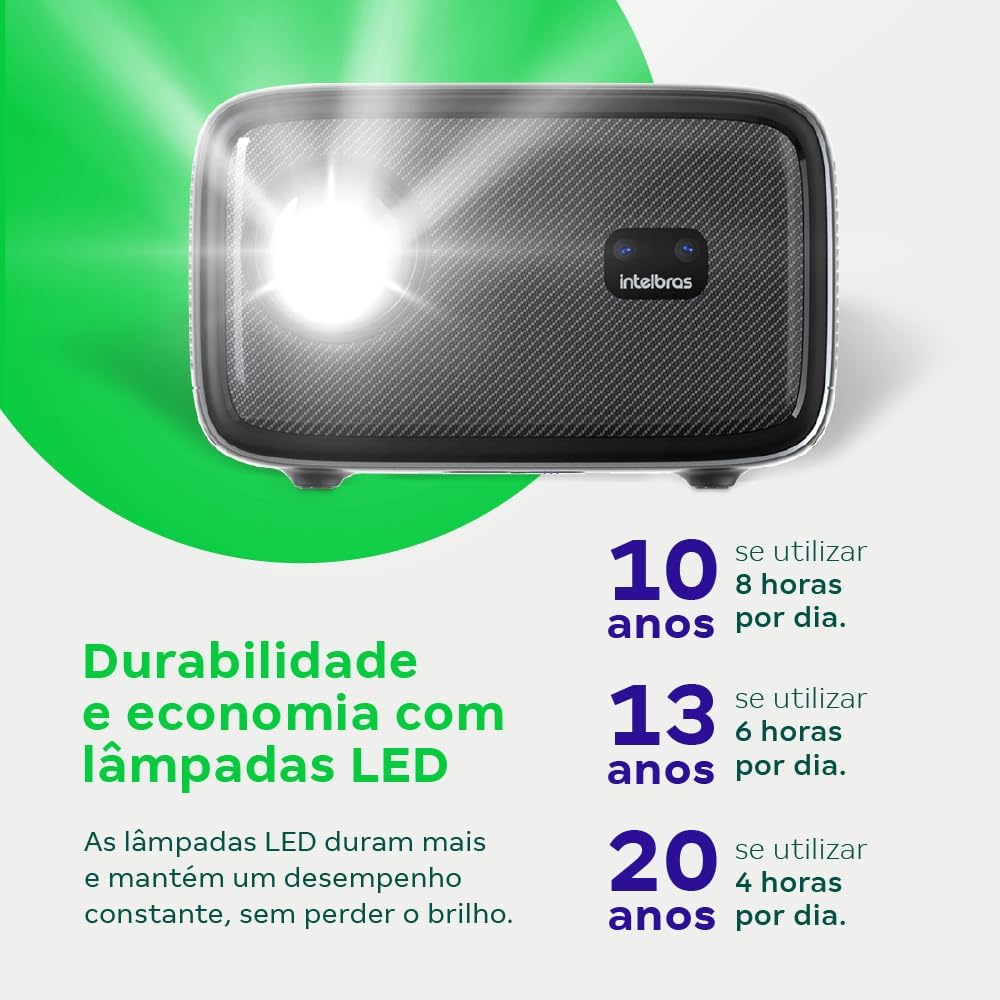
Image: An infographic illustrating the extended durability and economic benefits of the LED lamp, lasting up to 30,000 hours.
KHAI THÁC. Xử lý sự cố
Nếu bạn gặp sự cố với máy chiếu, hãy tham khảo các sự cố và giải pháp phổ biến sau đây:
- Không có hình ảnh: Ensure the power cable is securely connected and the projector is turned on. Check the input source selection to match your connected device.
- Hình ảnh mờ: Adjust the focus. If the image is distorted, check for automatic keystone correction or adjust it manually via the settings menu.
- Không có âm thanh: Verify the volume level on both the projector and the connected device. Ensure external speakers are properly connected if used, or that the internal speakers are enabled.
- Các vấn đề kết nối: For Wi-Fi or screen mirroring, ensure both the projector and your device are on the same network. Restart both devices if necessary.
- Quá nhiệt: Ensure the projector's ventilation openings are not blocked. Turn off the projector and allow it to cool down if it feels excessively hot.
9. Thông số kỹ thuật
| Tính năng | Đặc điểm kỹ thuật |
|---|---|
| Thương hiệu | Intelbras |
| Tên mẫu | Bóng rổ 7560 |
| Công nghệ kết nối | Wi-Fi |
| Tính năng đặc biệt | Sẵn sàng kết nối Wi-Fi |
| Độ phân giải màn hình | 1920 x 1080 (Full HD) |
| Độ phân giải gốc | 1920 x1080 |
| Độ phân giải hiển thị tối đa | 1920 x1080 |
| Kiểu hiển thị | Màn hình tinh thể lỏng |
| Độ sáng | 8000 Lumen |
| Thiết bị tương thích | Máy tính xách tay, Điện thoại thông minh, Máy tính bảng |
| Tuổi thọ hoạt động của nguồn sáng | 30000 giờ |
| Giao diện phần cứng | 802.11 ac / b / g / n |
| Mã hóa video | H.264, H.265 |
| Sử dụng được đề xuất | Rạp chiếu phim tại nhà |
| Âm thanh | 2 loa tích hợp 12W |
10. Bảo hành và Hỗ trợ
For warranty information, technical support, or service requests, please refer to the official Intelbras webhoặc liên hệ trực tiếp với bộ phận chăm sóc khách hàng của họ. Hãy giữ lại hóa đơn mua hàng để làm bằng chứng bảo hành.