
ECOPAD T30
Hướng dẫn sử dụng máy tính bảng ECOPAD T30 Android 15
Hướng dẫn toàn diện về thiết lập, vận hành và bảo trì
1. Giới thiệu
Welcome to the ECOPAD T30 Android 15 Tablet user manual. This guide provides essential information to help you set up, operate, and maintain your new tablet. Please read this manual thoroughly to ensure optimal performance and longevity of your device.
2. Nội dung gói hàng
Trước khi bắt đầu, vui lòng kiểm tra xem gói hàng của bạn có đầy đủ các mục sau không:
- ECOPAD T30 Android 15 Tablet
- Cáp USB loại C
- Bộ đổi nguồn 18W
- Hướng dẫn sử dụng (tài liệu này)

Image: Contents of the ECOPAD T30 Tablet package, showing the tablet, USB cable, 18W charger, and user manual.
3. Hết thiết bịview
Familiarize yourself with the physical components of your ECOPAD T30 tablet.

Hình ảnh: Mặt trước và mặt sau view of the ECOPAD T30 Tablet, illustrating the screen, rear camera, and various ports and buttons.
Các thành phần chính:
- Camera trước: Dùng cho cuộc gọi video và chụp ảnh tự sướng.
- Camera sau: Dùng để chụp ảnh và quay video.
- Nút nguồn: To turn the tablet on/off or put it to sleep.
- Nút âm lượng: Để điều chỉnh âm lượng.
- Cổng USB Type-C: Để sạc và truyền dữ liệu.
- Giắc cắm tai nghe 3.5 mm: Dùng để kết nối tai nghe có dây.
- Khe cắm thẻ nhớ Micro SD: Để mở rộng dung lượng lưu trữ.
- Diễn giả: Đối với đầu ra âm thanh.
4. Thiết lập
4.1 Sạc máy tính bảng
Before first use, fully charge your tablet. Connect the USB Type-C cable to the tablet's charging port and the 18W power adapter to a wall outlet.

Image: The ECOPAD T30 Tablet connected to its 18W fast charger, illustrating its 6000mAh battery and various usage durations.
4.2 Bật/Tắt nguồn
- Để bật nguồn: Press and hold the Power button until the ECOPAD logo appears.
- Để Tắt Nguồn: Nhấn và giữ nút Nguồn, sau đó chọn "Tắt nguồn" từ các tùy chọn trên màn hình.
- Khởi động lại: Nhấn và giữ nút Nguồn, sau đó chọn "Khởi động lại" từ các tùy chọn.
4.3 Thiết lập ban đầu
Upon first power-on, the tablet will guide you through the initial setup process. This includes selecting your language, connecting to Wi-Fi, setting up your Google account, and configuring basic security settings.
4.4 Kết nối Wi-Fi
- Đi đến Cài đặt > Mạng & internet > Wi-Fi.
- Chuyển đổi Wi-Fi On.
- Chọn mạng Wi-Fi mong muốn từ danh sách.
- Nhập mật khẩu nếu được yêu cầu, sau đó chạm vào Kết nối.
5. Vận hành máy tính bảng
5.1 Hệ điều hành Android 15
Your ECOPAD T30 runs on the latest Android 15, offering enhanced security, improved privacy controls, and a customizable user experience.

Image: A visual representation of the Android 15 operating system, highlighting its key features such as multitasking, privacy controls, customization, and performance.
5.2 Cài đặt hiển thị
The tablet features a 10.1-inch HD IPS touchscreen with a resolution of 1280x800 pixels and a 16:9 aspect ratio.

Image: The 10.1-inch HD IPS display of the ECOPAD T30, showcasing its resolution, aspect ratio, and eye-protection capabilities.
Adjust brightness, font size, and display mode (e.g., dark theme) via Cài đặt > Trưng bày.
5.3 Quản lý lưu trữ
The tablet comes with 128GB of internal storage, expandable up to 1TB using a Micro SD card.

Image: An illustration of the ECOPAD T30's memory and storage capabilities, featuring 12GB RAM, 128GB internal storage, and support for up to 1TB Micro SD card expansion.
To manage storage, go to Cài đặt > Kho. Ở đây bạn có thể view used space and free up storage.
5.4 Kết nối
Máy tính bảng của bạn hỗ trợ nhiều tùy chọn kết nối khác nhau:
- Dual-Band Wi-Fi 5 (2.4GHz & 5GHz): Để truy cập internet nhanh.
- Bluetooth 5.0: Dùng để kết nối các phụ kiện không dây như tai nghe và bàn phím.
- GPS: Dùng cho dịch vụ định vị và dẫn đường.
- Đài FM: For listening to local radio stations.
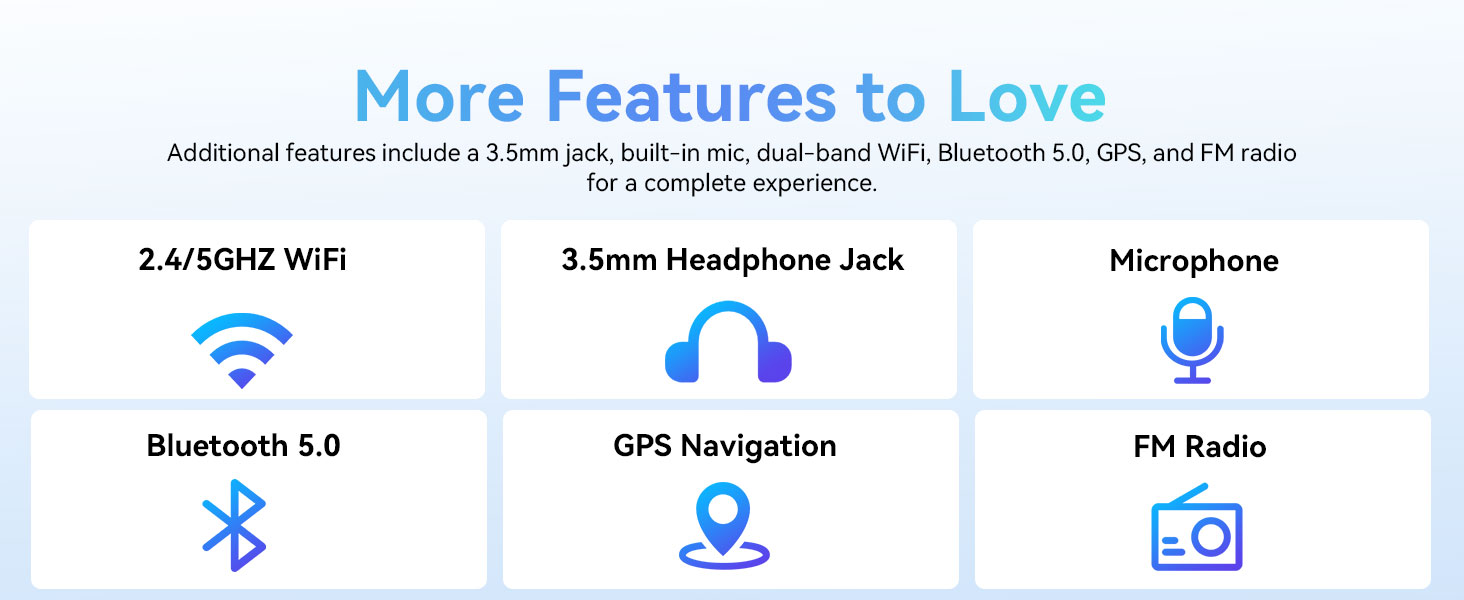
Image: A graphic displaying the ECOPAD T30's additional features, including dual-band Wi-Fi, 3.5mm headphone jack, microphone, Bluetooth 5.0, GPS, and FM Radio.
5.5 Sử dụng máy ảnh
The tablet is equipped with an 8MP rear camera and a 2MP front camera.
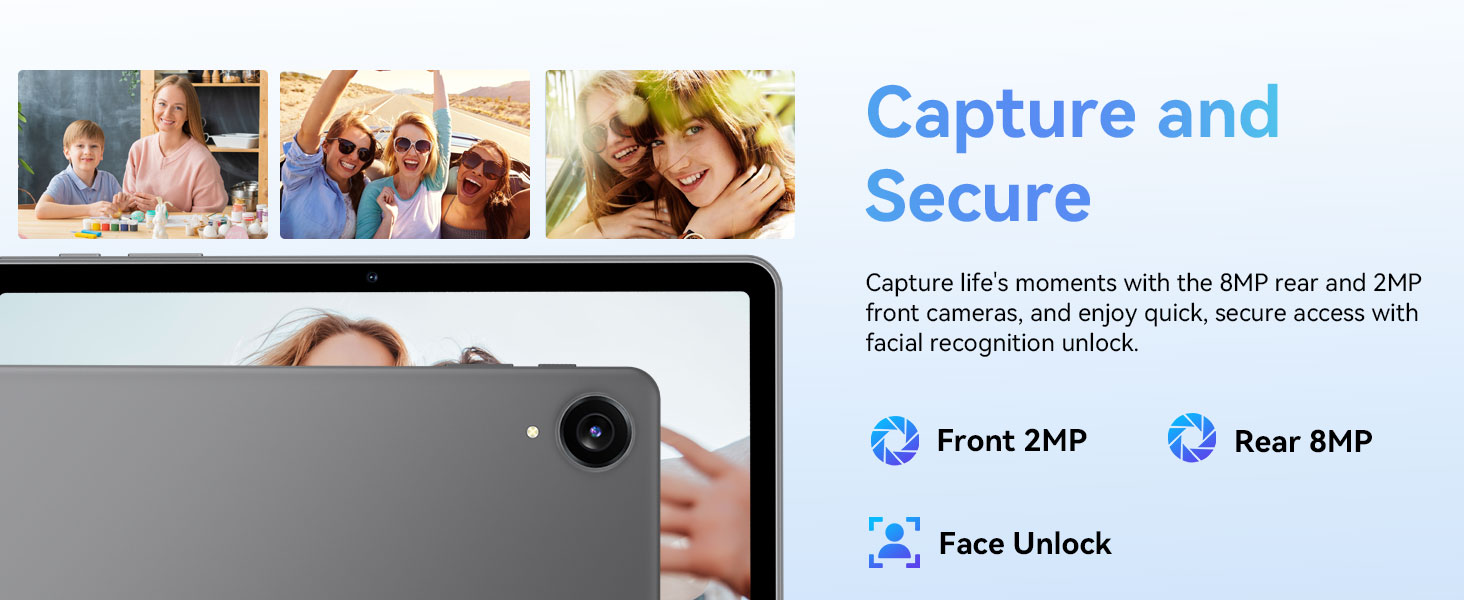
Image: The ECOPAD T30 Tablet highlighting its 2MP front camera, 8MP rear camera, and the Face Unlock security feature.
Mở Máy ảnh app to take photos or record videos. Tap the camera icon to switch between front and rear cameras.
5.6 Security (Face Unlock)
For convenient and secure access, your tablet supports Face Unlock. To set it up, go to Cài đặt > Bảo mật và quyền riêng tư > Mở khóa bằng khuôn mặt và làm theo hướng dẫn trên màn hình.
5.7 Multimedia and Streaming
The ECOPAD T30 supports Widevine L1, enabling high-definition streaming from platforms like Netflix, Hulu, YouTube, HBO Max, Prime Video, and Disney+.
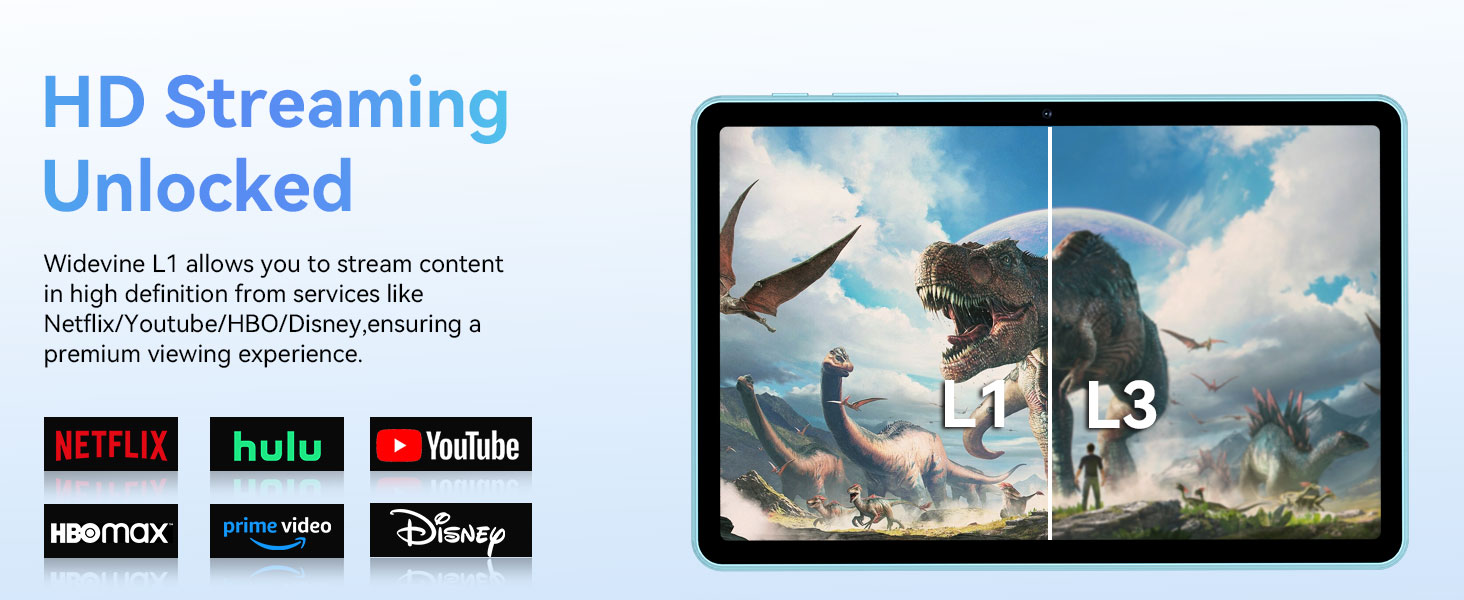
Image: The ECOPAD T30 Tablet demonstrating Widevine L1 support for high-definition streaming, with logos of compatible services like Netflix and Disney+.
6. Bảo trì
6.1 Chăm sóc pin
- Tránh nhiệt độ quá cao.
- Không nên để pin cạn kiệt thường xuyên.
- Use the provided 18W charger for optimal charging.
6.2 Vệ sinh
Dùng vải mềm, không xơ để lau màn hình và thân máy tính bảng. Tránh sử dụng hóa chất mạnh hoặc vật liệu mài mòn.
6.3 Cập nhật phần mềm
Thường xuyên kiểm tra và cài đặt các bản cập nhật phần mềm để đảm bảo máy tính bảng của bạn có các tính năng mới nhất, bản vá bảo mật và cải tiến hiệu năng. Truy cập vào Cài đặt > Hệ thống > Cập nhật hệ thống.
KHAI THÁC. Xử lý sự cố
- Máy tính bảng không bật: Hãy đảm bảo pin đã được sạc đầy. Kết nối bộ sạc và thử lại.
- Màn hình bị đóng băng: Nhấn và giữ nút Nguồn trong khoảng 10-15 giây để buộc khởi động lại.
- Sự cố kết nối Wi-Fi: Restart your tablet and your Wi-Fi router. Check Wi-Fi settings to ensure the correct network and password are used.
- Ứng dụng bị sập: Xóa bộ nhớ đệm của ứng dụng có vấn đề (Cài đặt > Ứng dụng > [Tên ứng dụng] > Lưu trữ và bộ nhớ đệm > Xóa bộ nhớ đệmNếu sự cố vẫn tiếp diễn, hãy thử cài đặt lại ứng dụng.
- Low audio volume: Check volume settings. Ensure no headphones are connected if you intend to use speakers. Consider connecting a Bluetooth speaker for enhanced audio.
8. Thông số kỹ thuật
| Tính năng | Đặc điểm kỹ thuật |
|---|---|
| Người mẫu | ECOPAD T30 |
| Hệ điều hành | Android 15 |
| Bộ xử lý | Unisoc T606 Octa-core (2x Cortex-A75, 6x Cortex-A55) |
| ĐẬP | 12GB (4GB + 8GB mở rộng) |
| Bộ nhớ trong | 128GB |
| Lưu trữ mở rộng | Up to 1TB via Micro SD Card |
| Kích thước hiển thị | 10.1 inch |
| Kiểu hiển thị | Màn hình cảm ứng IPS HD |
| Nghị quyết | 1280 x 800 điểm ảnh |
| Tỷ lệ khung hình | 16:9 |
| Camera sau | 8MP |
| Camera trước | 2MP |
| Wi-Fi | Dual-Band Wi-Fi 5 (802.11ax, 2.4GHz/5GHz) |
| Bluetooth | Bluetooth 5.0 |
| Dung lượng pin | 6000mAh |
| Sạc | 18W Fast Charge (USB Type-C) |
| Tuổi thọ pin trung bình | 8 giờ (sử dụng thông thường) |
| Kích thước (DxRxC) | 9.5 x 6.5 x 0.3 inch |
| Cân nặng | 1.83 pound |
| Các tính năng khác | GPS, FM Radio, Dual Speakers, Face Unlock, Widevine L1 |

Image: A detailed diagram illustrating the Unisoc T606 Octa-core processor, highlighting its ARM G57 GPU, core configuration (Cortex-A55 x 6, Cortex-A75 x 2), and 12nm manufacturing process.
9. Bảo hành và Hỗ trợ
Your ECOPAD T30 Tablet comes with a Bảo hành 2 năm from the date of purchase. This warranty covers manufacturing defects and ensures peace of mind regarding your product's quality.
For technical support, warranty claims, or any questions regarding your tablet, please contact ECOPAD customer service through the official channels provided at the time of purchase or on the ECOPAD webđịa điểm.
Ask a question about this manual
Ask about setup, troubleshooting, compatibility, parts, safety, or missing instructions. Manuals+ will review the question and use this page’s manual context to help answer it.