
1. Sản phẩm hếtview
The Cillso H97 Wireless Earbuds are designed to provide a high-quality audio experience with advanced features. This manual will guide you through the setup, operation, and maintenance of your earbuds.

Image: Cillso H97 Wireless Earbuds and their charging case, showcasinThiết kế kiểu dáng đẹp.
2. Nội dung gói hàng
- Cillso H97 Wireless Earbuds (Left and Right)
- Vỏ sạc
- Cáp sạc USB-C
- Hướng dẫn sử dụng
3. Thiết lập
3.1 Sạc ban đầu
Before first use, fully charge the earbuds and the charging case. The charging case features a dual LED battery display, showing the battery percentage of each earbud in real-time. The charging case fully charges in approximately 1.5 hours.
- Connect the provided USB-C charging cable to the charging port on the case and to a standard charger (5V/1A or 5V/2A).
- The LED display will indicate charging progress.
- For optimal performance, ensure the earbuds are fully charged before their first use, which provides up to 4 hours of call time.

Image: The Cillso H97 charging case with its dual LED display indicating battery levels for both earbuds and the case itself.
3.2 Ghép nối với thiết bị của bạn
The H97 earbuds utilize an advanced Bluetooth 5.4 chip for stable and efficient connections.
- Đảm bảo tai nghe đã được sạc.
- Mở hộp sạc. Tai nghe sẽ tự động bật nguồn và vào chế độ ghép nối.
- Trên thiết bị của bạn (điện thoại thông minh, máy tính bảng, máy tính xách tay), hãy bật Bluetooth.
- Tìm kiếm available Bluetooth devices and select "H97" from the list.
- Once connected, the earbuds will automatically pair with your device whenever the case is opened, provided Bluetooth is enabled on your device. The connection range is up to 15 meters.
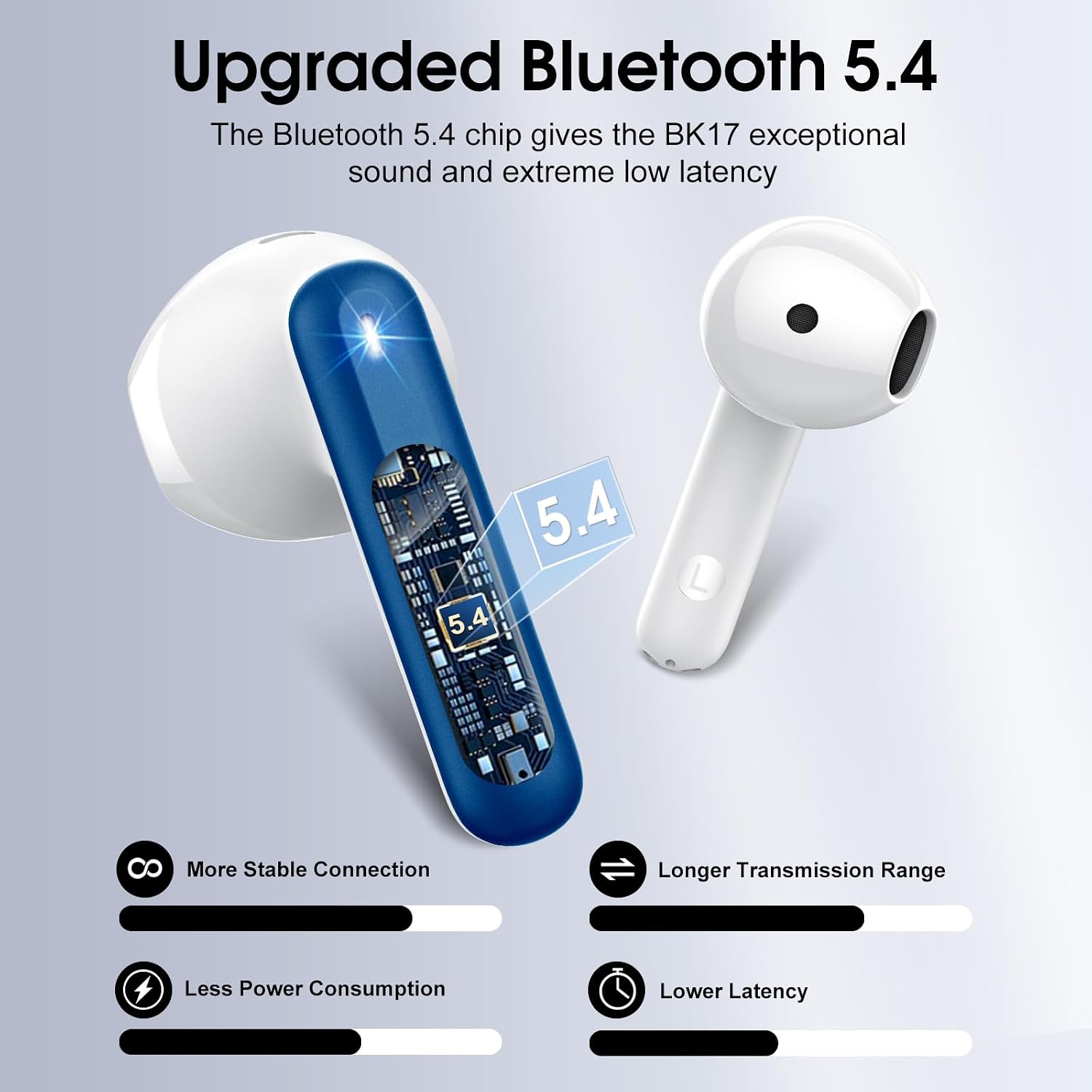
Image: A visual representation of the upgraded Bluetooth 5.4 chip, highlighting benefits such as stable connection, longer range, lower power consumption, and reduced latency.
4. Hướng dẫn vận hành
4.1 Điều khiển cảm ứng thông minh
The H97 earbuds feature high-precision touch sensors for easy control of various functions.
- Phát/Tạm dừng: Nhấn đúp vào tai nghe bên trái hoặc bên phải.
- Trả lời/Kết thúc cuộc gọi: One tap the left or right earbud.
- Bài hát tiếp theo: Nhấn và giữ tai nghe bên phải trong 2 giây.
- Bài hát trước: Nhấn giữ tai nghe bên trái trong 2 giây.
- Kích hoạt Trợ lý giọng nói: (Specific gesture not provided, typically a triple tap or long press on one earbud. Refer to the image for visual cues if available.)
- Kiểm soát âm lượng: (Specific gesture not provided. Refer to the image for visual cues if available.)

Image: A diagram illustrating the touch control functions on the earbuds, including gestures for play/pause, answering calls, and skipping tracks.
4.2 Chất lượng âm thanh và cuộc gọi
The earbuds feature 14.2mm diaphragm drivers and AAC/SBC audio encoding for immersive sound. Equipped with 4 ENC (Environmental Noise Cancelling) microphones, they effectively filter out 85% of background noise for clear calls.

Hình ảnh: Một vụ nổ view diagram of the earbud's internal structure, highlighting the 13mm diameter speaker and components responsible for Hi-Fi stereo sound.

Hình ảnh: Một trong suốt view of an earbud showing the placement of four microphones designed for crystal-clear calls and effective background noise suppression.
5. Bảo trì
5.1 Khả năng chống nước
The H97 earbuds feature IP7 nano-coating technology, making them resistant to daily splashes, sweat, and rain. This protection allows for use during workouts or in light rain conditions.

Image: A woman with water splashing on her face while wearing an earbud, demonstrating the IPX7 waterproof capability against water, sweat, and rain.
5.2 Thực hành sạc tốt nhất
Always use a standard 5V/1A or 5V/2A charger for the charging case. Using incompatible chargers may damage the device or affect charging efficiency.
5.3 Vệ sinh
To maintain optimal sound quality and hygiene, regularly clean your earbuds. Use a soft, dry, lint-free cloth to wipe the earbuds and charging case. Avoid using abrasive materials or harsh chemicals.
KHAI THÁC. Xử lý sự cố
6.1 Các vấn đề về kết nối
- Tai nghe không ghép nối được: Ensure both earbuds are in the charging case, then open the lid. Check that Bluetooth is enabled on your device. If issues persist, try forgetting the device in your phone's Bluetooth settings and re-pairing.
- Kết nối không liên tục: Ensure you are within the 15-meter Bluetooth range. Avoid physical obstructions between the earbuds and your device.
6.2 Sự cố sạc
- Vỏ bảo vệ không sạc được: Verify the USB-C cable is securely connected to both the case and the power adapter. Ensure the power adapter is a standard 5V/1A or 5V/2A model and is functioning correctly.
- Tai nghe không sạc được khi đặt trong hộp: Ensure the earbuds are properly seated in the charging slots. Clean the charging contacts on both the earbuds and the case with a dry cotton swab to remove any debris.
6.3 Các vấn đề về chất lượng âm thanh
- Âm lượng nhỏ hoặc âm thanh bị méo: Check the volume levels on both your device and the earbuds. Ensure the earbuds are clean and free from earwax buildup.
- Lack of noise cancellation: Ensure the earbuds are properly seated in your ears to create a good seal. Refer to the earbud fit diagram for optimal placement.

Image: A diagram illustrating the recommended angles (90-degree and 60-degree) for proper earbud placement within the ear canal to ensure a secure fit and optimal sound.
6.4 Độ vừa vặn của tai nghe
The H97 earbuds feature a semi-in-ear ergonomic design. If you experience discomfort or if the earbuds feel loose, try adjusting their position in your ear. Proper fit is crucial for both comfort and sound performance.
7. Thông số kỹ thuật
| Thương hiệu | Cillso |
| Số hiệu mẫu | H97 |
| Phiên bản Bluetooth | 5.4 |
| Phạm vi Bluetooth | 15 mét |
| Thời gian phát lại của tai nghe | Lên đến 8 giờ (sạc một lần) |
| Tổng thời gian chơi (có hộp đựng) | Lên đến 40 giờ |
| Thời gian sạc (Vỏ) | 1.5 giờ |
| Chống nước | IP7 |
| Kích thước trình điều khiển âm thanh | 14.2mm |
| Kiểm soát tiếng ồn | Khử tiếng ồn môi trường (ENC) |
| Loại điều khiển | Điều khiển cảm ứng |
| Trọng lượng Earbud | 3.5 gam (mỗi loại) |
| Trọng lượng hộp sạc | 32 gram |
| Thiết bị tương thích | iOS 9.0+/Android 5.0+ with Bluetooth 4.0+ |
8. Video sản phẩm
Video: An official product video from Harson-US providing an overview of the Cillso H97 Wireless Earbuds, demonstrating key features and design.
9. Bảo hành và Hỗ trợ
9.1 Thông tin bảo hành
Your Cillso H97 Wireless Earbuds are covered by a 30-day refund/replacement policy from the date of purchase. Please retain your proof of purchase for warranty claims.
9.2 Hỗ trợ khách hàng
For any questions, technical assistance, or warranty claims, please contact Cillso customer service. You can find more information and contact details on the official Cillso store page: Cillso Store.