
1. Giới thiệu
Welcome to the user manual for your new Lenovo IdeaCentre 27IRH9 F0HM000RUS All-in-One PC. This document provides comprehensive instructions to help you set up, operate, maintain, and troubleshoot your device. Please read this manual thoroughly before using your computer to ensure optimal performance and longevity.
The Lenovo IdeaCentre 27IRH9 F0HM000RUS is a powerful and elegantly designed all-in-one desktop computer, featuring a 27-inch Full HD touchscreen display, an Intel Core i7 13th Gen i7-13620H processor, 16GB of RAM, and a 512GB SSD. It comes pre-installed with Windows 11 Home, offering a stable, intuitive, and responsive computing environment for both productivity and creative tasks.
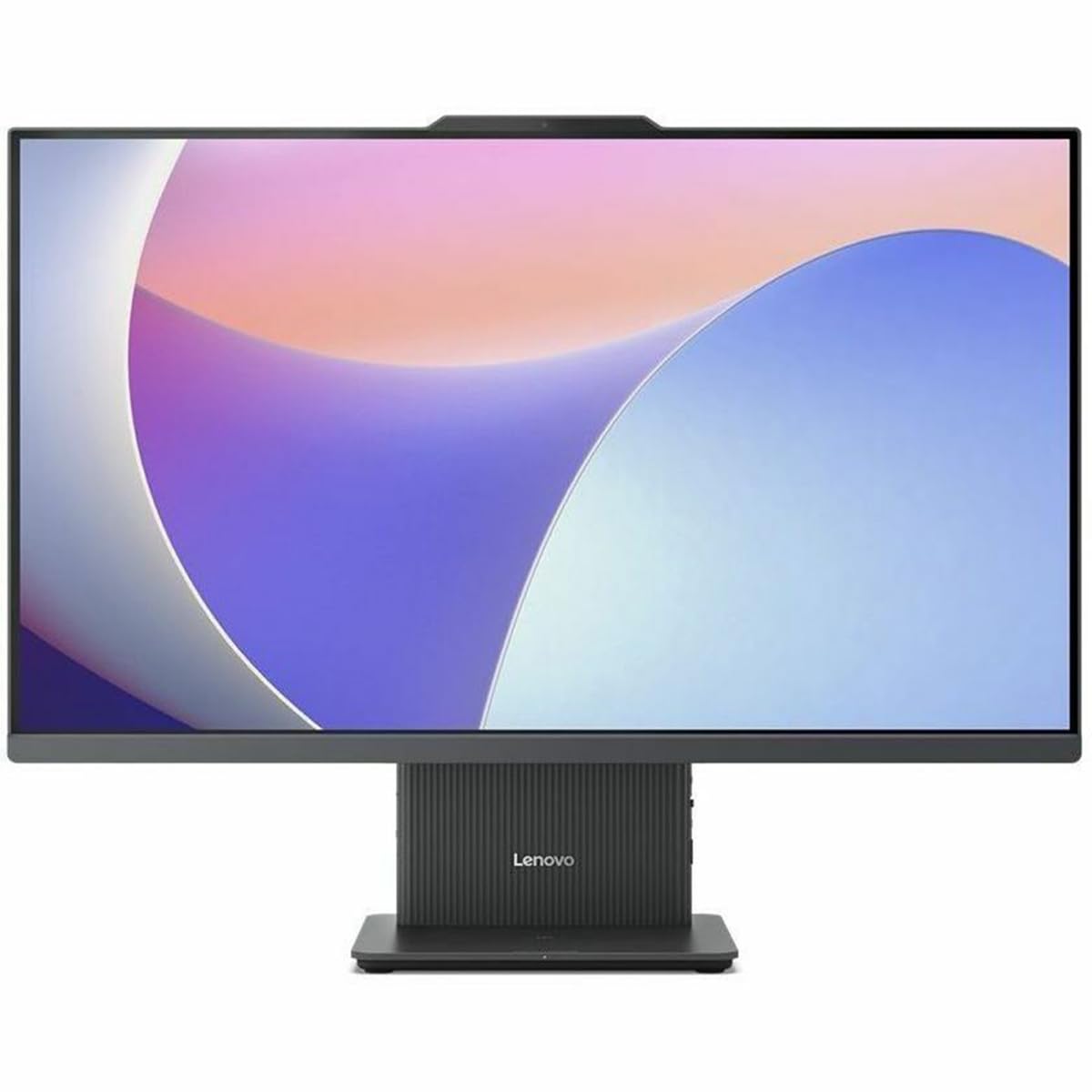
Hình 1: Mặt trước view of the Lenovo IdeaCentre 27IRH9 F0HM000RUS All-in-One PC.
2. Hướng dẫn cài đặt
2.1 Giải nén và đặt
- Carefully remove all components from the packaging. Ensure all items listed in the packing slip are present.
- Place the IdeaCentre All-in-One PC on a stable, flat surface, such as a desk or table. Ensure there is adequate ventilation around the device.
- Avoid placing the computer in direct sunlight or near heat sources.
2.2 Kết nối thiết bị ngoại vi
Connect the included wireless keyboard and mouse. The USB receiver for these devices is typically found in the mouse or keyboard packaging. Insert the USB receiver into an available USB port on the back of the computer.
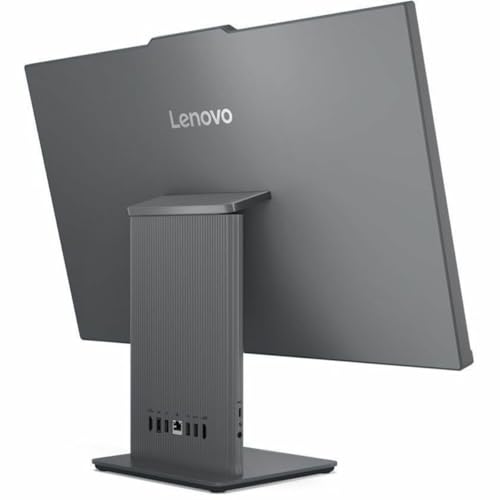
Hình 2: Phía sau view of the IdeaCentre, highlighting available ports for peripheral connections.
2.3 kết nối nguồn
- Connect the power adapter cable to the power input port on the back of the IdeaCentre PC.
- Cắm bộ đổi nguồn vào ổ cắm điện được nối đất.
2.4 Khởi động ban đầu
- Nhấn nút nguồn, thường nằm ở cạnh bên hoặc viền dưới của màn hình.
- Hãy làm theo hướng dẫn trên màn hình để hoàn tất quá trình cài đặt Windows 11 Home, bao gồm chọn ngôn ngữ, kết nối mạng và tạo tài khoản người dùng.
3. Hướng dẫn vận hành
3.1 Windows 11 Home Basics
Your IdeaCentre PC runs on Windows 11 Home, offering a user-friendly interface. Familiarize yourself with the Start Menu, Taskbar, and File Explorer for efficient navigation and application management.
3.2 Chức năng màn hình cảm ứng
The 27-inch Full HD display supports multi-touch gestures. Use gestures such as tap, swipe, pinch-to-zoom, and two-finger scroll for intuitive interaction with applications and content.
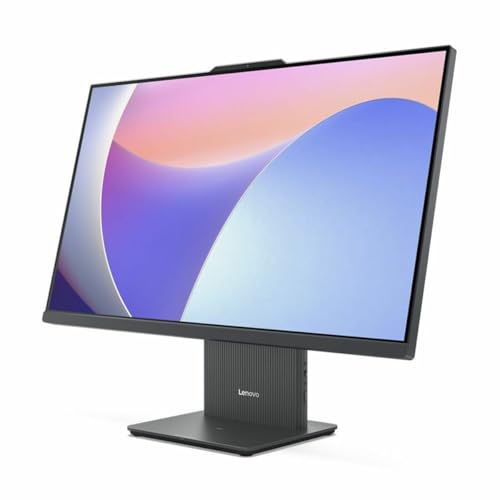
Figure 3: User interacting with the touchscreen display of the IdeaCentre.
3.3 Kết nối mạng
- Wi-Fi: To connect to a wireless network, click the Wi-Fi icon in the taskbar, select your network, and enter the password. The device supports 802.11ax for stable and efficient online operations.
- Mạng Ethernet: For a wired connection, plug an Ethernet cable into the RJ-45 port on the back of the computer.
3.4 Bluetooth Devices
To pair Bluetooth devices (e.g., headphones, speakers), go to Cài đặt > Bluetooth & thiết bị, turn on Bluetooth, and select your device from the list to pair. Bluetooth ensures stable wireless communication with minimal interference from nearby devices.
3.5 USB Type-C Port Usage
The USB Type-C port supports high-speed data transfer and power delivery, allowing for streamlined connectivity and efficient integration with various peripherals.
4. Bảo trì
4.1 Vệ sinh thiết bị
- Màn hình: Sử dụng một miếng vải mềm, không xơ vải lau nhẹamprửa sạch bằng nước hoặc chất tẩy rửa màn hình. Tránh sử dụng hóa chất mạnh.
- Chassis: Wipe the exterior with a soft, dry cloth. Do not use abrasive cleaners.
- Đảm bảo thiết bị đã tắt và rút phích cắm trước khi vệ sinh.
4.2 Cập nhật phần mềm
Regularly check for and install Windows updates and driver updates to ensure system stability, security, and optimal performance. Go to Cài đặt > Cập nhật Windows để quản lý các bản cập nhật.
4.3 Sao lưu dữ liệu
Periodically back up your important files to an external drive or cloud storage to prevent data loss. Windows 11 offers built-in backup solutions.
KHAI THÁC. Xử lý sự cố
This section addresses common issues you might encounter with your IdeaCentre PC.
| Vấn đề | Giải pháp khả thi |
|---|---|
| Máy tính không khởi động được. | Ensure the power cable is securely connected to both the computer and the electrical outlet. Test the outlet with another device. |
| Không hiển thị trên màn hình | Check if the computer is powered on. If connected to an external monitor, ensure the correct input source is selected on the monitor. |
| Sự cố kết nối Wi-Fi | Restart your router and modem. Ensure Wi-Fi is enabled on your computer. Check network settings in Windows. |
| Bàn phím hoặc chuột không phản hồi | Check battery levels for wireless devices. Ensure the USB receiver is properly inserted. Try a different USB port. |
| Hệ thống chậm hoặc không phản hồi | Close unnecessary applications. Check for background processes using Task Manager. Ensure sufficient free space on the SSD. Run a system scan for malware. |
If problems persist, refer to the Lenovo support webtrang web hoặc liên hệ với bộ phận chăm sóc khách hàng để được hỗ trợ thêm.
6. Thông số kỹ thuật
Detailed technical specifications for the Lenovo IdeaCentre 27IRH9 F0HM000RUS:
| Tính năng | Chi tiết |
|---|---|
| Thương hiệu | Lenovo |
| Số hiệu mẫu | F0HM000RUS |
| Hệ điều hành | Windows 11 Trang chủ |
| Mô hình CPU | Intel Core i7-13620H (13th Gen) |
| Tốc độ CPU | 4.9 GHz |
| Bộ xử lý đồ họa | Đồ họa Intel UHD (Tích hợp) |
| Bộ nhớ RAM | 16GB DDR5 |
| Kho | Ổ cứng thể rắn 512 GB |
| Kích thước màn hình | 27 inch |
| Độ phân giải màn hình | 1920 x 1080 (Full HD) |
| Kiểu hiển thị | IPS, Touchscreen |
| Tỷ lệ khung hình | 16:9 |
| Kết nối không dây | Wi-Fi (802.11ax), Bluetooth |
| Cổng USB | 4 (including USB-C) |
| Cổng HDMI | 1 |
| Tiêu thụ điện năng | 135 Watt |
| Kích thước sản phẩm | 22.1 x 56.1 x 75.9cm |
| Trọng lượng sản phẩm | 24.25 Bảng Anh |
| Các thành phần bao gồm | AIO Stand, Wireless Keyboard, Wireless Mouse, USB Receiver, Power Adapter |
| Mã số UPC | 197531855381 |
7. Bảo hành và Hỗ trợ
7.1 Bảo hành sản phẩm
Your Lenovo IdeaCentre 27IRH9 F0HM000RUS comes with a standard manufacturer's warranty. Please refer to the warranty card included in your product packaging or visit the official Lenovo webtrang web để biết các điều khoản và điều kiện chi tiết về phạm vi bảo hành, thời hạn và quy trình dịch vụ.
7.2 Hỗ trợ kỹ thuật
For technical assistance, troubleshooting beyond this manual, or service inquiries, please contact Lenovo customer support. You can find contact information, FAQs, and additional resources on the official Lenovo support webđịa điểm: hỗ trợ.lenovo.com. When contacting support, please have your product model number (F0HM000RUS) and serial number ready.


