
1. Giới thiệu
Thank you for choosing the ANCOBER Portable Wireless Bluetooth Speaker. This speaker is designed to deliver immersive, high-fidelity sound with dynamic LED lighting, making it ideal for various indoor and outdoor activities. Its lightweight, portable design, coupled with IPX4 water resistance and advanced Bluetooth 5.3 technology, ensures a versatile and enjoyable audio experience. Please read this manual carefully before using the product to ensure proper operation and to maximize its lifespan.
2. Thông tin an toàn
- Không để loa tiếp xúc với nhiệt độ quá cao, ánh nắng trực tiếp hoặc độ ẩm cao.
- Tránh làm rơi hoặc va đập mạnh vào loa.
- Không tự ý tháo rời, sửa chữa hoặc thay đổi loa. Vui lòng liên hệ nhân viên có trình độ để được hỗ trợ bảo dưỡng.
- Hãy đặt loa tránh xa các thiết bị y tế, vì các thành phần từ tính của loa có thể gây nhiễu hoạt động của chúng.
- The speaker has an IPX4 waterproof rating, protecting against water splashes and spills. Do not partially or fully submerge the speaker in water.
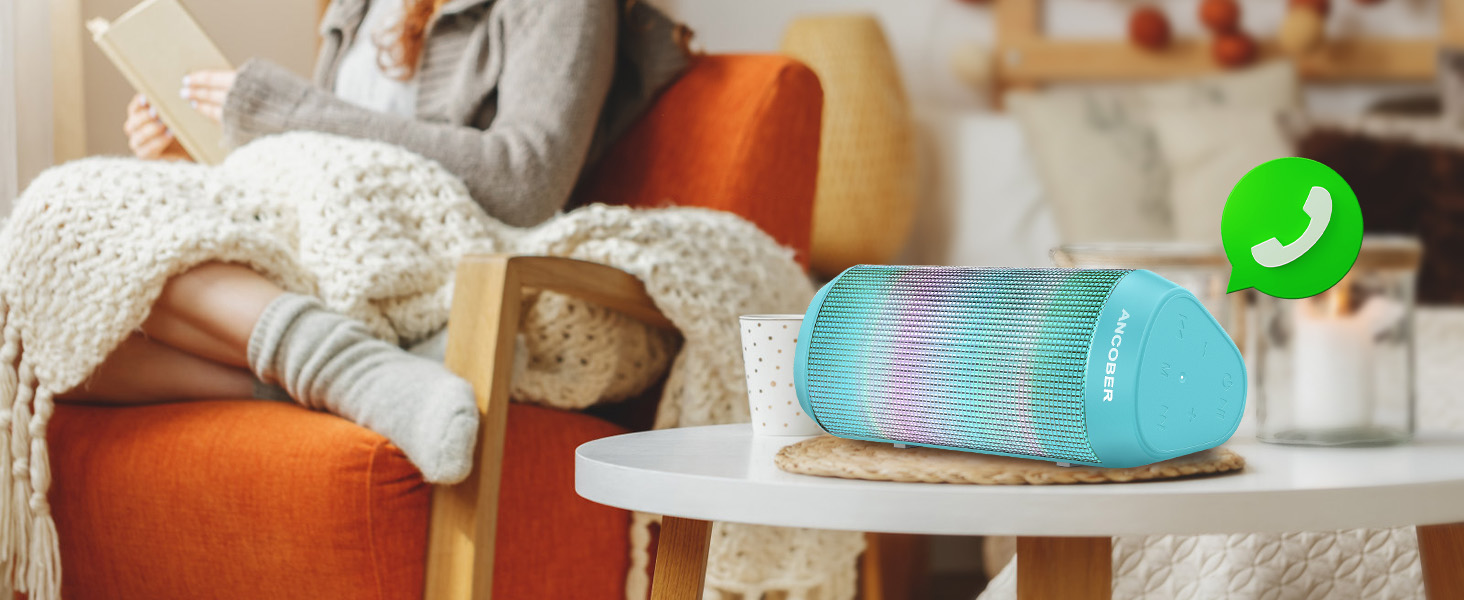
The speaker is designed to withstand splashes, making it suitable for outdoor use.
3. Nội dung gói hàng
Vui lòng kiểm tra gói hàng để biết các mục sau:
- 1 x ANCOBER Portable Bluetooth Speaker
- Cáp sạc 1 x USB Type-C
- 1 x Auxiliary-in (AUX) Cable
- 1 x Hướng dẫn sử dụng
4. Sản phẩm hếtview
Làm quen với các thành phần và nút điều khiển của loa.

Đằng trước view of the ANCOBER Portable Wireless Bluetooth Speaker.
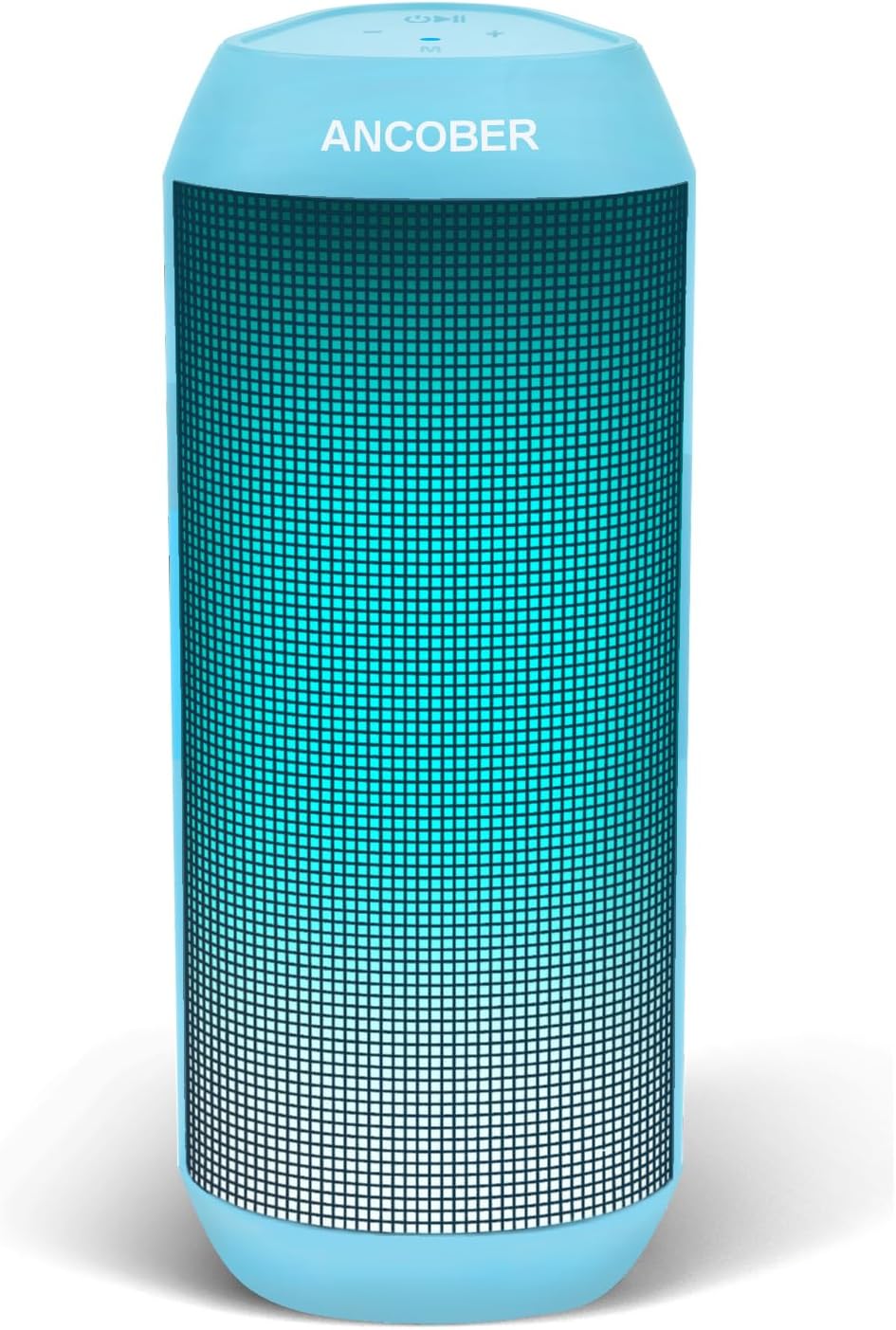
The speaker showcasing its vibrant LED lighting effects.
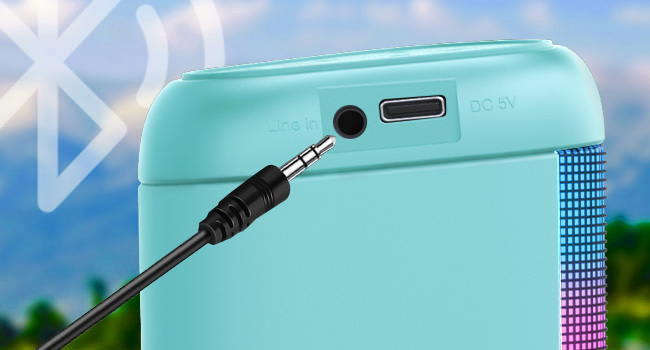
Detail of the speaker's input ports: AUX and Type-C charging.
Các nút điều khiển:
- Nút nguồn: Nhấn và giữ để bật / tắt nguồn.
- Nút Phát/Tạm dừng: Nhấn để phát hoặc tạm dừng nhạc. Nhấn để trả lời/kết thúc cuộc gọi.
- Tăng âm lượng (+): Press to increase volume. Long press for next track.
- Giảm âm lượng (-): Press to decrease volume. Long press for previous track.
- Nút chế độ ánh sáng: Press to cycle through LED light modes.
- Nút TWS: Nhấn để bắt đầu ghép nối True Wireless Stereo.
5. Thiết lập
5.1. Ghép nối Bluetooth
- Đảm bảo loa được sạc đầy trước khi sử dụng lần đầu.
- Press and hold the Power Button to turn on the speaker. A voice prompt will indicate it's in Bluetooth pairing mode.
- Trên thiết bị của bạn (điện thoại thông minh, máy tính bảng, máy tính), hãy bật Bluetooth và tìm kiếm các thiết bị khả dụng.
- Select "ANCOBER Speaker" from the list.
- Sau khi kết nối, sẽ có lời nhắc bằng giọng nói xác nhận ghép nối thành công.
5.2. Ghép nối âm thanh nổi không dây thực sự (TWS)
TWS allows you to connect two ANCOBER speakers for a stereo sound experience.
- Đảm bảo cả hai loa đều được bật nguồn và không kết nối với bất kỳ thiết bị Bluetooth nào khác.
- On one of the speakers, press the Nút TWSThiết bị sẽ chuyển sang chế độ ghép nối TWS.
- Hai loa sẽ tự động kết nối với nhau. Một lời nhắc bằng giọng nói sẽ xác nhận việc ghép nối TWS thành công.
- Once TWS paired, connect your device to one of the speakers via Bluetooth as described in Section 5.1. The audio will now play through both speakers in stereo.
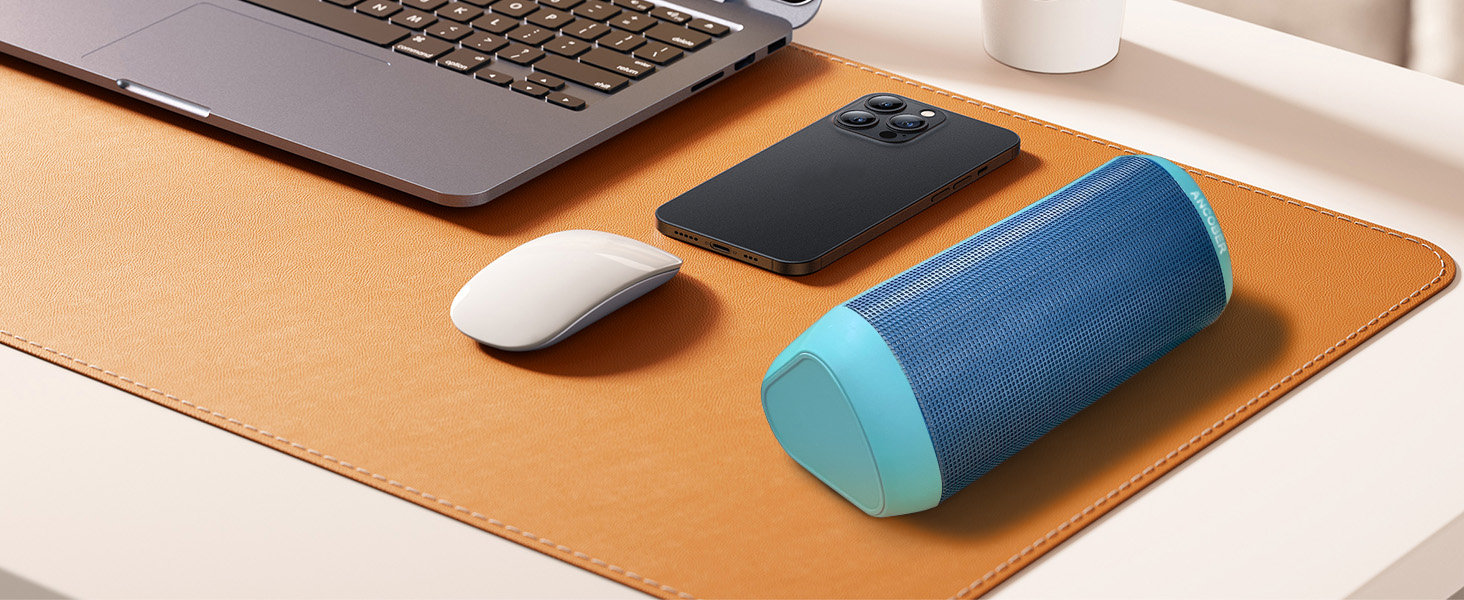
Enjoy immersive stereo sound by pairing two speakers with TWS.
6. Hướng dẫn vận hành
6.1. Bật/Tắt nguồn
- To power on, press and hold the Power Button for 2-3 seconds.
- To power off, press and hold the Power Button for 2-3 seconds.
6.2. Phát lại nhạc
- Phát/Tạm dừng: Press the Play/Pause Button.
- Tăng âm lượng: Nhấn nút '+'.
- Giảm âm lượng: Nhấn nút '-'.
- Bài hát tiếp theo: Nhấn và giữ nút '+'.
- Bản nhạc trước: Nhấn và giữ nút '-'.
6.3. Chế độ đèn LED
The speaker features multiple RGB lighting dynamic modes.
- Nhấn nút Nút chế độ sáng Để chuyển đổi qua các hiệu ứng ánh sáng khác nhau.
- The last two modes are designed to beat with the music, with the effect becoming more pronounced at higher volumes.
6.4. Gọi điện thoại rảnh tay
With the built-in microphone, you can answer calls directly through the speaker.
- Trả lời cuộc gọi: Nhấn nút Phát/Tạm dừng một lần khi có cuộc gọi đến.
- Kết thúc cuộc gọi: Nhấn nút Phát/Tạm dừng một lần trong khi cuộc gọi đang diễn ra.
- Từ chối cuộc gọi: Nhấn và giữ nút Phát/Tạm dừng trong 2 giây.
6.5. Chế độ AUX
Connect non-Bluetooth devices using the included AUX cable.
- Insert one end of the 3.5mm AUX cable into the speaker's "Line In" port.
- Cắm đầu còn lại vào giắc cắm âm thanh trên thiết bị của bạn.
- Loa sẽ tự động chuyển sang chế độ AUX.
7. Sạc
The speaker is powered by a rechargeable Lithium Ion battery.
- Connect the included USB Type-C cable to the speaker's DC 5V port.
- Kết nối đầu còn lại của cáp vào bộ chuyển đổi nguồn USB (khuyến nghị 5V/1A) hoặc cổng USB của máy tính.
- Đèn LED sẽ hiển thị trạng thái sạc (hành vi cụ thể của đèn báo có thể khác nhau, vui lòng tham khảo hướng dẫn nhanh nếu có).
- A full charge typically takes a few hours. Avoid overcharging to prolong battery life.
- When the battery is low, the speaker will provide a "low battery" voice prompt.
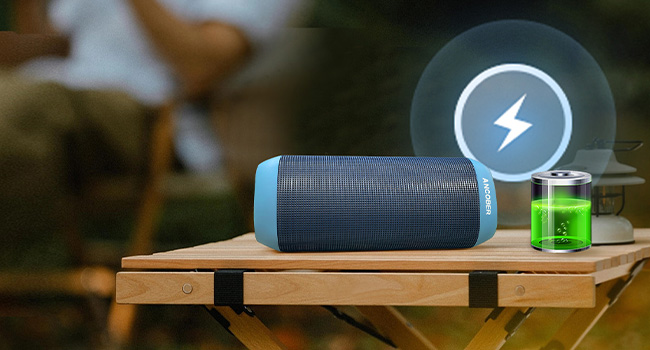
Connect the speaker to a power source using the Type-C cable for charging.
KHAI THÁC. Xử lý sự cố
| Vấn đề | Nguyên nhân có thể | Giải pháp |
|---|---|---|
| Loa không bật. | Pin đã hết. | Sạc loa trong ít nhất 30 phút. |
| Không thể ghép nối với thiết bị Bluetooth. | Loa không ở chế độ ghép nối hoặc đã được kết nối. Bluetooth của thiết bị đã tắt. | Ensure speaker is in pairing mode. Turn off and on device Bluetooth. Move speaker closer to device. |
| Không có âm thanh hoặc âm lượng thấp. | Volume too low on speaker or device. Speaker not connected. | Tăng âm lượng trên cả loa và thiết bị. Kết nối lại Bluetooth. |
| Ghép nối TWS không thành công. | Loa đặt quá xa nhau hoặc đã được kết nối với các thiết bị khác. | Hãy đảm bảo cả hai loa đều đã được ngắt kết nối khỏi các thiết bị khác. Đặt chúng gần nhau và thử ghép nối TWS lại. |
| Đèn LED không hoạt động. | Light mode is off or speaker is off. | Press the Light Mode Button to activate lights. Ensure speaker is powered on. |
9. Thông số kỹ thuật
| Tính năng | Chi tiết |
|---|---|
| Số hiệu mẫu | ACB-001 |
| Công suất đầu ra của loa | 15 Watt |
| Công nghệ kết nối | Bluetooth 5.3 / Aux-input |
| Wireless Dải | Lên đến 33 feet (10 mét) |
| Mức độ chống nước | IPX4 (Chống nước) |
| Dung lượng pin | Ion Lithium 2000 mAh |
| Cổng sạc | USB Type-C (DC 5V) |
| Kích thước sản phẩm | 2.53"D x 2.25"W x 6.8"H (6.4cm D x 5.7cm W x 17.3cm H) |
| Trọng lượng sản phẩm | 0.79 lbs (12.64 oz / 358g) |
| Vật liệu | Nhựa |
| Tính năng đặc biệt | TWS Pairing, Multiple LED Light Modes, Built-in Microphone |
10. Bảo trì
- Vệ sinh loa bằng vải mềm, khô. Không sử dụng chất tẩy rửa có tính mài mòn hoặc dung môi.
- Bảo quản loa ở nơi khô ráo, thoáng mát khi không sử dụng.
- If the speaker will not be used for an extended period, charge it at least once every three months to maintain battery health.
11. Bảo hành và Hỗ trợ
The ANCOBER Portable Wireless Bluetooth Speaker comes with a Full Warranty. For warranty claims, technical support, or any questions regarding your product, please contact ANCOBER customer service through the retailer's platform or the official ANCOBER website. Please have your purchase receipt and model number (ACB-001) ready when contacting support.
For the latest information and support, please visit the ANCOBER store: ANCOBER Store on Amazon