
1. Giới thiệu
Thank you for choosing the BINNUNE 2.4GHz Wireless Gaming Headset. This manual provides detailed instructions to help you set up, operate, and maintain your headset for an optimal gaming and audio experience across various platforms including PS5, PS4, PC, Mac, and mobile devices via Bluetooth.
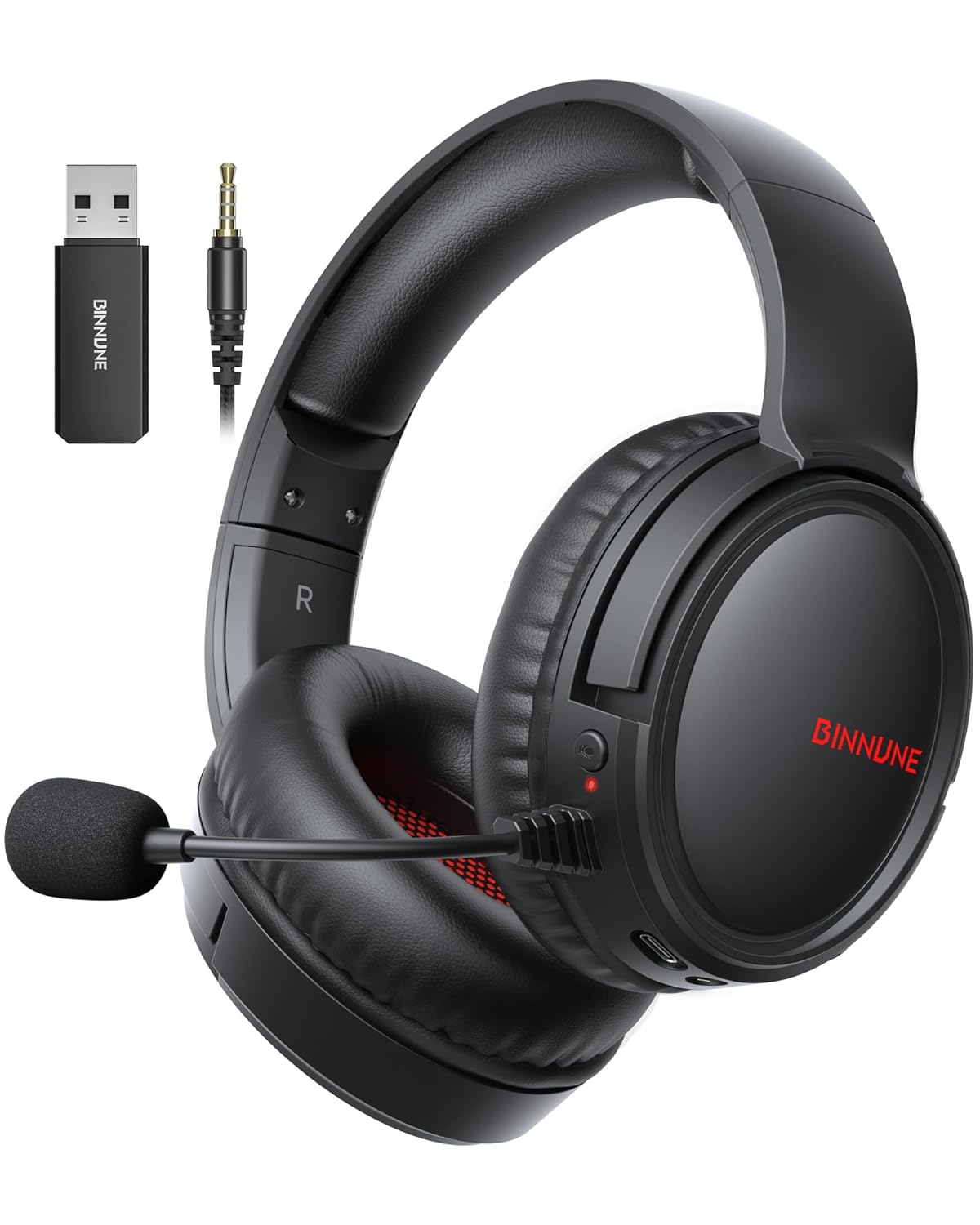
Figure 1: BINNUNE Wireless Gaming Headset (Model BW02-BT) with included accessories.
2. Có gì trong hộp
- BINNUNE Wireless Gaming Headset (BW02-BT)
- Cổng USB 2.4 GHz
- Cáp âm thanh 3.5mm
- Cáp sạc USB-C
- Hướng dẫn sử dụng

Figure 2: All components included with your BINNUNE Gaming Headset.
3. Sản phẩm hếtview và Kiểm soát
Familiarize yourself with the headset's controls and ports for seamless operation.
- Micrô: Dual beamforming microphones with rotatable design for clear communication. Features ENC noise-canceling technology.
- Cổng USB-C: Để sạc tai nghe.
- Giắc cắm âm thanh 3.5 mm: Dùng để kết nối có dây với các thiết bị tương thích.
- Đèn báo LED: Hiển thị trạng thái nguồn, trạng thái sạc và chế độ kết nối.
- Nút nguồn: Nhấn và giữ để bật / tắt nguồn.
- Bánh xe âm lượng: Điều chỉnh âm lượng.
- Nút tắt tiếng: Tắt/bật tiếng micrô.
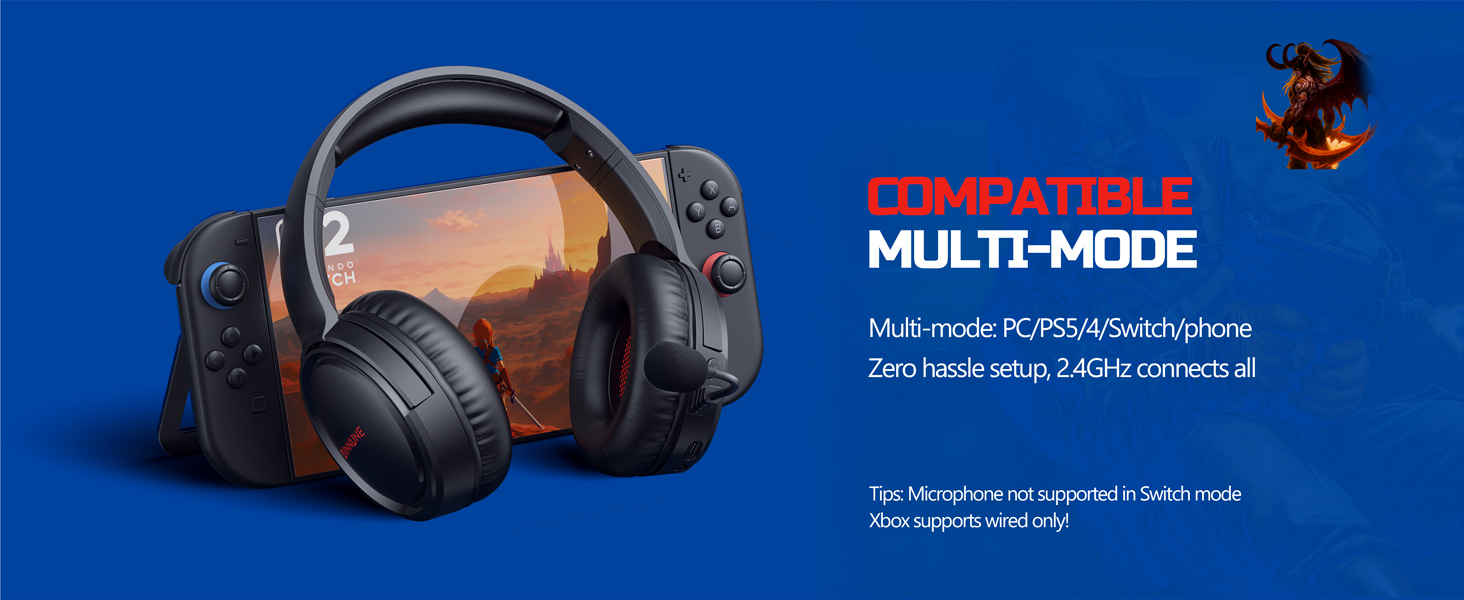
Figure 3: Key controls and ports on the BINNUNE Wireless Gaming Headset.
Video 1: Tổng quan nhanhview of the BINNUNE Gaming Headset's features and controls.
4. Thiết lập và kết nối
4.1 Sạc ban đầu
Before first use, fully charge your headset. Connect the USB-C charging cable to the headset's USB-C port and the other end to a USB power source. The LED indicator will show charging status and turn off when fully charged. A full charge takes approximately 6 hours.

Figure 4: The headset offers up to 40 hours of battery life on a single charge.
4.2 2.4GHz Wireless Connection (USB Dongle)
This mode provides ultra-low latency audio (≤38ms) for gaming on PS5, PS4, PC, and Mac.
- Plug the 2.4GHz USB dongle into an available USB port on your PS5/4, PC, or Mac.
- Power on your BINNUNE headset by pressing and holding the power button.
- The headset will automatically connect to the dongle. The LED indicator will show a stable light when connected.
Ghi chú: The microphone is not available when connected to Nintendo Switch in 2.4GHz mode. Not compatible with XBOX.

Figure 5: The 2.4GHz USB dongle ensures a fast and stable connection.
4.3 Kết nối Bluetooth
Use Bluetooth mode for mobile phones, tablets, iPads, and other smart devices.
- Đảm bảo rằng tai nghe đã được bật nguồn.
- Trên thiết bị của bạn, hãy vào cài đặt Bluetooth và bật Bluetooth.
- Select "BINNUNE BW02-BT" from the list of available devices to pair.
- The LED indicator will flash during pairing and show a stable light once connected.
Ghi chú: Bluetooth mode is not compatible with PS5/4. The microphone is not available when connected to Nintendo Switch in Bluetooth mode.
4.4 Kết nối có dây (Cáp âm thanh 3.5mm)
For devices that do not support wireless connectivity or when battery is low.
- Kết nối một đầu của cáp âm thanh 3.5mm với giắc cắm âm thanh 3.5mm trên tai nghe.
- Connect the other end to the 3.5mm audio port on your gaming device (e.g., PS5/4 controller, PC, phone).
Ghi chú: The microphone may not be available on some devices when using the wired connection.

Figure 6: Multiplatform compatibility of the BINNUNE headset across 2.4G, Bluetooth, and Wired modes.
Video 2: Demonstrating the multi-mode connectivity of BINNUNE Gaming Headsets for PS4/PS5/PC.
5. Hướng dẫn vận hành
5.1 Bật/Tắt nguồn
Press and hold the Power Button for 3 seconds to turn the headset on or off. The LED indicator will light up or turn off accordingly.
5.2 Điều khiển âm lượng
Rotate the Volume Wheel up (+) to increase volume or down (-) to decrease volume.
5.3 Sử dụng micrô
The headset features a rotatable microphone. Flip the microphone down to use it. Press the Mute Button to toggle microphone mute on or off. The ENC noise-canceling technology helps ensure clear voice transmission.
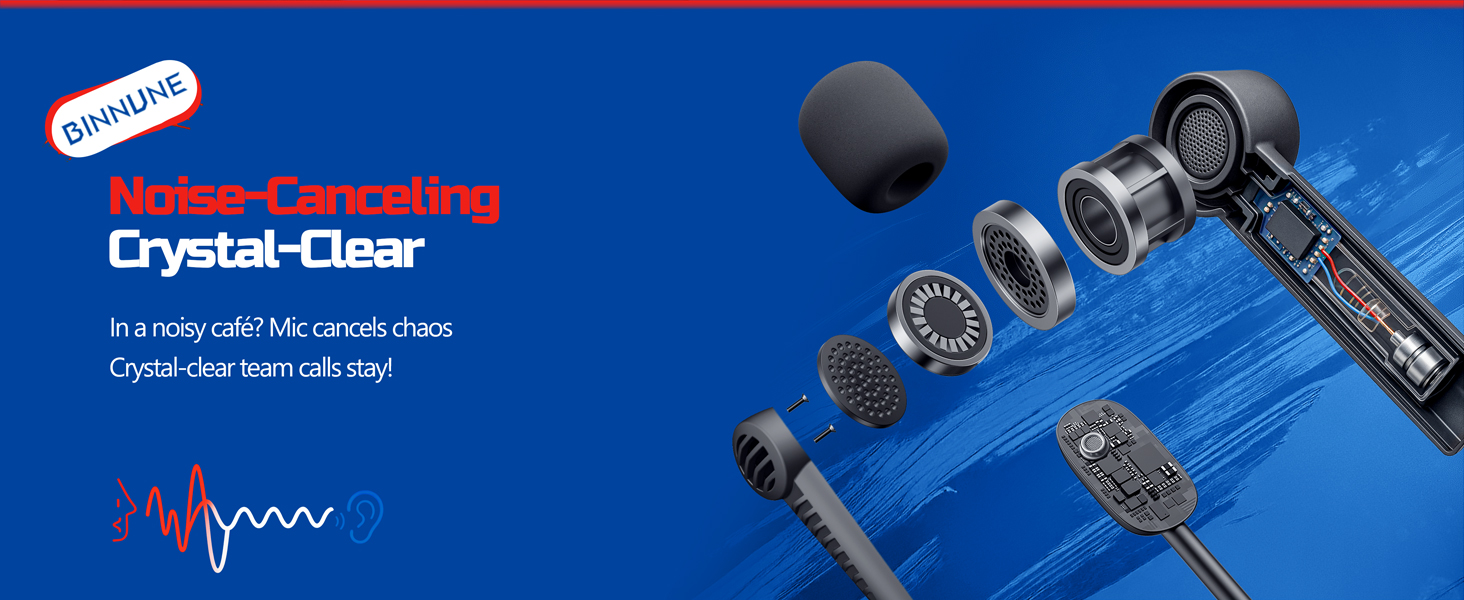
Figure 7: The noise-canceling microphone ensures crystal-clear voice calls by reducing background noise.
5.4 Chuyển đổi giữa các chế độ
The headset supports seamless switching between 2.4GHz and Bluetooth modes. Refer to section 4 for specific connection steps for each mode. The headset prioritizes the 2.4GHz connection when the dongle is active.
6. Bảo trì
- Vệ sinh: Hãy dùng khăn mềm, khô để lau tai nghe. Tránh sử dụng chất tẩy rửa có tính ăn mòn hoặc dung môi.
- Kho: Bảo quản tai nghe ở nơi khô ráo, thoáng mát, tránh ánh nắng trực tiếp và nhiệt độ cao.
- Chăm sóc pin: Để kéo dài tuổi thọ pin, tránh xả hết pin tai nghe thường xuyên. Hãy sạc pin thường xuyên, ngay cả khi không sử dụng trong thời gian dài.
KHAI THÁC. Xử lý sự cố
| Vấn đề | Nguyên nhân có thể | Giải pháp |
|---|---|---|
| Không có âm thanh từ tai nghe. | Headset not powered on, low battery, incorrect connection mode, volume too low. | Ensure headset is on and charged. Check connection mode (2.4GHz/Bluetooth/Wired). Increase volume. |
| Micrô không hoạt động. | Microphone muted, incorrect input device selected on computer/console, compatibility issue in certain modes. | Unmute microphone. Check audio settings on your device to ensure BINNUNE headset is selected as input. Note mode limitations (e.g., Switch, some wired connections). |
| Không thể kết nối qua thiết bị thu sóng 2.4 GHz. | Thiết bị thu phát tín hiệu chưa được cắm đúng cách, bị nhiễu sóng, tai nghe quá xa thiết bị thu phát tín hiệu. | Ensure dongle is fully inserted. Move closer to the dongle. Try a different USB port. |
| Không thể kết nối qua Bluetooth. | Tai nghe không ở chế độ ghép nối, Bluetooth của thiết bị đã tắt, đã kết nối với thiết bị khác. | Ensure headset is discoverable. Turn Bluetooth on your device. Disconnect from other devices. |
8. Thông số kỹ thuật
| Tính năng | Chi tiết |
|---|---|
| Tên mẫu | BW02-BT |
| Công nghệ kết nối | Không dây (2.4 GHz, Bluetooth 5.3), Có dây (Giắc cắm 3.5 mm) |
| Kích thước trình điều khiển âm thanh | 50mm |
| Đáp ứng tần số | 20 Hz - 20,000 Hz |
| Độ nhạy | 96 dB |
| Độ trễ âm thanh (2.4GHz) | 32 Milliseconds (≤38ms advertised) |
| Tuổi thọ pin | Lên đến 40 giờ |
| Thời gian sạc | 6 giờ |
| Micrô | Dual Beamforming with ENC Noise-Canceling |
| Vật liệu | Plastic (Headset), Leather (Ear Cushions) |
| Cân nặng | 13.4 ounce |
| Thiết bị tương thích | Gaming Consoles (PS4, PS5), PC, Mac, Telephones, Laptops, Desktops |
9. Bảo hành và Hỗ trợ
BINNUNE products are manufactured with high-quality standards. For any product-related inquiries, technical support, or warranty claims, please refer to the official BINNUNE store or contact their customer service directly.
Ghé thăm BINNUNE Store on Amazon để biết thêm thông tin và hỗ trợ.