
Huawei FreeBuds SE 2
Hướng dẫn sử dụng tai nghe không dây HUAWEI FreeBuds SE 2
Model: FreeBuds SE 2 (55037015)
1. Giới thiệu
This manual provides essential instructions for the proper use, setup, and maintenance of your HUAWEI FreeBuds SE 2 Wireless Earbuds. Please read this manual thoroughly before using the product to ensure optimal performance and safety.
2. Nội dung gói hàng
Xác minh rằng tất cả các mục đều có trong gói hàng của bạn:
- HUAWEI FreeBuds SE 2 Earbuds (Left and Right)
- Vỏ sạc
- Cáp sạc USB-C
- Quick Start Guide / Safety Information (This Manual)
Note: The "Blu-ray" component listed in some product specifications is an error and not included with this product.
3. Sản phẩm hếtview
The HUAWEI FreeBuds SE 2 are compact, in-ear wireless earbuds designed for extended listening and clear communication. They feature a lightweight design, robust Bluetooth 5.3 connectivity, and IP54 dust and splash resistance.

Image: The HUAWEI FreeBuds SE 2 charging case shown open, revealing both earbuds securely placed inside. The case is light blue with the HUAWEI logo.

Image: The HUAWEI FreeBuds SE 2 earbuds are shown outside their charging case, highlighting their individual design and the compact nature of the case.

Image: An illustration demonstrating the battery life: 9 hours of music playback on a full charge for the earbuds, and up to 40 hours with multiple recharges from the charging case.

Image: A person wearing one HUAWEI FreeBuds SE 2 earbud, illustrating the comfortable and optimized fit of the earbud in the ear.

Image: An exploded diagram of the HUAWEI FreeBuds SE 2 earbud, showcasing its internal components for balanced sound delivery.

Image: Two HUAWEI FreeBuds SE 2 earbuds surrounded by water droplets, indicating their IP54 dust and splash resistance.
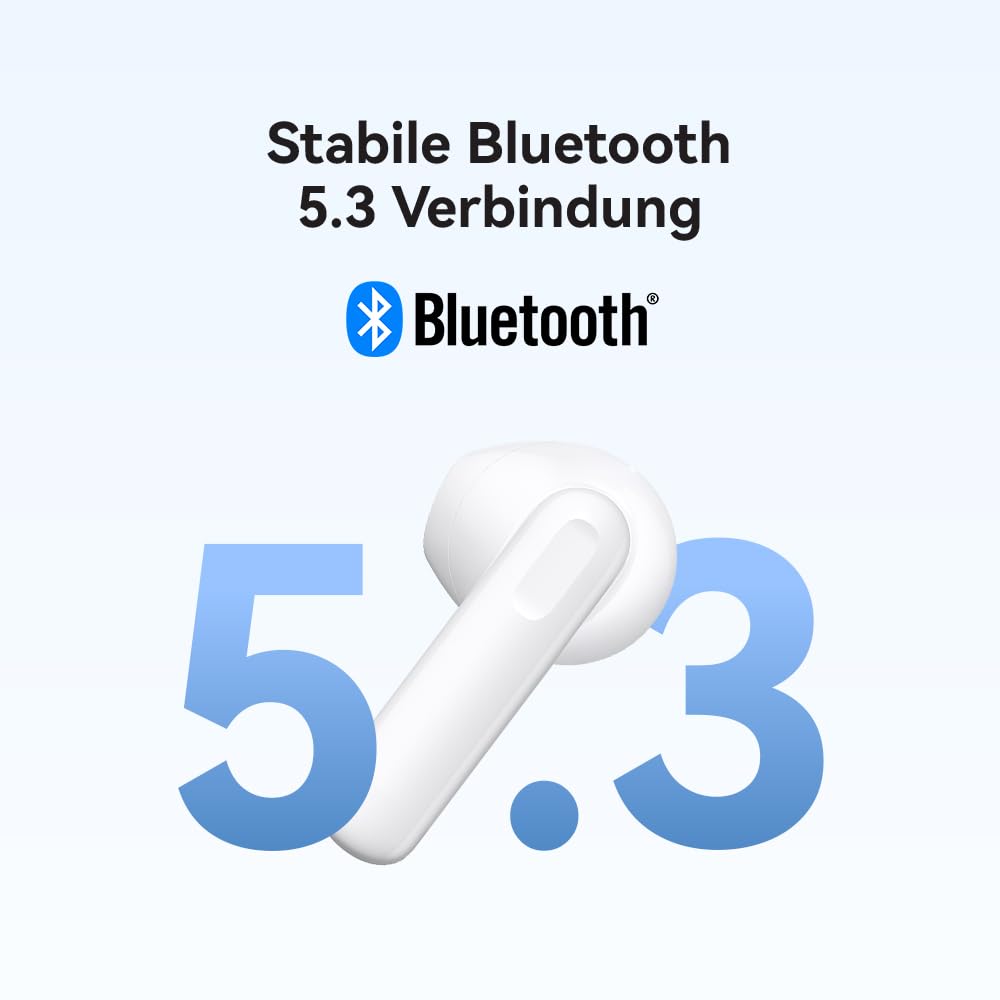
Image: A HUAWEI FreeBuds SE 2 earbud next to a large "5.3" and the Bluetooth logo, emphasizing its stable Bluetooth 5.3 connection.
4. Thiết lập
4.1 Sạc tai nghe và hộp đựng
Before first use, fully charge the charging case and earbuds. Connect the USB-C charging cable to the charging port on the case and to a power adapter (not included). The indicator light on the case will show charging status.
- A full charge provides up to 9 hours of listening time for the earbuds.
- With the charging case, total listening time extends up to 40 hours.
- A 10-minute charge can provide approximately 3 hours of music playback.
4.2 Ghép nối với thiết bị
- Đảm bảo tai nghe nằm trong hộp sạc và nắp hộp sạc đang mở.
- Trên thiết bị của bạn (điện thoại thông minh, máy tính bảng, v.v.), hãy bật Bluetooth.
- Trong cài đặt Bluetooth, tìm kiếm các thiết bị có sẵn.
- Select "HUAWEI FreeBuds SE 2" from the list to pair.
- Sau khi ghép nối, tai nghe sẽ tự động kết nối với thiết bị của bạn khi được lấy ra khỏi hộp đựng và Bluetooth được bật trên thiết bị của bạn.
5. Hướng dẫn vận hành
5.1 Đeo tai nghe
Gently insert the earbuds into your ear canals. Adjust them slightly to ensure a comfortable and secure fit for optimal sound quality and stability.
5.2 Điều khiển cảm ứng
The FreeBuds SE 2 feature touch-sensitive areas on each earbud for control. Specific functions may vary slightly depending on your device and app settings.
- Nhấn đúp: Phát/Tạm dừng nhạc, Trả lời/Kết thúc cuộc gọi.
- Nhấn và giữ: (Functionality may be customizable via HUAWEI AI Life app, if supported).
For advanced customization of touch controls, refer to the HUAWEI AI Life app (available on Android and iOS).
5.3 Bật/Tắt nguồn
- Bật nguồn: Mở hộp sạc và tai nghe sẽ tự động bật nguồn.
- Tắt nguồn: Đặt tai nghe trở lại hộp sạc và đóng nắp. Chúng sẽ tự động ngắt kết nối và tắt nguồn.
6. Bảo trì
6.1 Vệ sinh
- Thường xuyên vệ sinh tai nghe và hộp sạc bằng vải mềm, khô và không xơ.
- Không sử dụng hóa chất mạnh, dung môi tẩy rửa hoặc chất tẩy rửa mạnh.
- Đảm bảo các điểm tiếp xúc sạc trên cả tai nghe và hộp đựng đều sạch sẽ và khô ráo để tránh các sự cố về sạc.
6.2 Lưu trữ
- When not in use, store the earbuds in their charging case to protect them and conserve battery.
- Bảo quản nơi khô ráo, thoáng mát, tránh nhiệt độ cao và ánh nắng trực tiếp.
KHAI THÁC. Xử lý sự cố
| Vấn đề | Giải pháp |
|---|---|
| Tai nghe không ghép nối được với thiết bị. |
|
| Không có âm thanh phát ra từ một hoặc cả hai tai nghe. |
|
| Vấn đề sạc. |
|
| Chất lượng âm thanh kém hoặc bị ngắt quãng. |
|
8. Thông số kỹ thuật
| Thương hiệu | Hoa Vi |
| Tên mẫu | HUAWEI FreeBuds SE2 |
| Số hiệu mẫu sản phẩm | 55037015 |
| Công nghệ kết nối | Không dây (Bluetooth) |
| Công nghệ truyền thông không dây | Bluetooth 5.3 |
| Vị trí tai | Trong tai |
| Yếu tố hình thức | Trong tai |
| Tính năng đặc biệt | Noise Cancellation (Note: This might refer to passive noise isolation or call noise reduction, not active noise cancellation as a primary feature), IP54 Dust and Splash Resistant |
| Tuổi thọ pin (Tai nghe) | Lên đến 9 giờ (sạc một lần) |
| Tổng thời lượng pin (có vỏ) | Lên đến 40 giờ |
| Sạc nhanh | 3 hours playback from 10-minute charge |
| Trọng lượng sản phẩm (mỗi tai nghe) | 3.8 gam |
| Kích thước sản phẩm | 5.04 x 2.34 x 5.03 cm (case) |
| Vật liệu | Nhựa |
| Sử dụng được đề xuất | Gọi điện, Chơi game |
| Loại điều khiển | Điều khiển phương tiện (Cảm ứng) |
Note: Specifications are subject to change without prior notice. For the most up-to-date information, please refer to the official HUAWEI webđịa điểm.
9. Thông tin an toàn
- Không để tai nghe hoặc hộp sạc ở nơi có nhiệt độ quá cao, ánh nắng trực tiếp hoặc độ ẩm cao.
- Tránh làm rơi, tháo rời hoặc sửa đổi thiết bị.
- Để xa tầm tay trẻ em và vật nuôi.
- Chỉ sử dụng bộ sạc và cáp được phê duyệt.
- Tiếp xúc lâu dài với âm lượng lớn có thể gây tổn thương thính giác. Hãy điều chỉnh âm lượng ở mức an toàn.
- Do not use earbuds in situations where you need to hear your surroundings (e.g., driving, cycling, walking in traffic).
10. Bảo hành và Hỗ trợ
For detailed warranty information, technical support, and service inquiries, please visit the official HUAWEI website or contact your local HUAWEI customer service center. Keep your proof of purchase for warranty claims.
Official Huawei Store: Huawei Store on Amazon.in
Tài liệu liên quan - FreeBuds SE 2
 |
Hướng dẫn nhanh sử dụng Huawei FreeBuds SE 2 Concise guide for setting up, pairing, controlling, and charging your Huawei FreeBuds SE 2 wireless earphones, including safety and regulatory information. |
 |
Hướng dẫn bắt đầu nhanh HUAWEI FreeBuds 4i A concise guide to setting up and using your HUAWEI FreeBuds 4i, covering pairing, changing ear tips, factory reset, app download, touch controls, and charging. |
 |
Hướng dẫn nhanh sử dụng HUAWEI FreeBuds 4 Concise guide for HUAWEI FreeBuds 4 wireless earphones, covering pairing, controls, charging, and factory reset. Learn how to use your FreeBuds 4 with this quick start manual. |
 |
How to Connect Huawei Headsets to the Sports Health App A guide on connecting Huawei headsets, including FreeBuds and sports heart rate headphones, to the Huawei Sports Health App for device management and synchronization. |
 |
Hướng dẫn sử dụng nhanh HUAWEI FreeBuds 3 - Sổ tay hướng dẫn sử dụng Hướng dẫn ngắn gọn về tai nghe không dây HUAWEI FreeBuds 3, bao gồm cách bật nguồn, ghép nối Bluetooth, điều khiển âm thanh, khử tiếng ồn chủ động và hướng dẫn sạc. |
 |
Huawei FreeBuds 5i: Hướng dẫn nhanh về âm thanh không dây Hãy bắt đầu sử dụng tai nghe không dây Huawei FreeBuds 5i một cách nhanh chóng. Hướng dẫn này bao gồm thông tin về ghép nối, thiết lập, sử dụng và an toàn. |
Ask a question about this manual
Ask about setup, troubleshooting, compatibility, parts, safety, or missing instructions. Manuals+ will review the question and use this page’s manual context to help answer it.