
Giới thiệu
This manual provides detailed instructions for the safe and efficient operation of your Acogedor HRD-787 Portable Full Band Radio. Please read this manual thoroughly before using the device and retain it for future reference. The HRD-787 is a versatile multi-band radio featuring FM, VHF, AM, SW, and WB reception, Bluetooth connectivity, and memory card playback, designed for both indoor and outdoor use.

Image: The Acogedor HRD-787 Portable Full Band Radio, showcasing thiết kế nhỏ gọn và giao diện người dùng.
Nội dung gói
Khi mở hộp, vui lòng kiểm tra xem tất cả các mục được liệt kê dưới đây có đầy đủ và trong tình trạng tốt không:
- 1 x Full Band Radio (HRD-787)
- 1 x Tai nghe
- 2 x Eartips
- 1 x Túi đựng đồ
- 1 x Dây đeo
- 1 x Cáp sạc
- 1 x Hướng dẫn sử dụng (tài liệu này)
- 1 x APP Instruction Manual

Image: The Acogedor HRD-787 radio displayed with its complete set of accessories, including earphones, eartips, a storage bag, a lanyard, and a charging cable.
Sản phẩm trênview
The Acogedor HRD-787 is a compact and versatile portable radio designed for a wide range of listening experiences. Key features include:
- Full Band Reception: Supports FM (64-108MHz), VHF (30.000-199.975MHz), AM (520-1710KHz), SW (4.750-21.850MHz), and WB (162.400-162.550MHz).
- Kết nối Bluetooth 5.0: Để truyền phát âm thanh không dây từ các thiết bị tương thích.
- Phát lại thẻ nhớ: Supports MP3, WAV, WMA formats with up to 256GB capacity (card not included).
- Âm thanh chất lượng cao: Features a 40mm speaker with 3W output for clear sound.
- Chức năng báo động SOS: Dành cho các tình huống khẩn cấp.
- Đèn pin tích hợp: Cung cấp ánh sáng khi cần thiết.
- Tuổi thọ pin dài: Integrated 1000mAh lithium battery.
- APP Remote Operation: Control the radio via a smartphone application.
- Điều khiển trực quan: Easy-to-use buttons for tuning and volume.
- Màn hình đèn nền: Color-coded backlights for different modes (Green for FM/VHF, Color for AM, Yellow for SW, Red for WB, Blue for Bluetooth, Light Blue for Memory Card).
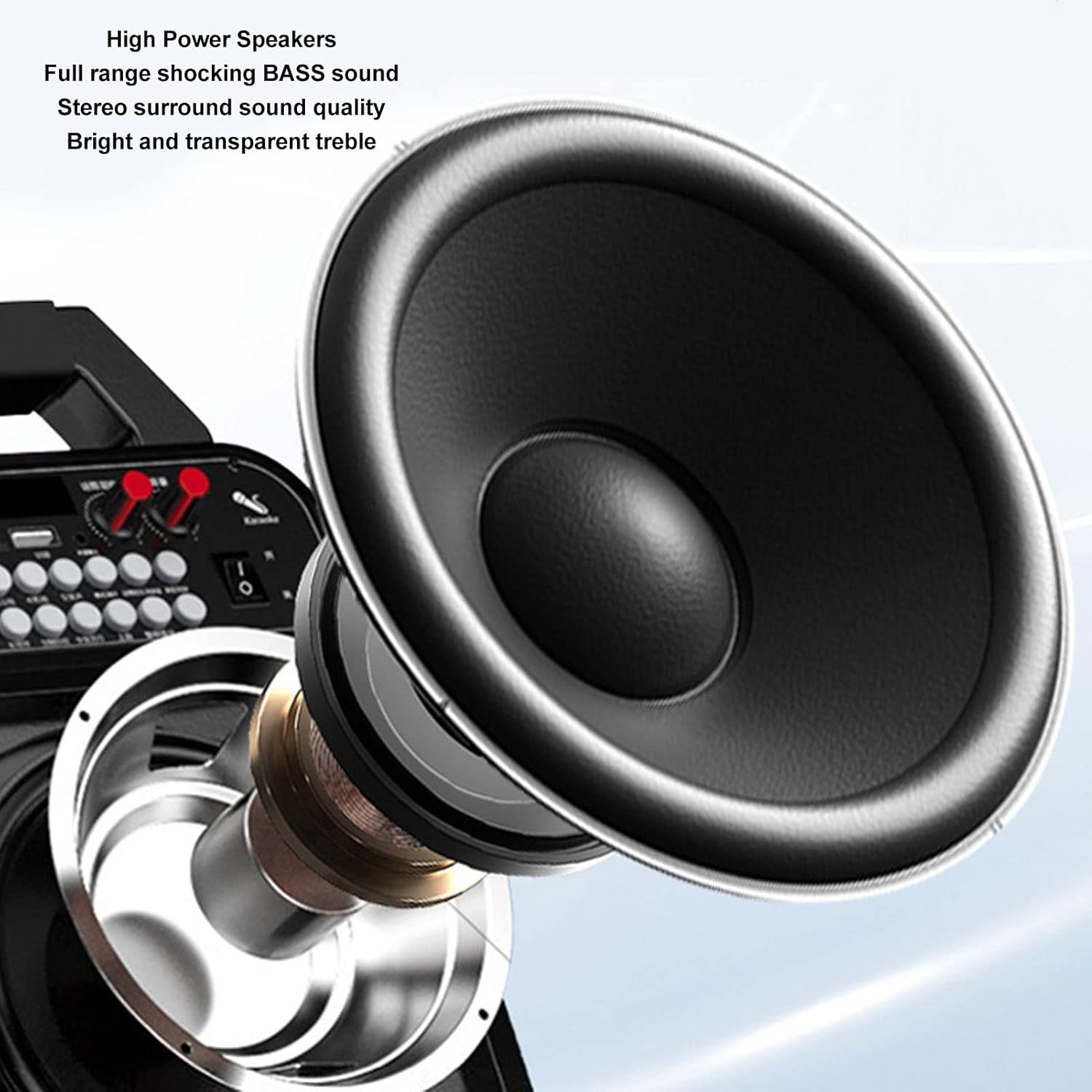
Hình ảnh: Một chi tiết view of the high-power speaker, highlighting the full-range shocking bass sound and stereo surround sound quality of the HRD-787 radio.
Cài đặt
1. Sạc ban đầu
Before first use, fully charge the radio's built-in 1000mAh lithium battery. Connect the provided charging cable to the radio's charging port and a standard USB power adapter (not included). The charging indicator will show the charging status. A full charge typically takes a few hours.
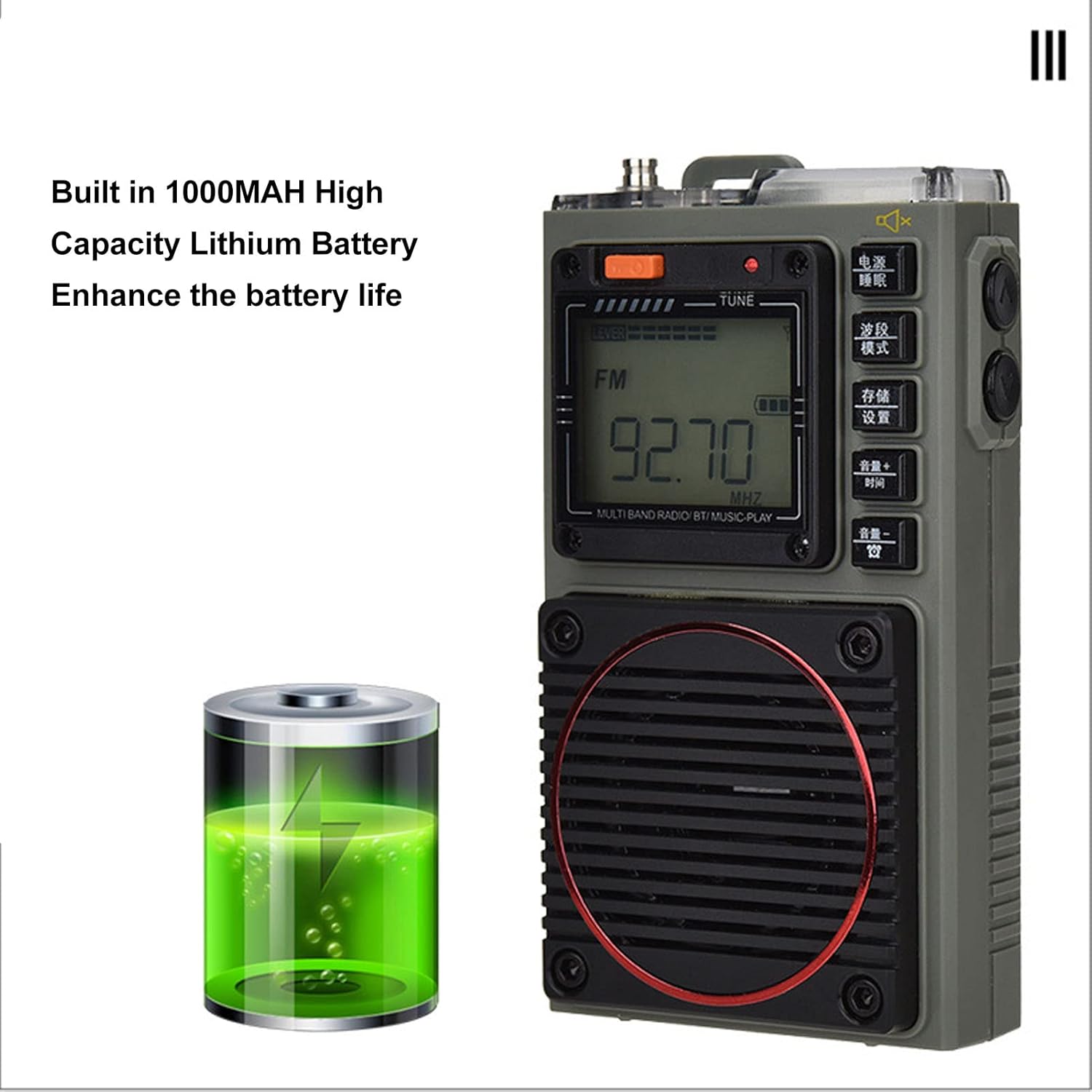
Image: The Acogedor HRD-787 radio is shown alongside a visual representation of its internal 1000mAh high-capacity lithium battery, emphasizing its long battery life.
2. Bật / Tắt nguồn
Để bật radio, hãy nhấn và giữ Quyền lực button (usually located on the top or side). To power off, press and hold the same button again.
3. Lắp thẻ nhớ (Tùy chọn)
If you wish to use the memory card playback feature, insert a compatible memory card (up to 256GB, formatted to FAT32) into the designated slot. Ensure the card is inserted correctly until it clicks into place.
Hướng dẫn sử dụng
1. Basic Key Operations

Hình ảnh: Một chi tiết view of the Acogedor HRD-787 radio's control buttons, highlighting their clear labeling for easy operation of radio tuning and volume adjustments.
- Nút nguồn: Nhấn và giữ để bật hoặc tắt radio.
- BAND/MOD. Button: Short press to cycle through radio bands (FM, VHF, AM, SW, WB) or switch to Bluetooth/Memory Card mode.
- MEMO/SET Button: Used for saving radio stations or accessing settings.
- VOL+/TIME Button: Short press to increase volume. Long press for time settings (if applicable).
- VOL-/LOCK Button: Short press to decrease volume. Long press to lock/unlock buttons.
- TUNE Knob/Buttons: Use the tuning knob or dedicated tuning buttons (if present) to adjust frequency.
2. Dò đài
- Chọn băng tần: Nhấn nút BAND/MOD. button to select your desired frequency band (FM, VHF, AM, SW, WB). The display backlight color will change accordingly.
- Quét tự động: Ở chế độ radio, nhấn và giữ MEMO/SET button to initiate an automatic scan for available stations. The radio will save found stations automatically.
- Điều chỉnh thủ công: Sử dụng ĐIỀU CHỈNH knob or the frequency adjustment buttons (if available) to manually tune to a specific frequency.
- Recalling Saved Stations: Use the tuning buttons or a dedicated preset button (if available) to cycle through saved stations.
3. Phát lại Bluetooth
- Vào Chế độ Bluetooth: Nhấn nút BAND/MOD. button until "BT" or "Bluetooth" appears on the display, and the backlight turns blue. The radio will enter pairing mode.
- Ghép nối: On your mobile device, enable Bluetooth and search for "HRD-787" (or similar device name). Select it to pair. A confirmation sound will indicate successful pairing.
- Phát lại: Once paired, you can play audio from your device through the radio's speaker. Use your device or the radio's volume controls.
4. Phát lại từ thẻ nhớ

Image: The Acogedor HRD-787 radio's display shows a radio frequency, illustrating its capability for memory card playback of MP3, WAV, and WMA formats.
- Chèn thẻ nhớ: Ensure a memory card with MP3, WAV, or WMA files is inserted into the slot.
- Enter Memory Card Mode: Nhấn nút BAND/MOD. button until the display indicates memory card playback (e.g., "CARD" or a music icon), and the backlight turns light blue.
- Điều khiển phát lại: Use the radio's playback controls (e.g., Play/Pause, Next/Previous Track buttons, if available) to manage your music.
5. SOS Alarm Function
In an emergency, activate the SOS alarm by pressing and holding the dedicated SOS button (if present) or a combination of buttons as indicated on the device. This will emit a loud alarm sound and activate the flashlight for signaling.
6. Sử dụng đèn pin
To turn on the built-in flashlight, locate the flashlight button or switch (often on the side or top). Press it once to turn on, and again to turn off.
7. Earphone Output

Hình ảnh: Cận cảnh view of the Acogedor HRD-787 radio, highlighting the earphone output jack for private listening and the integrated flashlight.
For private listening, plug the included earphones into the 3.5mm earphone jack located on the side of the radio. The internal speaker will automatically mute when earphones are connected.
8. APP Remote Operation

Image: A smartphone screen shows the dedicated application for remote control of the Acogedor HRD-787 radio, allowing users to select stations and change modes wirelessly.
Download the official Acogedor HRD-787 control application from your smartphone's app store. Follow the instructions in the separate APP Instruction Manual to pair your radio with the app. This allows for remote control of station selection, mode switching, and other functions.
BẢO TRÌ
- Vệ sinh: Use a soft, dry cloth to clean the radio's exterior. Do not use abrasive cleaners, solvents, or strong chemicals, as these can damage the finish.
- Kho: Khi không sử dụng trong thời gian dài, hãy bảo quản radio ở nơi khô ráo, thoáng mát, tránh ánh nắng trực tiếp và nhiệt độ quá cao hoặc quá thấp.
- Chăm sóc pin: To prolong battery life, avoid fully discharging the battery frequently. Recharge the radio regularly, even if not in active use, to maintain battery health.
- Khả năng chống nước: The HRD-787 is not waterproof. Avoid exposing it to rain, splashes, or high humidity.
Xử lý sự cố
| Vấn đề | Nguyên nhân có thể | Giải pháp |
|---|---|---|
| Đài không bật được. | Pin đã hết. | Sạc pin cho radio bằng cáp USB được cung cấp kèm theo. |
| Bắt sóng vô tuyến kém. | Weak signal area; antenna not extended. | Extend the telescopic antenna fully. Try moving to an open area or adjusting the radio's position. |
| Thiết bị Bluetooth không thể ghép nối. | Radio not in pairing mode; device too far; Bluetooth off on device. | Ensure the radio is in Bluetooth mode (blue backlight). Keep devices within 10 meters. Check Bluetooth settings on your device. |
| Thẻ nhớ không được nhận diện. | Card inserted incorrectly; unsupported format; card capacity too large. | Reinsert the memory card correctly. Ensure it is formatted to FAT32 and contains MP3, WAV, or WMA fileDung lượng tối đa là 256GB. |
| Không có âm thanh phát ra từ loa/tai nghe. | Volume too low; earphones not fully inserted; mute activated. | Increase volume. Ensure earphones are fully plugged in. Check if mute function is active. |
Thông số kỹ thuật
| Tính năng | Chi tiết |
|---|---|
| Người mẫu | HRD-787 |
| Vật liệu | ABS (Acrylonitrile Butadiene Styrene) |
| Frequency Band - FM | 64-108MHz |
| Frequency Band - VHF | 30.000-199.975MHz |
| Frequency Band - AM | 520-1710KHz |
| Frequency Band - SW | 4.750-21.850MHz |
| Frequency Band - WB | 162.400-162.550MHz |
| Receiving Sensitivity - FM | ≤8dB |
| Receiving Sensitivity - VHF | ≤8dB |
| Receiving Sensitivity - AM | ≤86dB |
| Receiving Sensitivity - SW | ≤40dB |
| Dòng tĩnh | ≤70uA |
| Dòng điện tối đa | ≤820mA |
| Người nói | Diameter: Approx. 40mm/1.57in, 4Ω, 3W |
| SNR - FM, VHF | ≥40dB |
| SNR - AM | ≥30dB |
| SNR - SW | ≥40dB |
| Stored Radios | 396 |
| Phiên bản Bluetooth | PHIÊN BẢN 5.0 |
| Bluetooth Reception Range | Lên đến 10 mét (33 feet) ở những khu vực thoáng đãng |
| Loại pin | Pin Lithium |
| Dung lượng pin | 1000mAh |
| Memory Card Playback Format | MP3, WAV, WMA |
| Memory Card Max Capacity | 256GB (Not Included) |
| Tính năng đặc biệt | Built-In Flashlight, SOS Alarm, Portable, APP Remote Control |
Bảo hành và Hỗ trợ
Acogedor products are designed for reliability and performance. For information regarding warranty coverage, technical support, or service inquiries, please refer to the warranty card included with your product or visit the official Acogedor website. Please have your model number (HRD-787) and purchase details ready when contacting support.