
AULA S505
AULA S505 USB Gaming Headset Instruction Manual
Mẫu: S505 | Thương hiệu: AULA
Giới thiệu
Thank you for choosing the AULA S505 USB Gaming Headset. This manual provides essential information for setting up, operating, and maintaining your headset to ensure optimal performance and longevity. Please read this manual thoroughly before use.

Image: AULA S505 USB Gaming Headset with RGB lighting.
Các tính năng chính
- Immersive Virtual 7.1 Surround Sound: Experience precise positional audio with 50mm neodymium magnet drivers, delivering strong bass and clear treble for an immersive gaming and multimedia experience.
- Micrô khử tiếng ồn: The 360° rotatable microphone reduces ambient noise, ensuring clear and loud voice pickup for effective communication. It can be easily turned on or off via the in-line control.
- Đèn nền RGB quyến rũ: Built-in LED lights display dynamic rainbow lighting effects, enhancing the gaming atmosphere. The lighting can be turned off when not desired.
- Convenient In-Line Control: The 2.1m USB wired headset features a one-key control button for quick adjustments to volume, mute, microphone on/off, and RGB lighting control.
- Thiết kế thân thiện với người dùng: Lightweight (approx. 320g) with an adjustable padded headband for various head shapes. Soft memory earmuffs with breathable cloth reduce pressure and prevent sweat for comfortable long-term use.
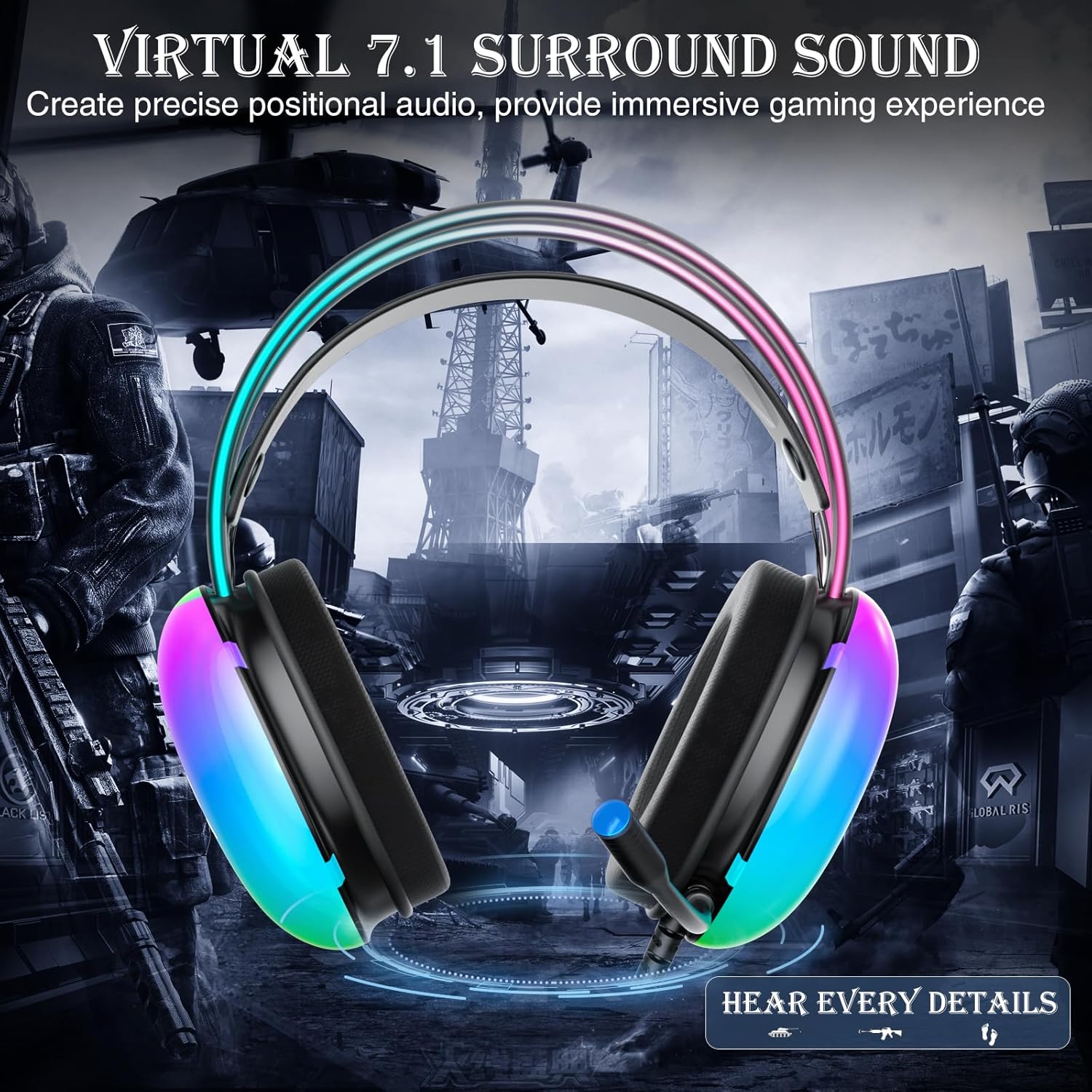
Image: Diagram illustrating virtual 7.1 surround sound and 50mm drivers.
Video: Demonstrating the AULA S505 USB Gaming Headset with Virtual 7.1 Surround Sound.
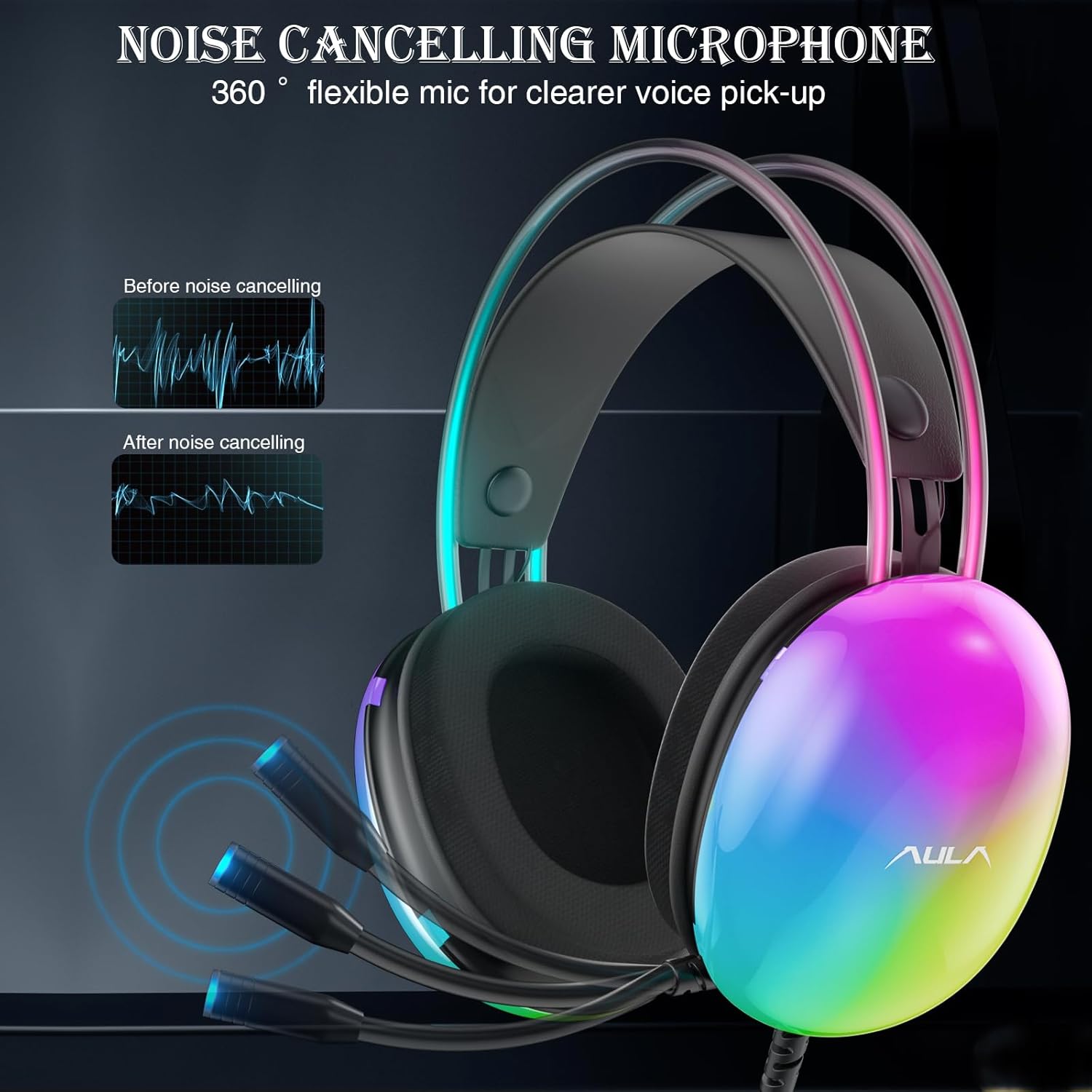
Image: Headset with its noise-canceling microphone extended.
Video: Trình chiếuasing the AULA S505 Black USB Gaming Headset with Noise Cancelling Mic.

Image: AULA S505 headset displaying dynamic RGB lighting effects.
Video: Highlighting the unique RGB lighting of the AULA S505 Headset.
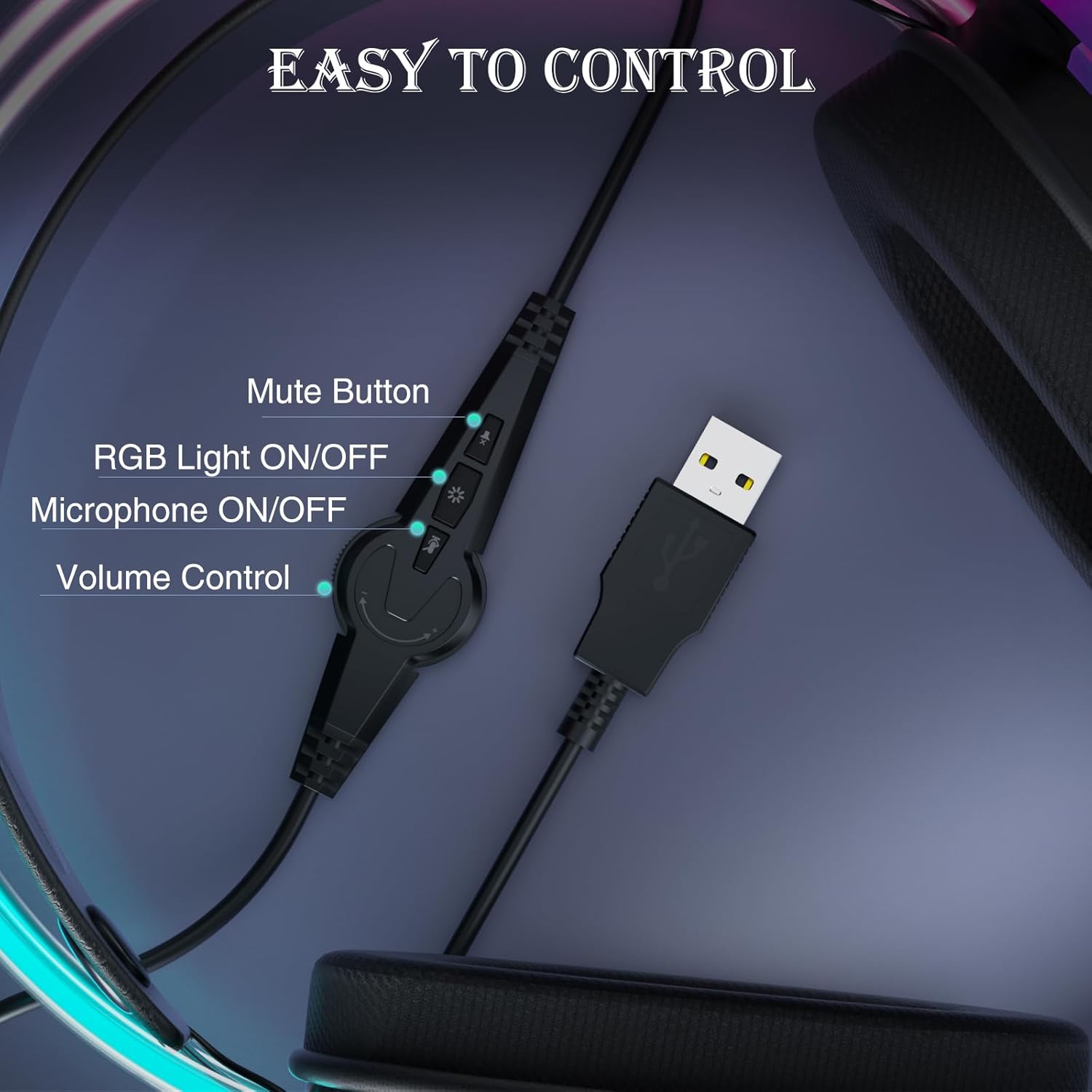
Image: Close-up of the in-line control unit with buttons for volume, mute, mic, and RGB.
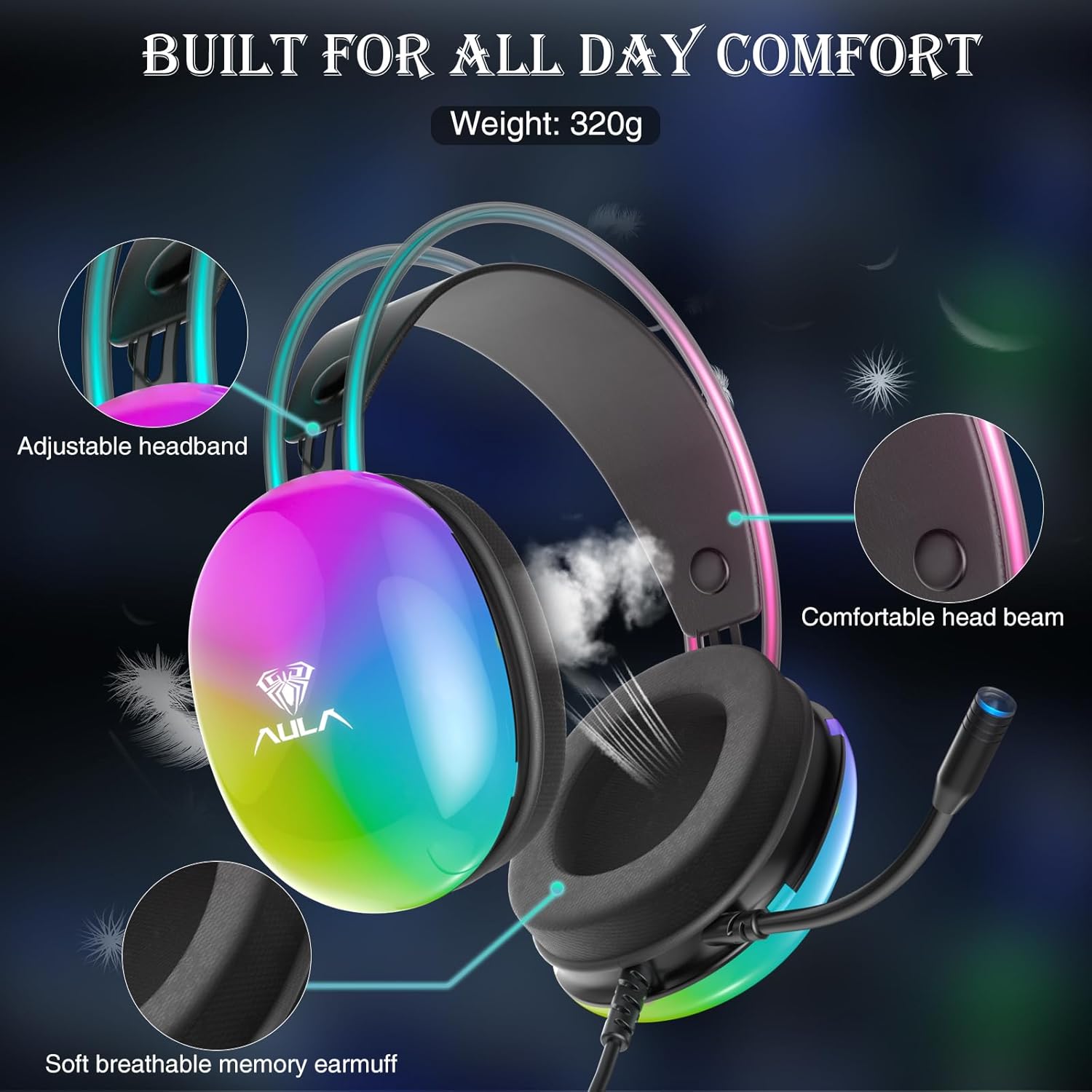
Image: Diagram showing adjustable headband and soft memory earmuffs for comfort.
Hướng dẫn thiết lập
- Kết nối với thiết bị: Plug the USB connector of the AULA S505 headset into an available USB port on your PC, laptop, or other compatible device. The headset is plug-and-play, requiring no additional drivers or software installation.
- Điều chỉnh băng đô: Gently adjust the padded headband to fit comfortably on your head. The headband is designed to be auto-adjustable for various head sizes.
- Vị trí của Micro: Rotate the flexible microphone boom to a position near your mouth for optimal voice pickup.
- Initial Volume Check: Before starting your game or application, use the in-line volume control to set an appropriate listening level.
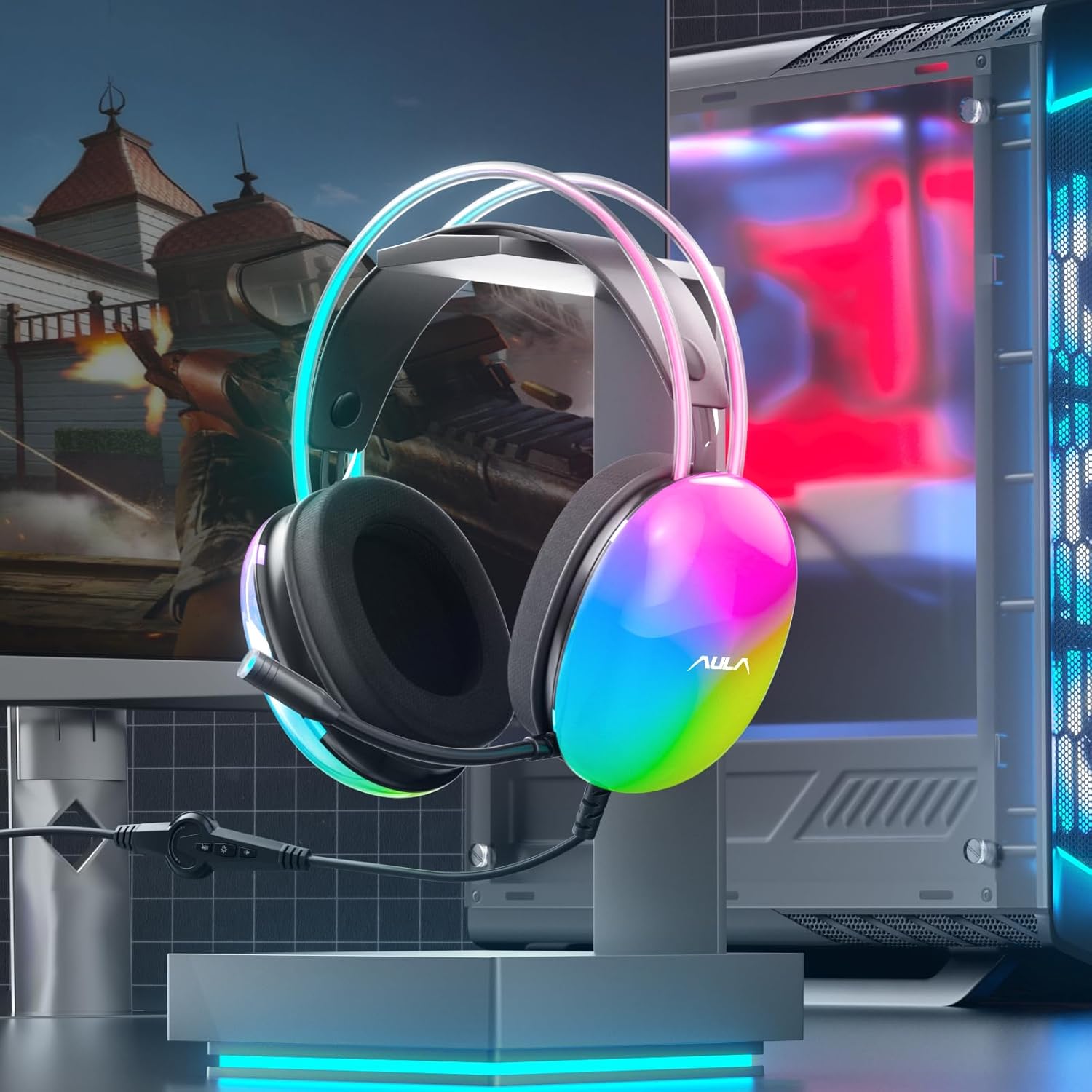
Image: AULA S505 headset connected to a desktop computer setup.
Hướng dẫn sử dụng
- Kiểm soát âm lượng: Use the rotary dial on the in-line control unit to increase or decrease the audio volume.
- Tắt tiếng micrô: Press the microphone button on the in-line control to mute or unmute the microphone. An indicator light on the microphone tip may show its status (e.g., blue for active).
- Điều khiển ánh sáng RGB: Press the light button on the in-line control to toggle the RGB backlight effects on or off.
- Âm thanh vòm ảo 7.1: The virtual 7.1 surround sound is automatically enabled upon connection. Ensure your device's audio settings are configured to output stereo sound for the headset to process the virtual surround effect.

Image: User wearing the AULA S505 headset with active RGB lighting.
BẢO TRÌ
- Vệ sinh: Dùng khăn mềm, khô để lau tai nghe. Đối với chụp tai, dùng khăn hơi ẩm.amp cloth can be used, but ensure they are completely dry before next use. Do not use harsh chemicals or abrasive cleaners.
- Kho: Bảo quản tai nghe ở nơi khô ráo, thoáng mát, tránh ánh nắng trực tiếp và nhiệt độ cao. Tránh làm rối dây cáp.
- Chăm sóc cáp: Do not pull the cable forcefully or bend it sharply, as this can damage internal wiring.
Xử lý sự cố
- Không có âm thanh từ tai nghe:
- Hãy đảm bảo rằng đầu nối USB đã được cắm hoàn toàn vào cổng.
- Check the in-line volume control and increase it if necessary.
- Verify your computer's audio output settings are set to the AULA S505 headset.
- Test the headset on another USB port or device to rule out a port issue.
- Micrô không hoạt động:
- Ensure the microphone is not muted via the in-line control.
- Check your computer's microphone input settings and select the AULA S505 headset as the default input device.
- Confirm the microphone boom is positioned correctly.
- Đèn RGB không hoạt động:
- Press the RGB light button on the in-line control to ensure it is turned on.
- Kiểm tra xem kết nối USB đã được thiết lập chắc chắn chưa.
Thông số kỹ thuật
| Tính năng | Chi tiết |
|---|---|
| Thương hiệu | AULA |
| Số hiệu mẫu | Tập 505 |
| Công nghệ kết nối | Có dây (USB) |
| Kích thước trình điều khiển | 50mm |
| Loại âm thanh | Âm thanh vòm ảo 7.1 |
| Micrô | Noise Canceling, 360° Rotatable |
| Chiếu sáng | Đèn nền cầu vồng RGB |
| Kiểm soát nội tuyến | Volume, Mic On/Off, RGB On/Off |
| Vị trí tai | Trên tai |
| Chất liệu chụp tai | Soft Memory Foam with Breathable Cloth |
| Trọng lượng sản phẩm | 390 gam |
| Chiều dài cáp | 2.1 phút |
| Thiết bị tương thích | PC, Laptops, Tablets (with USB input) |
Thông tin bảo hành
The AULA S505 USB Gaming Headset comes with a Bảo hành có giới hạn 1 năm Kể từ ngày mua. Bảo hành này bao gồm các lỗi sản xuất và lỗi gia công. Bảo hành không bao gồm các hư hỏng do sử dụng sai mục đích, tai nạn, sửa đổi trái phép hoặc hao mòn thông thường. Vui lòng giữ lại bằng chứng mua hàng để yêu cầu bảo hành.
Ủng hộ
For further assistance, technical support, or warranty inquiries, please refer to the contact information provided on the product packaging or visit the official AULA website. You may also contact your retailer for support.
Ask a question about this manual
Ask about setup, troubleshooting, compatibility, parts, safety, or missing instructions. Manuals+ will review the question and use this page’s manual context to help answer it.