
Giới thiệu
This manual provides detailed instructions for the installation, operation, and maintenance of your Vortex Q21-5M Wi-Fi TV Light Strip. Please read this manual thoroughly before use to ensure proper functionality and safety.
The Vortex Q21-5M is a 5-meter USB-powered 5050RGBIC LED light strip designed for TV backlighting and ambient room lighting. It features multiple control options including a remote control, Tuya Wi-Fi APP, and voice control compatibility with Amazon Alexa, Google Assistant, and IFTTT. The light strip also includes music synchronization, a timer function, and dimming capabilities.
Có gì trong hộp
Xác minh rằng tất cả các thành phần đều có trong gói:
- 1 x LED Light Strip (5 Meters)
- 1 x Điều khiển từ xa
- 1 x Bộ đổi nguồn

Image: The main product image showing the LED light strip coiled, the remote control, the USB controller, and the power adapter, along with the product packaging.
Hướng dẫn thiết lập
- Chuẩn bị bề mặt: Ensure the installation surface (e.g., back of TV, wall, ceiling) is clean, dry, and smooth for optimal adhesive performance.
- Kết nối các thành phần:
- Connect the LED light strip to the USB controller. Ensure the arrows on both connectors align for proper connection.
- Connect the USB controller to the power adapter.
- Cắm bộ đổi nguồn vào ổ cắm điện tiêu chuẩn.
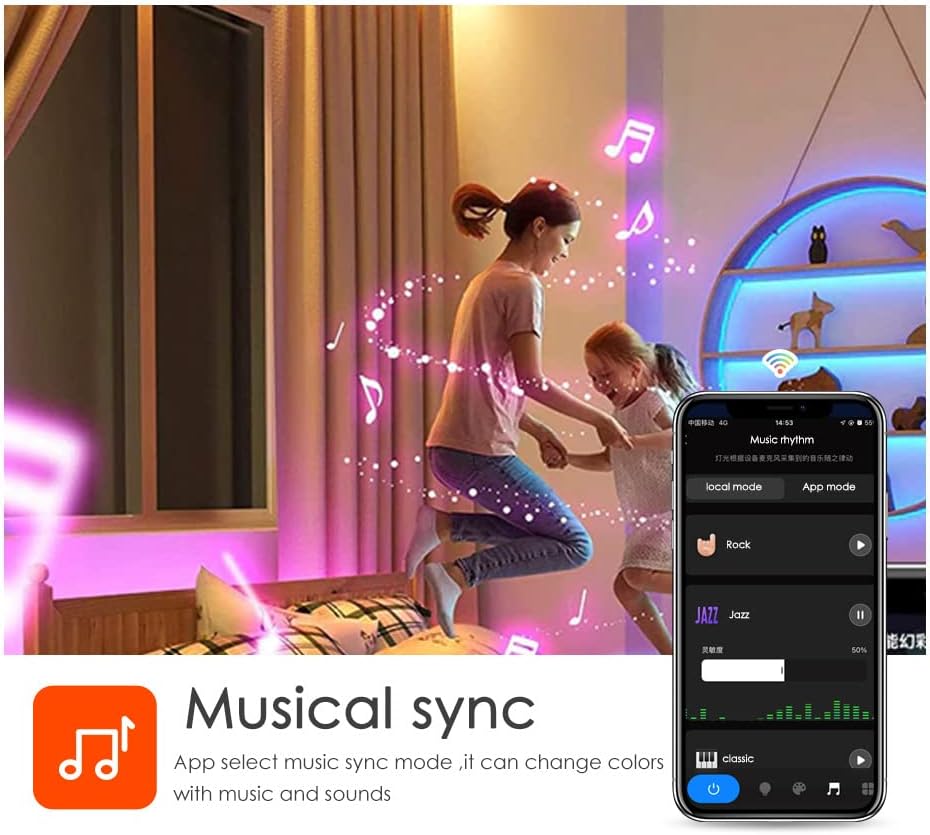
Image: A diagram illustrating the connection process between the LED strip and the USB controller, highlighting the importance of aligning the arrows on the connectors.
- Mount the Light Strip: Remove the adhesive backing from the LED strip and carefully press it onto the desired surface. Apply firm pressure for a few seconds to ensure a secure bond. The strip can be cut to length at designated marks if needed.

Hình ảnh: Chi tiết view of the LED strip highlighting its features: 5050 SMD LEDs for vibrant light, cuttable sections for length customization, a safe resistor for LED protection, an RGB 4PIN connector for the Tuya Wi-Fi controller, and super high adhesive backing.
- Bật nguồn: Once connected, the light strip should illuminate.
- Tải ứng dụng Tuya Smart:
- Scan the QR code provided in the packaging or visit https://smartapp.tuya.com/tuyasmart to download the Tuya Smart app.
- Đăng ký hoặc đăng nhập vào tài khoản Tuya Smart của bạn.
- Follow the in-app instructions to add your Vortex Q21-5M Wi-Fi TV Light Strip. Ensure your mobile device is connected to a 2.4GHz Wi-Fi network during the pairing process.
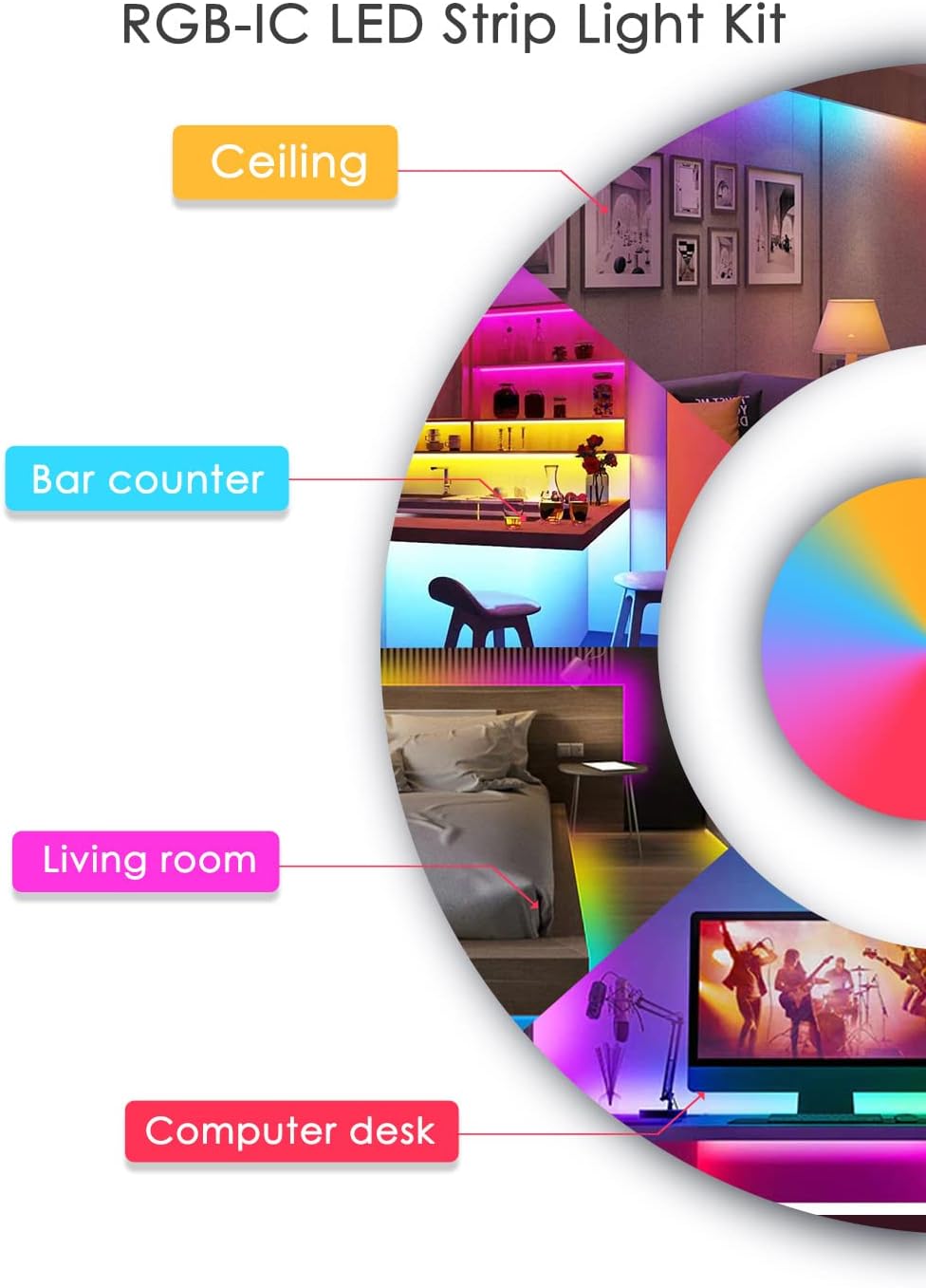
Image: Screenshots of the Tuya Smart app demonstrating various control modes: color adjustment, music synchronization, preset patterns, and timer settings.
Hướng dẫn sử dụng
Phương pháp kiểm soát
- Điều khiển từ xa: Use the included remote control to power on/off, change colors, adjust brightness, and select preset modes. Refer to the remote's button layout for specific functions.
- Ứng dụng Tuya Smart: The Tuya Smart app offers comprehensive control over your light strip.
- Tùy chỉnh màu sắc: Select from a wide range of colors and adjust saturation.
- Chế độ cảnh: Choose from various pre-programmed scene modes for different ambiances.
- Chức năng làm mờ: Điều chỉnh mức độ sáng theo sở thích của bạn.
- Chức năng hẹn giờ: Đặt lịch để đèn tự động bật hoặc tắt.
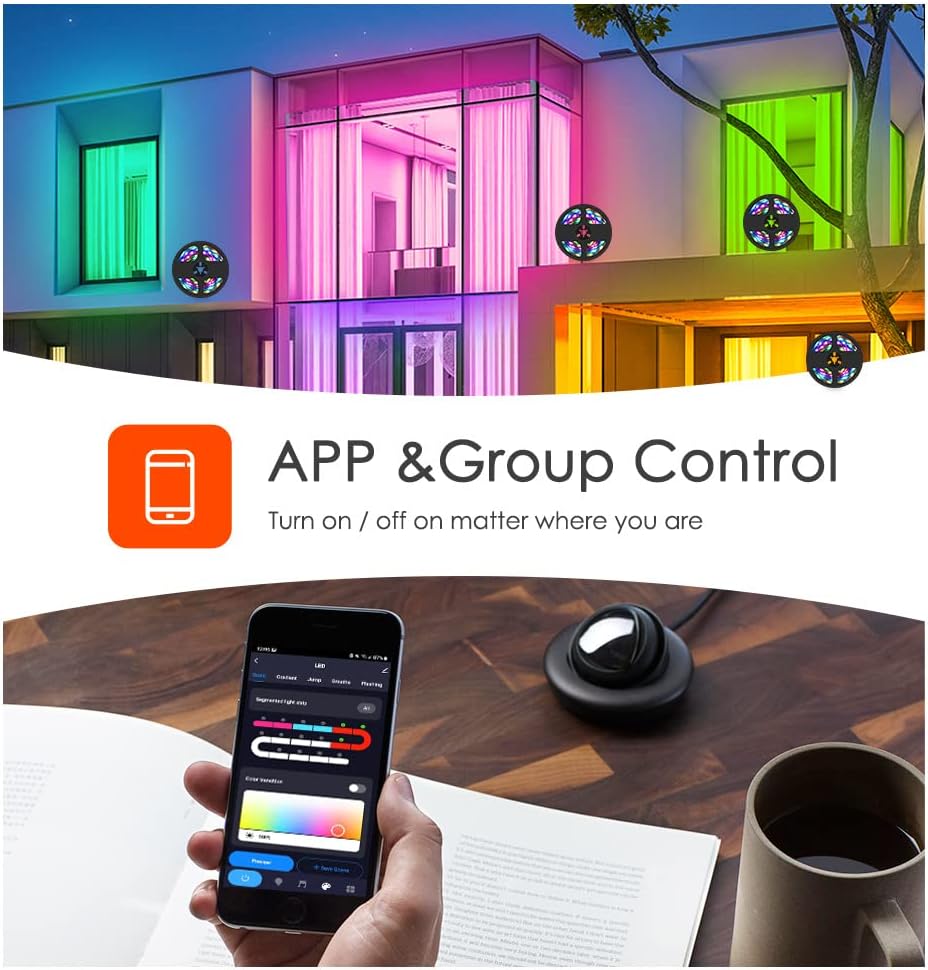
Image: A smartphone displaying the Tuya app, illustrating its capability for app and group control of lighting, allowing users to turn lights on/off remotely.
- Điều khiển bằng giọng nói: Integrate your light strip with smart voice assistants.
- Amazon Alexa: Link your Tuya Smart account to Alexa via the Alexa app. Use commands like "Alexa, turn on the light."
- Trợ lý Google: Link your Tuya Smart account to Google Assistant via the Google Home app.
- IFTTT: Create custom automations with IFTTT (If This Then That) for advanced control.

Image: A family interacting with an Amazon Alexa device to control the lights, showcasing smart voice control integration with Amazon Alexa, Google Assistant, and IFTTT.
- Đồng bộ hóa âm nhạc: The built-in microphone allows the light strip to sync with music, creating dynamic light shows that react to audio. This feature can be activated via the Tuya Smart app.

Image: Individuals enjoying a room illuminated by LED strip lights that are synchronizing with music, controlled through a smartphone application.
BẢO TRÌ
- Vệ sinh: Dùng khăn mềm, khô lau nhẹ dải đèn LED để loại bỏ bụi. Không sử dụng chất tẩy rửa dạng lỏng hoặc vật liệu mài mòn.
- Chất kết dính: If the adhesive weakens over time, use additional mounting clips or double-sided tape to secure the strip.
- Kho: If storing the light strip, ensure it is coiled loosely and kept in a dry, cool place away from direct sunlight.
Xử lý sự cố
| Vấn đề | Nguyên nhân có thể | Giải pháp |
|---|---|---|
| Dải đèn LED không bật. | Không có nguồn điện, kết nối lỏng lẻo, bộ chuyển đổi nguồn bị lỗi. | Check power source. Ensure all connections are secure, especially the arrow alignment between the strip and controller. Try a different USB power source. |
| Không thể kết nối với Wi-Fi/Ứng dụng. | Incorrect Wi-Fi band (not 2.4GHz), incorrect password, device too far from router. | Ensure your phone is on a 2.4GHz Wi-Fi network. Verify Wi-Fi password. Move the light strip closer to the router. Reset the light strip and try pairing again. |
| Màu sắc không chính xác hoặc không nhất quán. | Loose connection, app settings. | Check the connection between the strip and controller for proper arrow alignment. Adjust color settings in the Tuya Smart app. |
| Điều khiển từ xa không hoạt động. | Battery depleted, obstruction, remote out of range. | Thay pin điều khiển từ xa. Đảm bảo không có vật cản nào giữa điều khiển từ xa và bộ thu của dải đèn. Tiến lại gần dải đèn hơn. |
Thông số kỹ thuật
- Người mẫu: Câu hỏi 21
- Chiều dài: 5 mét
- Loại đèn LED: 5050RGBIC
- Nguồn điện: Cấp nguồn qua cổng USB, điện áp 5V
- Phương pháp kiểm soát: Tuya Wi-Fi APP, Remote Control, Voice Control (Amazon Alexa, Google Assistant, IFTTT)
- Tính năng đặc biệt: Music Sync, Timer Function, Dimming Function, Waterproof (strip only)
- Sử dụng trong nhà/ngoài trời: Trong nhà
- Vật liệu: Nhựa
- Trọng lượng sản phẩm: 6.3 ounce
Video sản phẩm chính thức
Vortex RGB LED LIGHT STRIPS
Video: This video demonstrates the various color modes and effects of the Vortex RGB LED Light Strips, showcasing their dynamic lighting capabilities and how they can enhance different environments.
Vortex Color Light Strips (5m)
Video: A demonstration of the Vortex 5-meter Color Light Strips, highlighting their vibrant color output and ease of use in various settings.
Bảo hành và Hỗ trợ
For warranty information and customer support, please refer to the contact details provided in your product packaging or visit the official Vortex webđịa điểm. Giữ biên lai mua hàng của bạn để yêu cầu bảo hành.
Chính sách hoàn trả: This product is eligible for a refund or replacement within 30 days of purchase.
Kế hoạch bảo vệ: Bạn có thể mua thêm các gói bảo hành mở rộng:
- 3-Year Protection Plan: $5.99 (one-time)
- 4-Year Protection Plan: $7.99 (one-time)
- NEW Complete Protect: $16.99 (monthly, covers all eligible past and future purchases)