
Giới thiệu
This manual provides essential information for setting up, operating, maintaining, and troubleshooting your Google Pixel 7 5G Android Phone. The Pixel 7, powered by Google Tensor G2, offers enhanced speed, efficiency, and security. It features an advanced Pixel Camera for high-quality photos and videos, and a refined design incorporating recycled materials.
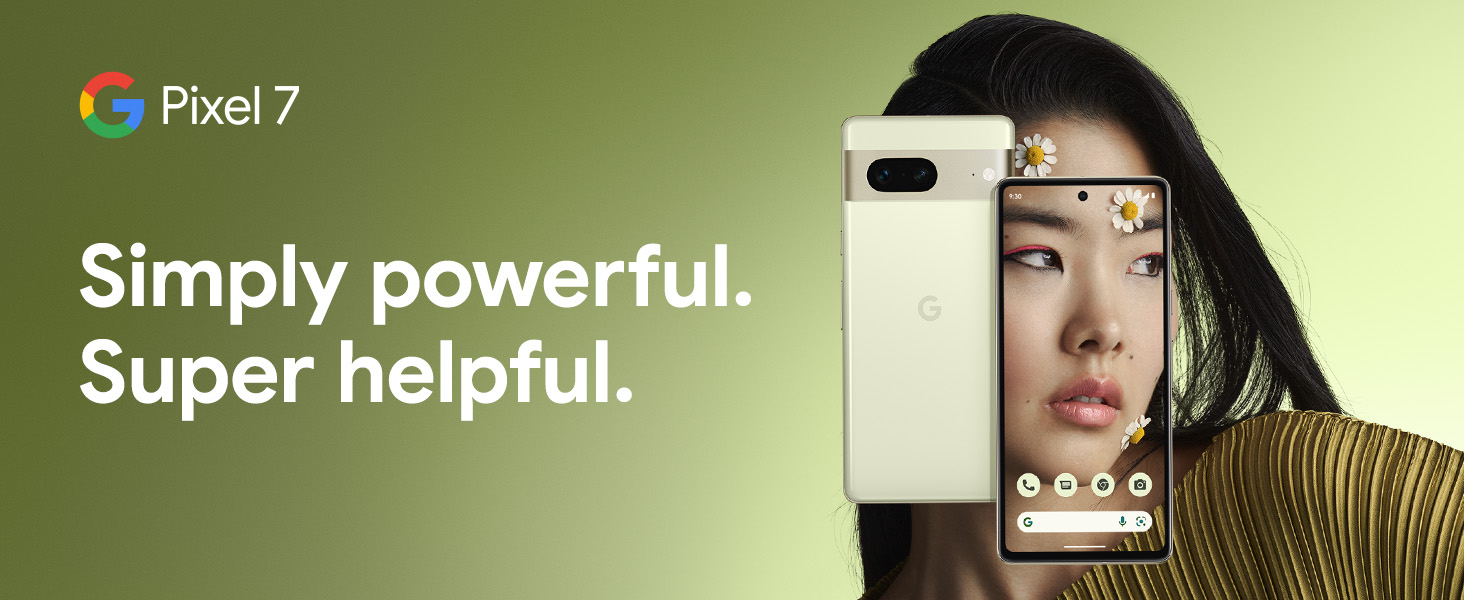
Image: Google Pixel 7 showcasing its design and core message.
Bắt đầu
Có gì trong hộp
Your Google Pixel 7 package includes the following items:
- Cell Phone (Google Pixel 7)
- USB Cable (1m USB-C to USB-C, USB 2.0)
- Khay đẩy SIM
- Bộ chuyển đổi nhanh
- Hướng dẫn Bắt đầu Nhanh (không được hiển thị)
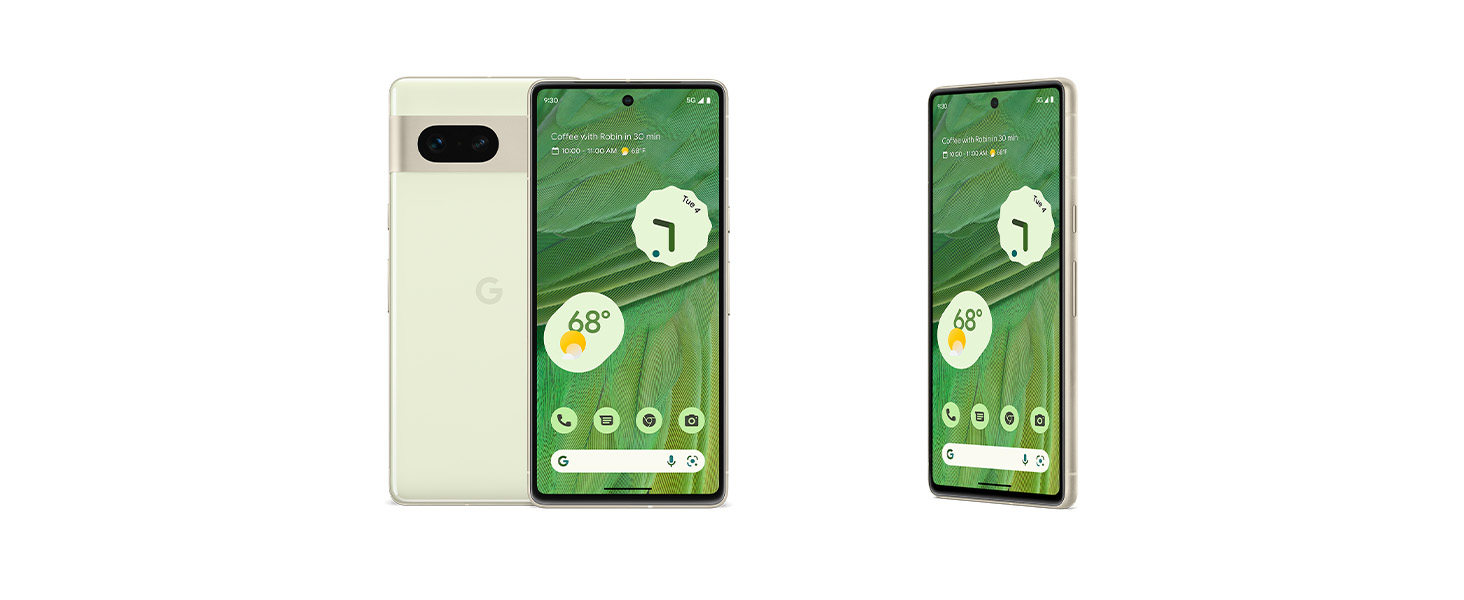
Image: The items included in the Google Pixel 7 retail box.
Initial Setup and Data Transfer
Upon first powering on your Pixel 7, follow the on-screen instructions to complete the initial setup. You can easily transfer apps, photos, messages, and contacts from your previous Android or iOS device using the included Quick Switch Adapter and a few simple steps.
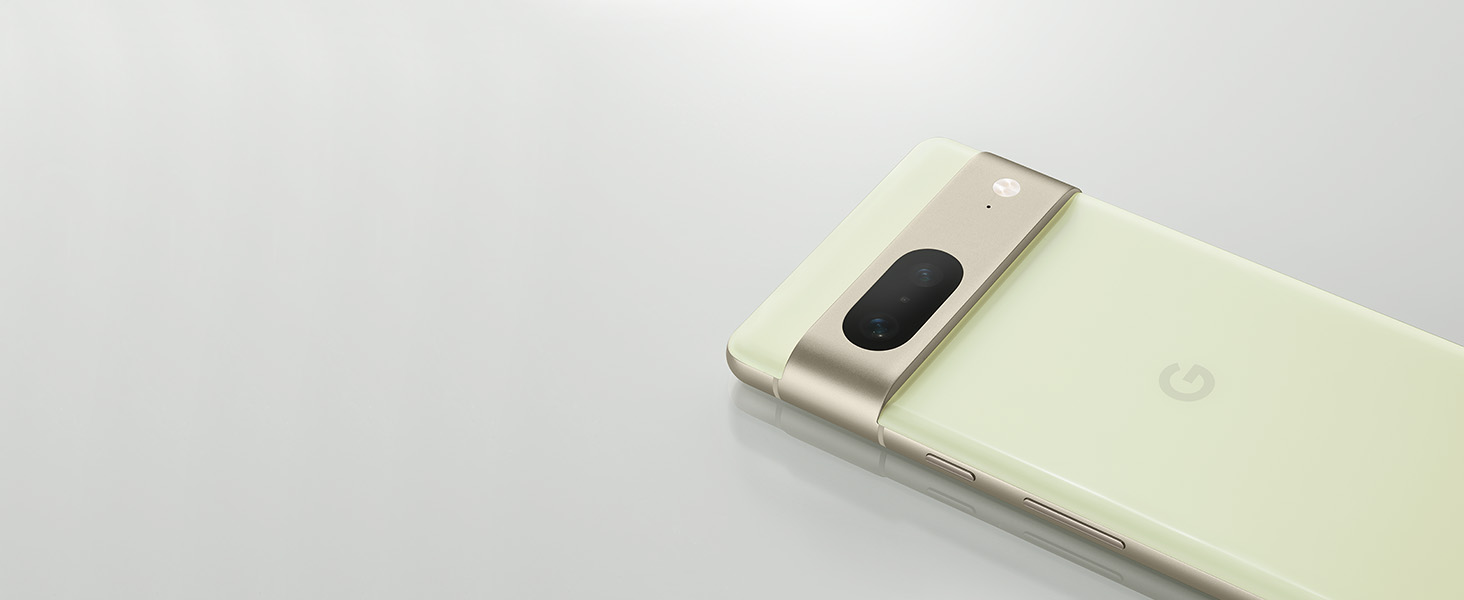
Image: Illustrates the ease of switching to a new Pixel phone.
Cài đặt thẻ SIM
Locate the SIM tray on the side of your Pixel 7. Use the provided SIM tray ejector tool to open the tray. Place your Nano SIM card into the tray with the gold contacts facing down, then gently push the tray back into the phone until it clicks into place.
Sạc thiết bị của bạn
Connect the included USB-C cable to your Pixel 7 and a compatible USB-C power adapter (sold separately). The Pixel 7 supports fast wired charging and wireless charging. The Adaptive Battery is designed to last over 24 hours, and with Extreme Battery Saver enabled, it can extend usage up to 72 hours.

Image: Demonstrates the Pixel 7's battery capabilities.
Operating Your Pixel 7
Hiển thị và Điều hướng
The Pixel 7 features a vibrant 6.3-inch OLED display with a 90Hz refresh rate, providing a smooth and responsive user experience. Navigate the device using the intuitive touchscreen interface. For secure access, the phone supports both Face Unlock and Fingerprint Recognition.
Tính năng của máy ảnh
The Pixel 7 is equipped with a 50MP main camera, a 10.8MP front camera, and wide and ultrawide lenses, offering up to 8x Super Res Zoom. These features enable high-quality photography and videography.
Photography Enhancements
- Tẩy thần kỳ: Easily remove unwanted objects or distractions from your photos with a few taps.
- Âm thanh chân thực: Ensures that all skin tones are accurately and beautifully represented in your photos.
- Hiệu ứng làm mờ điện ảnh: Adds a dramatic, professional-style background blur to your videos.
- Chế độ nhìn đêm: Captures clear and detailed photos even in low-light conditions.
- Guided Frame: Assists visually impaired users by providing audio and haptic feedback to help frame perfect selfies.

Image: Visual demonstration of Pixel 7's advanced camera features.
Kết nối
The Pixel 7 supports 5G cellular technology, providing fast data speeds. It also includes Bluetooth 5.2, NFC for contactless payments and pairing, and Wi-Fi for internet access.
Tính năng thông minh
- Trợ lý Google: Access hands-free help for tasks, information, and device control.
- Dịch trực tiếp: Translate languages in real time for face-to-face conversations in 48 languages, chat, and even menus using the camera.
- Seamless Device Connection: Easily pair and connect with other Pixel devices, such as Pixel Buds and Google Pixel Watch.
- Tìm thiết bị của tôi: Locate your Pixel phone, Pixel Buds, or Google Pixel Watch if misplaced.
- VPN của Google One: A built-in VPN helps protect your online activity across various apps and web các trình duyệt.
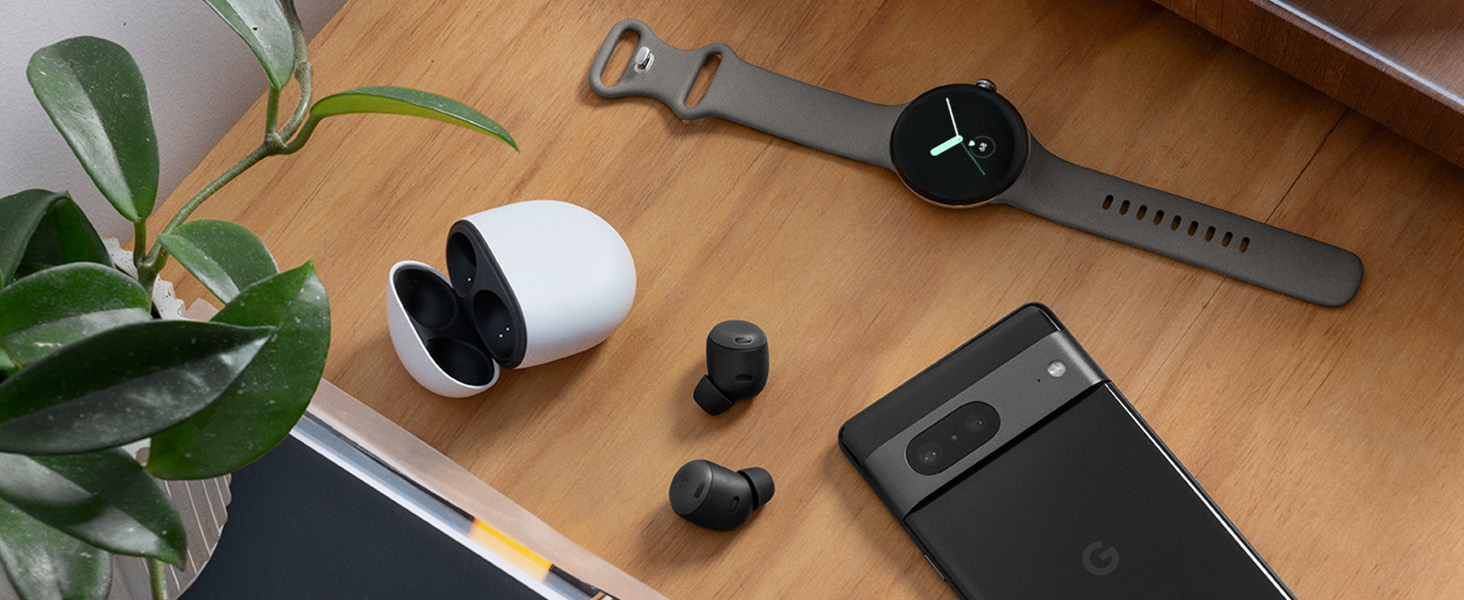
Image: The Pixel 7 seamlessly integrated with other Google devices.

Image: Live Translate feature in action on the Pixel 7.
Chăm sóc và bảo dưỡng
Độ bền và bảo vệ
The Pixel 7 is designed for durability with IP68 water and dust protection, meaning it can withstand splashes and spills. The display is protected by scratch-resistant Corning Gorilla Glass Victus.

Image: The Pixel 7 demonstrating its water resistance.
Vệ sinh
To clean your Pixel 7, gently wipe it with a soft, lint-free cloth. Avoid using abrasive materials or harsh chemicals, as these can damage the device's finish and coatings. For stubborn marks, a slightly damp Có thể sử dụng vải để đảm bảo không có hơi ẩm xâm nhập vào các cổng.
Xử lý sự cố
Mối quan ngại về thời lượng pin
If you experience shorter battery life than expected, review your usage patterns. High usage of demanding apps, constant screen-on time, or poor network signal can affect battery performance. Enable Extreme Battery Saver mode to significantly extend battery duration when needed.
Vấn đề về nhận dạng vân tay
If the fingerprint sensor is inconsistent, ensure your finger is clean and dry when attempting to unlock the device. You may also try re-registering your fingerprints in the device settings to improve accuracy.
Vấn đề sạc
Verify that the USB-C cable and power adapter you are using are undamaged and compatible with your Pixel 7. Ensure the charging port on the phone is free of debris. If issues persist, try a different compatible charger.
Software Performance
For minor software glitches or slowdowns, restarting your Pixel 7 can often resolve the issue. Ensure your device's operating system is updated to the latest version available, as updates often include performance improvements and bug fixes.
Thông số kỹ thuật
Below are the key technical specifications for the Google Pixel 7:

Hình ảnh: Trênview of Pixel 7 and Pixel 7 Pro specifications.
| Tính năng | Chi tiết |
|---|---|
| Thương hiệu | |
| Tên mẫu | Điểm ảnh 7 |
| Hệ điều hành | Android 13.0 |
| Mô hình CPU | Google Tensor G2 |
| Bộ nhớ RAM | 8GB |
| Dung lượng lưu trữ bộ nhớ | 256GB |
| Kích thước màn hình | 6.3 inch |
| Nghị quyết | 1080 x 2400 (OLED) |
| Tốc độ làm mới | 90 hertz |
| Độ phân giải camera sau | 50MP |
| Độ phân giải camera trước | 10.8MP |
| Tuổi thọ trung bình của pin | 24 hours (up to 72 hours with Extreme Battery Saver) |
| Mức độ chống nước | Chống nước IP68 |
| Bảo mật sinh trắc học | Nhận diện vân tay, Mở khóa bằng khuôn mặt |
| Công nghệ kết nối | 5G, Bluetooth, NFC, Wi-Fi |
| Kích thước mục | 6.13 x 2.88 x 0.34 inch |
| Trọng lượng sản phẩm | 6.88 ounce |
Thông tin bảo hành
The Google Pixel 7 5G comes with a Bảo hành 1 năm của nhà sản xuất. This warranty covers defects in materials and workmanship under normal use. For specific terms and conditions, please refer to the warranty documentation included with your device or visit the official Google support webđịa điểm.
Hỗ trợ khách hàng
For additional assistance, technical support, or to find answers to frequently asked questions, please visit the official Google Pixel Support webtrang web. Bạn cũng có thể tìm thấy thông tin liên hệ của bộ phận chăm sóc khách hàng tại đó.
Hỗ trợ của Google Webđịa điểm: support.google.com/pixelphone