
1. Giới thiệu
This manual provides comprehensive instructions for the Digitek DWM-002 Wireless Microphone system. Please read this manual carefully before using the product to ensure proper operation and to maximize its performance. This device is designed for use with iPhone X/11/12/13/14 Series featuring a Lightning (LTC) port.
2. Nội dung gói hàng
Xác minh rằng tất cả các mục đều có trong gói hàng của bạn:
- 2 x Micro không dây
- 1 x Receiver with Lightning Connector
3. Sản phẩm hếtview
The Digitek DWM-002 system consists of two wireless microphones and one receiver, designed for clear audio capture with iOS devices. The compact design ensures portability and ease of use.
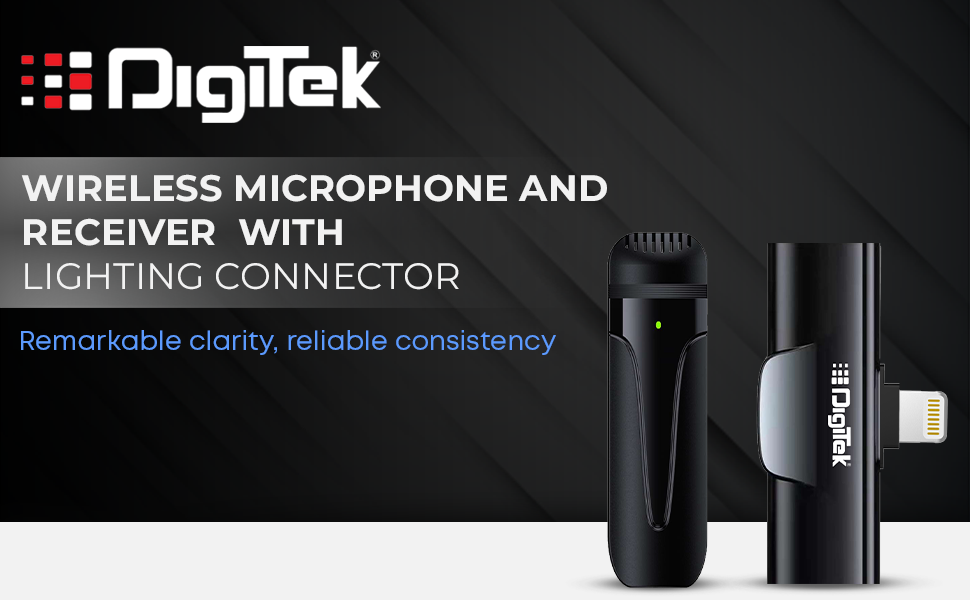
Image: Digitek DWM-002 Wireless Microphone and Receiver with Lightning Connector. The image shows the microphone and receiver units side-by-side, highlighting their compact form factor and the Lightning connector on the receiver.
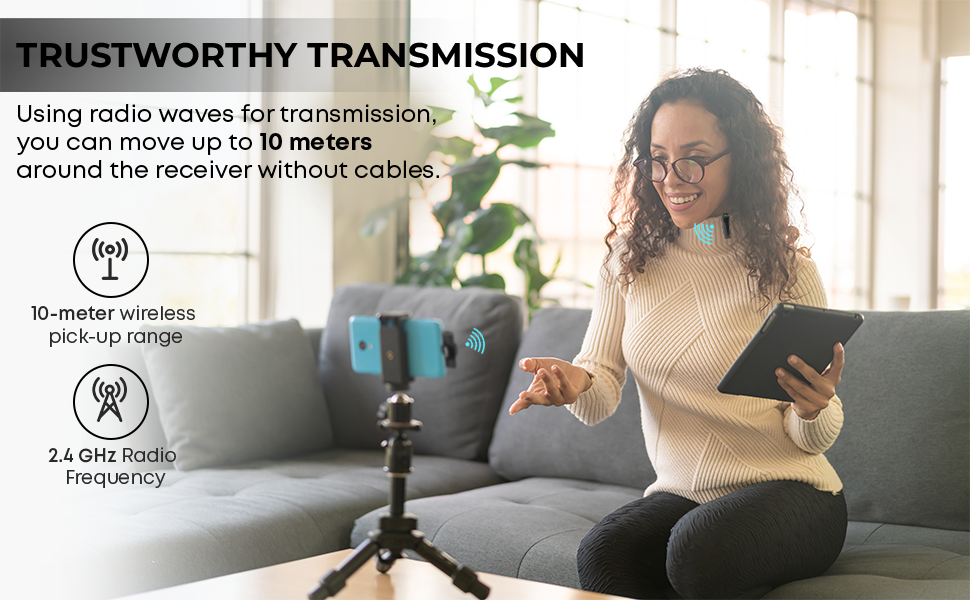
Image: Convenient Configuration. This image illustrates the solid build and compact design of the microphone and receiver, emphasizing the top-notch connector and sturdy construction.
4. Hướng dẫn thiết lập
- Kiểm tra tương thích: Ensure your iPhone is from the X/11/12/13/14 Series and features a Lightning (LTC) port. This microphone system is not compatible with Type-C models.
- Unlock iPhone: Before connecting the receiver, unlock your iPhone's screen.
- Kết nối bộ thu: Plug the receiver into your iPhone's Lightning port. The microphone will only function correctly after the screen is unlocked and the receiver is connected.
- Bật nguồn micro: The microphone unit typically powers on automatically or via a power button (if present, not explicitly detailed in provided data). A green indicator light on the microphone usually signifies it is on and ready.
- Ghép nối tự động: The microphone and receiver are designed to pair automatically upon connection. No manual pairing steps are usually required.
5. Hướng dẫn vận hành
5.1 Hoạt động cơ bản
- Once the receiver is connected to your unlocked iPhone and the microphone is powered on, the system is ready for use.
- Clip the microphone to your collar or clothing for optimal audio capture.
- The system operates on a 2.4 GHz frequency, providing stable and interference-free wireless transmission.
- Maintain a wireless operating range of up to 10 meters for optimal performance.
5.2 Khử tiếng ồn
The Digitek DWM-002 features a built-in noise cancellation function to ensure clear and crisp audio by reducing ambient background noise.
5.3 Sạc
- The microphone units are equipped with a built-in 50 mAh Li-Poly battery.
- The system supports fast charging, allowing for quick recharging and extended use.
- The power input is DC 5V/1A, compatible with standard power sources for convenient recharging.
- A full charge provides up to 4 hours of non-stop usage.
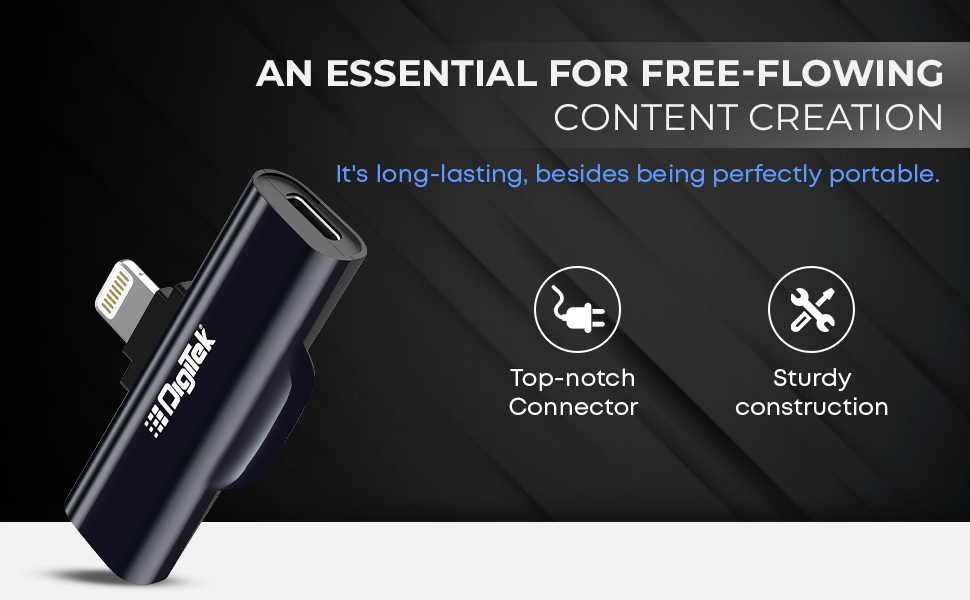
Image: Simplified Communication and Creation. This image highlights the microphone's battery life of up to 4 hours of non-stop usage and its built-in 50 mAh Li-Poly battery.
5.4 Tình huống sử dụng được đề xuất
This wireless microphone system is well-suited for various applications requiring clear audio:
- Quay vlog
- Hội nghị truyền hình
- Phát sóng podcast
- Phát trực tiếp
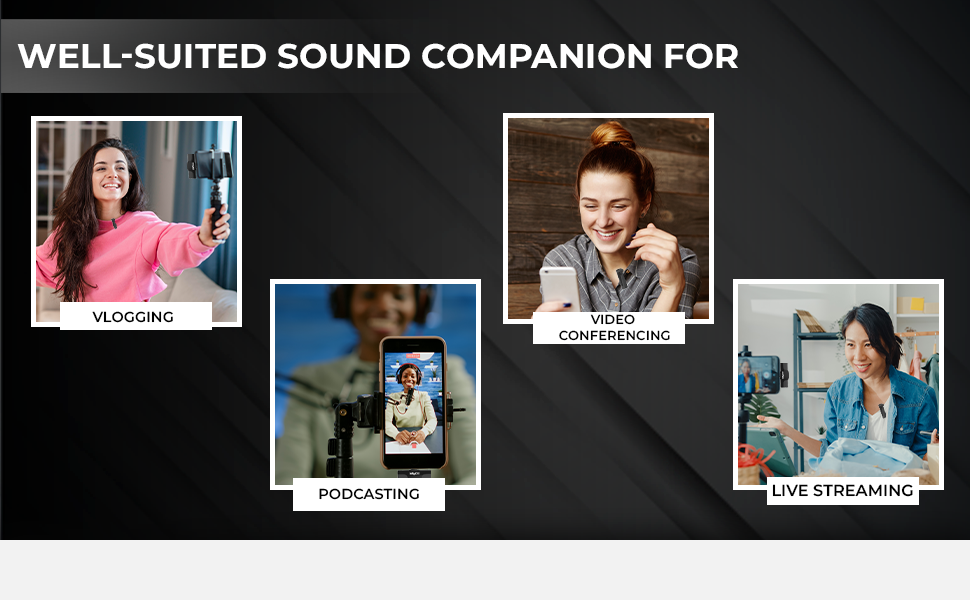
Image: Well-suited Sound Companion. This image displays various usage scenarios for the microphone, including vlogging, video conferencing, podcasting, and live streaming.
6. Bảo trì
- Keep the microphone and receiver clean and dry. Avoid exposure to moisture or extreme temperatures.
- Use a soft, dry cloth to clean the surfaces. Do not use harsh chemicals or abrasive materials.
- Bảo quản thiết bị trong hộp bảo vệ khi không sử dụng để tránh hư hỏng.
- Tránh làm rơi hoặc để thiết bị chịu tác động mạnh.
KHAI THÁC. Xử lý sự cố
| Vấn đề | Nguyên nhân có thể | Giải pháp |
|---|---|---|
| Microphone not working after connecting to iPhone. | iPhone screen was locked during connection. | Ensure your iPhone screen is đã mở khóa before plugging in the receiver. Disconnect and reconnect the receiver after unlocking the screen. |
| Không có âm thanh hoặc chất lượng âm thanh kém. | Microphone not powered on; out of range; interference; low battery. |
|
| Receiver not fitting or charging port issues. | Incorrect cable type; manufacturing defect. |
|
| Microphone not pairing with receiver. | Microphone or receiver not powered; out of range; temporary glitch. |
|
8. Thông số kỹ thuật
| Tính năng | Chi tiết |
|---|---|
| Thương hiệu | Số hóa |
| Số hiệu mẫu | DWM-002 |
| Công nghệ kết nối | Tia chớp |
| Loại đầu nối | Tia chớp |
| Tính năng đặc biệt | Mute Function, Wireless, Noise Cancellation |
| Thiết bị tương thích | iPhone (Lightning port models) |
| Mẫu cực | Đa hướng |
| Trở kháng | 2200 Ohm |
| Yếu tố hình thức của micrô | Hệ thống micrô |
| Nguồn điện | Pin chạy bằng |
| Số lượng pin | 1 Lithium Polymer battery required (included) per microphone |
| Signal-to-Noise Ratio | 75 dB |
| Nền tảng phần cứng | Điện thoại thông minh |
| Số lượng kênh | 1 |
| Đáp ứng tần số | 2.4 GHz |
| Dải tần số | 100 Hz - 10 KHz |
| Màu sắc | Đen |
| Vật liệu bao vây | Thép hợp kim, nhựa |
| Trọng lượng sản phẩm | 300 gram (tổng trọng lượng gói) |
| Kích thước mục | 11 x 4 x 10 Centimet |
| Nước xuất xứ | Trung Quốc |
9. Thông tin bảo hành
The Digitek DWM-002 Wireless Microphone comes with a 1 Year Carry-in Warranty from the date of purchase. Please retain your purchase receipt for warranty claims. The warranty covers manufacturing defects but does not cover damage caused by misuse, accidents, unauthorized modifications, or normal wear and tear.
10. Hỗ trợ khách hàng
For technical assistance, warranty claims, or product inquiries, please contact Digitek customer support:
- Điện thoại: 011 4707 4444
- Nhà sản xuất / Nhà nhập khẩu: IMS Mercantile Pvt. Công ty TNHH
You can also visit the official Digitek webtrang web để biết thêm thông tin và tài nguyên hỗ trợ.