
Groov-e GVBT750BK
Groov-e Ultra Wireless Bluetooth Headphones Instruction Manual GVBT750BK
Giới thiệu
Cảm ơn bạn đã muaasing the Groov-e Ultra Wireless Bluetooth Headphones. These headphones are designed to provide a superior audio experience with features such as wireless connectivity, extended battery life, and comfortable design. This manual will guide you through the setup, operation, and maintenance of your new headphones.
Nội dung gói
Please ensure all items are present in your Groov-e Ultra headphone package:
- Groov-e Ultra Wireless Bluetooth Headphones
- Cáp sạc USB
- Cáp âm thanh 3.5mm
- Hướng dẫn sử dụng (tài liệu này)
Sản phẩm trênview
Familiarize yourself with the various components of your Groov-e Ultra headphones.
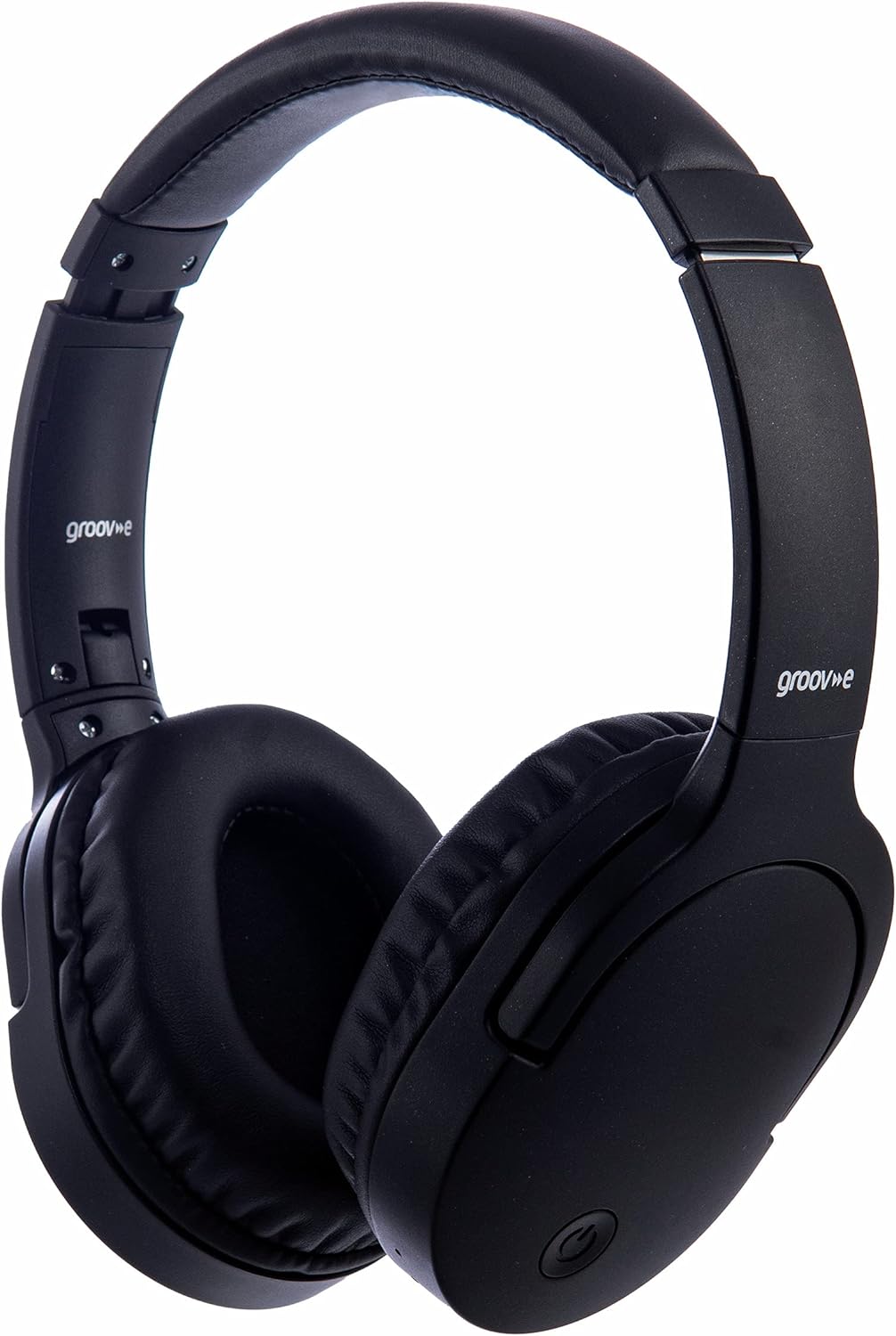
Hình ảnh: Mặt trước view of the Groov-e Ultra Wireless Bluetooth Headphones in black.
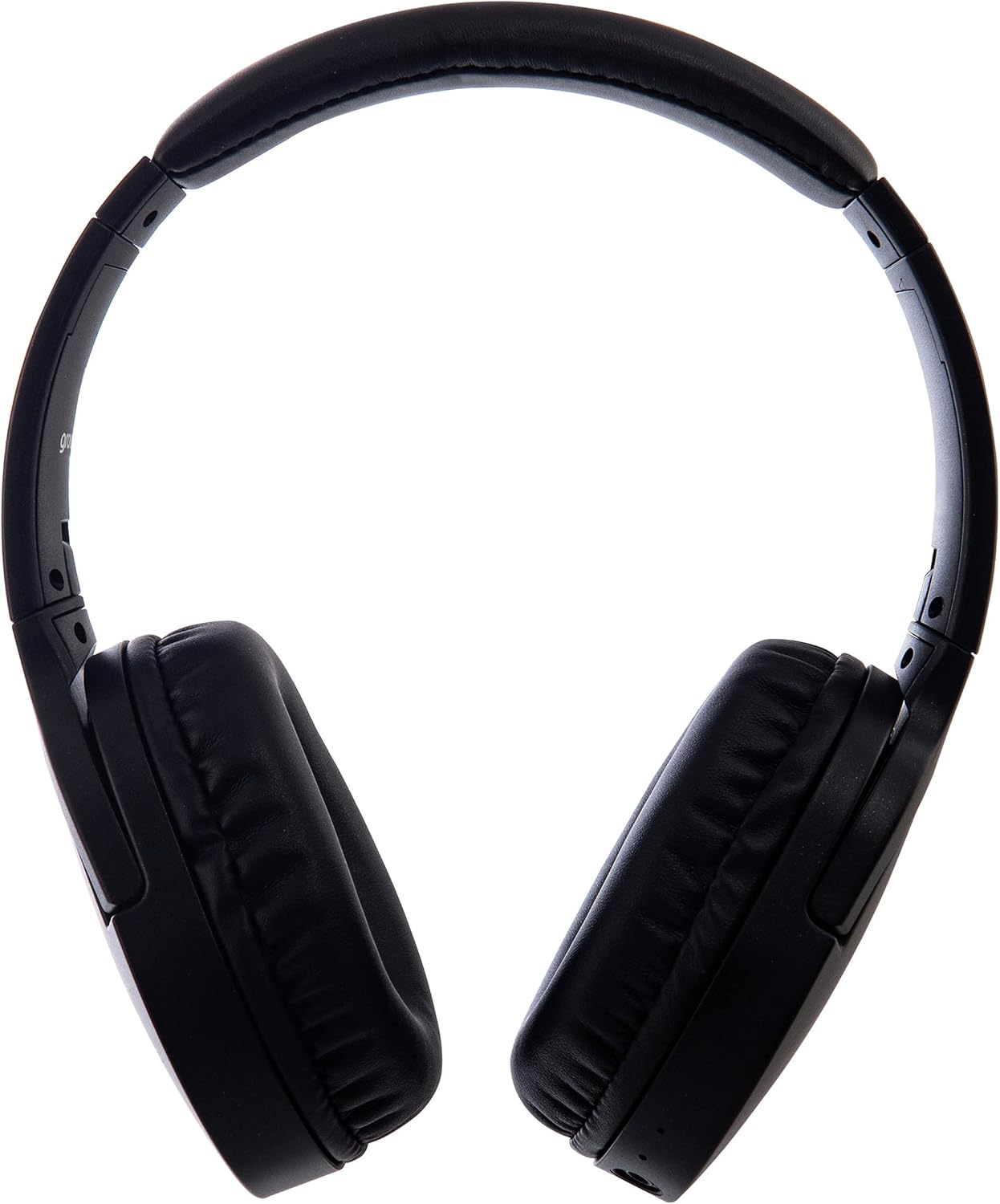
Hình ảnh: Bên view of the Groov-e Ultra Wireless Bluetooth Headphones, showing the earcups and headband.
Key features and controls include:
- Nút nguồn: Located on the earcup, used for powering on/off and initiating pairing mode.
- Điều khiển âm lượng: Buttons for adjusting audio volume.
- Nút đa chức năng: For play/pause, answer/end calls, and activating voice assistant.
- Micrô: Tích hợp chức năng gọi rảnh tay.
- Giắc cắm âm thanh 3.5 mm: Dùng để kết nối có dây với nguồn âm thanh.
- Cổng sạc USB: For charging via the included USB cable.
- Khu vực sạc không dây: Located on the right earcup for compatible wireless charging pads.
- Đèn báo LED: Displays power, charging, and Bluetooth pairing status.
Cài đặt
1. Sạc ban đầu
Before first use, fully charge your headphones. The Groov-e Ultra headphones support both wired and wireless charging.
Sạc có dây:
- Connect the supplied USB charging cable to the headphone's charging port.
- Kết nối đầu còn lại của cáp USB vào nguồn điện USB tương thích (ví dụ: cổng USB của máy tính, bộ chuyển đổi USB gắn tường).
- Đèn LED báo hiệu sẽ sáng trong quá trình sạc và tắt hoặc đổi màu khi sạc đầy.
Sạc không dây:
- Place the right earcup of the headphones onto a compatible Qi-certified wireless charging pad.
- Ensure the headphones are correctly positioned on the charging pad for optimal contact.
- Đèn LED báo hiệu sẽ sáng trong quá trình sạc và tắt hoặc đổi màu khi sạc đầy.
Thông thường, quá trình sạc đầy sẽ mất khoảng... 2 giờ.
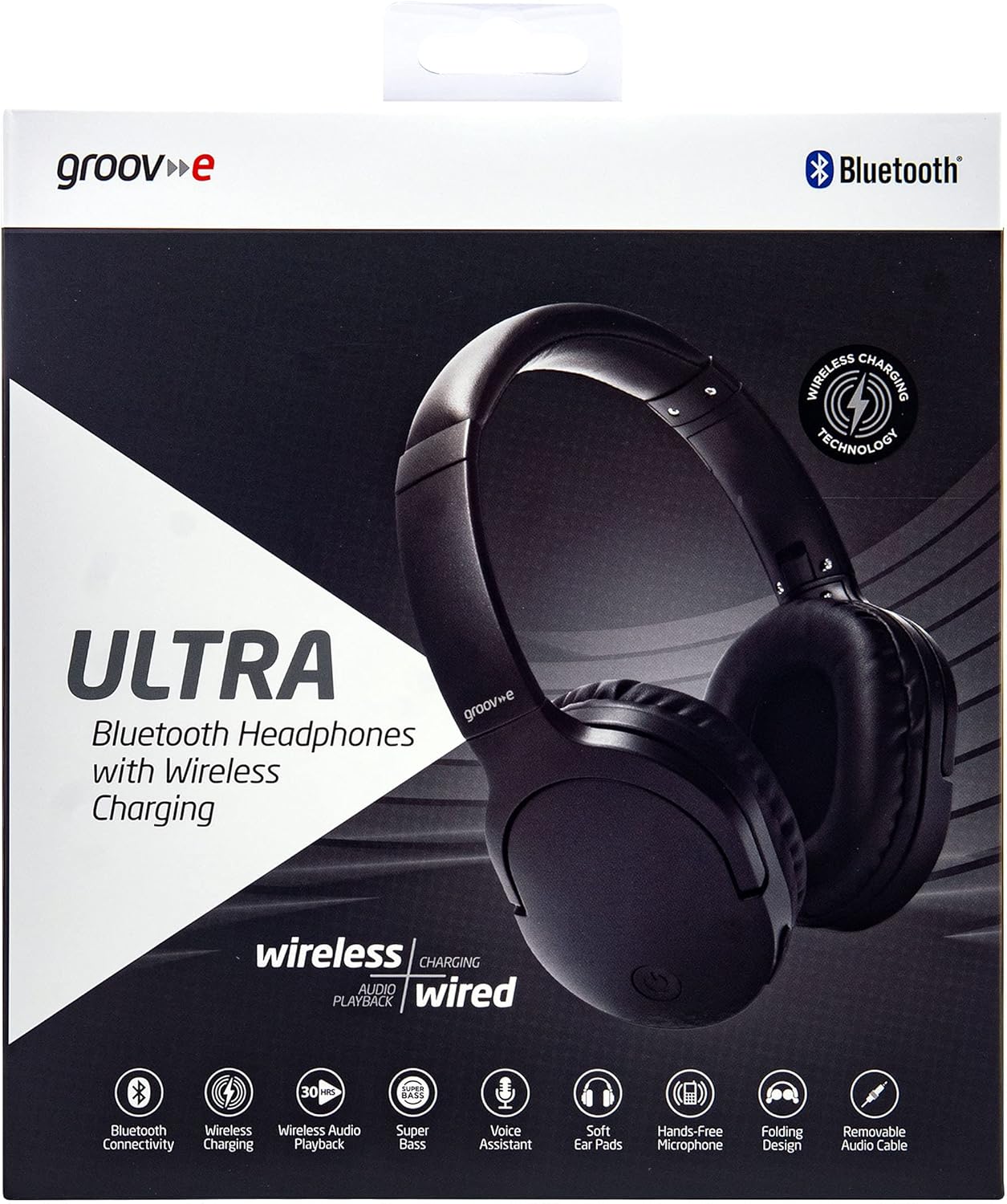
Image: Groov-e Ultra headphones charging wirelessly on a pad, with a laptop in the background.
Hướng dẫn sử dụng
1. Bật/Tắt nguồn
- Bật nguồn: Nhấn và giữ nút nguồn khoảng 3 giây cho đến khi đèn LED nhấp nháy.
- Tắt nguồn: Nhấn và giữ nút nguồn trong khoảng 3-5 giây cho đến khi đèn LED tắt.
2. Ghép nối Bluetooth
- Đảm bảo tai nghe đã được tắt nguồn.
- Nhấn và giữ nút Nguồn trong khoảng 5-7 giây cho đến khi đèn LED nhấp nháy màu đỏ và xanh lam luân phiên, báo hiệu chế độ ghép nối.
- Trên thiết bị của bạn (điện thoại thông minh, máy tính bảng, máy tính xách tay), hãy bật Bluetooth và tìm kiếm các thiết bị khả dụng.
- Select "Groov-e Ultra" from the list of found devices.
- Once paired, the LED indicator will flash blue slowly, and you may hear an audible confirmation.
- Nếu được yêu cầu nhập mật khẩu, hãy nhập "0000".
Tai nghe sẽ tự động kết nối lại với thiết bị được ghép nối gần nhất khi được bật nguồn.
3. Kết nối có dây (Cáp âm thanh 3.5 mm)
For devices without Bluetooth or to conserve battery, you can use the supplied 3.5mm audio cable.
- Kết nối một đầu của cáp âm thanh 3.5mm với giắc cắm âm thanh trên tai nghe.
- Kết nối đầu còn lại với cổng âm thanh 3.5mm của thiết bị.
- The headphones will operate in passive mode, and Bluetooth functionality will be disabled.
4. Phát lại nhạc
- Phát/Tạm dừng: Nhấn nút Đa chức năng một lần.
- Bài hát tiếp theo: Nhấn và giữ nút Tăng âm lượng.
- Bản nhạc trước: Nhấn và giữ nút Giảm âm lượng.
- Tăng âm lượng: Nhấn nhanh nút Tăng âm lượng.
- Giảm âm lượng: Nhấn nhanh nút Giảm âm lượng.
5. Quản lý cuộc gọi
- Trả lời/Kết thúc cuộc gọi: Nhấn nút Đa chức năng một lần.
- Từ chối cuộc gọi: Nhấn và giữ nút Đa chức năng trong 2 giây.
- Trợ lý giọng nói: Nhấn đúp nút Đa chức năng để kích hoạt trợ lý giọng nói của thiết bị (ví dụ: Siri, Google Assistant).
BẢO TRÌ
To ensure the longevity and optimal performance of your Groov-e Ultra headphones, follow these maintenance guidelines:
- Vệ sinh: Dùng vải mềm, khô để vệ sinh chụp tai và băng đô. Không sử dụng chất tẩy rửa có tính mài mòn hoặc dung môi.
- Kho: Khi không sử dụng, hãy bảo quản tai nghe ở nơi khô ráo, thoáng mát, tránh ánh nắng trực tiếp và nhiệt độ cao. Thiết kế có thể gập lại giúp cất giữ gọn gàng.
- Chăm sóc pin: Để kéo dài tuổi thọ pin, tránh xả hết pin tai nghe thường xuyên. Hãy sạc pin định kỳ, ngay cả khi không sử dụng liên tục.
- Khả năng chống nước: The headphones are rated as "waterproof" (as per specifications), but this typically refers to resistance against splashes or light rain. Avoid submerging them in water.
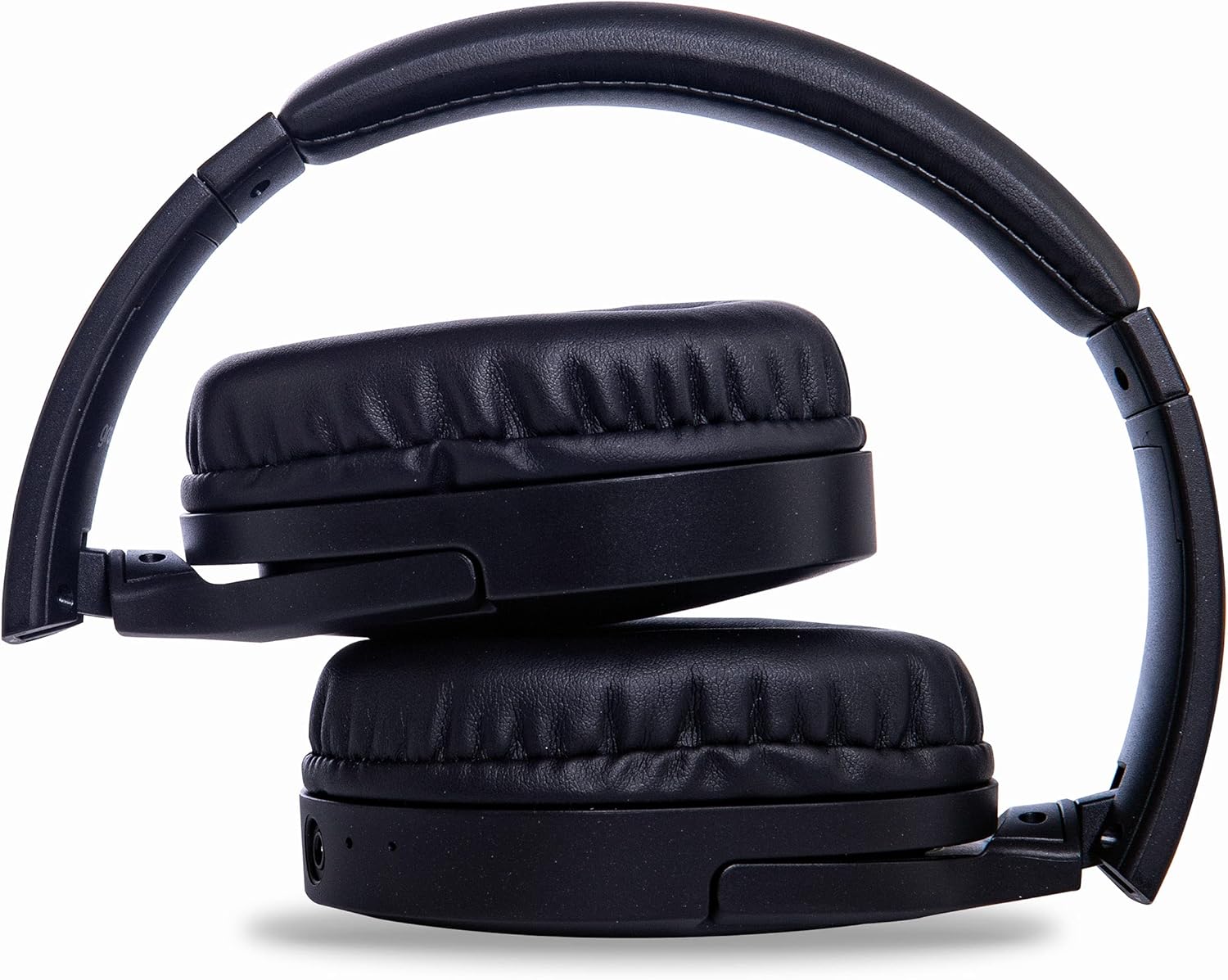
Image: Groov-e Ultra headphones folded, demonstrating their compact storage design.
Xử lý sự cố
Nếu bạn gặp sự cố với tai nghe, hãy tham khảo các giải pháp phổ biến sau:
| Vấn đề | Nguyên nhân có thể | Giải pháp |
|---|---|---|
| Tai nghe không bật được. | Pin yếu. | Charge the headphones fully using either wired or wireless charging. |
| Không thể ghép nối qua Bluetooth. | Tai nghe không ở chế độ ghép nối; thiết bị Bluetooth tắt; nhiễu sóng. | Ensure headphones are in pairing mode (flashing red/blue). Turn Bluetooth off and on on your device. Move closer to the device. |
| Không có âm thanh hoặc chất lượng âm thanh kém. | Volume too low; incorrect source; loose wired connection; Bluetooth interference. | Increase volume on headphones and device. Check if the correct audio output is selected. Ensure 3.5mm cable is fully inserted. Re-pair Bluetooth. |
| Sạc không dây không hoạt động. | Headphones not positioned correctly; incompatible charging pad. | Adjust headphone position on the charging pad. Ensure the charging pad is Qi-certified and functioning. |
| Buzzing or too loud on Bluetooth. | Bluetooth signal issue; volume settings. | Try moving closer to the source device. Adjust volume levels on both the headphones and the connected device. |
| Cannot connect to Apple Mac Book Pro. | Compatibility issue or specific Bluetooth driver problem. | Ensure your Mac's Bluetooth drivers are up to date. Try resetting Bluetooth on your Mac. Consult Apple support or Groov-e support for specific compatibility advice. |
Thông số kỹ thuật
| Tính năng | Chi tiết |
|---|---|
| Tên mẫu | Siêu |
| Số hiệu mẫu | GVBT750BK |
| Thương hiệu | rãnh-e |
| Công nghệ kết nối | Không dây (Bluetooth) |
| Công nghệ truyền thông không dây | Bluetooth |
| Yếu tố hình thức | Supra-Aural (Over-ear) |
| Vị trí tai | Supra-auriculaire |
| Cách ly tiếng ồn | Khử tiếng ồn chủ động |
| Jack cắm tai nghe | Giắc cắm 3.5 mm |
| Tính năng đặc biệt | Microphone included, Sweat resistant |
| Tuổi thọ pin | Up to 30 hours (wireless audio playback) |
| Thời gian sạc | Khoảng 2 giờ |
| Phương pháp kiểm soát | Cảm giác xúc giác (Chạm) |
| Dải tần số | 20 Hz - 20,000 Hz (Possible) |
| Mức độ chống nước | Không thấm nước |
| Thiết bị tương thích | Smartphones, laptops, tablets, car audio systems, music production equipment, televisions |
| Vật liệu | Da thú |
Thông tin an toàn
Please read and follow these safety guidelines to prevent damage to your headphones or personal injury:
- Do not expose headphones to extreme temperatures, humidity, or corrosive environments.
- Tránh làm rơi hoặc va đập mạnh vào tai nghe.
- Không được tự ý tháo rời hoặc sửa đổi tai nghe. Việc này sẽ làm mất hiệu lực bảo hành.
- Tránh xa tầm tay trẻ em và vật nuôi.
- Nghe nhạc ở mức âm lượng cao trong thời gian dài có thể gây tổn thương thính giác. Hãy điều chỉnh âm lượng ở mức an toàn.
- Exercise caution when using headphones in situations requiring awareness of your surroundings (e.g., driving, cycling, walking in traffic).
- Chỉ sử dụng cáp sạc và bộ chuyển đổi nguồn đã được phê duyệt.
Bảo hành và Hỗ trợ
Groov-e products are designed and manufactured to the highest standards. For warranty information, please refer to the warranty card included with your purchase or visit the official Groov-e webđịa điểm.
For technical support, troubleshooting assistance, or general inquiries, please contact Groov-e customer service through their official channels. Contact details can typically be found on the product packaging or the Groov-e webđịa điểm.
Hỗ trợ trực tuyến: www.groov-e.co.uk/support
Ask a question about this manual
Ask about setup, troubleshooting, compatibility, parts, safety, or missing instructions. Manuals+ will review the question and use this page’s manual context to help answer it.