
1. Giới thiệu
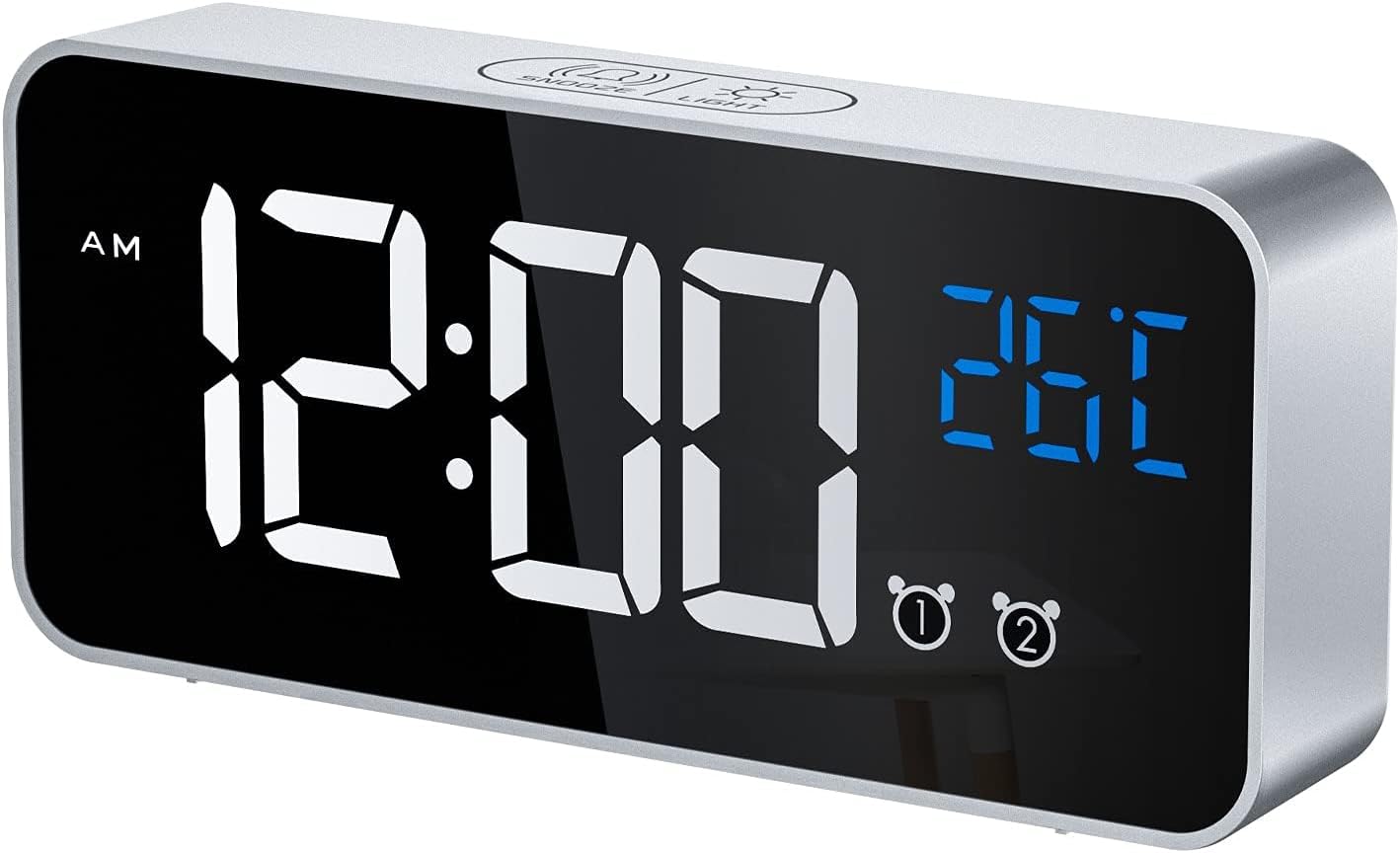
Thank you for choosing the CHEREEKI Digital LED Alarm Clock, Model 8808. This device combines a clear LED time display with temperature monitoring, dual alarms, snooze functionality, and a selection of melodies. This manual provides detailed instructions to help you maximize your product experience.
2. Sản phẩm hếtview và các thành phần
Familiarize yourself with the clock's features and controls.

3. Thiết lập
3.1 Nguồn điện
The alarm clock offers two power modes:
- USB Powered Mode: Connect the included USB cable to a 5V/1A or 5V/2A adapter (not included) or a USB port. In this mode, the LED display remains continuously on.
- Chế độ chạy bằng pin: The clock has a built-in rechargeable battery. When fully charged and disconnected from USB, the LED display will automatically turn off after 6 seconds to conserve power. To activate the display in battery mode, use the voice control function or press any button.
3.2 Initial Setup / Reset
If the display shows scrambled code or errors, use a thin pin to press the RESET button located on the back of the unit. This will restore the clock to its normal operating state.
4. Hướng dẫn vận hành
4.1 Đặt thời gian
Để đặt thời gian hiện tại:
- Press and hold the 'TIME SET' button on the back of the clock. The hour digits will begin to flash.
- Use the 'UP' and 'DOWN' buttons to adjust the hour.
- Press 'TIME SET' again to move to the minute setting. Use 'UP' and 'DOWN' to adjust the minutes.
- Nhấn nút 'TIME SET' thêm một lần nữa để xác nhận và thoát khỏi chế độ cài đặt thời gian.
4.2 Cài đặt báo thức
Đồng hồ có hai chế độ báo thức độc lập (Báo thức 1 và Báo thức 2).
- To set Alarm 1, press and hold the 'ALARM SET' button. The Alarm 1 hour digits will flash.
- Use the 'UP' and 'DOWN' buttons to adjust the alarm hour.
- Press 'ALARM SET' again to move to the Alarm 1 minute setting. Adjust minutes using 'UP' and 'DOWN'.
- Press 'ALARM SET' to confirm Alarm 1. Repeat steps for Alarm 2 if desired.
- To activate or deactivate an alarm, use the dedicated 'ALARM1 ON/OFF' and 'ALARM2 ON/OFF' switches on the back of the clock.

4.3 Adjusting Alarm Volume and Melodies
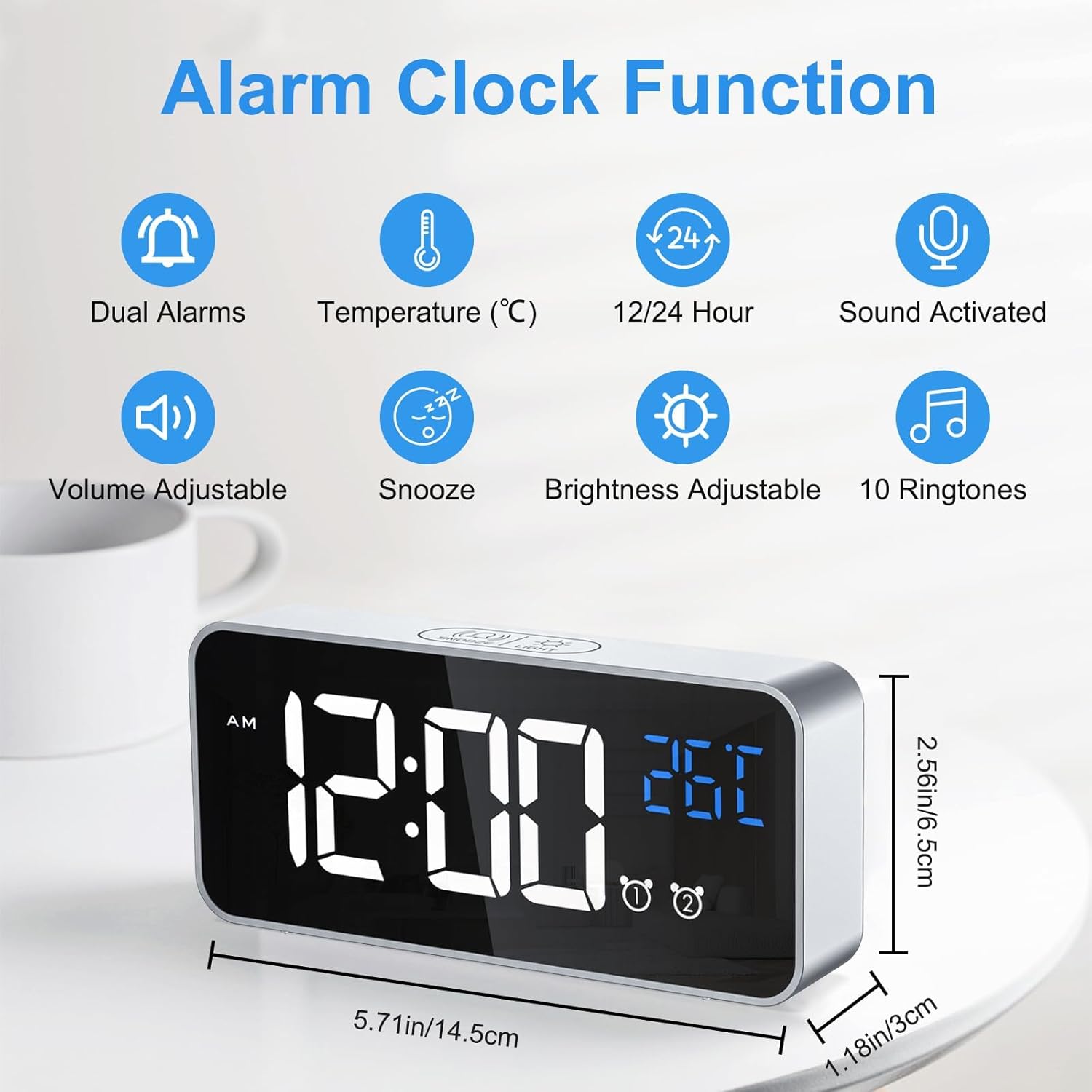
The clock offers 3 volume levels and 10 different alarm melodies.
- While in alarm setting mode (after setting hours/minutes), press the 'VOLUME' button to cycle through the 3 volume levels (L01, L02, L03).
- To change the melody, press the 'DOWN' button while the alarm is ringing or during alarm setup to cycle through the 10 available sounds.

4.4 Snooze Function and Stopping Alarms
Khi chuông báo động vang lên:
- To activate the 5-minute snooze, press the 'SNOOZE/LIGHT' button on the top of the clock. The alarm will pause and sound again after 5 minutes.
- To stop the alarm completely, press any button on the clock ngoại trừ the 'SNOOZE/LIGHT' button.
4.5 Điều chỉnh độ sáng
The clock offers both manual and automatic brightness adjustment.
Điều chỉnh độ sáng thủ công:
Press the 'SNOOZE/LIGHT' button on the top of the clock to cycle through 4 levels of brightness (25%, 50%, 75%, 100%).

Tự động điều chỉnh độ sáng:
When powered via USB, the clock automatically adjusts brightness based on the time of day:
- 7:00 AM - 7:00 PM: High brightness.
- 7:00 PM - 12:00 AM: Medium brightness.
- 12:00 AM - 7:00 AM: Low brightness.
4.6 Voice Activated Display (Battery Mode)
In battery mode, the display will turn off after 6 seconds. To reactivate it, make a sound louder than 90 dB (e.g., a clap, tap on the table, or voice). Alternatively, press any button to turn the display on.

4.7 Hiển thị nhiệt độ
The clock displays the ambient temperature. To switch between Celsius (°C) and Fahrenheit (°F), press the 'DOWN' button once.
4.8 Định dạng giờ 12/24
To switch between 12-hour and 24-hour time formats, press the 'UP' button once.
4.9 Chức năng bộ nhớ
The clock retains time and alarm settings even when the battery is depleted or the unit is turned off, thanks to its internal memory function. No need to reset after a power interruption.

5. Bảo trì
- Lau sạch đồng hồ bằng vải mềm, khô. Tránh sử dụng chất tẩy rửa có tính ăn mòn hoặc dung môi.
- Keep the clock away from heat sources, high humidity, and direct sunlight.
- If not in use for an extended period, turn off the power switch to preserve battery life.
KHAI THÁC. Xử lý sự cố
| Vấn đề | Nguyên nhân có thể | Giải pháp |
|---|---|---|
| Display is blank in battery mode. | Power-saving feature activated. | Make a sound (e.g., clap) or press any button to activate the display. Connect to USB for continuous display. |
| Display shows scrambled code or error. | Lỗi bên trong. | Press the 'RESET' button on the back of the clock using a thin pin. |
| Báo động không kêu. | Alarm is deactivated or volume is too low. | Check the 'ALARM ON/OFF' switch for the respective alarm. Adjust alarm volume as described in section 4.3. |
| Clock not charging or holding charge. | Faulty cable/adapter or battery issue. | Ensure the USB cable and adapter are working correctly. If issues persist, contact customer support. |
7. Thông số kỹ thuật
- Thương hiệu: CHEREEKI
- Số hiệu mẫu: 8808
- Màu sắc: Bạc
- Vật liệu: Nhựa
- Kích thước (D x R x C): 14.5 x 3.81 x 5.08 cm (5.71 x 1.5 x 2 inch)
- Trọng lượng sản phẩm: 158 gam (0.35 lb)
- Nguồn điện: Battery Powered (1 Lithium-polymer battery included) / USB Powered
- Kiểu hiển thị: Đèn LED kỹ thuật số
- Tính năng đặc biệt: Temperature Display, Dual Alarms, Charging Port, Snooze, Voice Activation, Adjustable Brightness, 10 Melodies.
8. Bảo hành và Hỗ trợ
For any questions regarding your CHEREEKI Digital LED Alarm Clock, please do not hesitate to contact our customer service. We are committed to providing attentive after-sales service.