
Tai nghe Apple AirPods Pro
Apple AirPods Pro Wireless Earbuds User Manual
Giới thiệu
Welcome to your Apple AirPods Pro. These advanced wireless earbuds offer Active Noise Cancellation, Transparency Mode, and adaptive equalization for an immersive audio experience. This manual provides essential information for setting up, operating, maintaining, and troubleshooting your device.
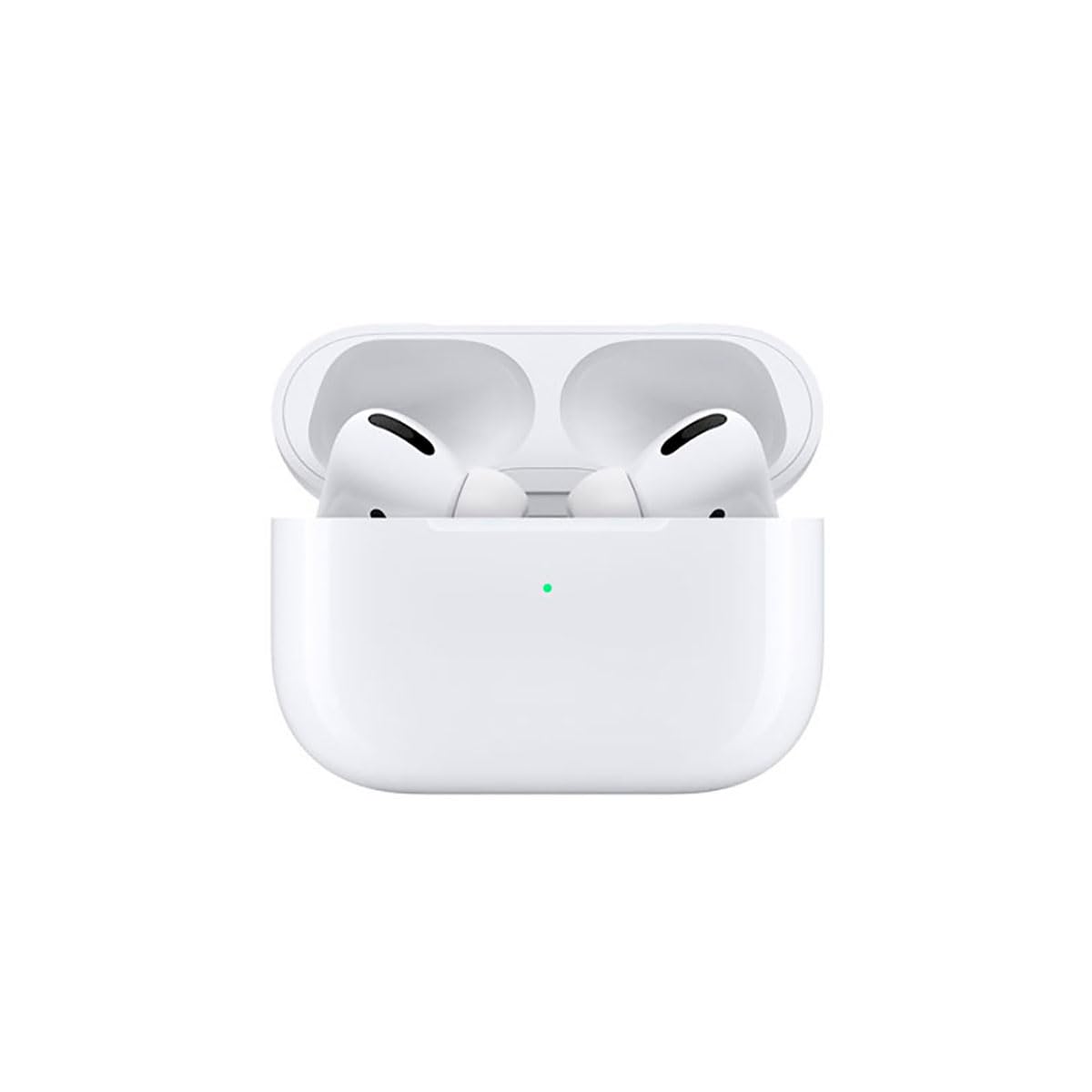
Image: A person wearing Apple AirPods Pro earbuds, demonstrating their use in a daily setting.
1. Bắt đầu
1.1 Mở hộp và Sạc
Your AirPods Pro come with a Wireless Charging Case, silicone ear tips in three sizes, and a Lightning to USB-C cable.
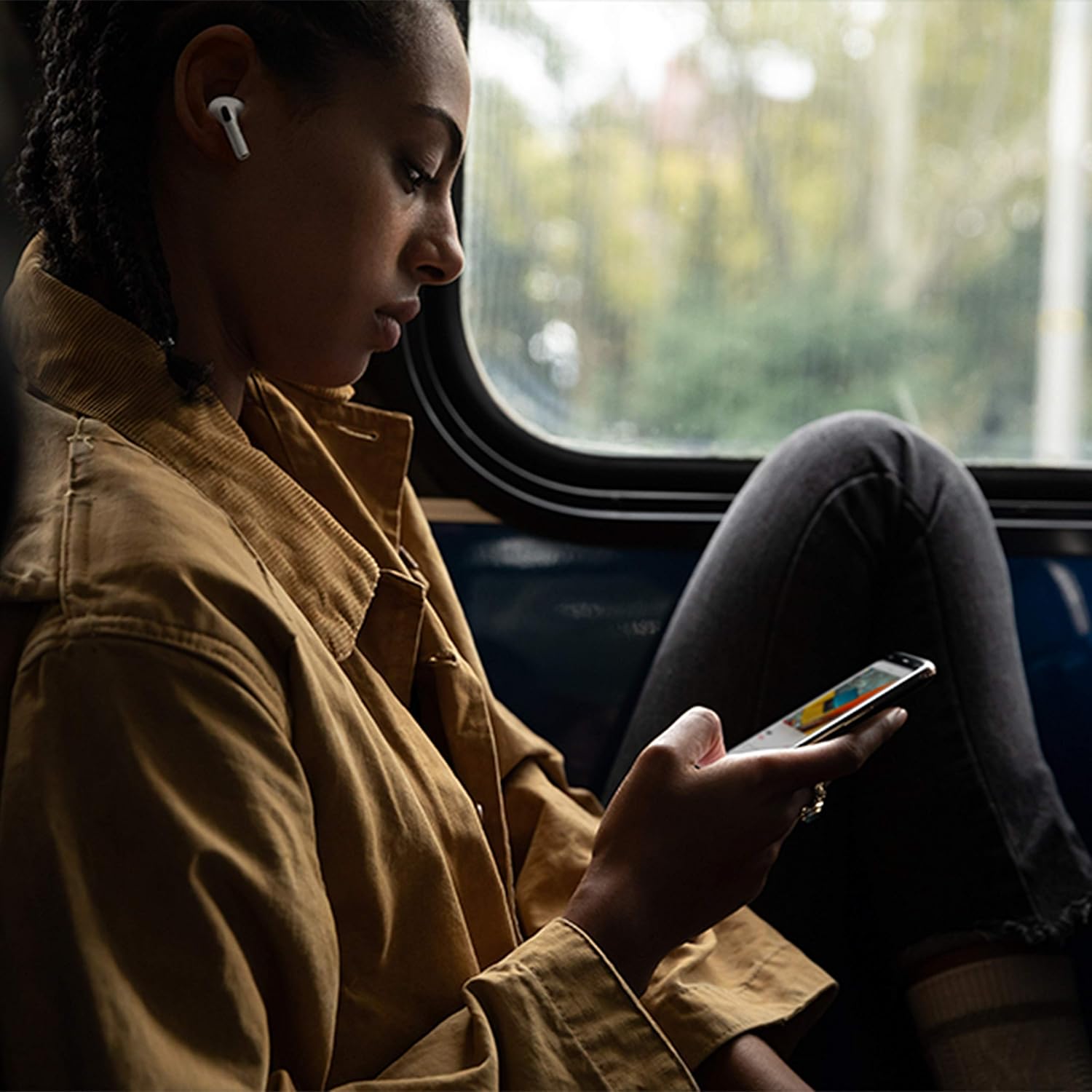
Image: Apple AirPods Pro earbuds inside their wireless charging case, with the status indicator light visible.
Before first use, ensure your AirPods Pro and their charging case are fully charged. Connect the Lightning to USB-C cable to the charging case and a power adapter, or place the case on a Qi-certified wireless charging mat.
1.2 Ghép nối với thiết bị của bạn
To pair your AirPods Pro with an Apple device:
- Ensure your Apple device (iPhone, iPad, or iPod touch) is running the latest iOS version.
- Unlock your device and go to the Home screen.
- Open the charging case lid with your AirPods Pro inside, and hold it near your device.
- Một hình ảnh động hướng dẫn cài đặt sẽ xuất hiện trên màn hình thiết bị của bạn. Hãy làm theo hướng dẫn trên màn hình.
- Once connected, your AirPods Pro will automatically pair with all supported devices signed in to your iCloud account.
To pair with a non-Apple device (e.g., Android phone):
- With your AirPods Pro in the charging case, open the lid.
- Nhấn và giữ nút cài đặt ở mặt sau của vỏ cho đến khi đèn trạng thái nhấp nháy màu trắng.
- On your device, go to Bluetooth settings and select "AirPods Pro" from the list of available devices.
1.3 Tìm kiếm sự phù hợp nhất của bạn
Achieving the right fit is crucial for optimal sound quality and Active Noise Cancellation. Your AirPods Pro come with small, medium, and large silicone ear tips.

Hình ảnh: Cận cảnh view of two individual Apple AirPods Pro earbuds, highlighting the silicone ear tips.
- Try each size of ear tip to find the ones that provide the best seal and comfort.
- Trên iPhone của bạn, hãy đi tới Cài đặt > Bluetooth, tap the "i" icon next to your AirPods Pro, then tap "Ear Tip Fit Test." Follow the on-screen instructions to check the seal.
2. Using Your AirPods Pro
2.1 Kiểm soát
The force sensor on the stem of each AirPod Pro allows you to control audio playback and calls.
- Nhấn một lần: Play, pause, or answer a phone call.
- Nhấn hai lần: Bỏ qua.
- Nhấn ba lần: Bỏ lại.
- Nhấn và giữ: Chuyển đổi giữa chế độ Khử tiếng ồn chủ động và Chế độ trong suốt.
2.2 Chế độ khử tiếng ồn chủ động và chế độ trong suốt
Your AirPods Pro offer two primary listening modes:
- Khử tiếng ồn chủ động (ANC): Blocks out external sounds, allowing you to focus on your audio.
- Chế độ trong suốt: Cho phép bạn nghe được môi trường xung quanh trong khi nghe âm thanh, hữu ích cho việc nhận biết môi trường ồn ào.
Switch between these modes by pressing and holding the force sensor on an AirPod stem, or via Control Center on your Apple device.
2.3 Siri Activation
Activate Siri by saying "Hey Siri" or by pressing and holding the force sensor on an AirPod stem (if configured in settings).
2.4 Khả năng chống nước và mồ hôi
AirPods Pro are sweat and water resistant for non-water sports and exercise. They are not waterproof and should not be submerged in water. Resistance may decrease as a result of normal wear.
3. Chăm sóc và bảo dưỡng
3.1 Cleaning Your AirPods Pro and Case
Regularly clean your AirPods Pro and their charging case to maintain performance and hygiene.
- Wipe the AirPods and case with a soft, dry, lint-free cloth.
- Do not use abrasive materials, sprays, or solvents.
- For ear tips, remove them from the AirPods and rinse with water. Dry thoroughly before reattaching.
3.2 Thông tin về pin
The AirPods Pro and charging case contain rechargeable batteries. Battery life is dependent on usage and settings. Over time, the capacity of all rechargeable batteries diminishes. To maximize battery lifespan:
- Tránh nhiệt độ quá cao.
- Bảo quản ở nơi khô ráo, thoáng mát khi không sử dụng.
- Charge regularly, but avoid leaving them fully charged or fully depleted for extended periods.
4. Xử lý sự cố thường gặp
4.1 Sự cố kết nối
If your AirPods Pro are not connecting:
- Đảm bảo Bluetooth đã được bật trên thiết bị của bạn.
- Place AirPods Pro in the charging case, close the lid, wait 15 seconds, then open the lid.
- If issues persist, try resetting your AirPods Pro: With the lid open, press and hold the setup button on the back of the case for about 15 seconds until the status light flashes amber, then white. Re-pair them with your device.
4.2 Các vấn đề về chất lượng âm thanh
If you experience poor sound quality or ineffective noise cancellation:
- Ensure ear tips are clean and properly fitted. Perform the Ear Tip Fit Test.
- Check for debris in the speaker mesh.
- Ensure your device's volume is adjusted correctly.
4.3 Sự cố sạc
If your AirPods Pro or case are not charging:
- Verify the Lightning cable is securely connected to both the case and the power adapter.
- If using wireless charging, ensure the case is correctly positioned on the charging mat.
- Vệ sinh cổng sạc trên vỏ máy.
5. Thông số kỹ thuật sản phẩm
| Tính năng | Chi tiết |
|---|---|
| Thương hiệu | Quả táo |
| Tên mẫu | Tai nghe Apple AirPods Pro |
| Yếu tố hình thức | Trong tai |
| Kiểm soát tiếng ồn | Chống ồn chủ động |
| Công nghệ kết nối | Bluetooth |
| Công nghệ truyền thông không dây | Bluetooth |
| Màu sắc | Trắng |
| Độ tuổi (Mô tả) | Người lớn |
5.1 Có gì trong hộp
- Tai nghe AirPods Pro
- Vỏ sạc không dây
- Silicone Ear Tips (three sizes)
- Cáp Lightning sang USB-C
- Tài liệu
6. Bảo hành và Hỗ trợ
6.1 Thông tin bảo hành
Apple AirPods Pro come with a standard limited warranty. For detailed warranty terms and conditions, please refer to the documentation included with your product or visit the official Apple support webđịa điểm.
6.2 Hỗ trợ khách hàng
For further assistance, technical support, or service, please visit the official Apple Support webtrang web hoặc liên hệ trực tiếp với dịch vụ khách hàng của Apple.
Ask a question about this manual
Ask about setup, troubleshooting, compatibility, parts, safety, or missing instructions. Manuals+ will review the question and use this page’s manual context to help answer it.