
1. Giới thiệu
This manual provides essential information for the proper installation, operation, and maintenance of your TELEVES TVMOTION Terrestrial Tri-motion Receiver, Model 512501. This device is designed to process advanced video signals, ensuring high-quality reception of terrestrial television broadcasts. Please read this manual thoroughly before using the product to ensure optimal performance and safety.
2. Thiết lập
2.1 Tháo dỡ
Cẩn thận lấy tất cả các thành phần ra khỏi bao bì. Đảm bảo tất cả các mục được liệt kê dưới đây đều có sẵn:
- TELEVES TVMOTION Receiver (Model 512501)
- Điều khiển từ xa
- Bộ đổi nguồn
- Hướng dẫn sử dụng (tài liệu này)
2.2 Kết nối
Follow these steps to connect your receiver to your television and antenna:
- Kết nối ăng ten: Connect your terrestrial antenna cable to the 'ANT IN' port on the back of the receiver.
- Kết nối HDMI: Connect an HDMI cable from the 'HDMI OUT' port on the receiver to an available HDMI input on your television. This receiver has a total of 1 HDMI port.
- Kết nối nguồn điện: Connect the power adapter to the 'DC IN' port on the receiver, then plug the adapter into a wall outlet.
- Kết nối USB (Tùy chọn): For multimedia playback or software updates, connect a USB device to the USB port.
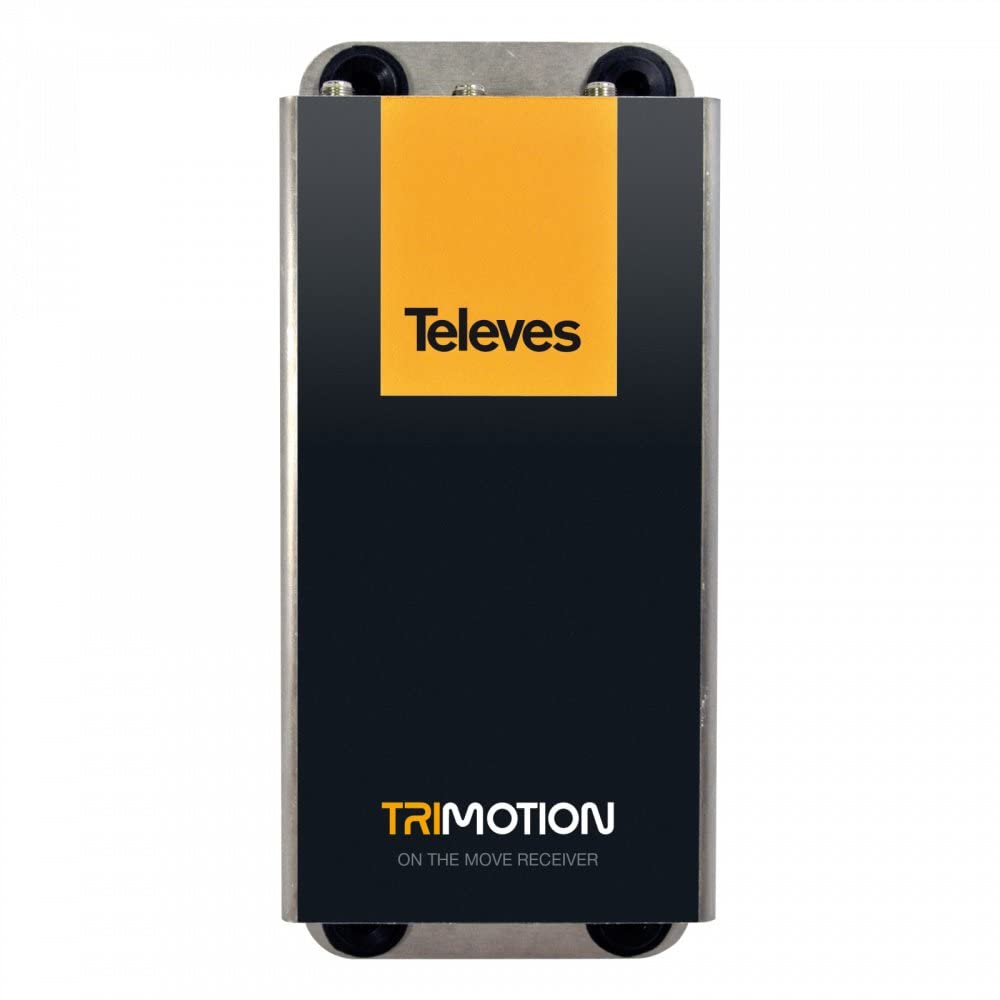
This image shows the front panel of the TELEVES TVMOTION Terrestrial Tri-motion Receiver, highlighting its compact design and user interface elements.
3. Hướng dẫn vận hành
3.1 Sử dụng lần đầu
After connecting all cables and powering on the receiver, your television should display the initial setup wizard. Follow the on-screen prompts to select your language, country, and perform an automatic channel scan. This process will detect and store all available terrestrial channels.
3.2 Hoạt động cơ bản
The receiver is primarily controlled using the provided remote control. Ensure the remote control has batteries installed and is pointed towards the front panel of the receiver.
- Nút nguồn: Turns the receiver on or off (standby mode).
- Lên/Xuống kênh: Navigates through television channels.
- Tăng/Giảm âm lượng: Điều chỉnh âm lượng.
- Nút Menu: Accesses the main menu for settings, channel management, and other features.
- Nút OK/Enter: Xác nhận lựa chọn trong menu.
- Các nút điều hướng (mũi tên): Moves through menu options.
- EPG (Hướng dẫn chương trình điện tử): Hiển thị thông tin chương trình.
- Cài đặt âm thanh: This receiver supports 5.1 surround sound channel configuration. Adjust audio settings as needed through the menu.
4. Bảo trì
To ensure the longevity and optimal performance of your TELEVES TVMOTION receiver, follow these maintenance guidelines:
- Vệ sinh: Use a soft, dry cloth to clean the exterior of the receiver. Do not use liquid cleaners, aerosols, or abrasive materials, as these can damage the finish or internal components.
- Thông gió: Ensure the receiver has adequate ventilation. Do not block any ventilation openings. Avoid placing the unit in enclosed spaces or on soft surfaces that may obstruct airflow.
- Tắt nguồn: If the receiver will not be used for an extended period, disconnect it from the power outlet.
- Điều kiện môi trường: Tránh để thiết bị thu tiếp xúc với nhiệt độ quá cao, độ ẩm cao hoặc ánh nắng trực tiếp.
KHAI THÁC. Xử lý sự cố
If you encounter issues with your receiver, consult the table below for common problems and their solutions. If the problem persists, contact customer support.
| Vấn đề | Nguyên nhân có thể | Giải pháp |
|---|---|---|
| Không có hình ảnh hoặc âm thanh | Loose cable connections; Incorrect input selected on TV; Receiver not powered on. | Check all cable connections (HDMI, antenna, power). Ensure the TV is on the correct HDMI input. Power on the receiver. |
| Chất lượng hình ảnh kém | Weak antenna signal; Antenna not properly aligned. | Check antenna connection. Adjust antenna position for better signal reception. Perform a channel rescan. |
| Điều khiển từ xa không hoạt động | Dead batteries; Obstruction between remote and receiver; Remote not pointed correctly. | Replace remote control batteries. Remove any obstructions. Point the remote directly at the receiver's front panel. |
| Không tìm thấy kênh nào trong quá trình quét. | Antenna not connected; No terrestrial signal in the area; Incorrect country selected. | Verify antenna connection. Check for terrestrial broadcast availability in your location. Re-run setup and ensure correct country selection. |
6. Thông số kỹ thuật
Below are the technical specifications for the TELEVES TVMOTION Terrestrial Tri-motion Receiver, Model 512501:
| Tính năng | Giá trị |
|---|---|
| Nhà sản xuất | Televes |
| Manufacturer Product ID | 512501 |
| Số mô hình sản phẩm | 512501 |
| Số lượng sản phẩm | 1 |
| Tính năng đặc biệt | Advanced video signal processing |
| ASIN | B01MRU7CSM |
| Ngày đầu tiên có sẵn | Ngày 5 tháng 2016 năm XNUMX |
| Thương hiệu | TIVI |
| Công nghệ kết nối | USB |
| Thiết bị tương thích | Tivi |
| Tổng số cổng HDMI | 1 |
| Cấu hình kênh âm thanh vòm | 5.1 |
| Công suất đầu ra | 5 Watt |
| Số lượng kênh | 6 |
| Phương pháp kiểm soát | Điều khiển từ xa |
7. Bảo hành và Hỗ trợ
For information regarding the product warranty, please refer to the warranty card included in the product packaging or visit the official TELEVES website. In case of technical issues or for further assistance, please contact TELEVES customer support. Keep your purchase receipt as proof of purchase for warranty claims.