
Giới thiệu
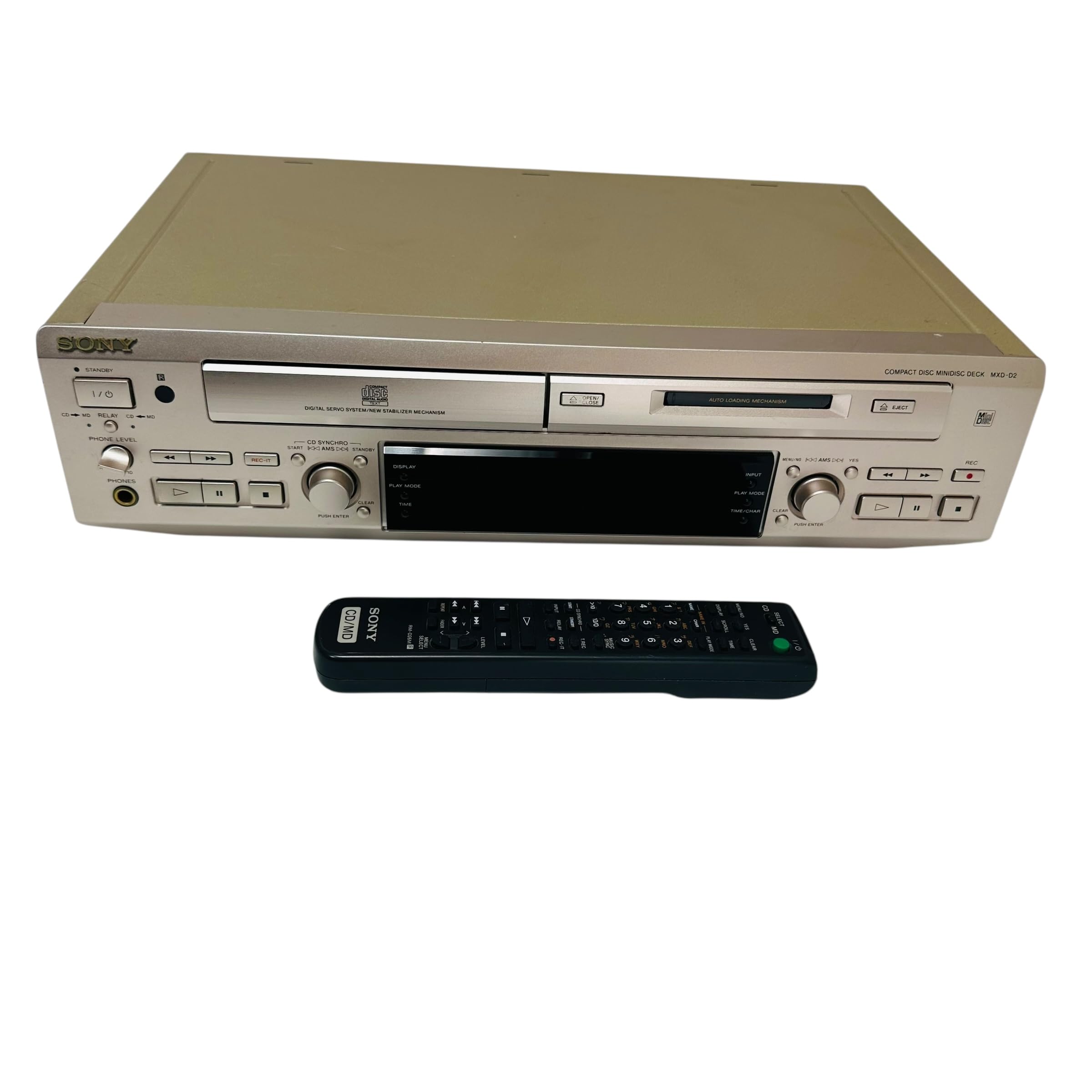
This manual provides essential information for the safe and efficient use of your Sony MXD-D2 MD Recorder/CD Player integrated deck. Please read these instructions thoroughly before operating the unit and retain them for future reference.
Thông tin an toàn
Tuân thủ các biện pháp phòng ngừa an toàn sau đây để tránh bị điện giật, hỏa hoạn hoặc hư hỏng thiết bị:
- Nguồn điện: Chỉ kết nối thiết bị với nguồn điện xoay chiều 100V, 50/60Hz.
- Thông gió: Ensure adequate ventilation by not blocking the ventilation openings. Do not place the unit on soft surfaces that may block these openings.
- Độ ẩm: Không để thiết bị tiếp xúc với mưa hoặc hơi ẩm. Tránh đặt các vật chứa chất lỏng, chẳng hạn như bình hoa, lên thiết bị.
- Vật thể lạ: Do not insert any metallic objects or liquids into the unit.
- Bảo dưỡng: Không tự ý sửa chữa thiết bị. Hãy giao việc bảo dưỡng cho nhân viên kỹ thuật có chuyên môn.
Cài đặt
Mở gói và sắp xếp
Carefully remove the unit from its packaging. Place the unit on a stable, level surface, ensuring sufficient space around it for proper ventilation.
Kết nối bảng điều khiển phía sau
The rear panel of the MXD-D2 provides various input and output terminals for connecting to other audio components. Refer to the image below for a visual guide to the connections.
Hình ảnh: Rear panel of the Sony MXD-D2 unit. This view displays the analog RCA input/output, digital coaxial input, optical input/output, and Control 1 port, along with the power cord connection and product information label.
- Kết nối âm thanh Analog: Sử dụng cáp RCA để kết nối ĐẦU VÀO ANALOG (入力) to the audio output of an external device (e.g., a tape deck or tuner). Connect the ĐẦU RA ANALOG (出力) to the audio input of your amplifier or receiver. Ensure left (左) and right (右) channels are matched.
- Kết nối âm thanh kỹ thuật số:
- Coaxial Digital Input (コアキシャル 入力): Connect a coaxial digital cable from the digital output of an external device.
- Optical Digital Input (オプチカル 入力): Connect an optical digital cable from the digital output of an external device.
- Optical Digital Output (オプチカル 出力): Connect an optical digital cable to the digital input of an external recording device or ampchất lót.
- Control 1 (コントロール 1): This port is for connecting to other compatible Sony components for synchronized operation. Refer to the manuals of connected components for specific instructions.
- Kết nối nguồn điện: After all audio connections are made, plug the power cord into an AC 100V wall outlet.
Hướng dẫn sử dụng
Bật/Tắt nguồn
Nhấn nút QUYỀN LỰC Nút bấm trên bảng điều khiển phía trước dùng để bật hoặc tắt thiết bị.
Phát lại CD
- Nhấn nút CD OPEN/CLOSE nút để mở khay CD.
- Place a CD with the label side up in the tray.
- Nhấn nút CD OPEN/CLOSE một lần nữa để đóng khay.
- Nhấn nút CHƠI CD để bắt đầu phát lại.
- Sử dụng TẠM DỪNG, DỪNG LẠI, NHẢY (►►| / |◄◄), and TÌM KIẾM các nút để điều khiển phát lại.
MD Playback
- Insert a MiniDisc into the MD slot with the arrow pointing inwards.
- Nhấn nút MD PLAY để bắt đầu phát lại.
- Sử dụng TẠM DỪNG, DỪNG LẠI, NHẢY (►►| / |◄◄), and TÌM KIẾM các nút để điều khiển phát lại.
Bản ghi MD
The MXD-D2 allows recording from CD, analog, or digital sources to a MiniDisc.
- Insert a blank or erasable MiniDisc into the MD slot.
- Select the desired input source (CD, ANALOG, DIGITAL COAXIAL, or DIGITAL OPTICAL) using the BỘ CHỌN ĐẦU VÀO cái nút.
- For CD-to-MD recording, load the CD and select CD as the input source.
- Nhấn nút MD REC button to enter recording standby mode.
- Start playback on the source device (if external) or press CHƠI CD (for CD-to-MD recording).
- Nhấn MD REC một lần nữa để bắt đầu ghi âm.
- Nhấn MD STOP để kết thúc ghi.
- Đánh dấu đường ray: The unit can automatically mark tracks during digital recording. For manual marking, press the ĐÁNH DẤU button during recording.
BẢO TRÌ
Vệ sinh thiết bị
Lau bên ngoài thiết bị bằng vải mềm, khô. Đối với các vết bẩn cứng đầu, hãy dùng vải mềm lau nhẹ.ampRửa sạch bằng dung dịch chất tẩy rửa nhẹ, sau đó lau khô. Không sử dụng miếng cọ rửa có tính mài mòn, bột tẩy rửa hoặc các dung môi như cồn hoặc benzen.
Chăm sóc đĩa
- Cầm đĩa bằng mép để tránh để lại dấu vân tay trên bề mặt ghi.
- Keep discs in their cases when not in use to protect them from dust and scratches.
- Không để đĩa tiếp xúc trực tiếp với ánh nắng mặt trời hoặc nguồn nhiệt.
Xử lý sự cố
If you experience problems with your unit, consult the following table before seeking professional service.
| Vấn đề | Nguyên nhân có thể | Giải pháp |
|---|---|---|
| Không có điện | Dây nguồn không được kết nối chắc chắn. | Check that the power cord is firmly plugged into the unit and the wall outlet. |
| Không có âm thanh | Incorrect input selected; audio cables not connected properly; ampâm lượng máy lọc quá thấp. | Select the correct input source. Check all audio cable connections. Increase the volume on your ampchất lót. |
| CD/MD does not play or record | Disc inserted incorrectly; disc is dirty or scratched; disc is unrecordable (for MD). | Ensure the disc is inserted correctly. Clean the disc with a soft cloth. Use a recordable MD. |
| Recording level is too low/high | Source device output level is incorrect. | Adjust the output level on the source device or the recording level on the MXD-D2 if available. |
Thông số kỹ thuật
| Tính năng | Chi tiết |
|---|---|
| Số hiệu mẫu | MXD-D2 |
| Thương hiệu | Sony |
| Yêu cầu về nguồn điện | AC 100V, 16W, 50/60Hz |
| Định dạng Phương tiện | Compact Disc (CD), MiniDisc (MD) |
| Đầu vào analog | RCA (Left/Right) |
| Đầu ra tương tự | RCA (Left/Right) |
| Đầu vào số | Coaxial (1), Optical (1) |
| Đầu ra kỹ thuật số | Quang học (1) |
| Cổng điều khiển | Kiểm soát 1 |
| Thiết bị tương thích | Loa, Tai nghe |
| Số seri | 213013 (Ví dụ)ample) |
| Nước xuất xứ | Sản xuất tại Nhật Bản |
Bảo hành và Hỗ trợ
For warranty information and technical support, please refer to the warranty card included with your product or visit the official Sony webtrang web dành cho khu vực của bạn. Giữ lại biên lai mua hàng làm bằng chứng mua hàng.