
1. Giới thiệu
This manual provides instructions for the installation, operation, and maintenance of the Emerson F145RF-1600 Wireless Remote Temperature Sensor. This sensor is designed to work with the Emerson BLUE Wireless Easy Install Universal Wireless Thermostat System to enhance temperature control and reduce hot and cold spots within your home.
Các tính năng chính:
- Reduces temperature inconsistencies in various areas.
- Supports up to four wireless remote sensors with the Emerson BLUE Wireless Easy Install Thermostat System.
- Designed for easy installation and pairing.
2. Thông tin an toàn
Please read and understand all instructions before installing or operating this device. Failure to follow these instructions could result in property damage or personal injury.
- Always turn off power to the thermostat system before performing any installation or maintenance.
- Do not expose the sensor to extreme temperatures, direct sunlight, or moisture.
- Chỉ sử dụng loại pin được chỉ định (2 pin AA).
- Vứt bỏ pin cũ một cách có trách nhiệm theo quy định của địa phương.
- Để xa tầm tay trẻ em.
Cảnh báo theo Đề xuất 65: Sản phẩm này có thể chứa các hóa chất mà Tiểu bang California biết là có thể gây ung thư, dị tật bẩm sinh hoặc các tác hại sinh sản khác.
3. Sản phẩm hếtview
The Emerson F145RF-1600 is a compact, battery-powered wireless sensor designed to monitor ambient temperature. It communicates wirelessly with a compatible Emerson BLUE thermostat system.
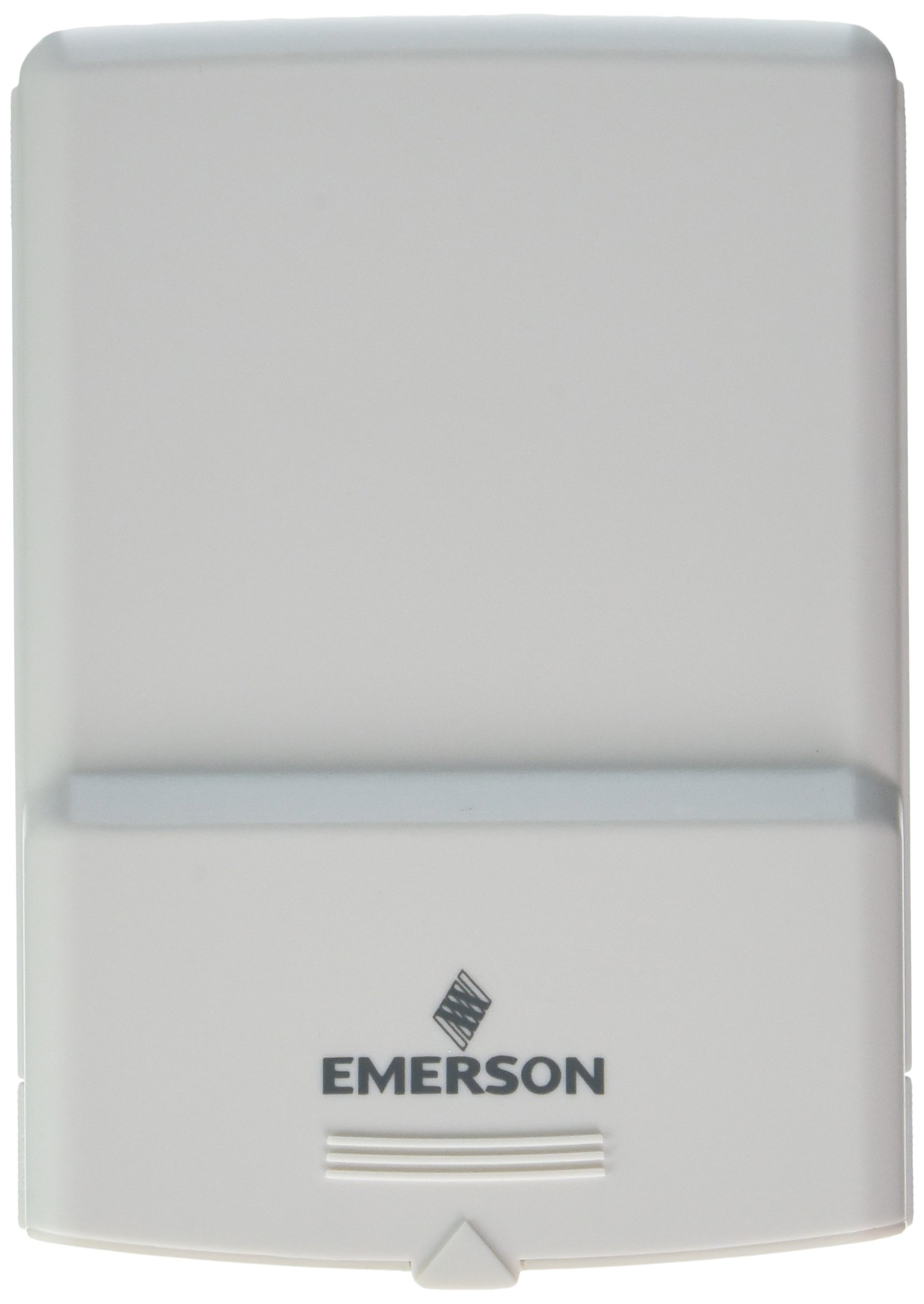
Hình 1: Emerson F145RF-1600 Wireless Remote Temperature Sensor. The image displays the sensor in a hand, indicating its approximate height of 4.8 inches (12 cm). The sensor is light-colored, likely white or light grey, with the 'EMERSON' logo visible at the bottom front.
4. Thiết lập
4.1. Lắp đặt pin
- Tìm ngăn chứa pin ở phía sau cảm biến.
- Mở nắp ngăn chứa pin.
- Lắp hai (2) pin kiềm AA, đảm bảo lắp đúng cực (+/-).
- Đóng chặt nắp ngăn chứa pin.
4.2. Pairing with Thermostat System
Refer to your Emerson BLUE Wireless Easy Install Universal Wireless Thermostat System manual for detailed pairing instructions. Generally, the process involves:
- Placing the thermostat system into pairing mode.
- Activating the sensor's pairing function (often a button press or battery insertion).
- Confirming successful pairing on the thermostat display.
Up to four F145RF-1600 sensors can be paired with a single Emerson BLUE Wireless Easy Install system.
4.3. Vị trí cảm biến
Proper placement is crucial for accurate temperature readings and effective system operation.
- Vị trí trong nhà:
- Place the sensor in a central location within the area you wish to monitor.
- Avoid placing near heat sources (lamps, appliances, direct sunlight) or cold drafts (windows, vents).
- Ensure it is not obstructed by furniture or curtains.
- Outdoor Placement (if applicable):
- Mount the sensor in a shaded area, away from direct sunlight, which can cause inaccurate readings.
- Protect it from direct rain and snow.
- Ensure it is easily accessible for battery replacement.
5. Hướng dẫn vận hành
Once successfully paired and placed, the F145RF-1600 sensor will automatically transmit temperature data to your Emerson BLUE Wireless Easy Install Thermostat System. The thermostat system will then use this data to optimize heating and cooling, helping to maintain a more consistent temperature throughout your home.
- The sensor operates continuously, sending updates to the main thermostat.
- The thermostat system will display the temperature readings from the remote sensors and use them for its control logic.
- No direct user interaction is typically required with the sensor after setup, other than battery replacement.
6. Bảo trì
6.1. Thay thế pin
The sensor requires two (2) AA batteries. When batteries are low, your Emerson BLUE thermostat system may indicate a low battery warning for the sensor. Replace batteries promptly to ensure continuous operation.
- Mở ngăn chứa pin.
- Tháo pin cũ.
- Insert new AA batteries, observing polarity.
- Đóng ngăn.
6.2. Vệ sinh
Wipe the sensor's exterior with a soft, dry cloth as needed. Do not use liquid cleaners or abrasive materials, as these can damage the device.
KHAI THÁC. Xử lý sự cố
| Vấn đề | Nguyên nhân có thể | Giải pháp |
|---|---|---|
| Sensor not reporting temperature / No signal |
|
|
| Đo nhiệt độ không chính xác |
|
|
8. Thông số kỹ thuật
| Số hiệu mẫu | F145RF-1600 |
| Nhà sản xuất | White-Rodgers (Emerson) |
| Nguồn điện | Chạy bằng pin |
| Pin cần thiết | 2 pin AA |
| Trọng lượng sản phẩm | 3.2 ounce |
| Kích thước sản phẩm | 3.5 x 2.5 x 5.25 inch |
| Vật liệu | Nhựa |
| Màu sắc | Màu xanh lam (Note: Product image shows light grey/white) |
| Số lượng gói hàng | 1 |
9. Thông tin bảo hành
Specific warranty details for the Emerson F145RF-1600 Wireless Remote Temperature Sensor are typically provided with the product packaging or can be found on the official Emerson/White-Rodgers webtrang web. Vui lòng giữ lại bằng chứng mua hàng để yêu cầu bảo hành.
Để biết chi tiết về các điều khoản và điều kiện bảo hành, vui lòng truy cập [liên kết]. Emerson chính thức webđịa điểm hoặc liên hệ với bộ phận hỗ trợ khách hàng.
10. Hỗ trợ
If you encounter issues not covered in this manual or require further assistance, please contact Emerson customer support.
- Hỗ trợ trực tuyến: Ghé thăm Emerson Support Page for FAQs, documentation, and contact options.
- Hỗ trợ qua điện thoại: Refer to your product packaging or the Emerson webTrang web này cung cấp các số điện thoại chăm sóc khách hàng cập nhật nhất.